
V Badge Free Fire – Symbol Copy Paste (2026)
All V Badge symbols, colour codes & ready-made bios • One-click copy • Updated 2026
V Badge Symbols – One Click Copy Paste
Click any symbol below to copy it instantly, then paste it into your Free Fire bio or name.
Full V Badge Symbol List with Names
| Symbol | Name | How to use in FF bio | Copy |
|---|---|---|---|
| Ⓥ | Circled Latin Capital Letter V | Paste directly in bio | |
| 🅥 | Negative Squared Latin Capital V | Paste directly in bio | |
| ✔️ | Verified / Heavy Check Mark | Use as verified symbol | |
| ☑️ | Check Box with Check | Bio decoration | |
| 🏅 | Sports Medal / Badge | Partner style bio | |
| 👑 | Crown | Royal / pro player bio | |
| 💎 | Diamond | Diamond player bio | |
| ⭐ | Star | Star player bio | |
| 🔥 | Fire | Aggressive player bio | |
| 🛡️ | Shield | Defensive style bio | |
| ⚡ | Lightning / Zap | Speed / rush player | |
| 🎯 | Target / Bullseye | Sniper / headshot bio |
V Badge Free Fire Bio Colour Codes – Copy Paste
These bios use official Free Fire colour code format. Copy the code and paste it directly into your Free Fire profile bio box.
Free Fire V Badge Colour Code Guide
You can colour the V badge symbol in Free Fire using the colour code format below. Replace the hex code with any colour you want.
| Colour | Name | Full Code | Copy |
|---|---|---|---|
| Ⓥ Gold | Gold V Badge | [c][FFF000]Ⓥ[/c] | |
| Ⓥ Red | Red V Badge | [c][FF0000]Ⓥ[/c] | |
| Ⓥ Cyan | Cyan V Badge | [c][00FFFF]Ⓥ[/c] | |
| Ⓥ White | White V Badge | [c][FFFFFF]Ⓥ[/c] | |
| Ⓥ Green | Green V Badge | [c][00FF00]Ⓥ[/c] | |
| Ⓥ Pink | Pink V Badge | [c][FF69B4]Ⓥ[/c] | |
| Ⓥ Orange | Orange V Badge | [c][FF8C00]Ⓥ[/c] |
How to Get the Real V Badge in Free Fire
The real golden V Badge next to your in-game name is only given by Garena through the official Free Fire Partner Programme. Here is how it works:
V Badge Partner Programme – Views & Rewards Table
| Monthly FF Views | Badge | Diamonds Reward |
|---|---|---|
| 100M+ | Ⓥ V Badge – Gold Tier | 100,000 Diamonds |
| 50M+ | Ⓥ V Badge – Silver Tier | 80,000 Diamonds |
| 10M+ | Ⓥ V Badge – Bronze Tier | 50,000 Diamonds |
| Below 10M | No V Badge | Standard partner perks |
V Badge Free Fire – FAQ
What is the V Badge in Free Fire?
The V Badge (Ⓥ) in Free Fire is a golden verified symbol that appears next to the in-game name of official Garena Free Fire partners. It is awarded through the Free Fire Partner Programme based on monthly viewership milestones. Non-partners can copy paste the Ⓥ symbol in their bio, but the golden in-game badge is exclusive to verified partners.
How do I copy paste the V Badge symbol in Free Fire?
Simply click the copy button next to the Ⓥ symbol on this page. Then open your Free Fire game, go to your Profile, tap on your Bio, and paste the symbol. The symbol Ⓥ works in both the name and bio fields in Free Fire.
What are the Free Fire V Badge colour codes?
In Free Fire, you can colour the V Badge symbol using the format [c][HEXCODE]Ⓥ[/c]. For a gold V badge use [c][FFF000]Ⓥ[/c], for red use [c][FF0000]Ⓥ[/c], and for cyan use [c][00FFFF]Ⓥ[/c]. Replace the hex code with any 6-digit colour code you want.
Can I get the V Badge without being a Free Fire partner?
No. The official golden V Badge that appears next to your in-game name automatically is only for verified Garena Free Fire partners. However, anyone can copy the Ⓥ text symbol and paste it manually in their bio or name to show a similar style.
What is the V Badge symbol text to copy?
The main V Badge symbol is: Ⓥ — you can copy it directly from this page. Other similar symbols include 🅥, ✔️, and ☑️ which many players use in their Free Fire bios.
How to use V Badge in Free Fire bio with colour?
To add a coloured V badge in your Free Fire bio, use this format: [b][c][FFF000]Ⓥ[/c][/b]. The [b] tag makes it bold, [c][FFF000] applies the gold colour, and [/c][/b] closes both tags. You can combine this with other text using more colour codes.
Is the V Badge the same as the Free Fire verification badge?
Yes. In the Free Fire community, the V Badge and the verification badge refer to the same thing — the gold Ⓥ symbol awarded to partner creators by Garena through the Partner Programme based on their monthly Free Fire content viewership.
🔥 Want More Free Fire Bio Ideas?
Check out 500+ more colour-coded bios, stylish names, and symbols on Free Fire Nation

Free Fire GIF Maker – Create Gameplay GIFs Online Free
Free Fire GIF Maker – Create Free Fire Gameplay GIFs Online Have you ever hit a perfect headshot…
Free Fire Outfit Checker – View Player Skins & Download by UID
Free Fire Outfit Checker – The Only Tool You Need to See Any Player’s Full Loadout Ever spotted…
Free Fire Ban Checker – Check If Your FF ID Is Banned by UID
I now have everything needed — real ban data, Garena’s official rules, competitor gaps, and your own site’s…

Written by
Free Fire Nation Team
Free Fire Nation is a dedicated gaming editorial team covering Free Fire news, weapon guides, esports, and redeem codes since 2019. All content is tested in-game and verified against official Garena sources.
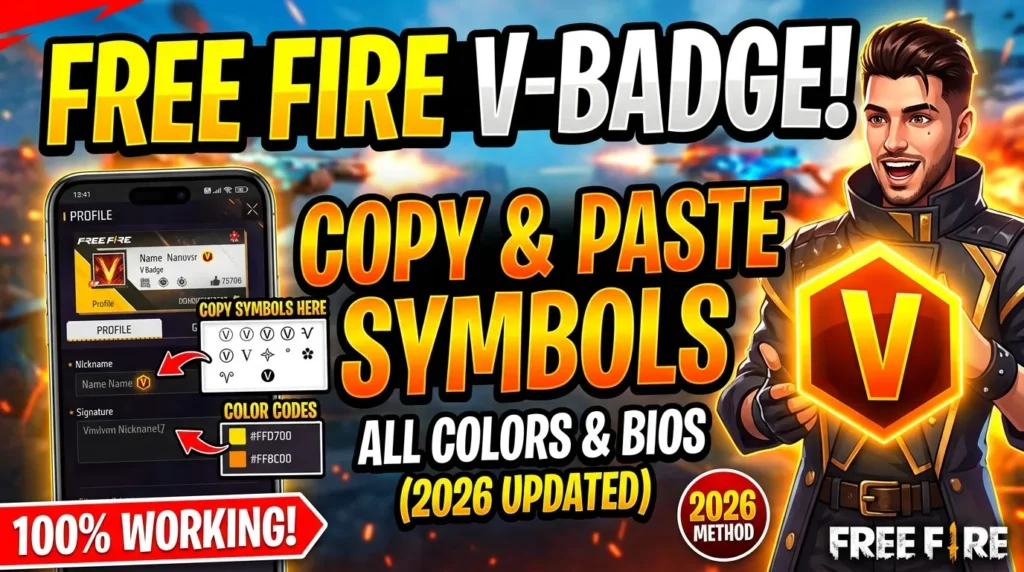
[c][FFF000]Ⓥ V Badge[/c] [c][FFFFFF]|[/c] [c][00FFFF]💎 Diamond[/c] [c][FFFFFF]|[/c] [c][FF69B4]👑 Pro[/c]