Free Fire Web Lite — Play Battle Royale & Clash Squad Online (No Download)
Play Free Fire Web Lite in your browser — no download, no install. Battle Royale & Clash Squad with mobile touch controls 100% Free.
Play Free Fire
Online — No Download
Browser-based Free Fire versions you can play instantly on mobile or PC. Battle Royale, Clash Squad and more — pick your version and drop in.
Play Free Fire Online — Browser Version
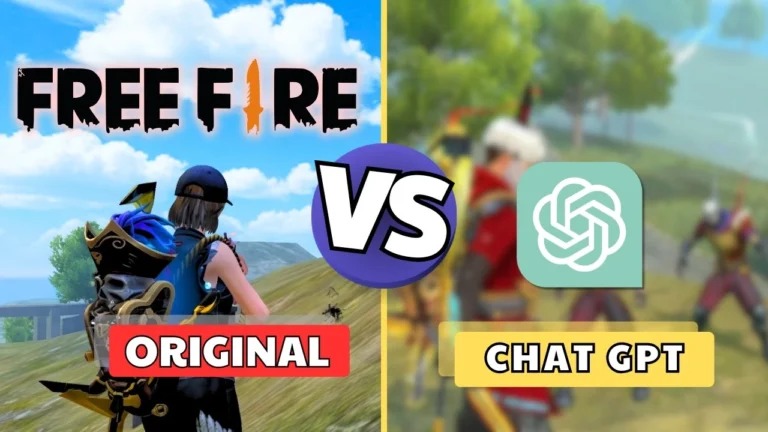
FreeFire Nation hosts browser-based versions of Free Fire that you can play instantly without downloading anything. Whether you're on Android, iPhone, or a PC — just open the page, tap Play, and drop into the battlefield.
What is Free Fire Web Lite?
Free Fire Web Lite is a lightweight browser remake of Garena Free Fire. It brings the core gameplay — Battle Royale drops, safe zone, guns, and bots — to your web browser. It's designed for players who want to enjoy Free Fire mechanics without the full app download.
Battle Royale Mode (BR)
Drop from a plane onto an island with up to 20 players. Loot weapons and armor, survive the shrinking blue zone, and be the last one standing to claim the BOOYAH. Our browser version features 4 weapons — SCAR, AWM, M1887, and MP40 — with medium and hard difficulty bots.
Clash Squad Mode (CS)
Best-of-7 round-based mode where you fight with ally bots against a team of hard enemy bots. Buy weapons before each round, earn coins from kills, and revive knocked teammates. First team to 4 round wins takes the match.
Mobile Controls
All versions include Free Fire-style mobile HUD — virtual joystick, fire button, ADS, jump, crouch, reload, and revive. Desktop players can use WASD + mouse. No controller required.
Frequently Asked Questions
Can I play Free Fire in a browser without downloading?
Yes — all versions on this page are playable directly in your browser. No APK, no install. Works on Chrome for Android, Safari for iOS, and any desktop browser.
Is this the official Free Fire game?
No. These are fan-made browser remakes inspired by Garena Free Fire. The official Free Fire game is available on Google Play Store and App Store.
Does it work on mobile?
Yes — all versions are built with mobile-first touch controls, exactly like the real Free Fire HUD. Joystick on the left, fire and action buttons on the right.
Can I play against real players?
Current versions are 1-player vs bots. Multiplayer PvP is planned for a future version. Bot difficulty ranges from medium to hard to keep matches challenging.
Do I need to create an account?
No account is needed to play. If you are logged into FreeFire Nation, your match history (last 10 games) will be saved automatically to your profile.
Which version should I start with?
Start with Free Fire Web Lite v1 — it is the most stable and beginner-friendly. Try Battle Royale mode first to learn the controls before moving to Clash Squad.