
Free Fire Photos
Download Free Fire images, wallpapers, characters, logos and more in HD quality.


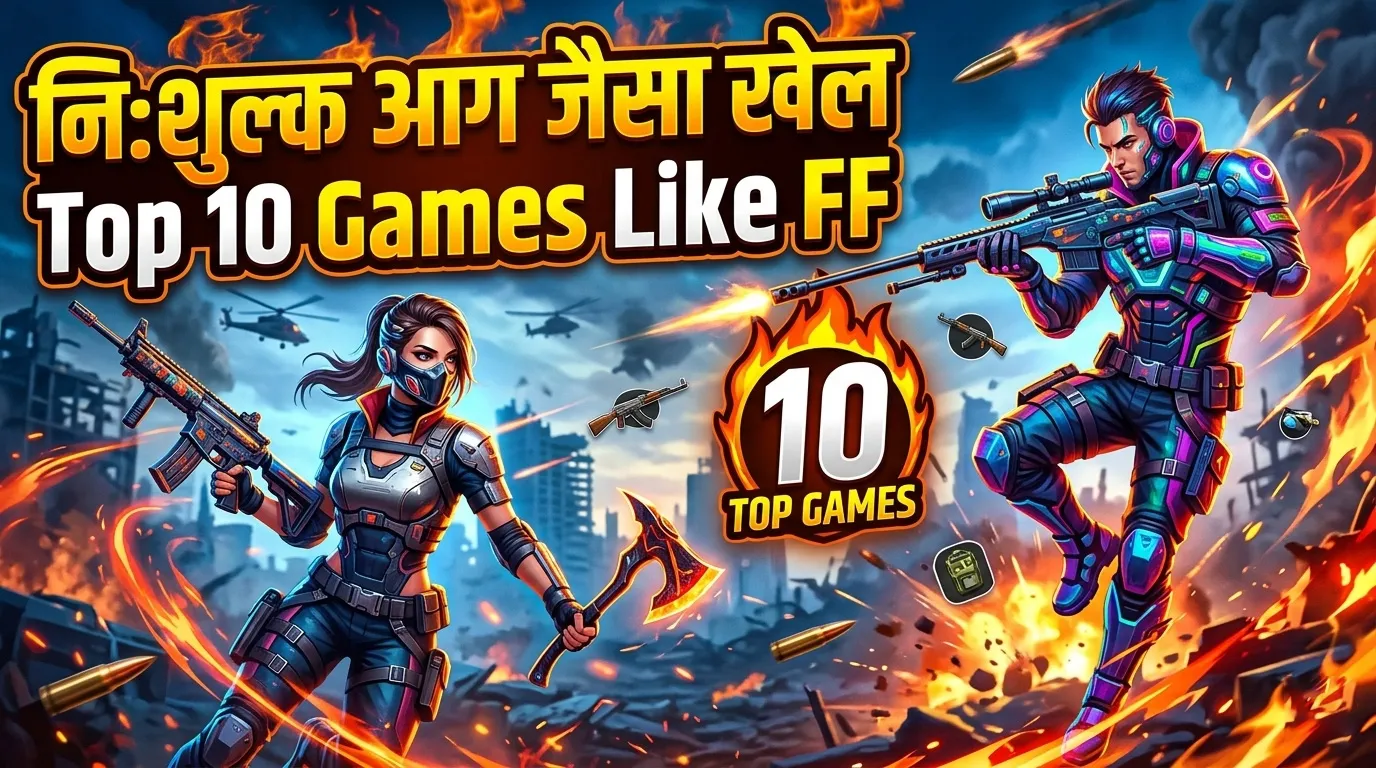
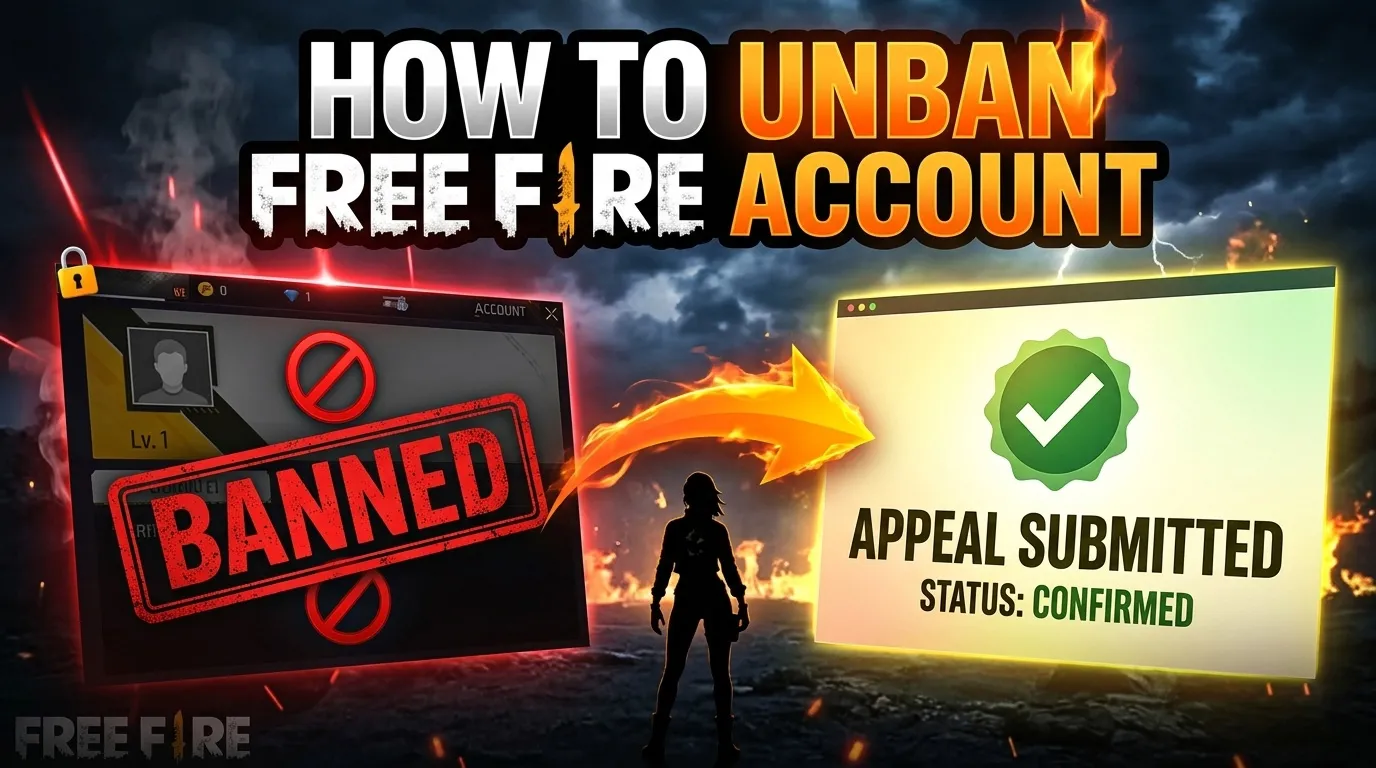
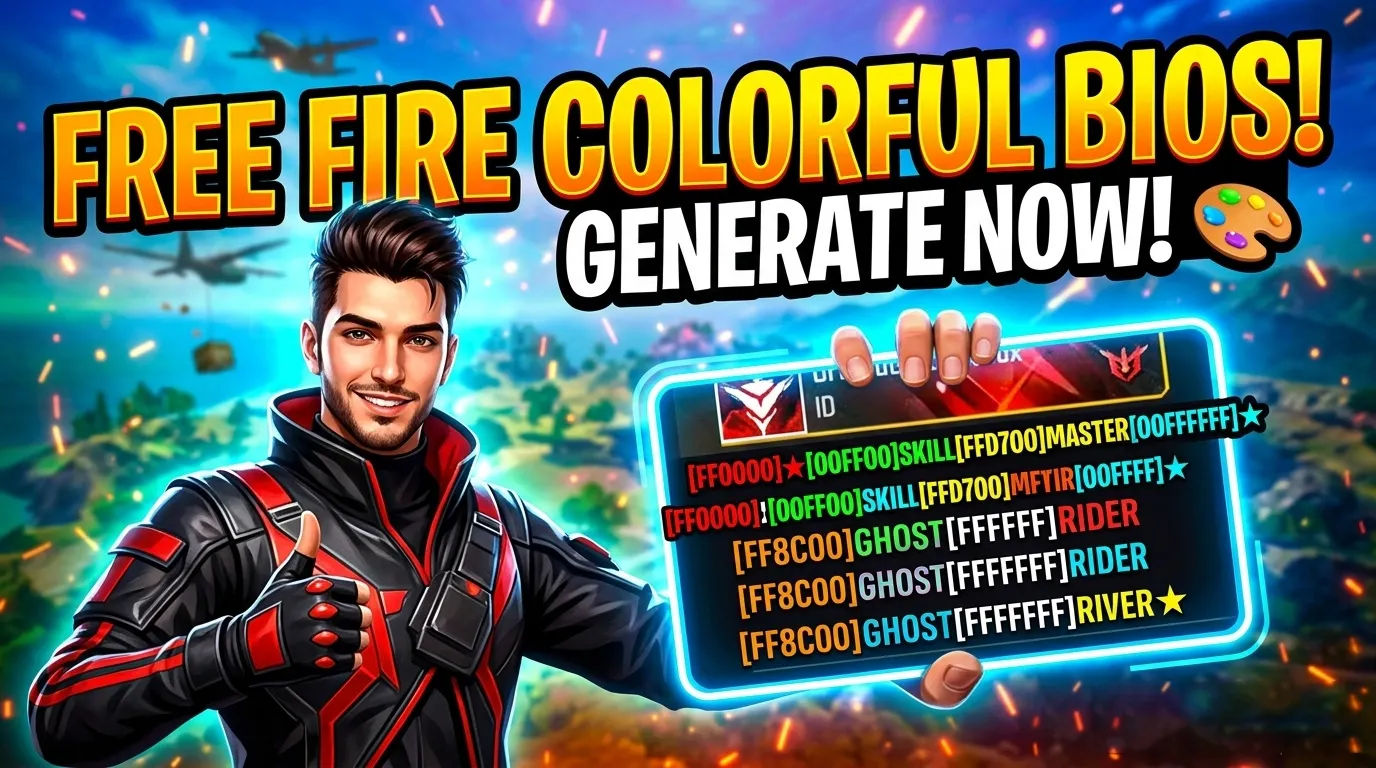

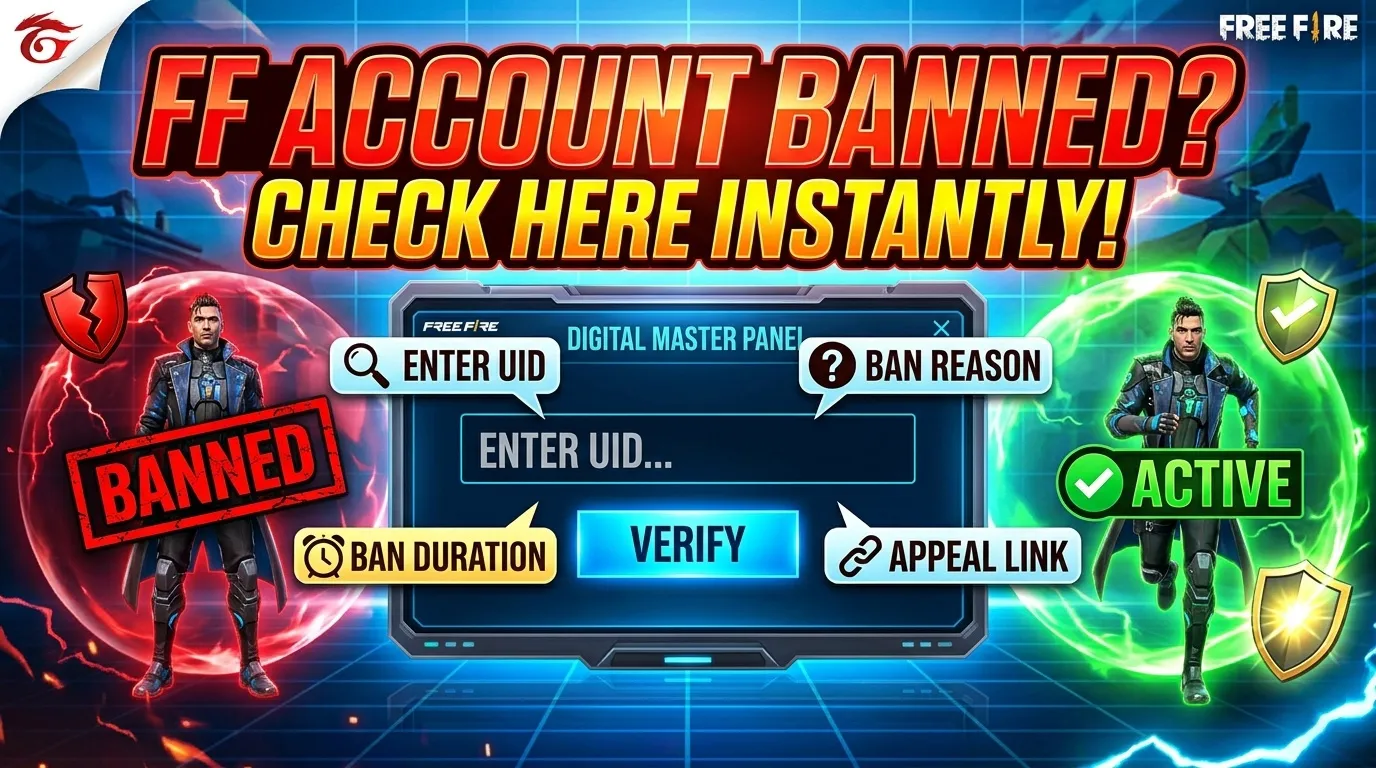
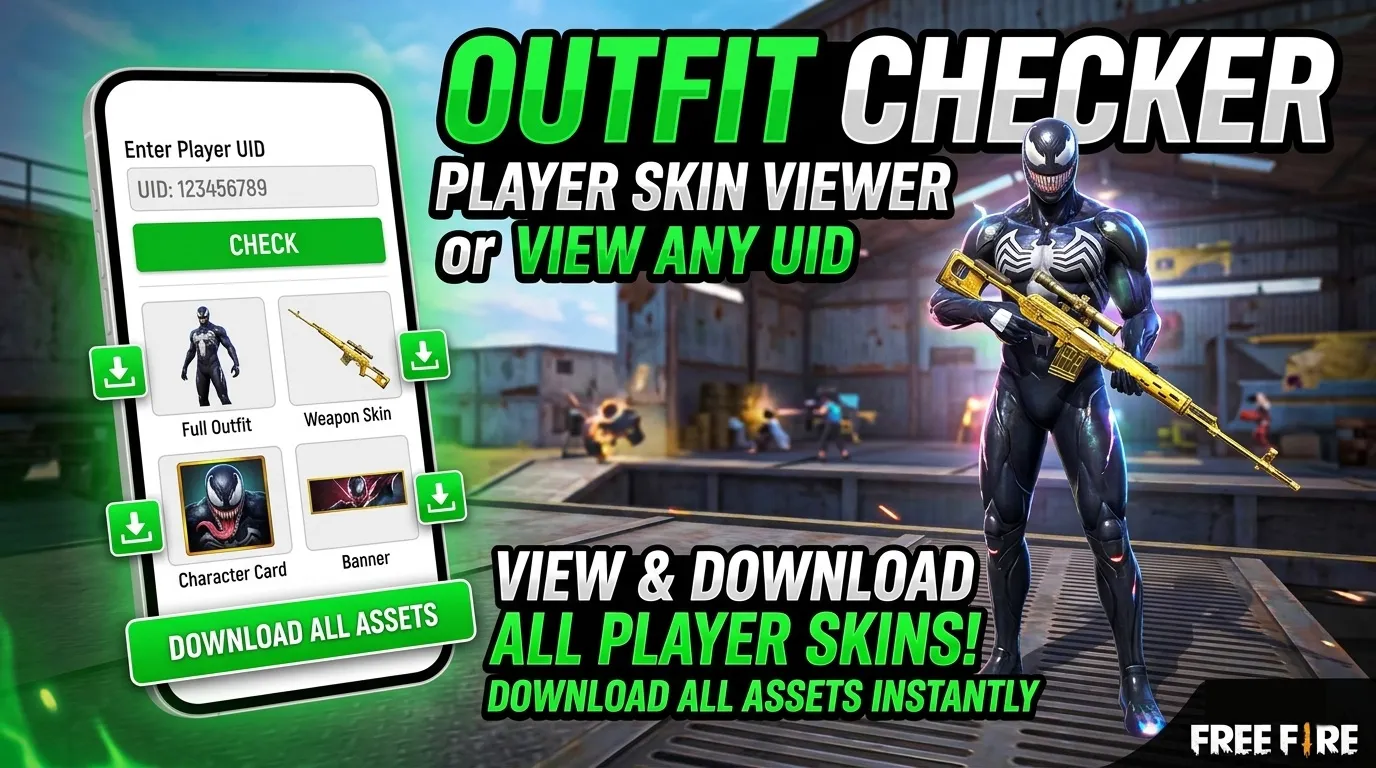

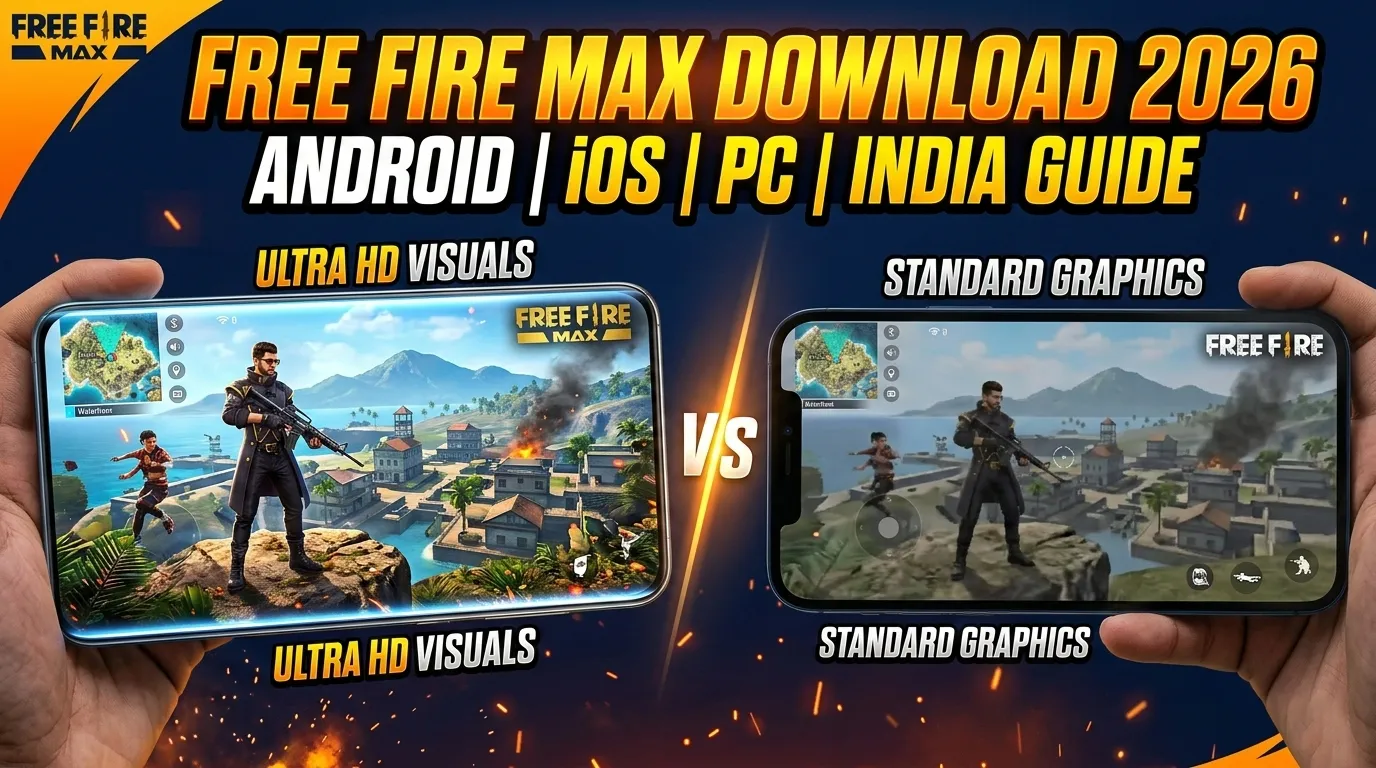








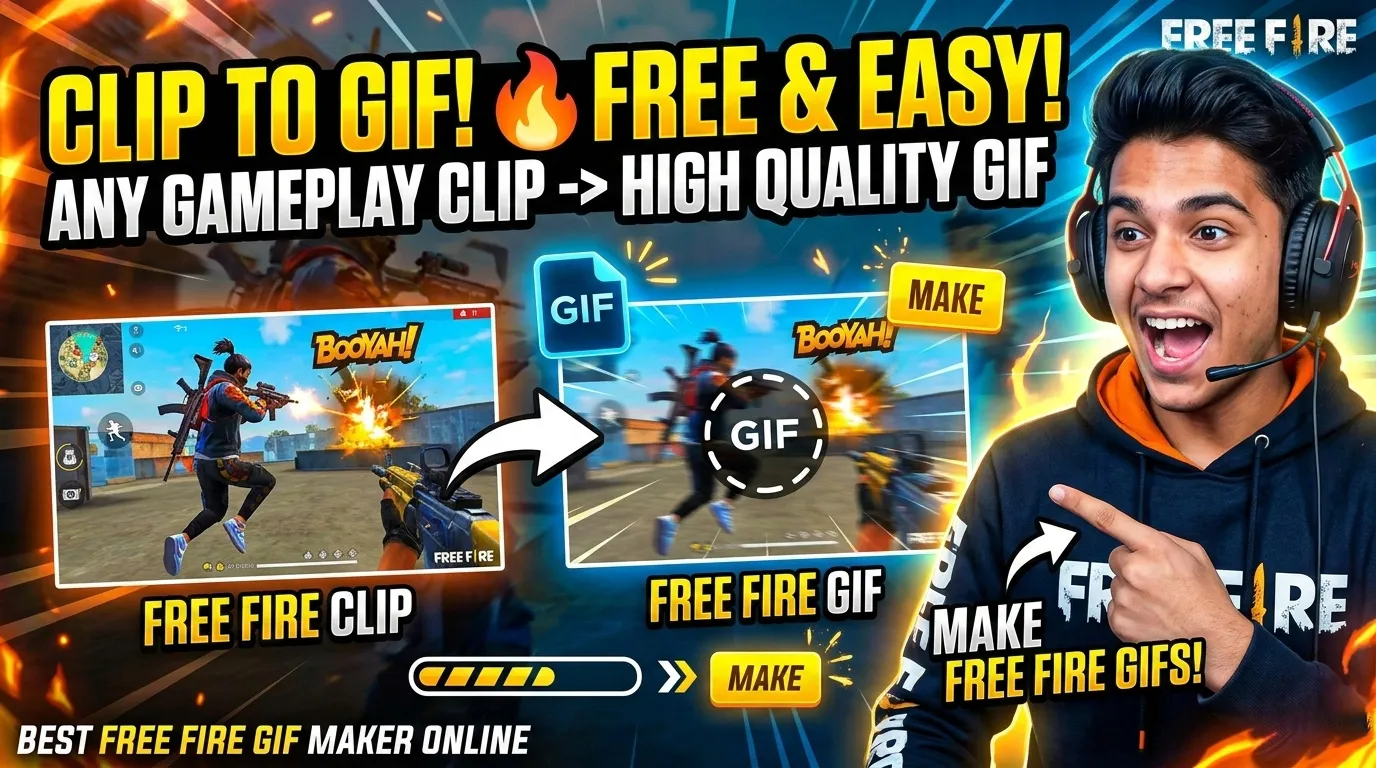

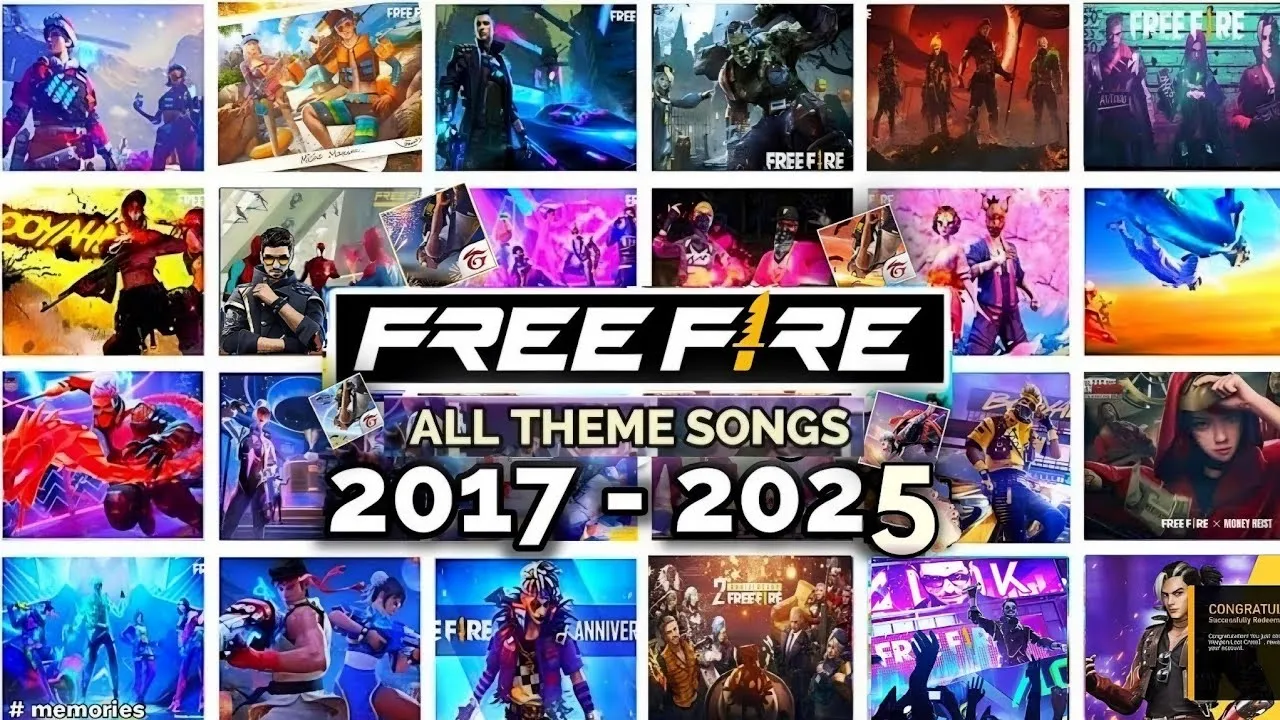



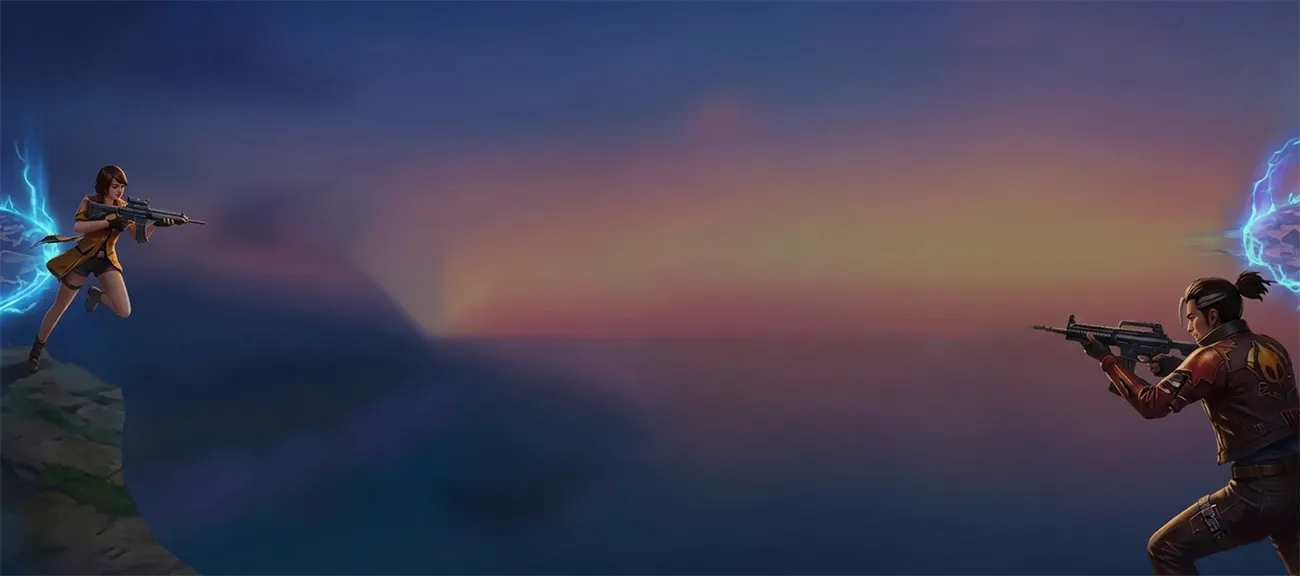

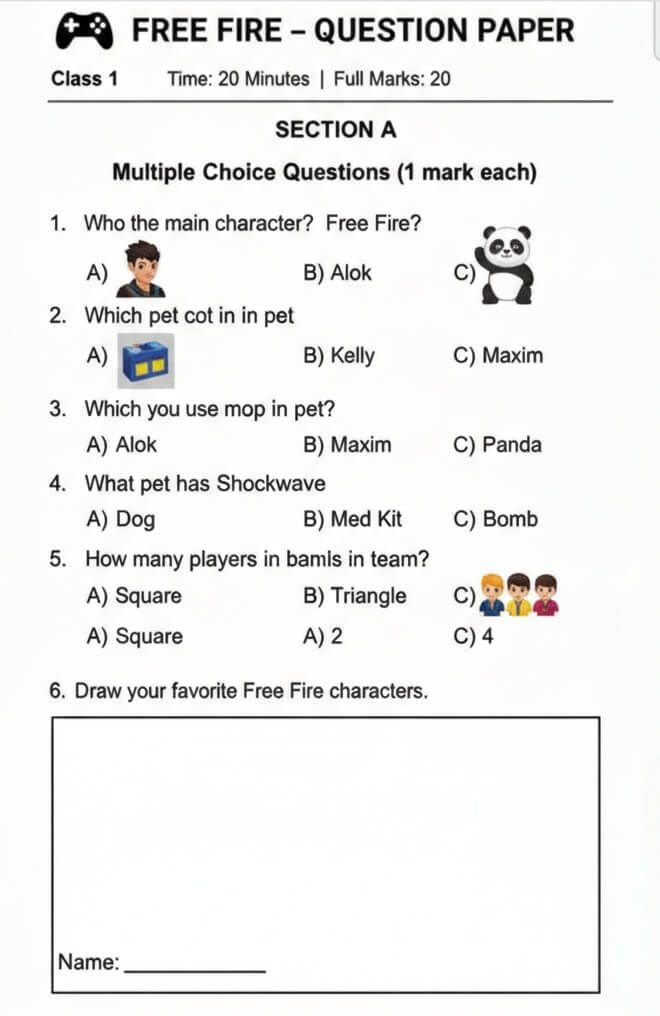
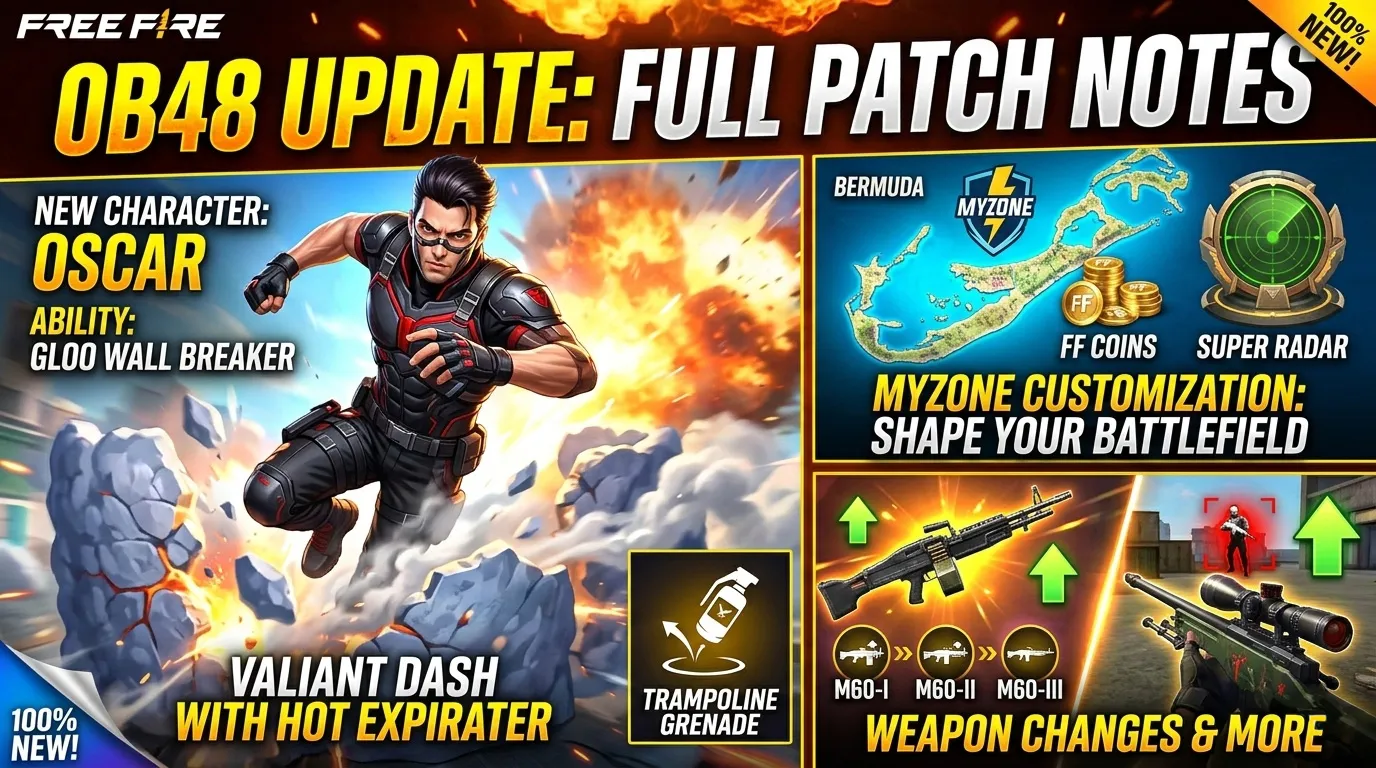


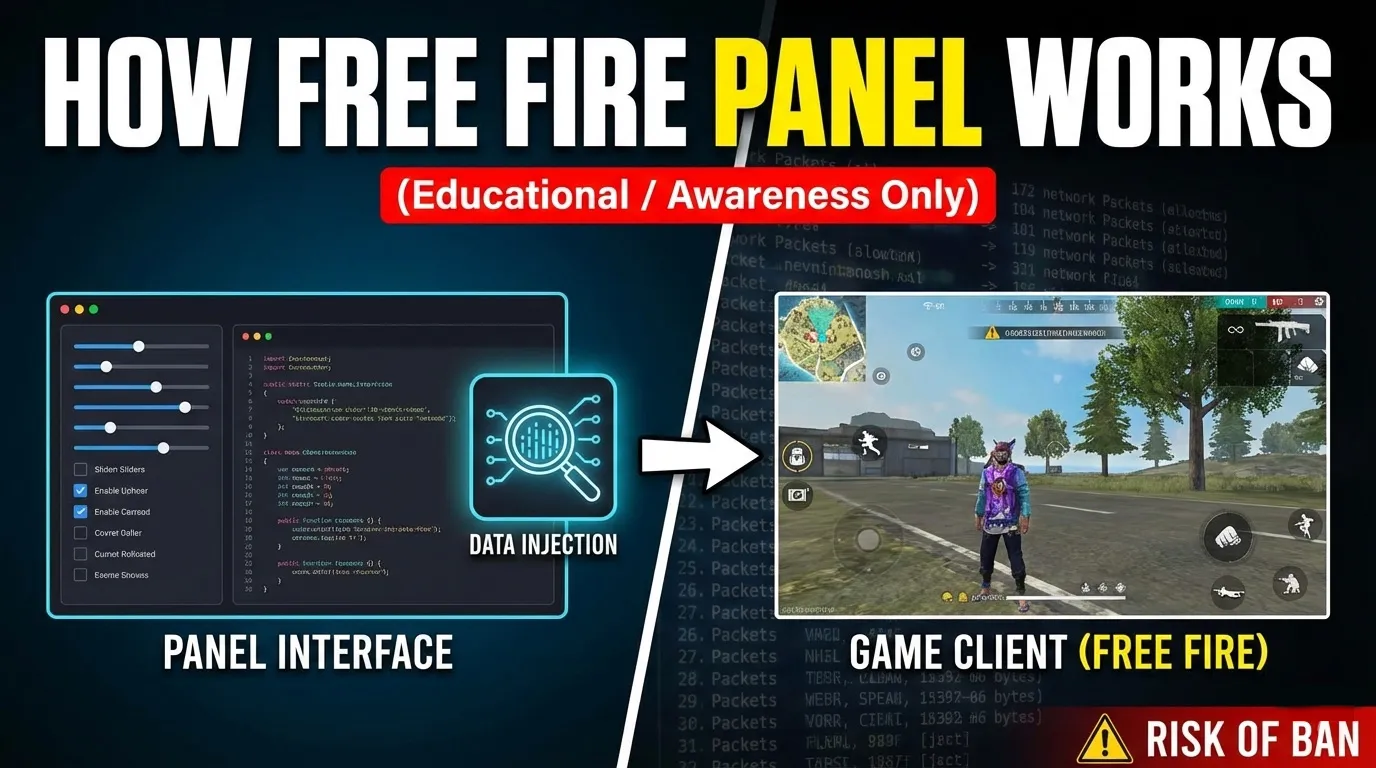
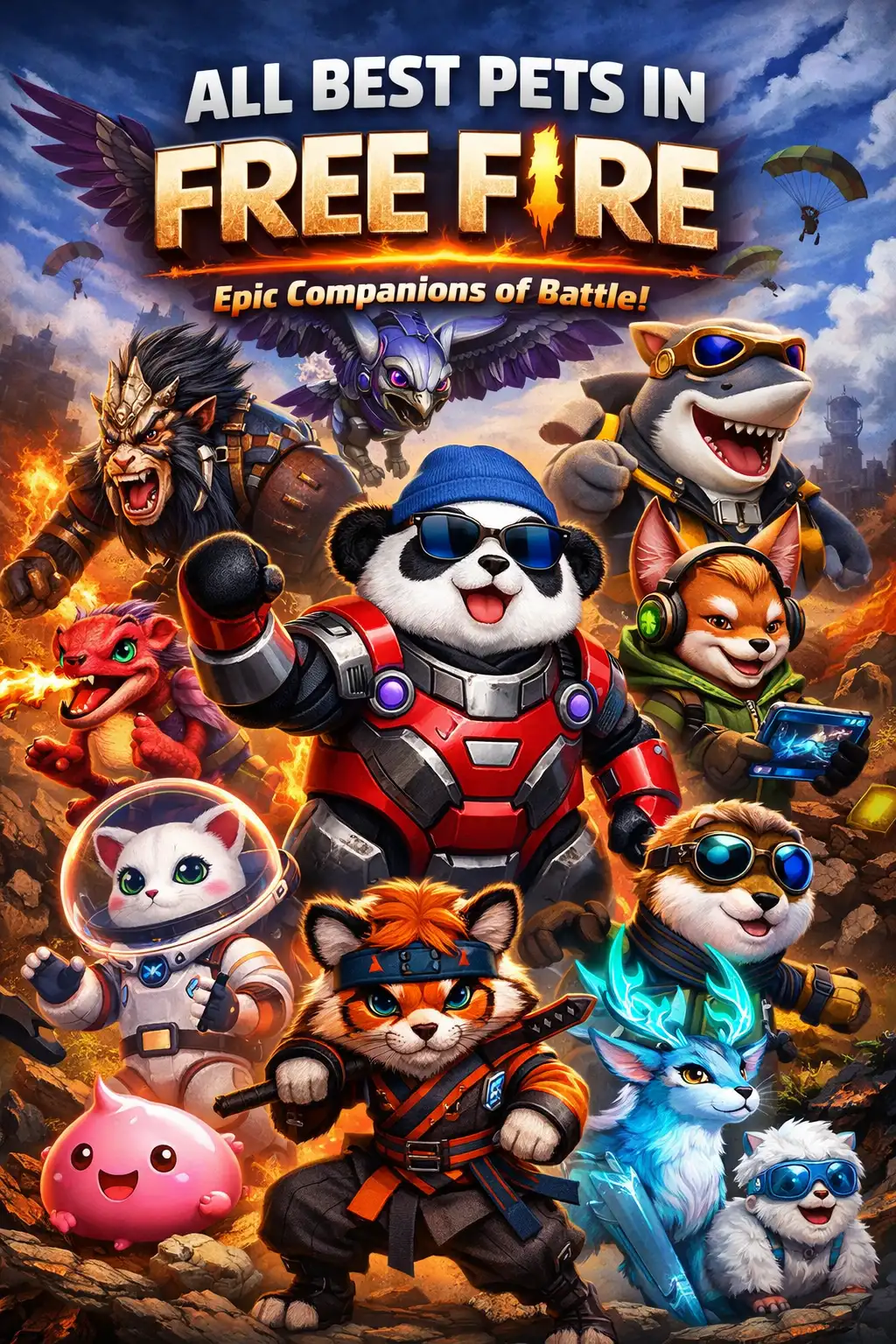
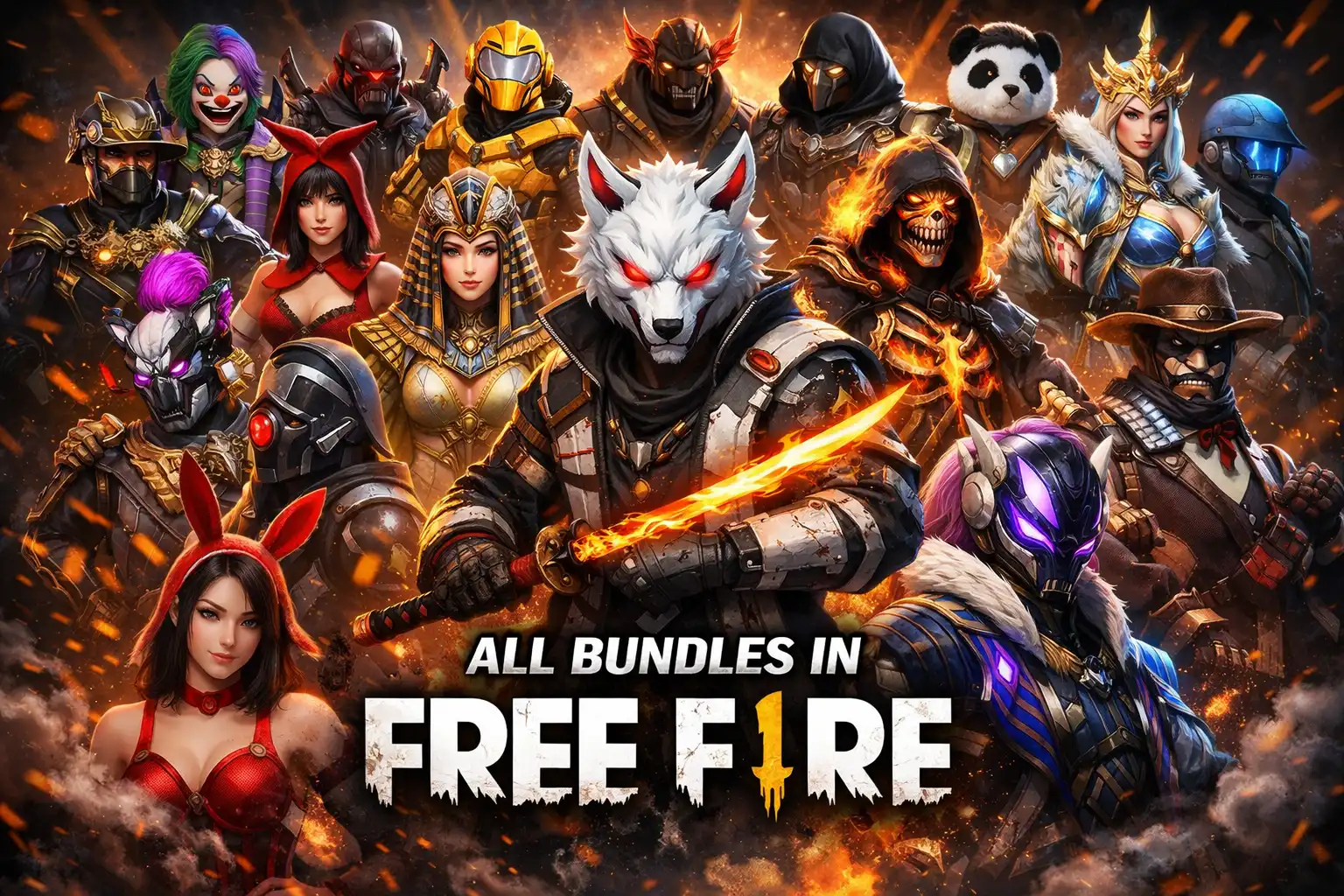
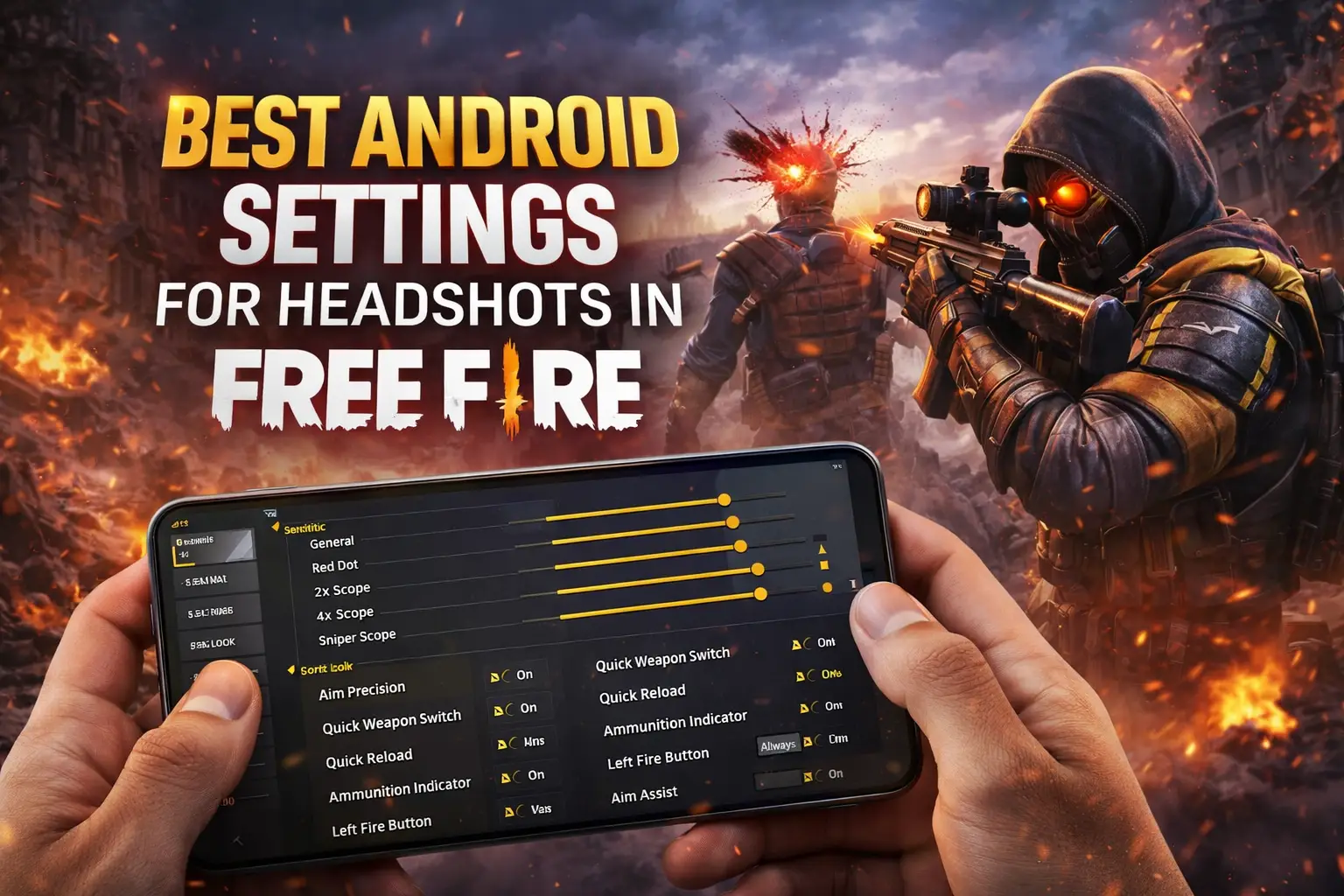
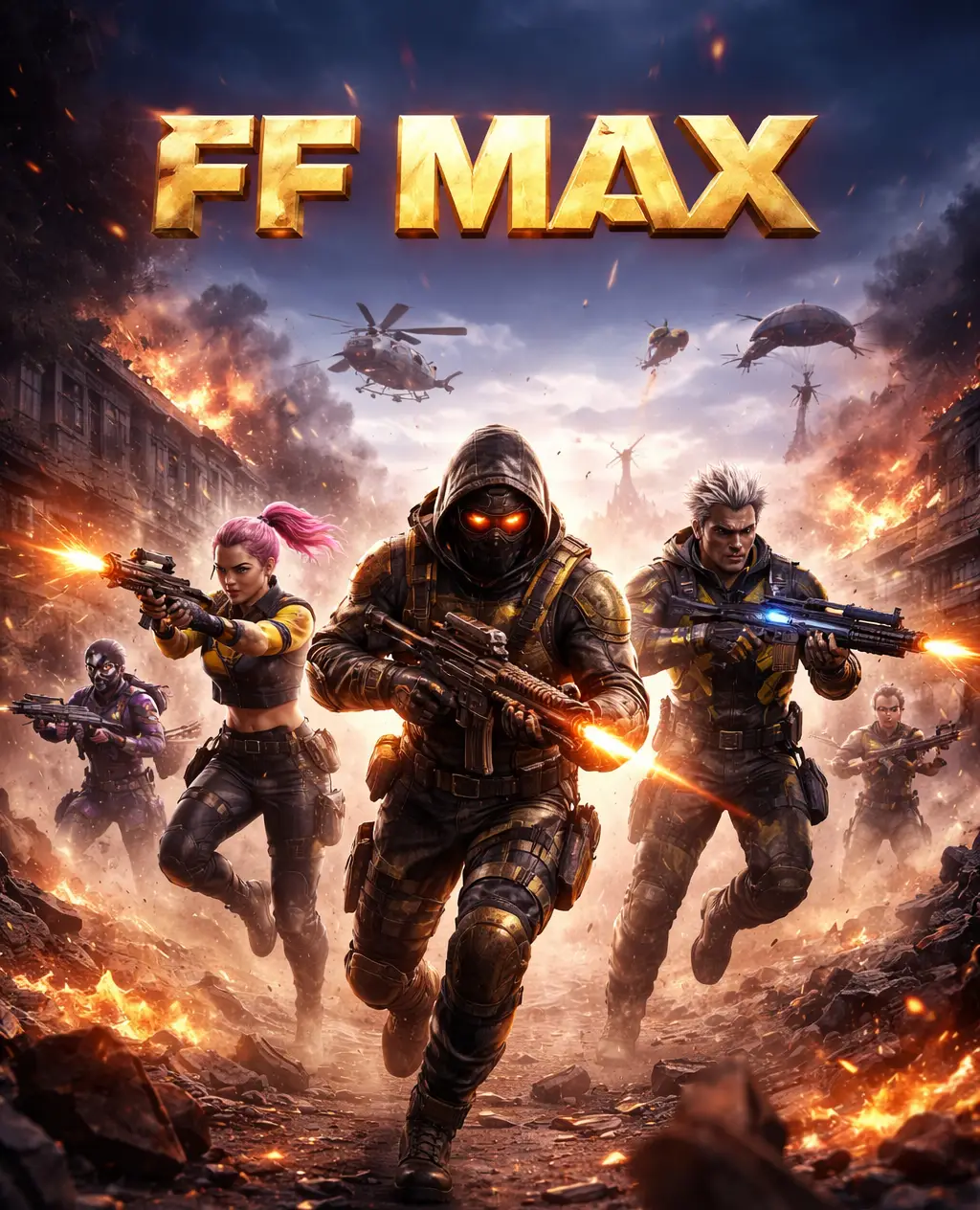

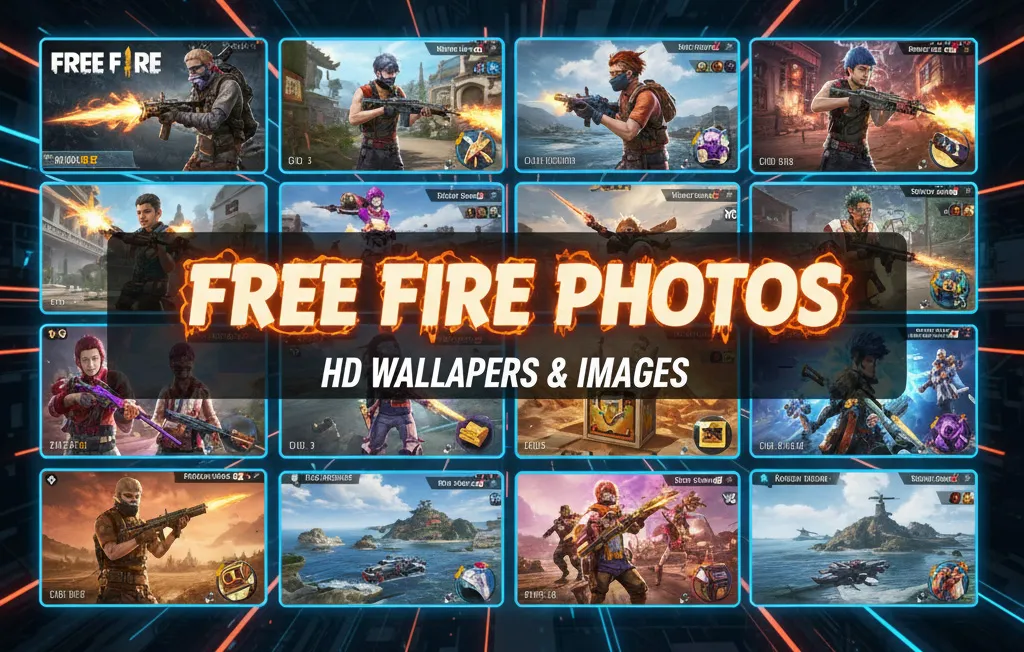
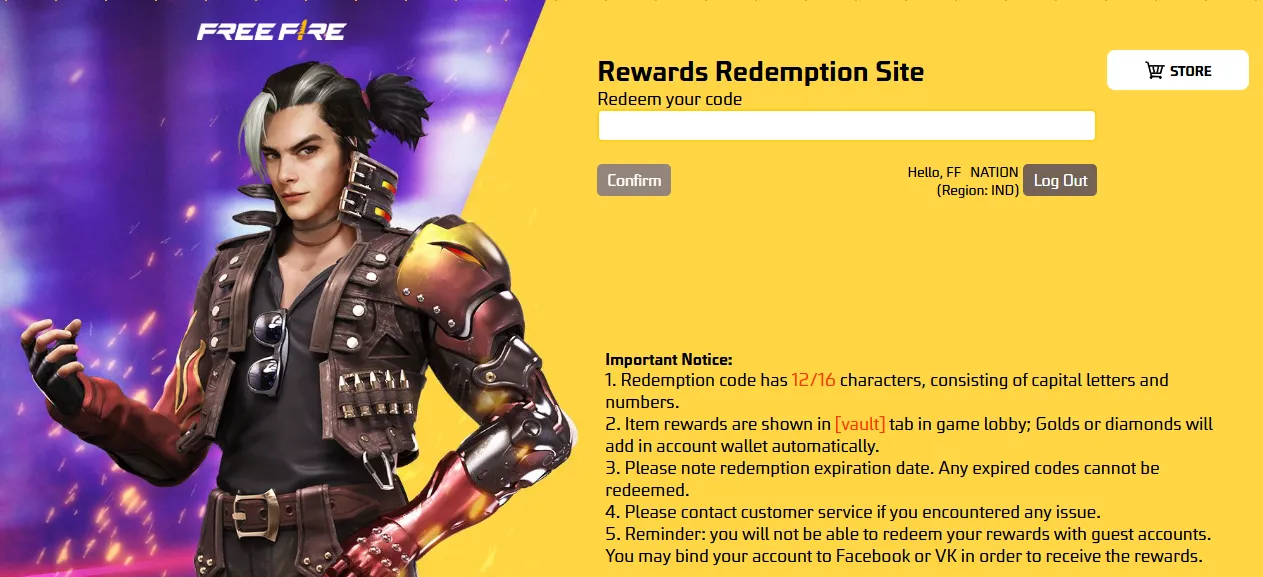
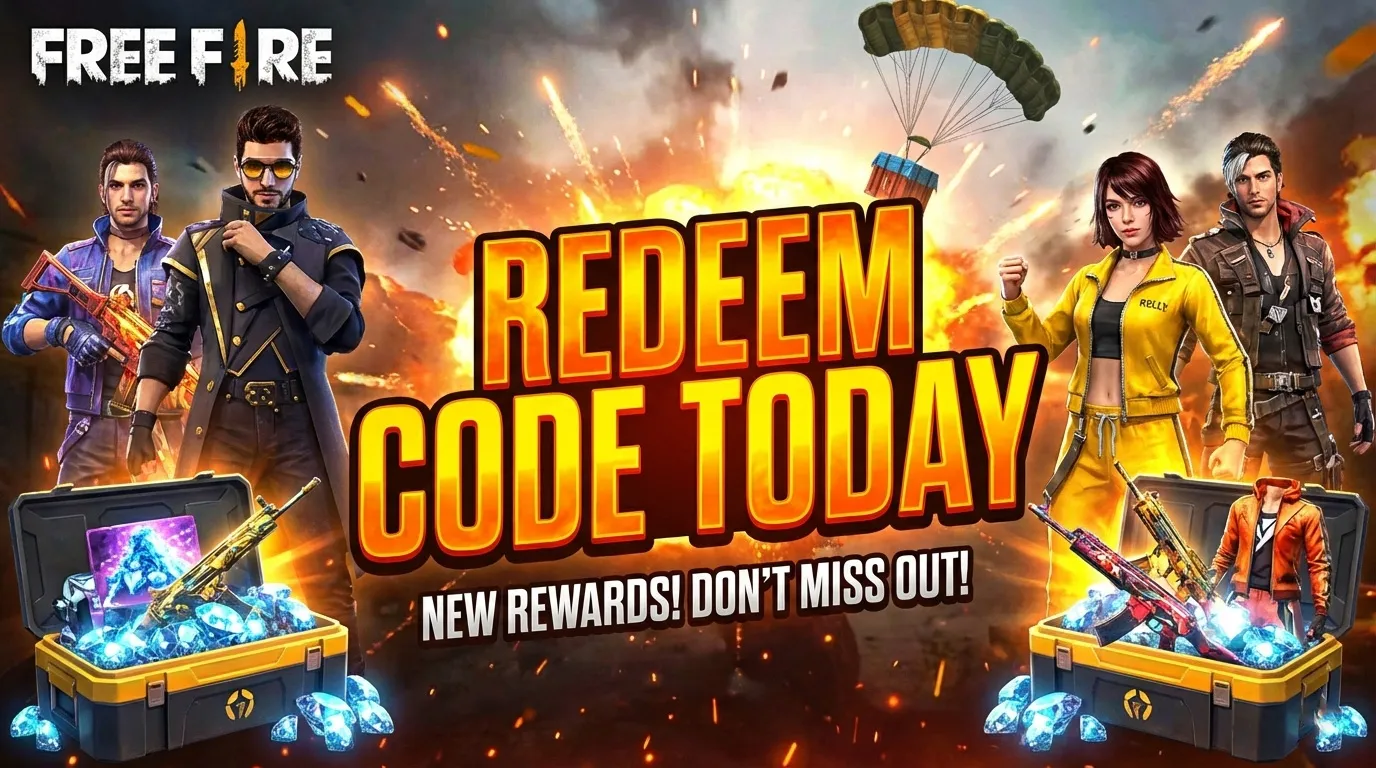
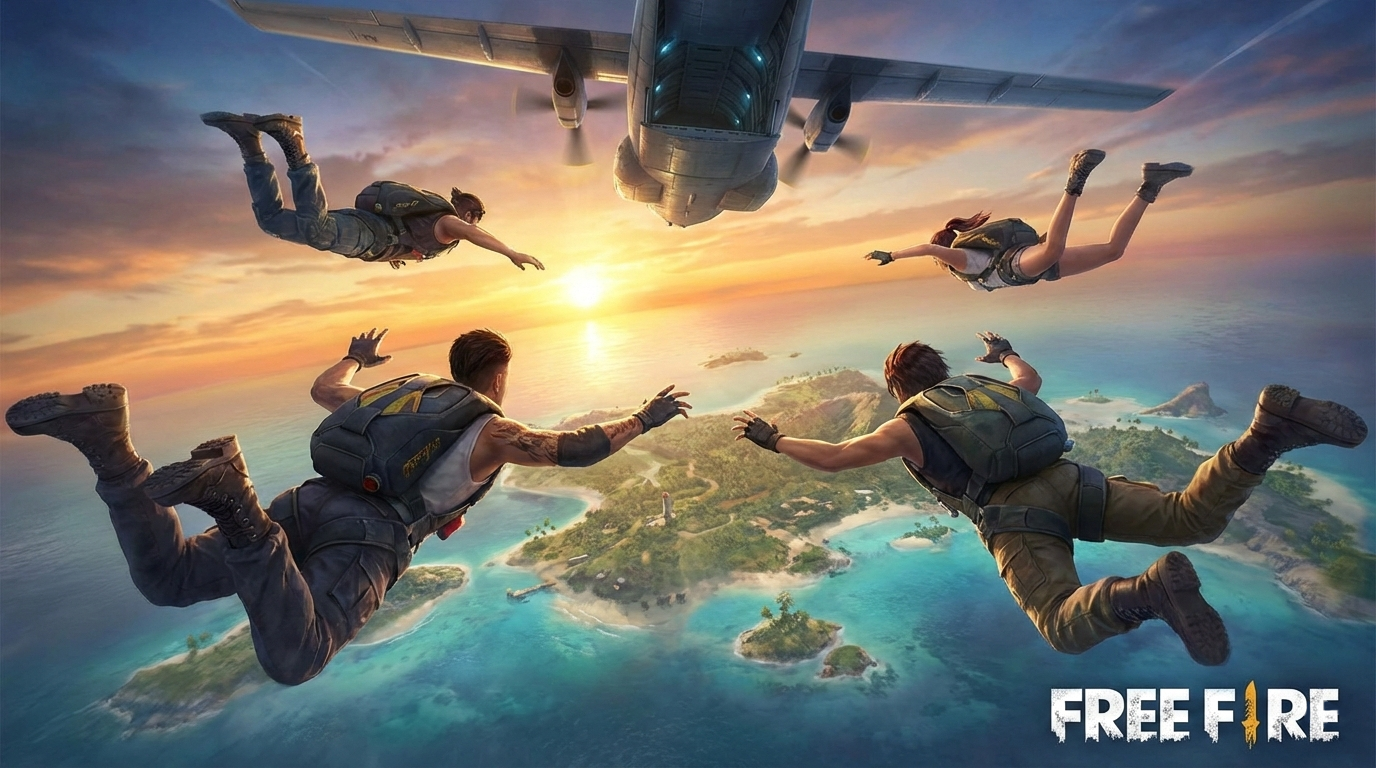
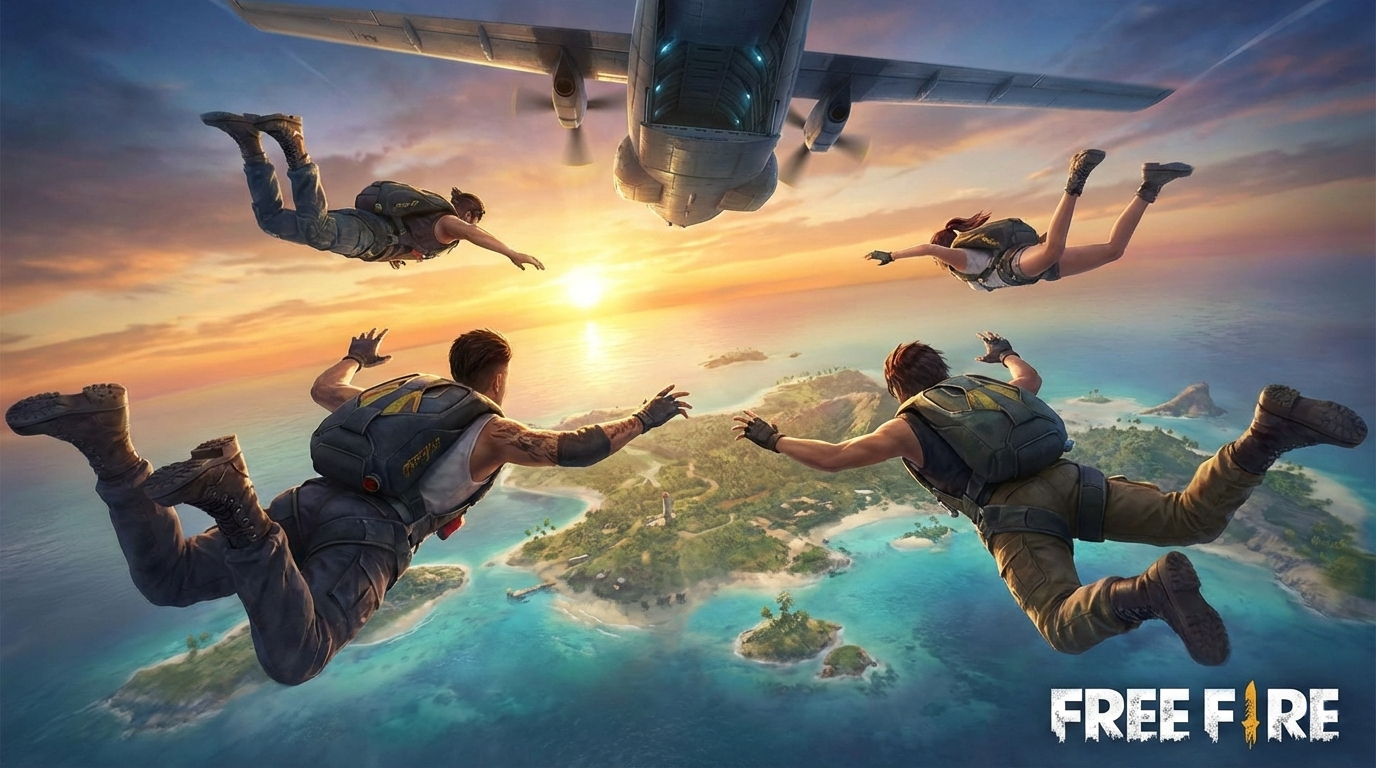


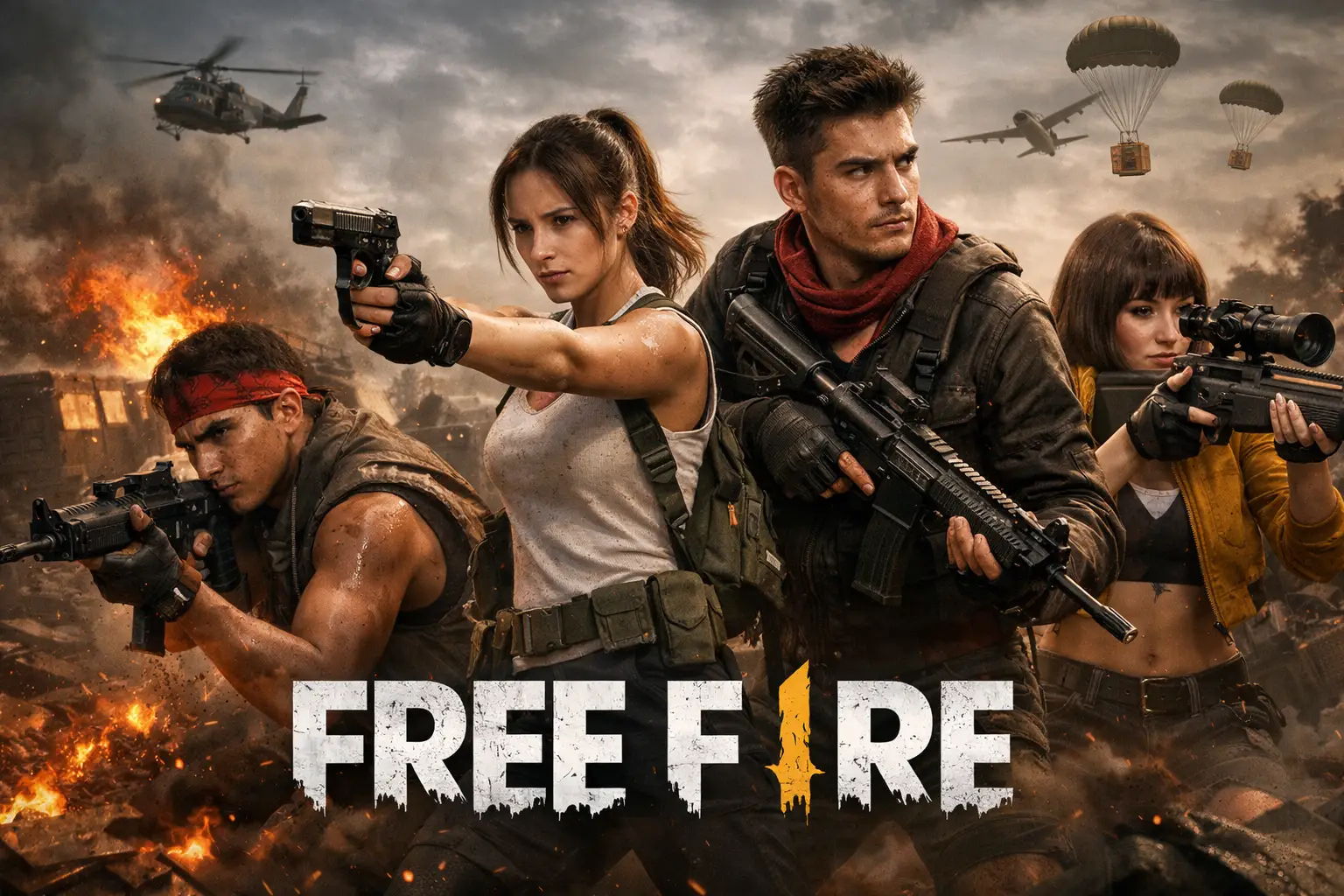

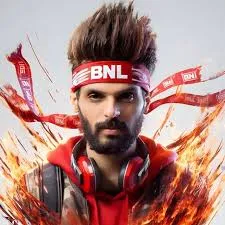
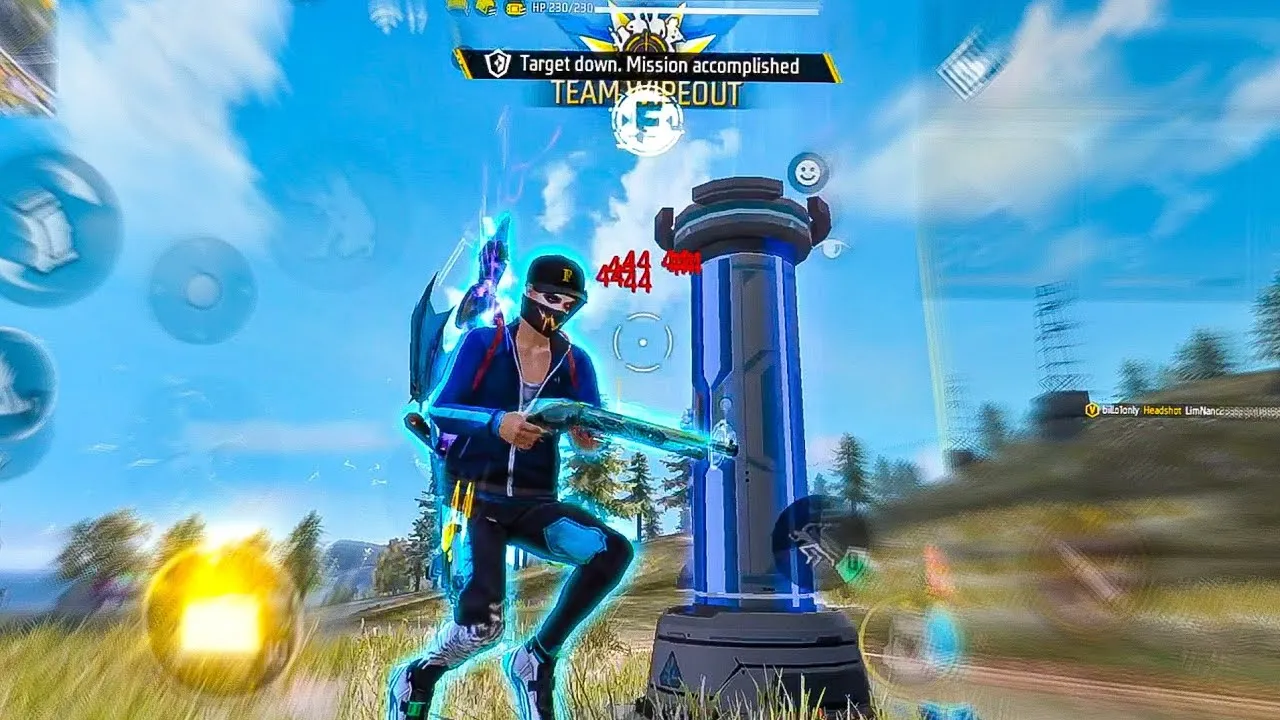
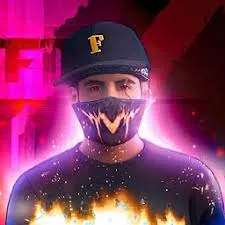

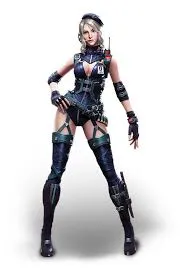
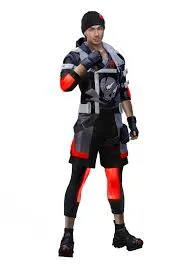

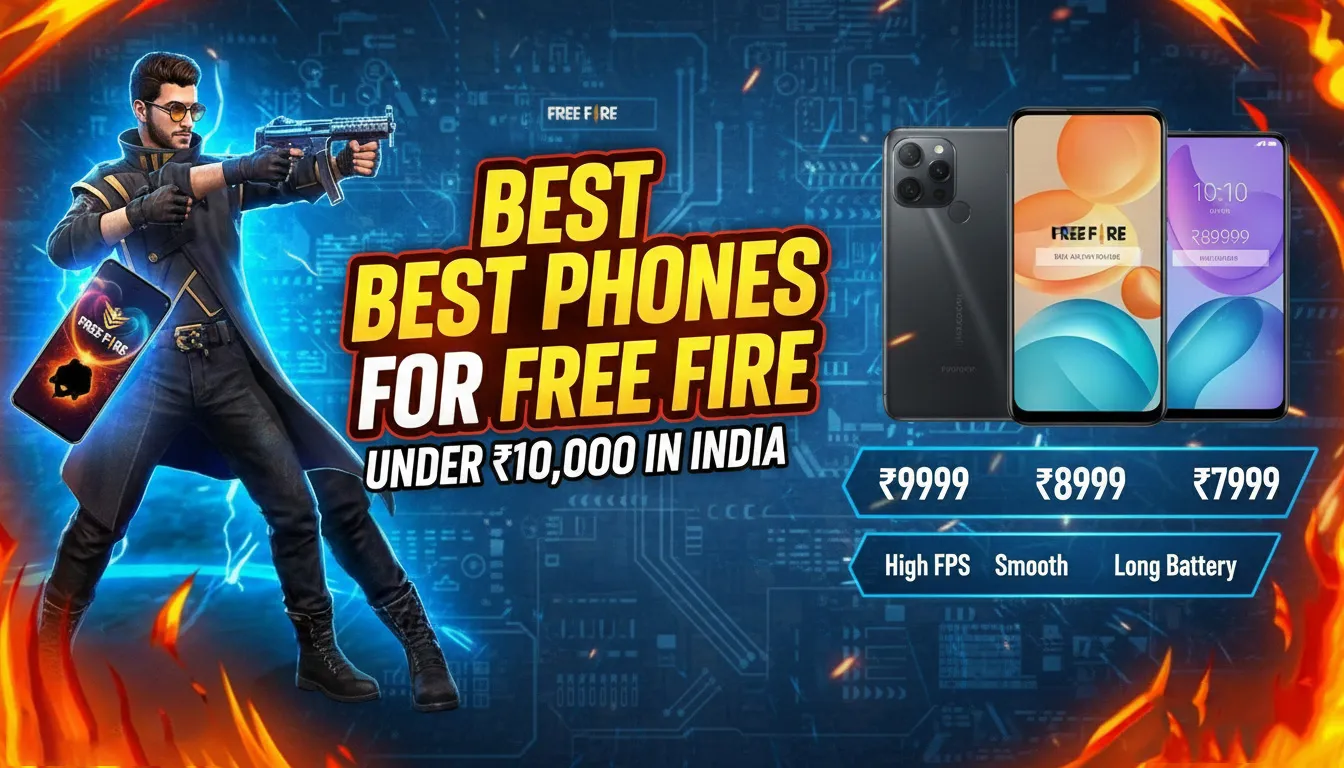
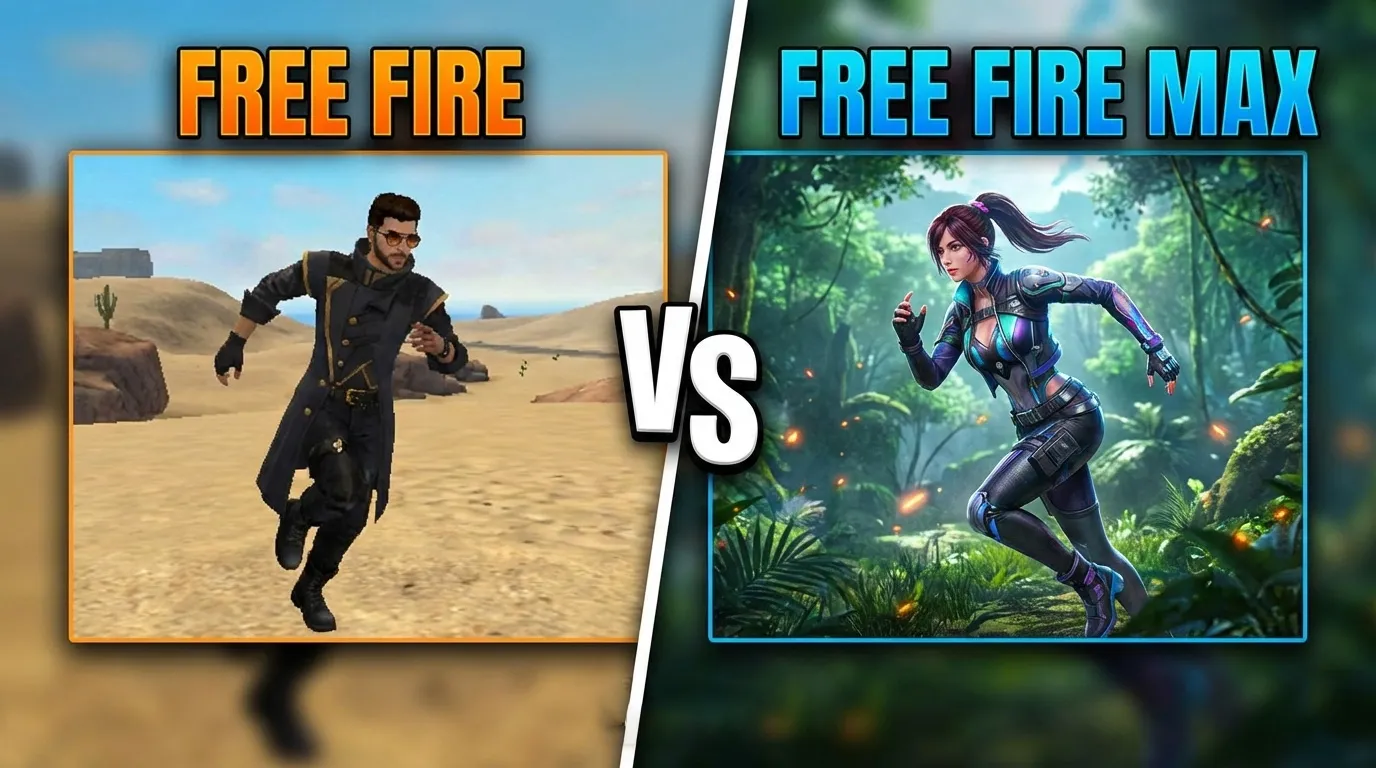
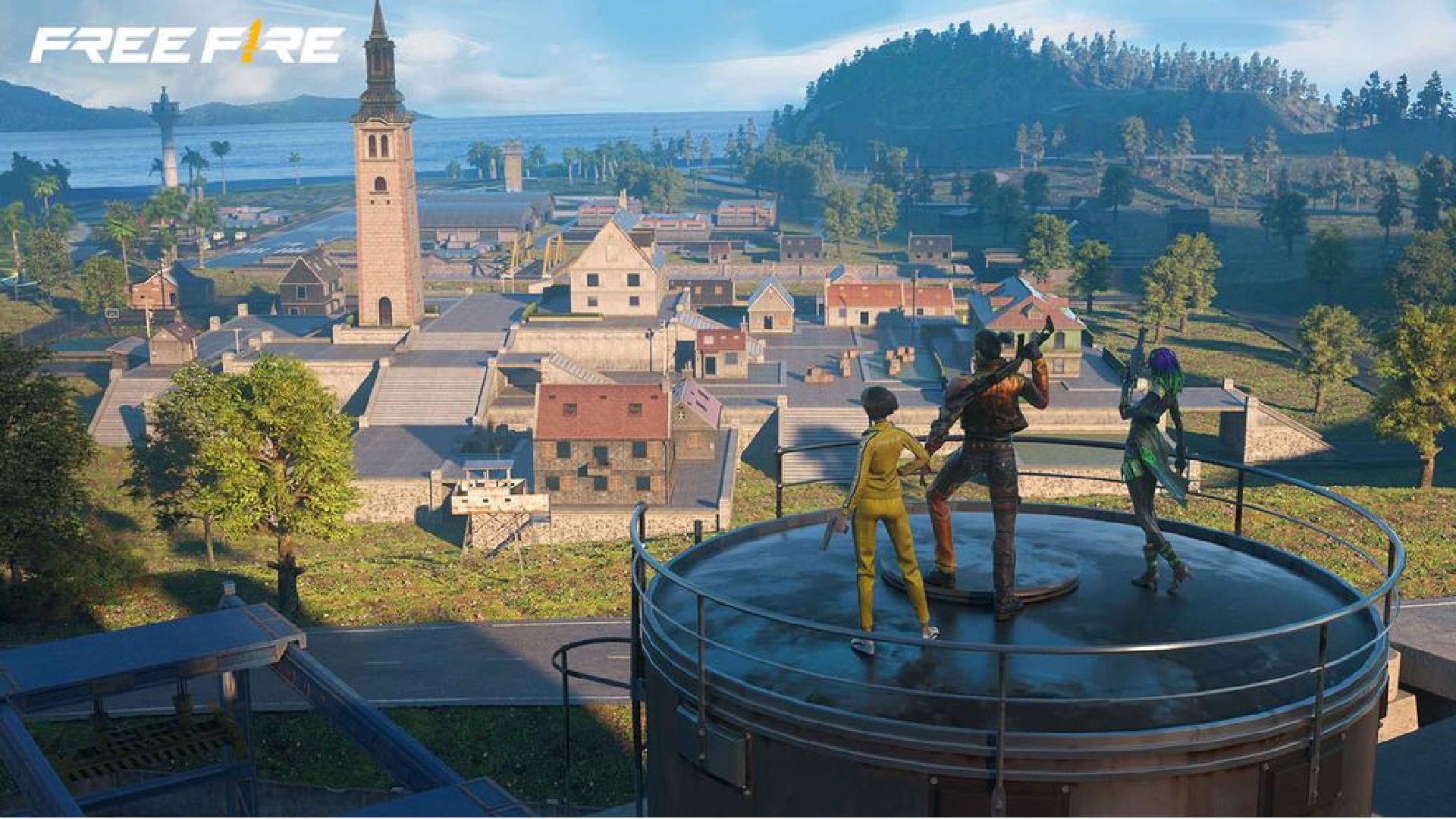
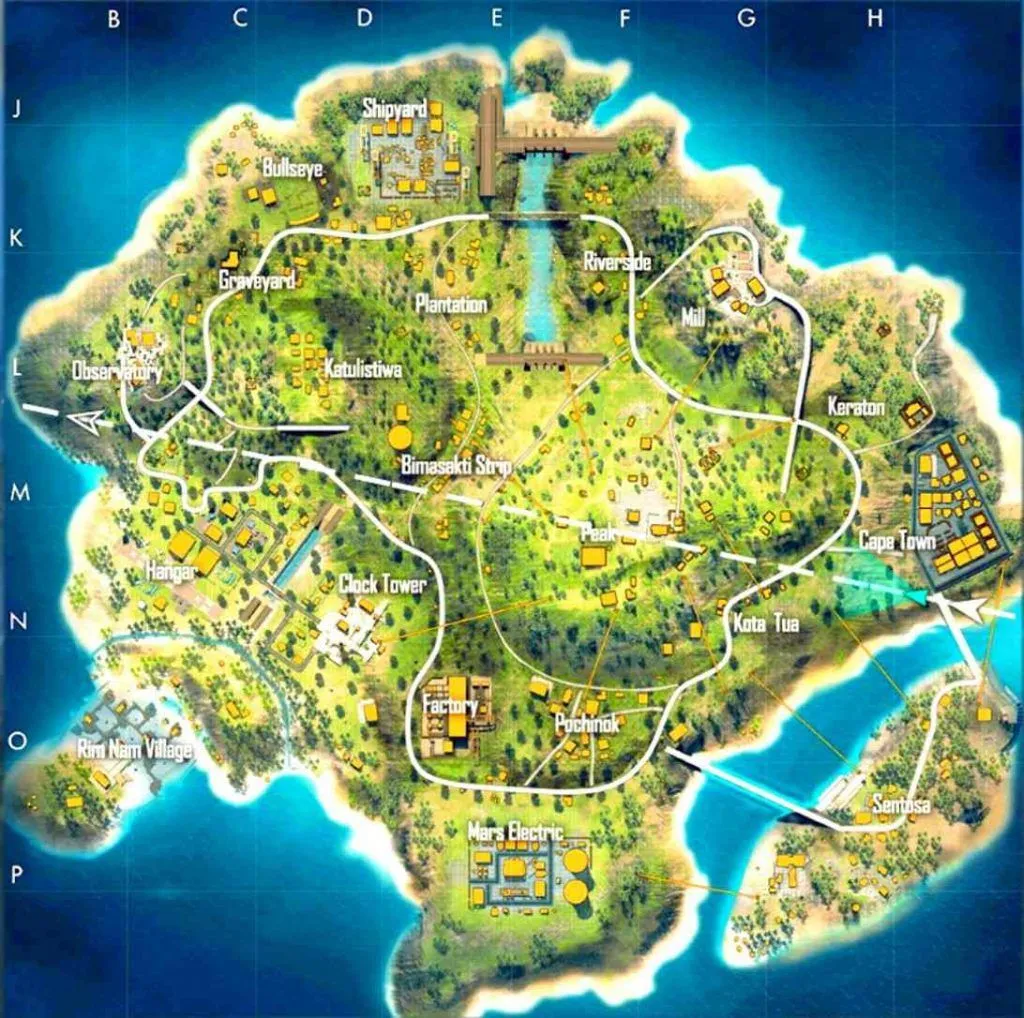
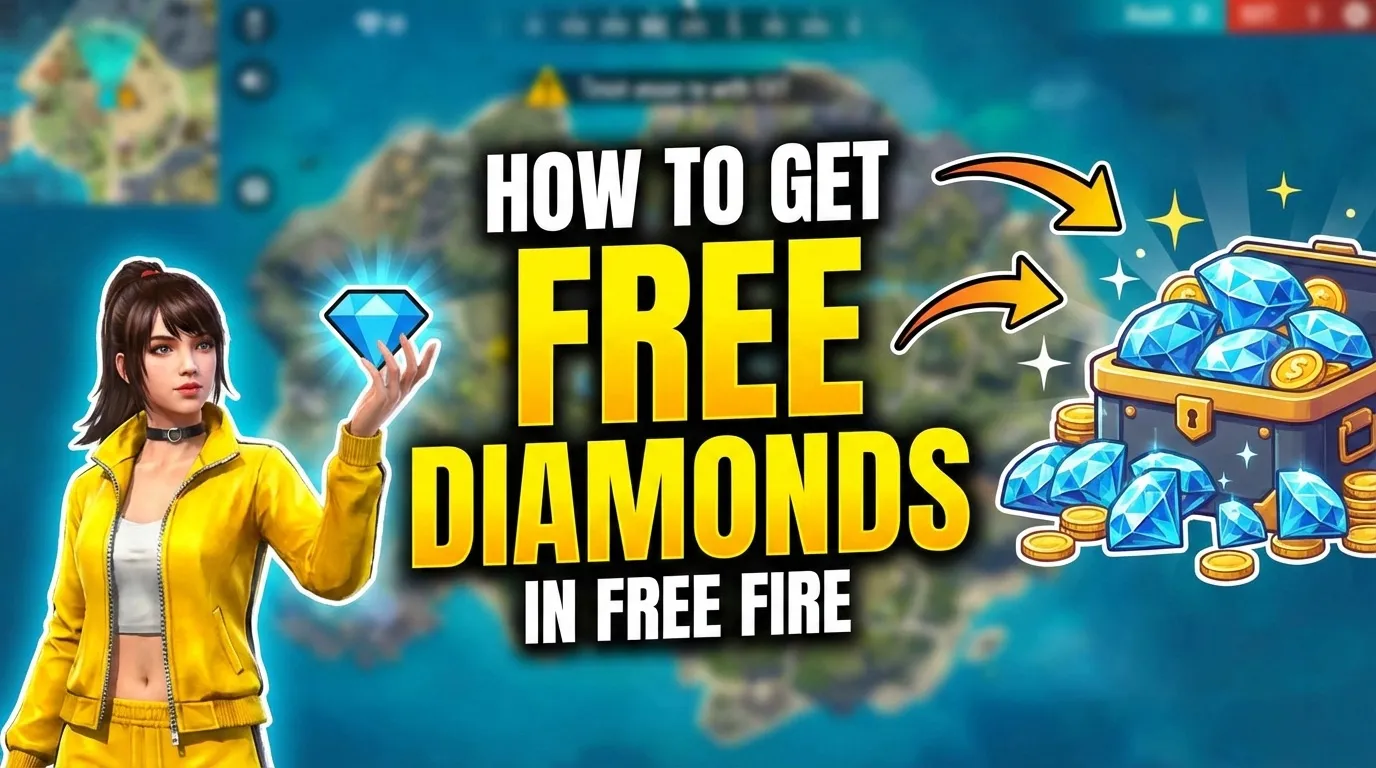

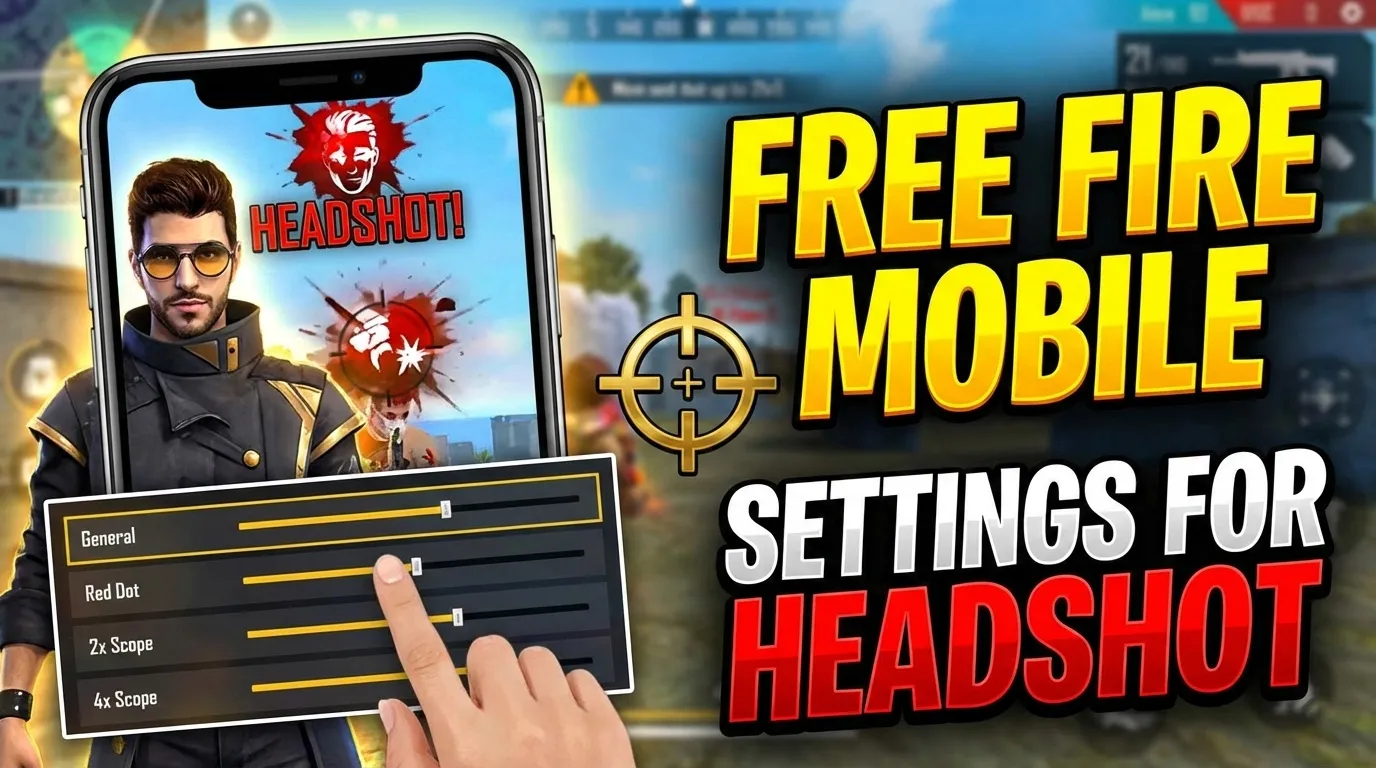



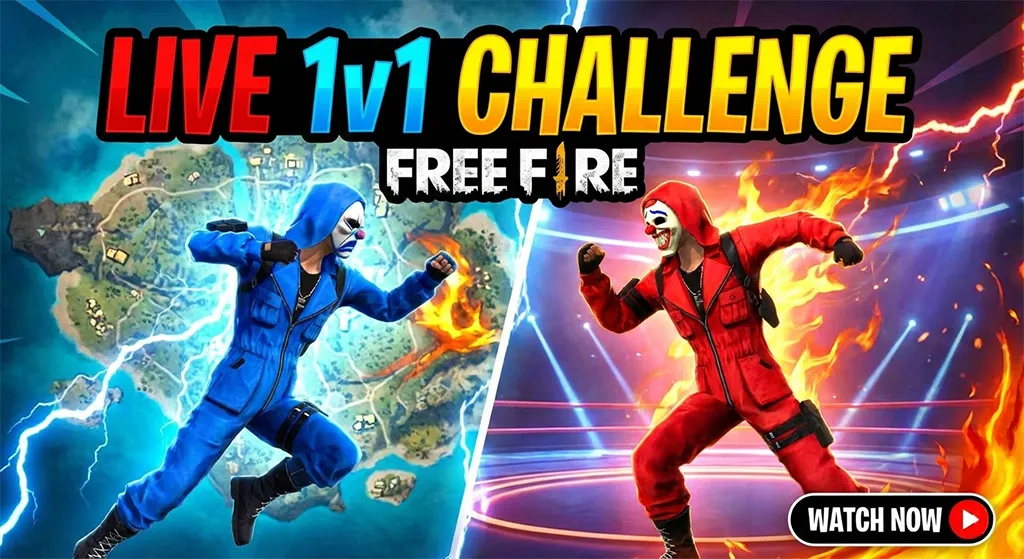


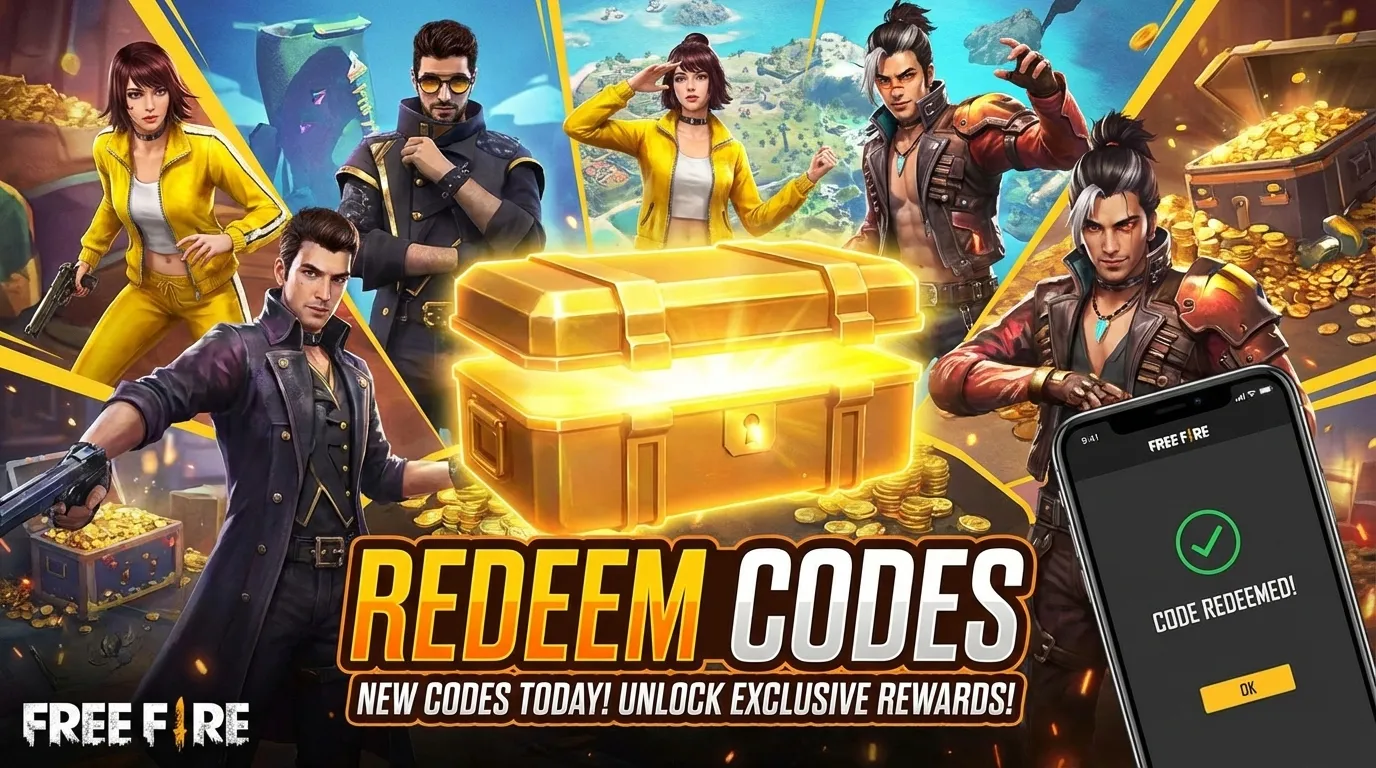
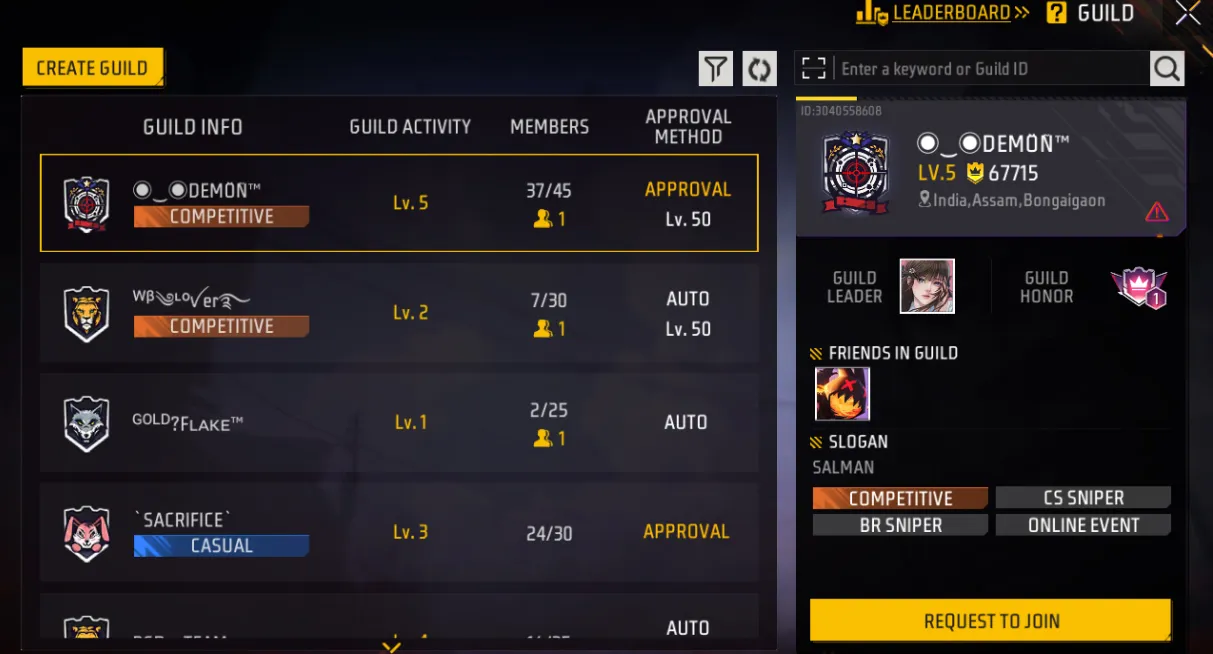
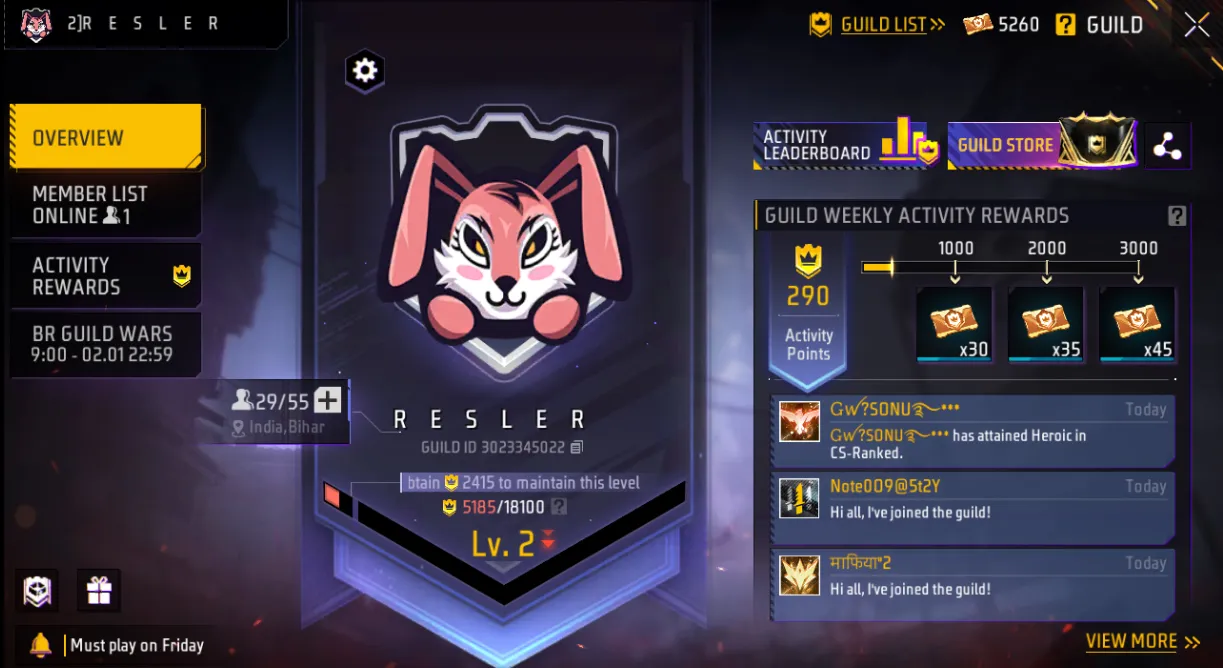

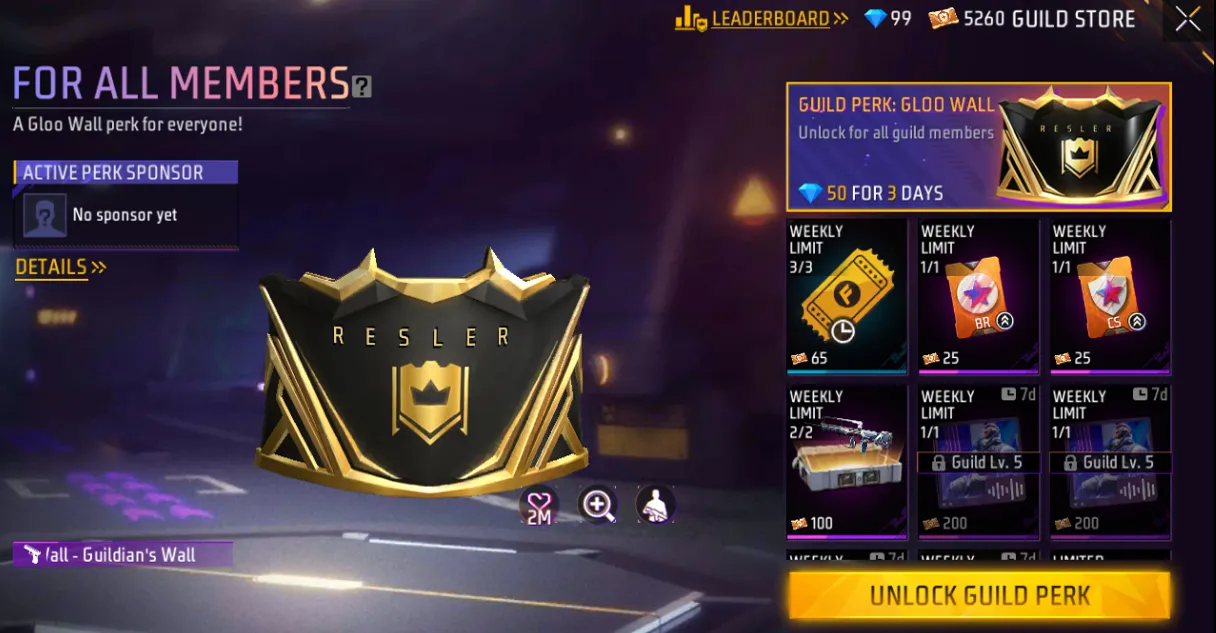

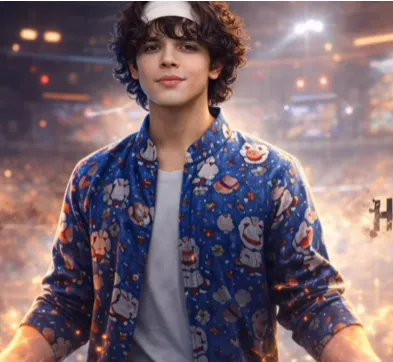
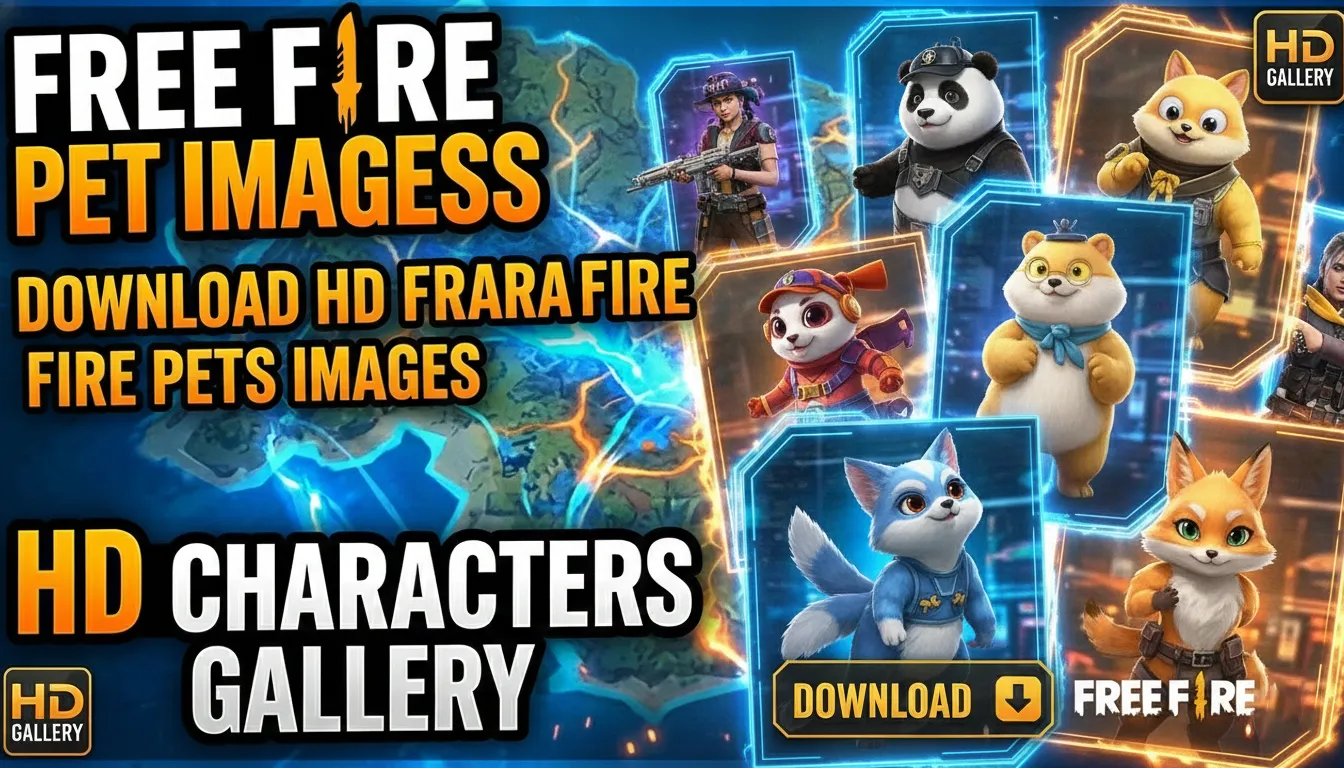
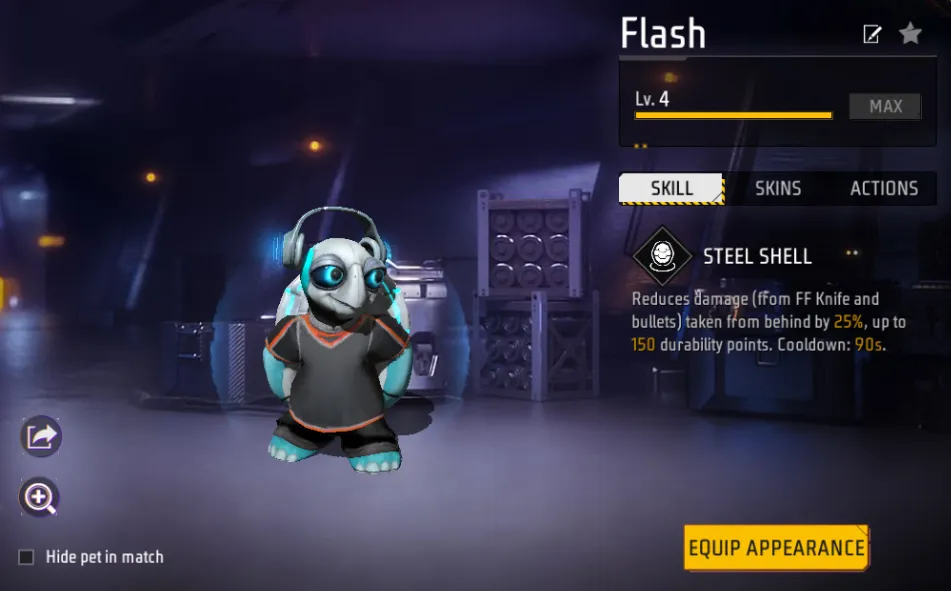
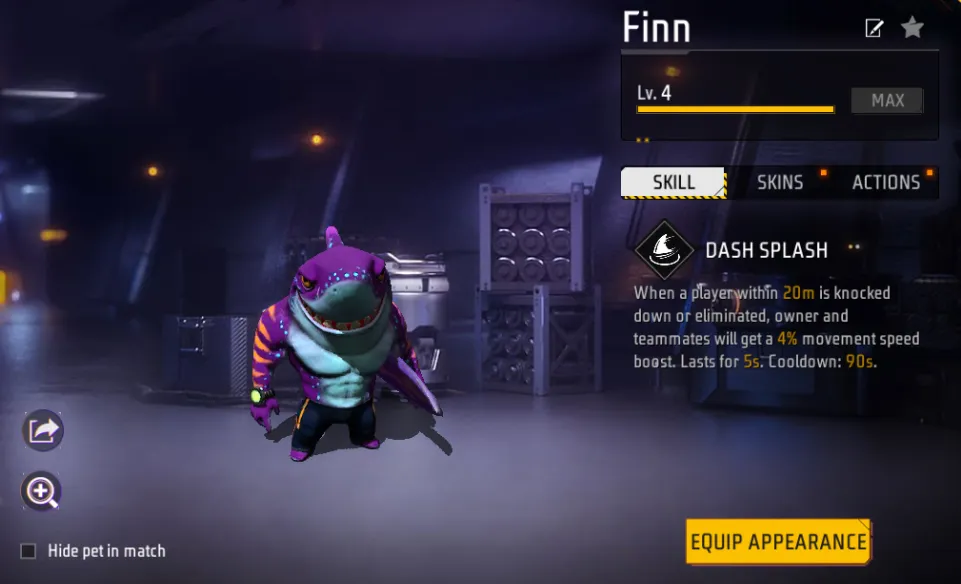
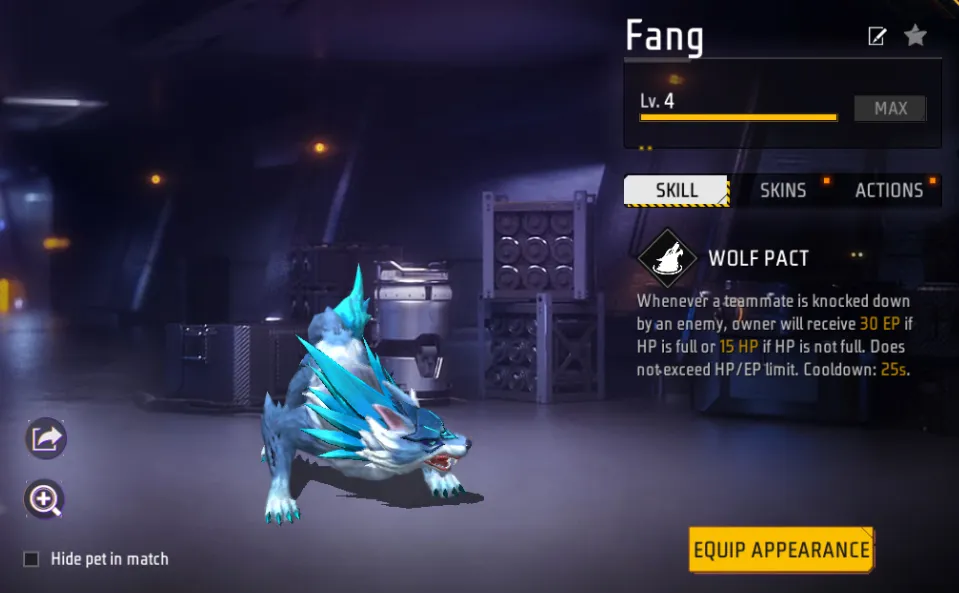
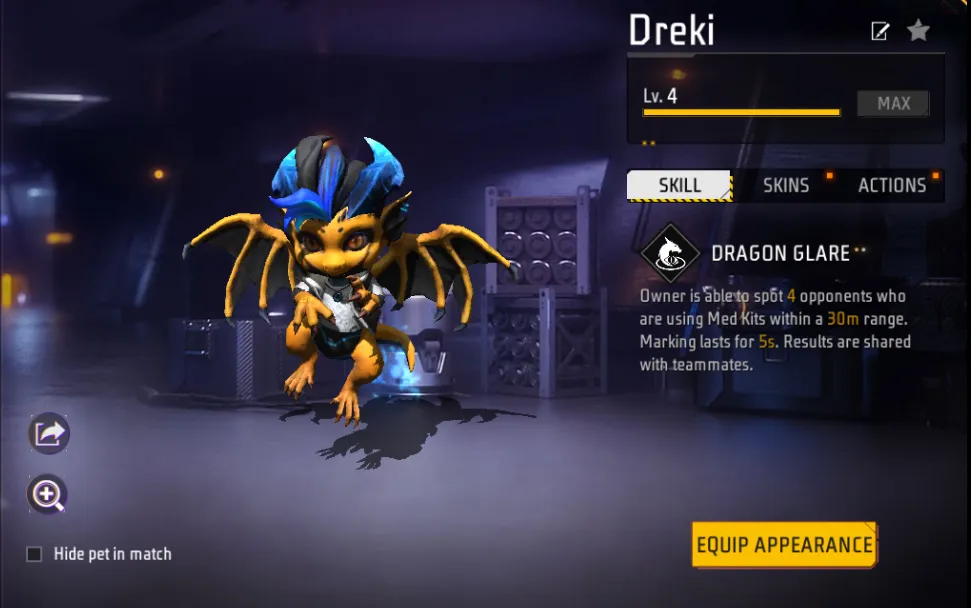
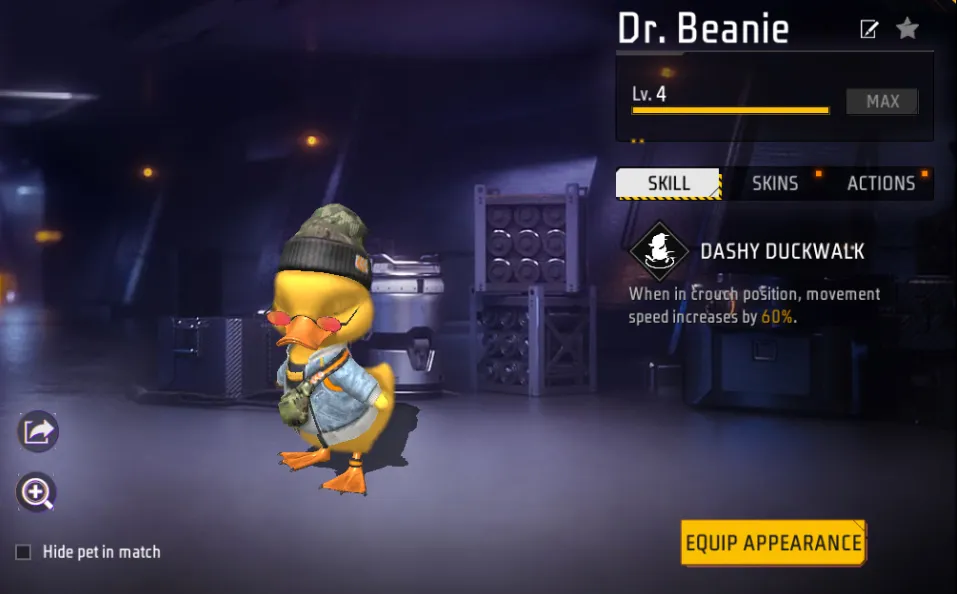
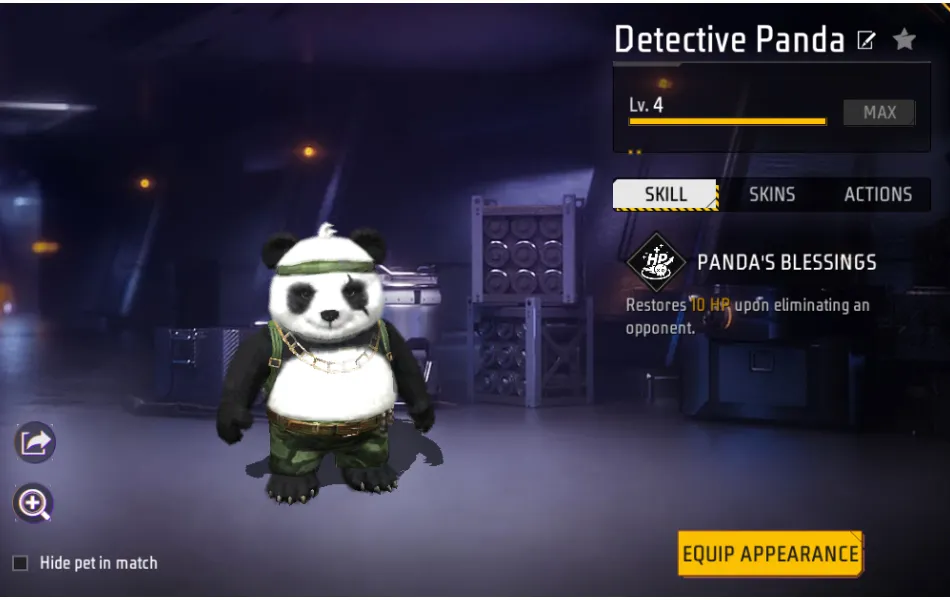
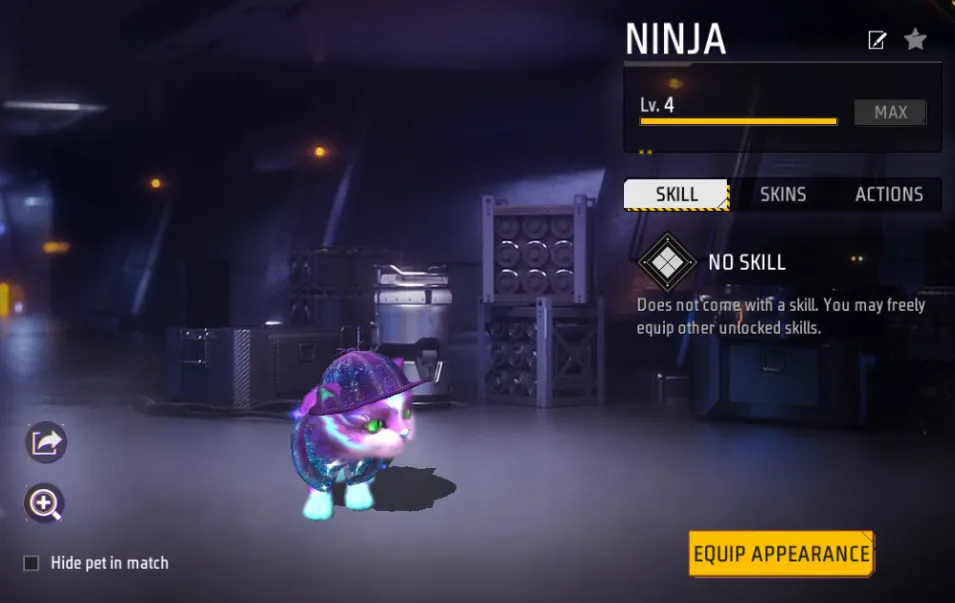
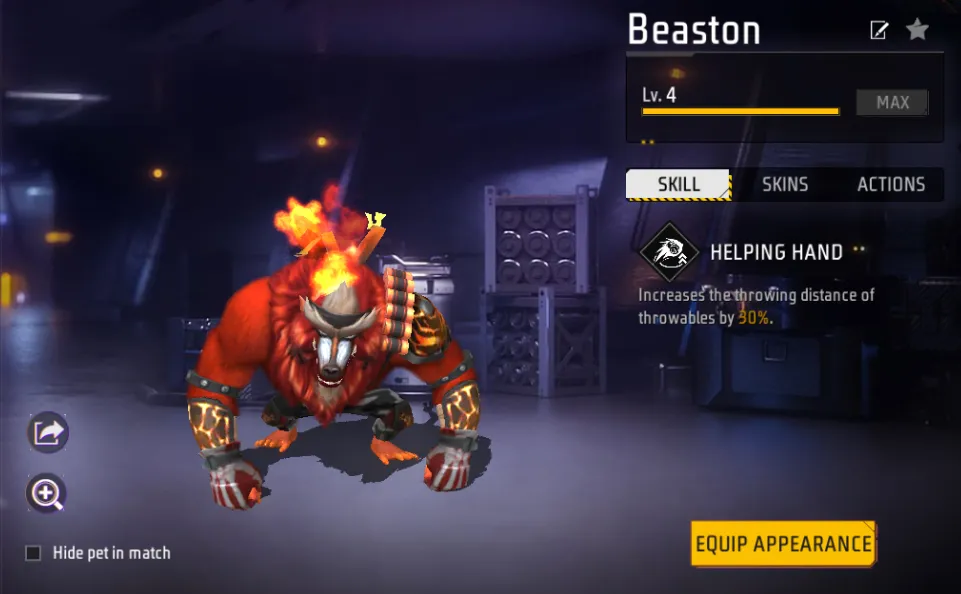
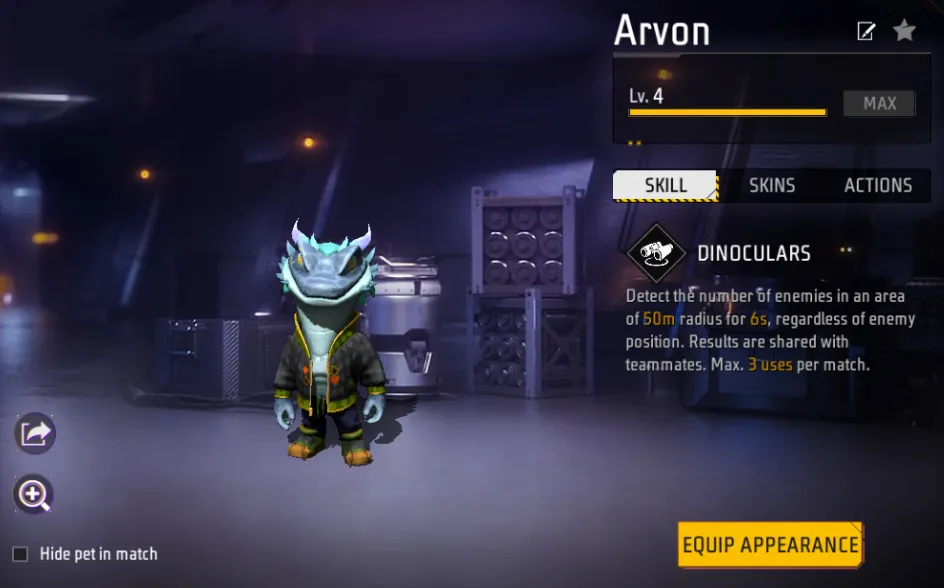
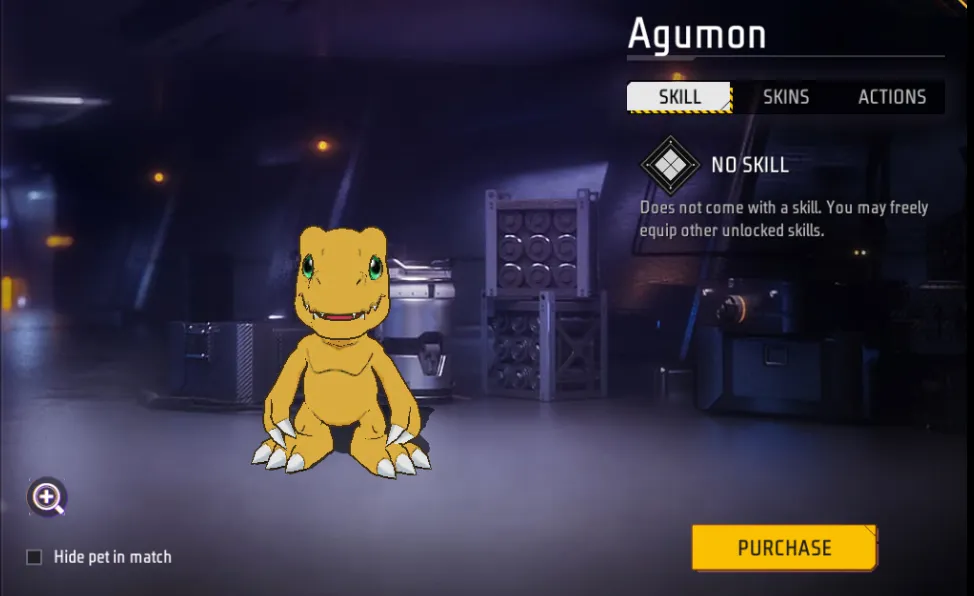
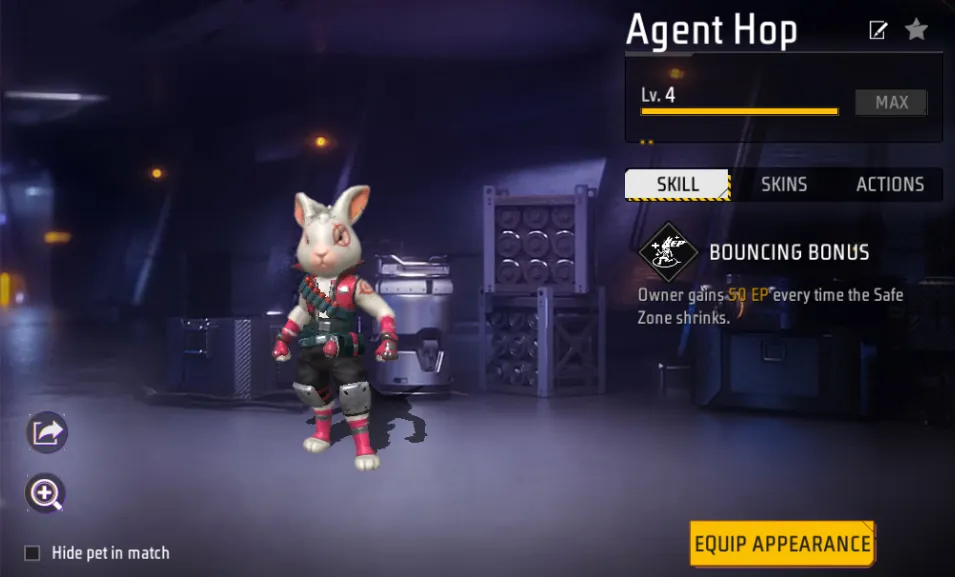
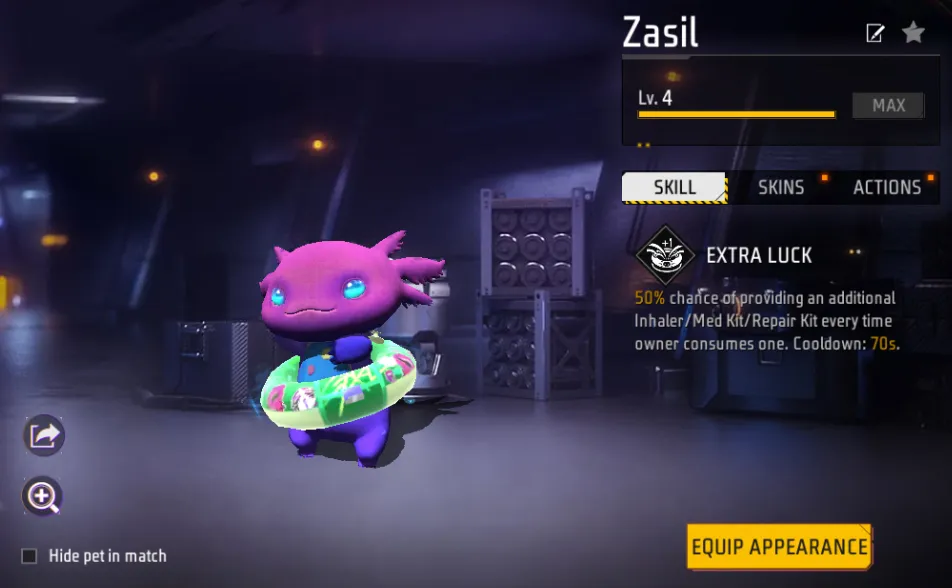
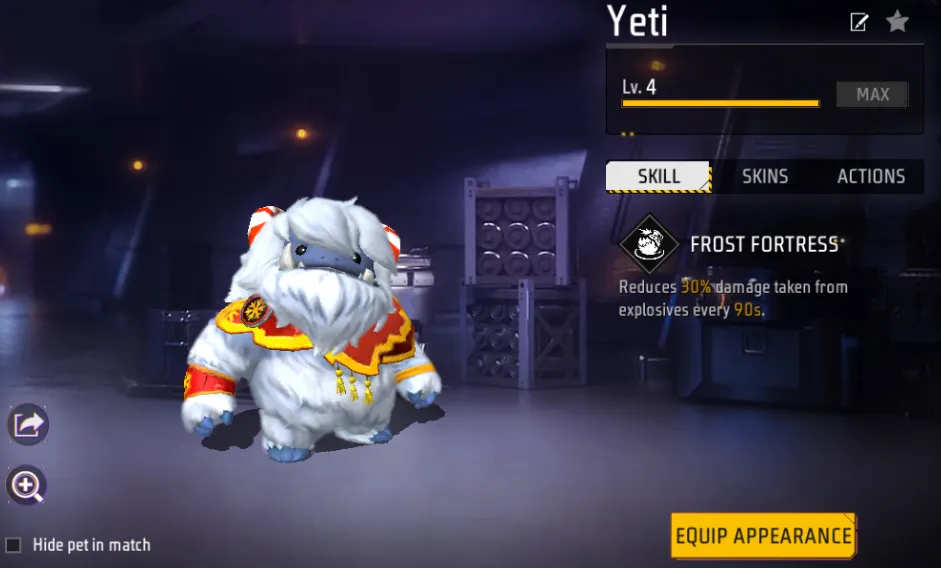
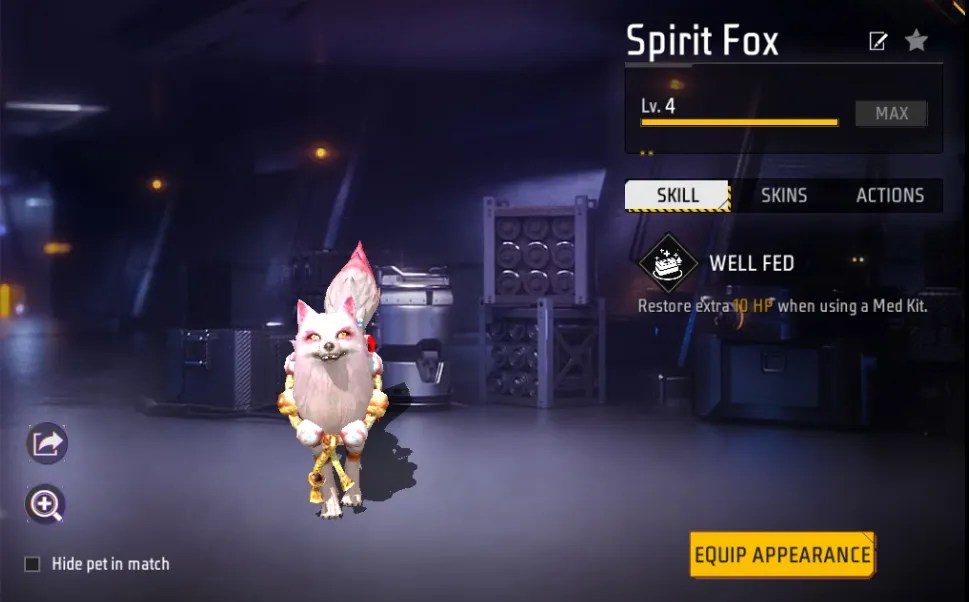
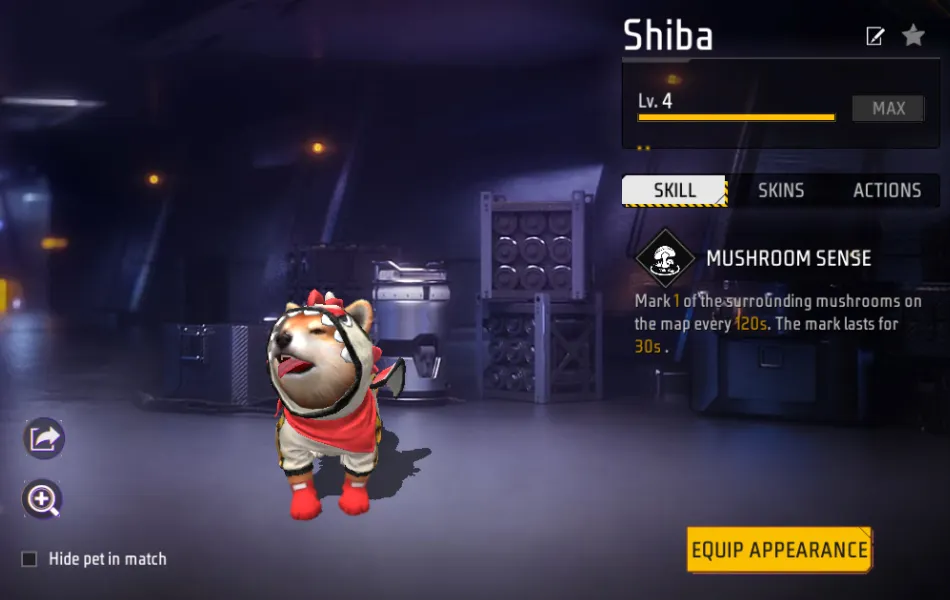
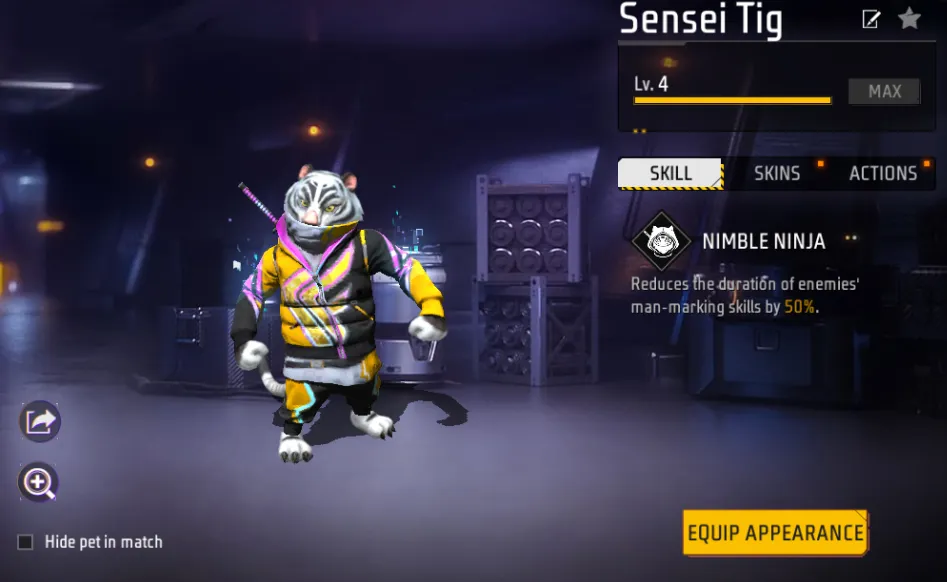
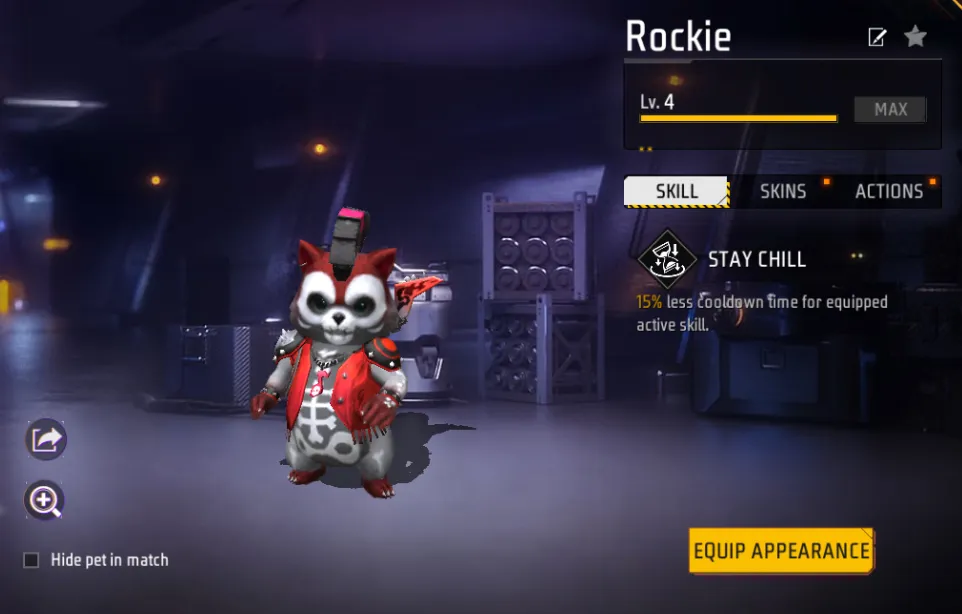
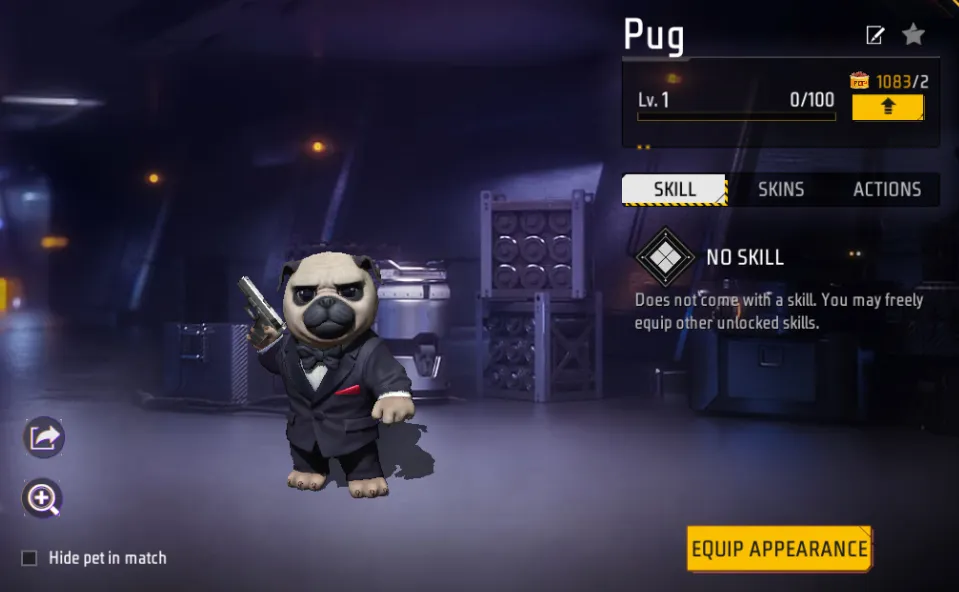
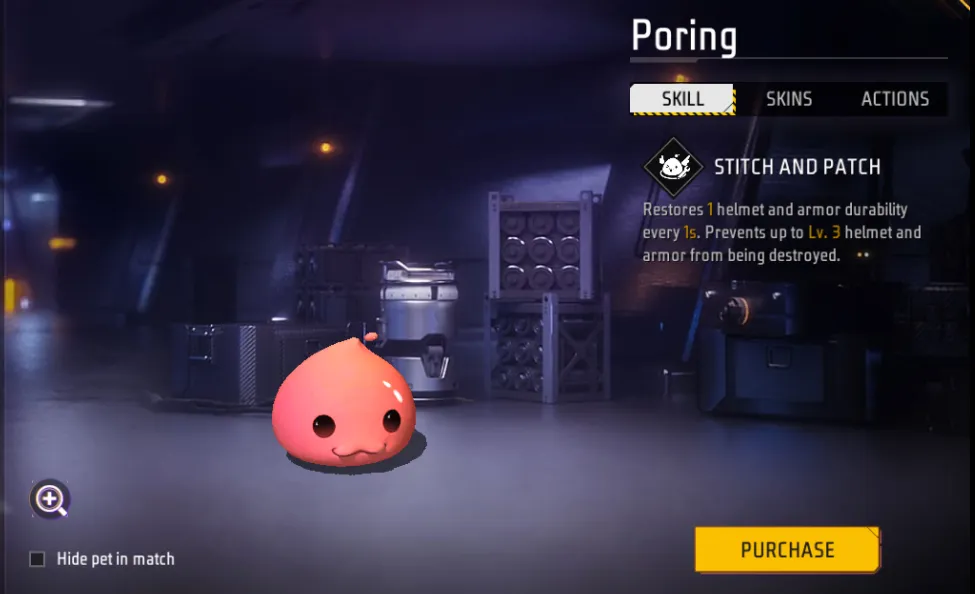
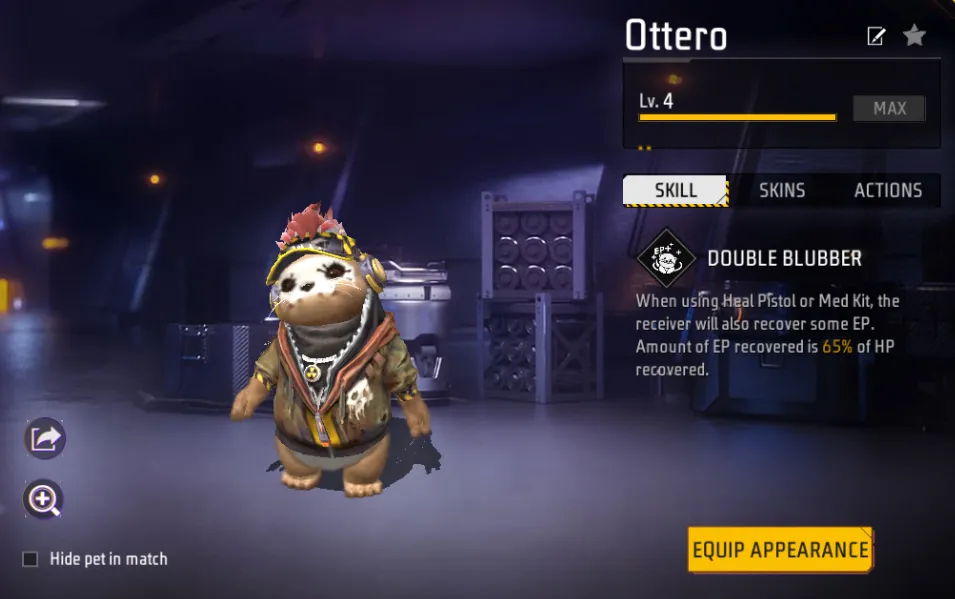
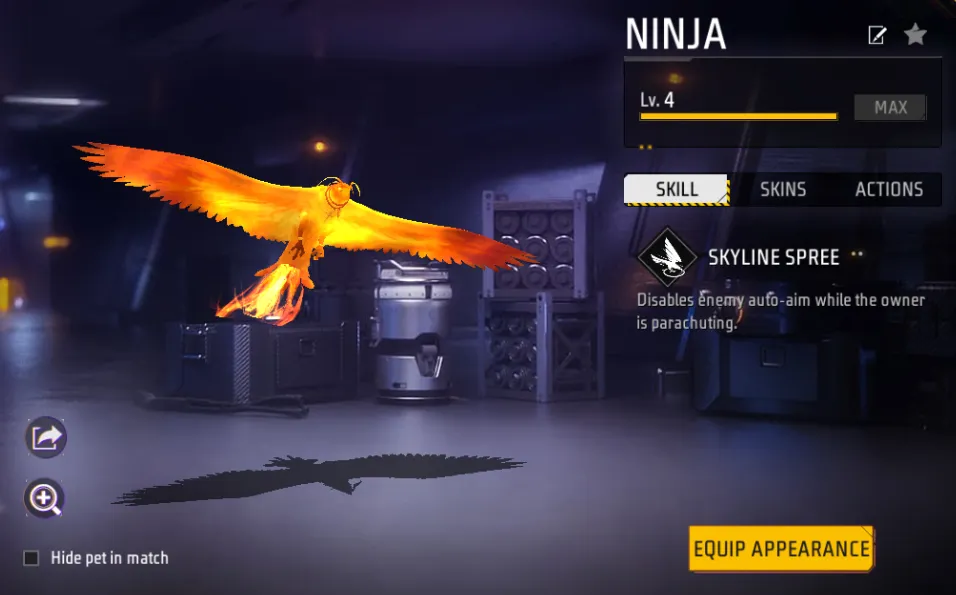
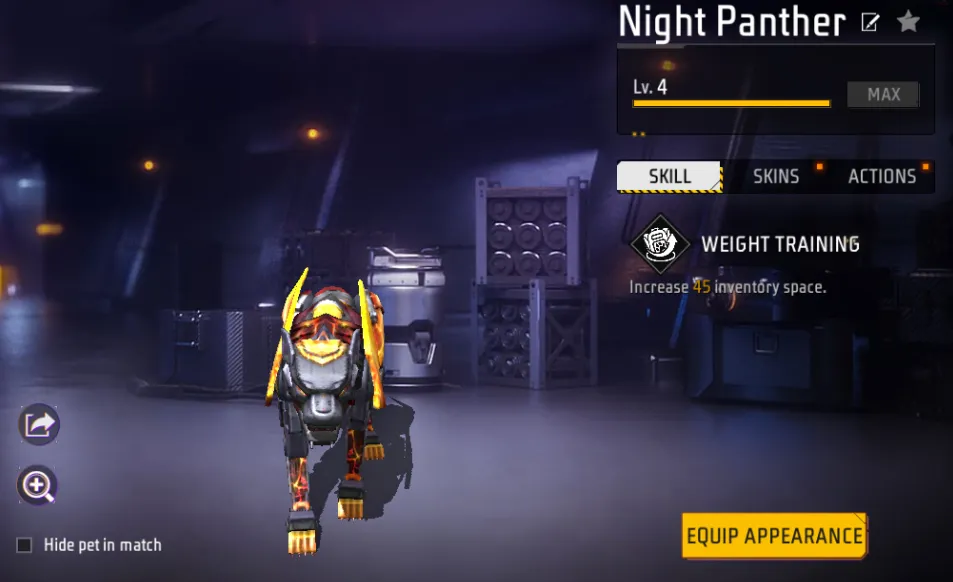
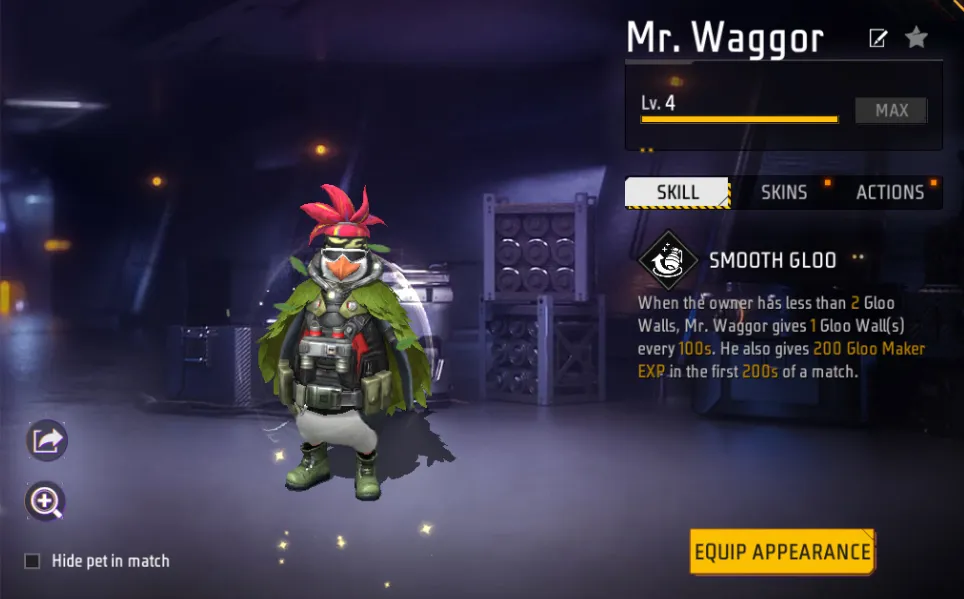
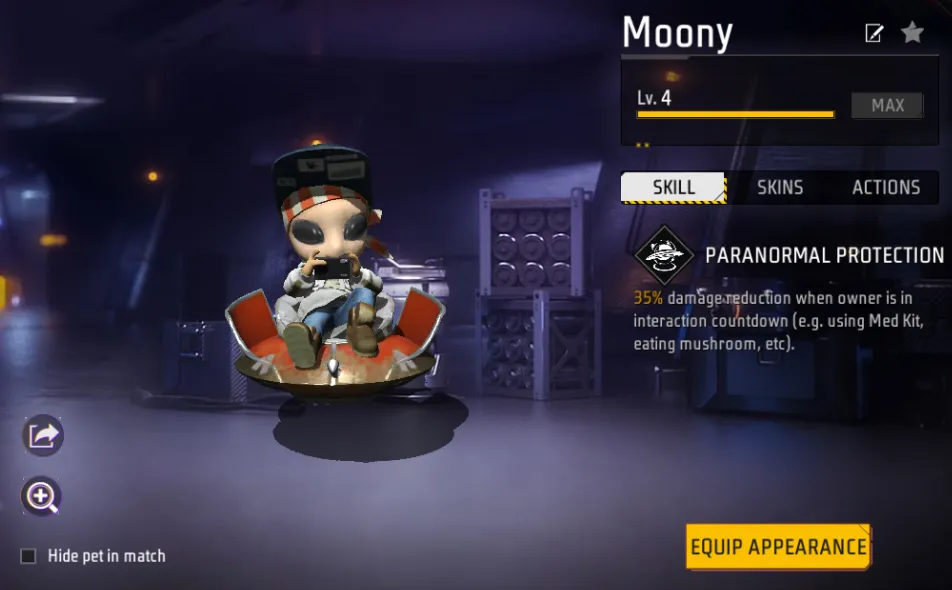
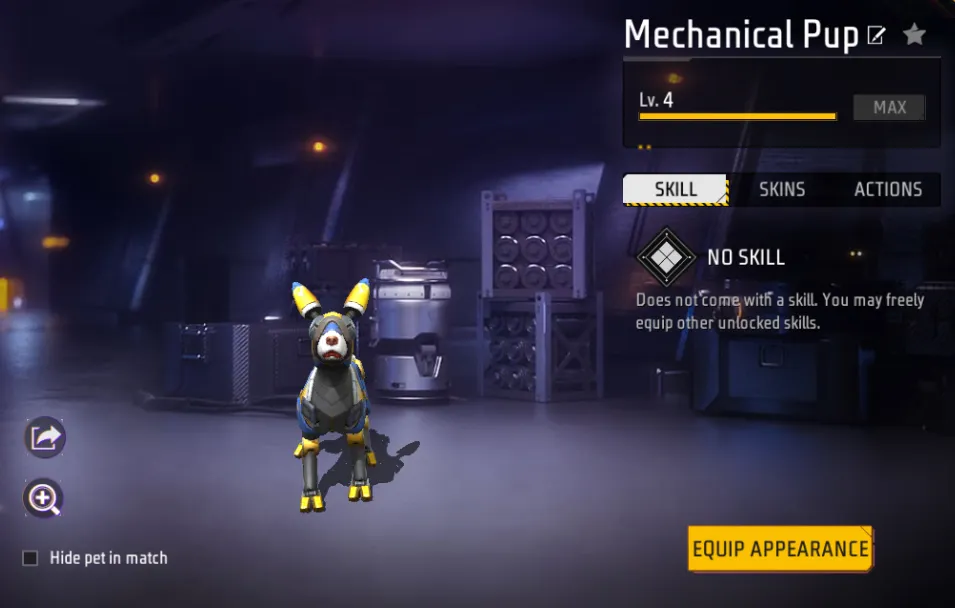
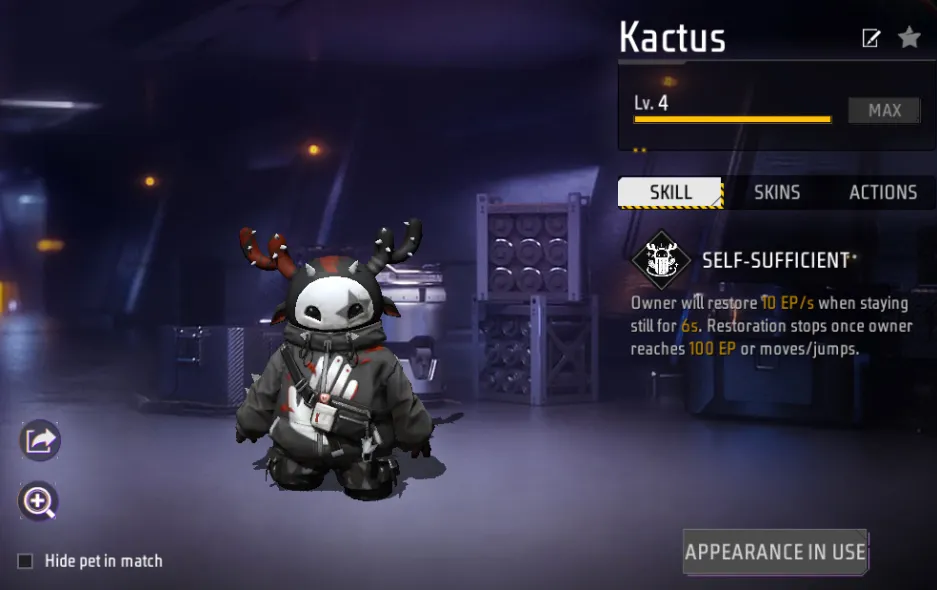
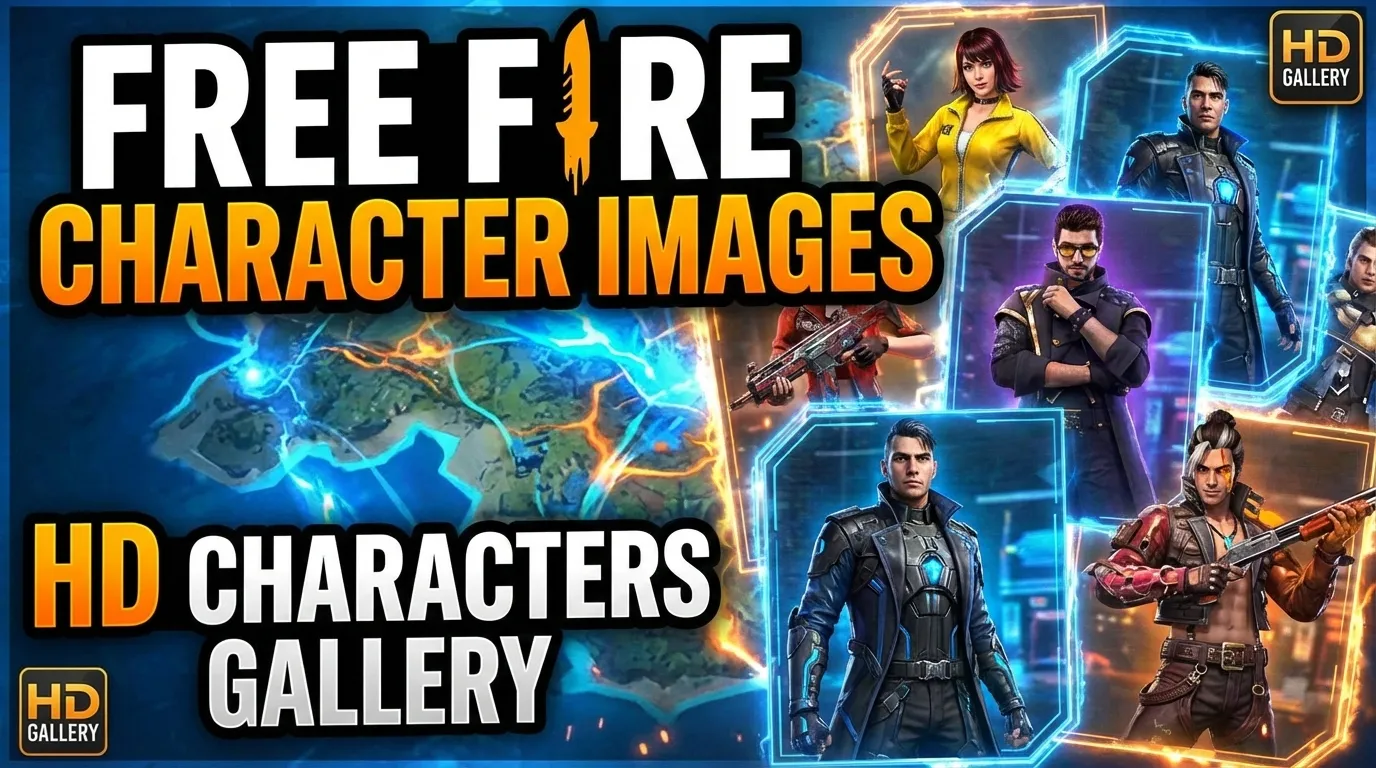
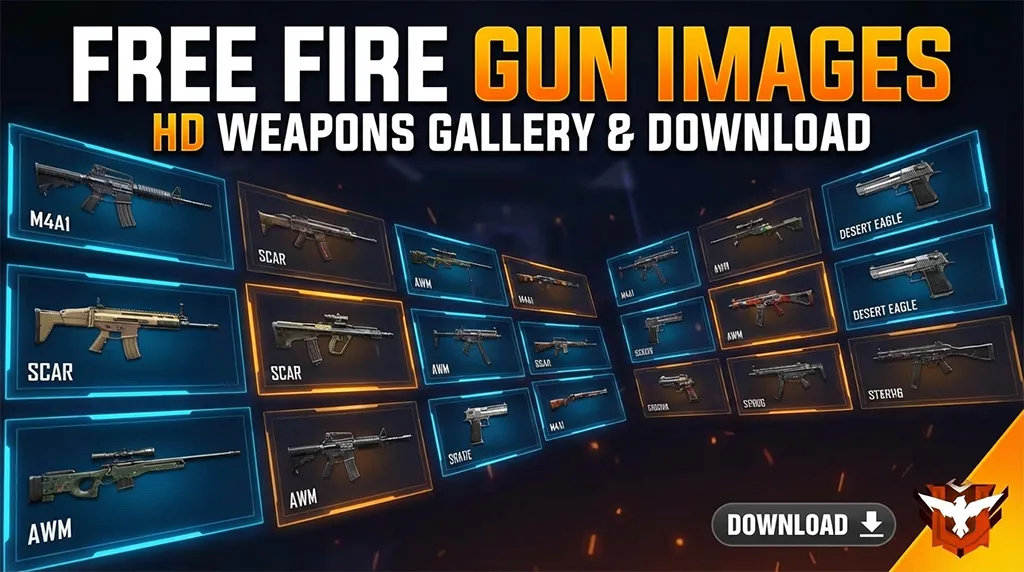
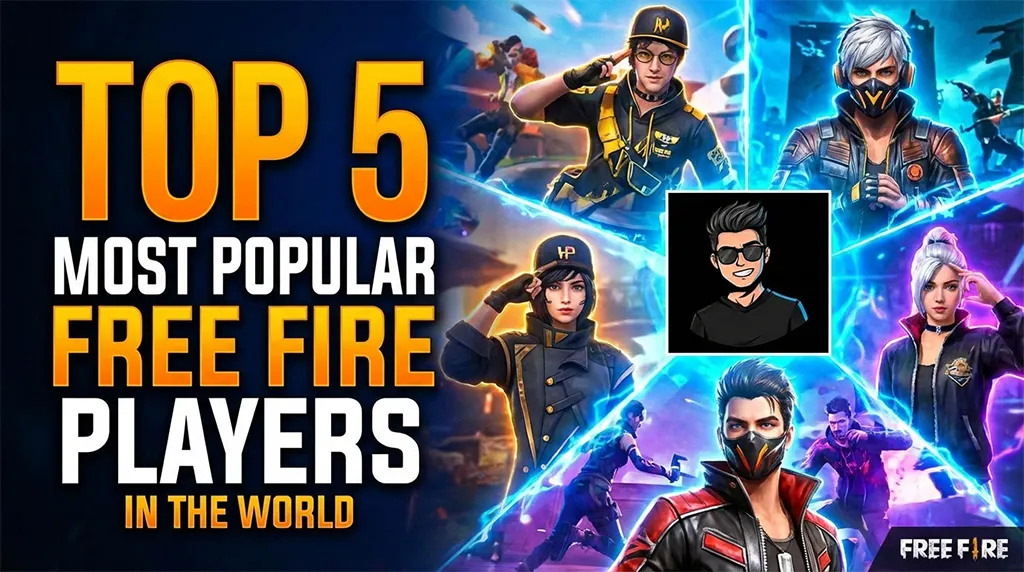

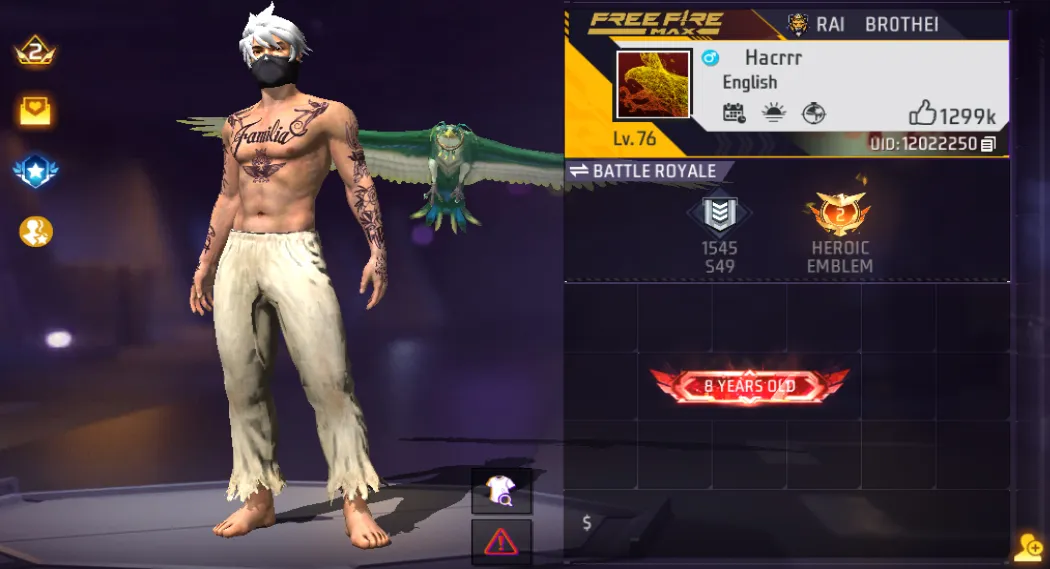

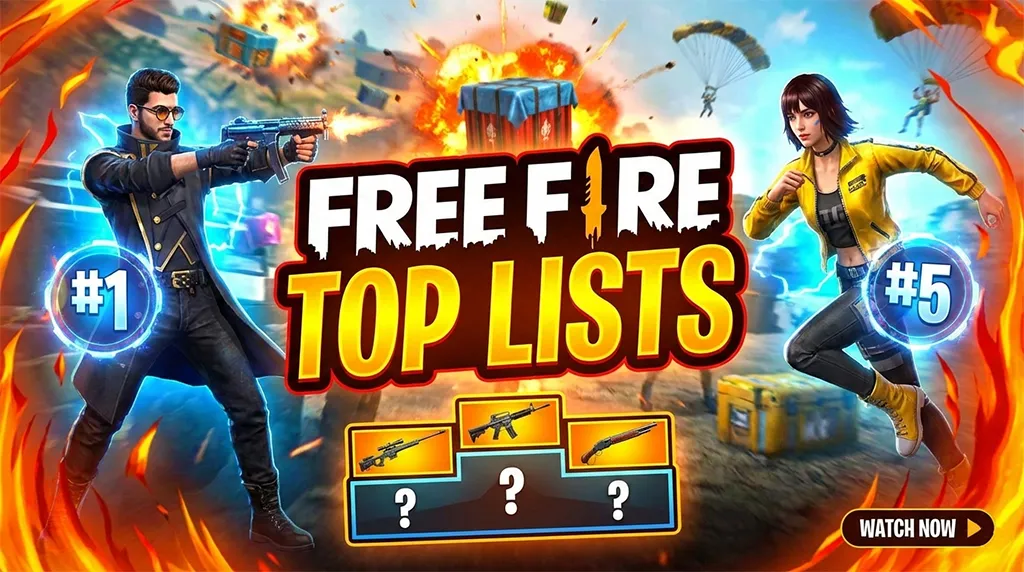
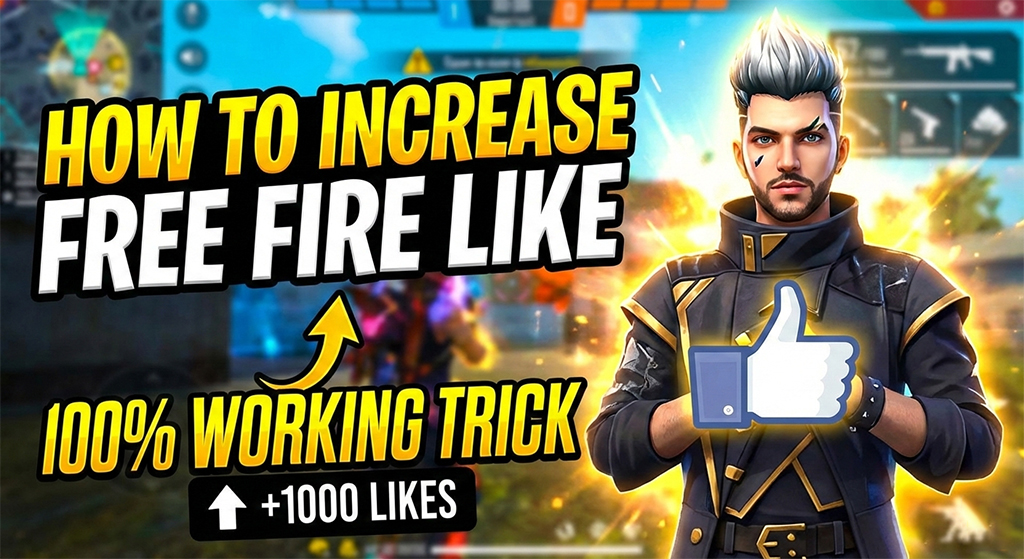
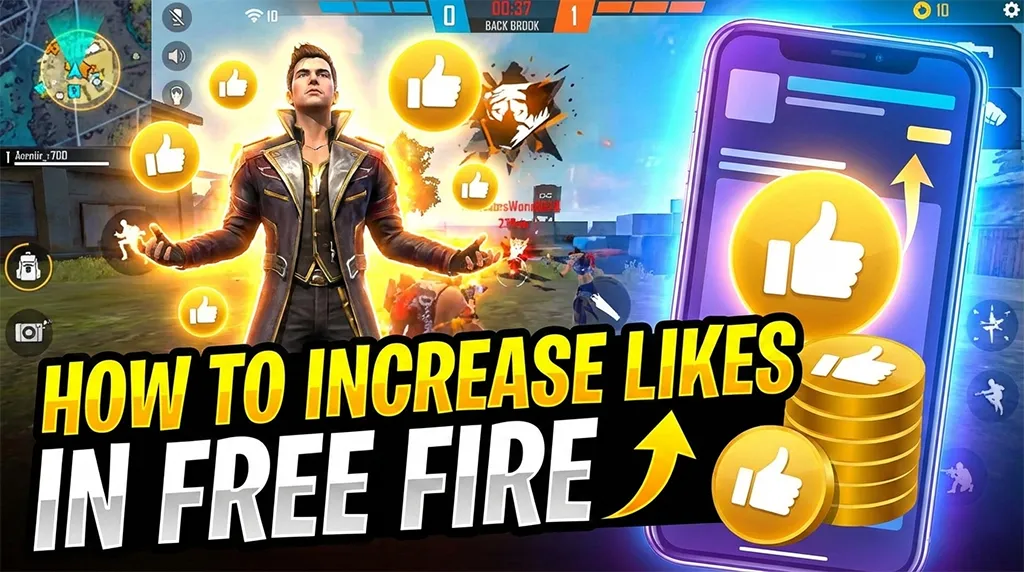


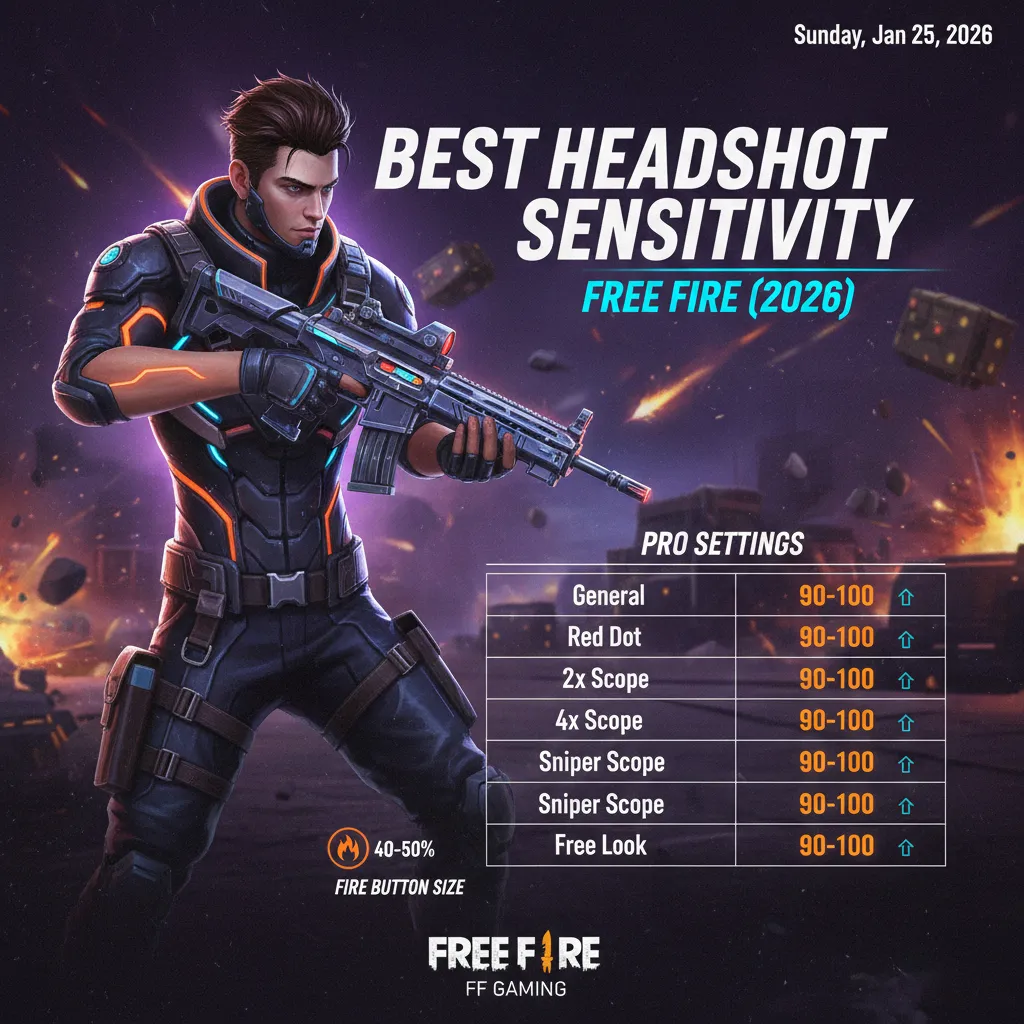


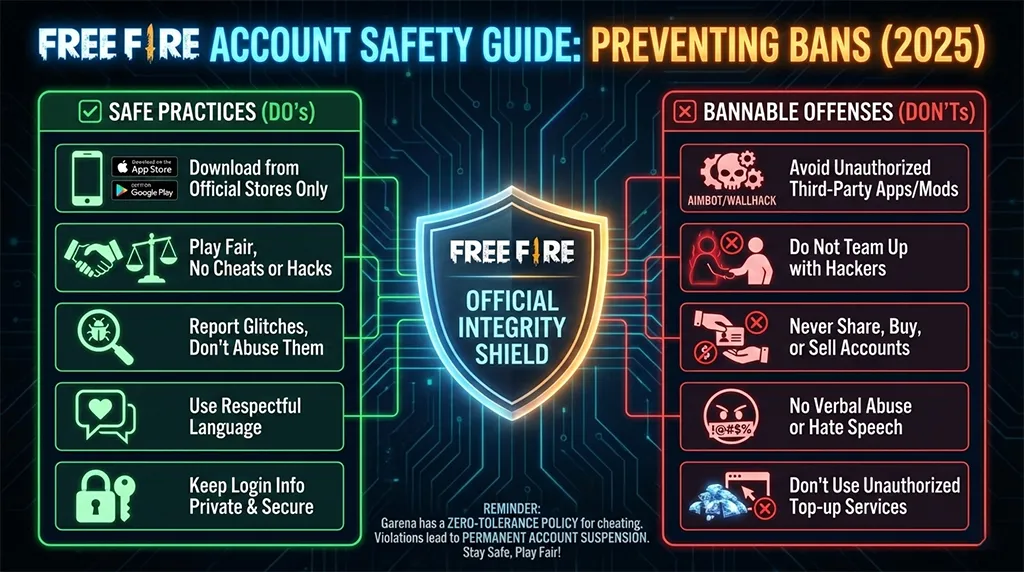
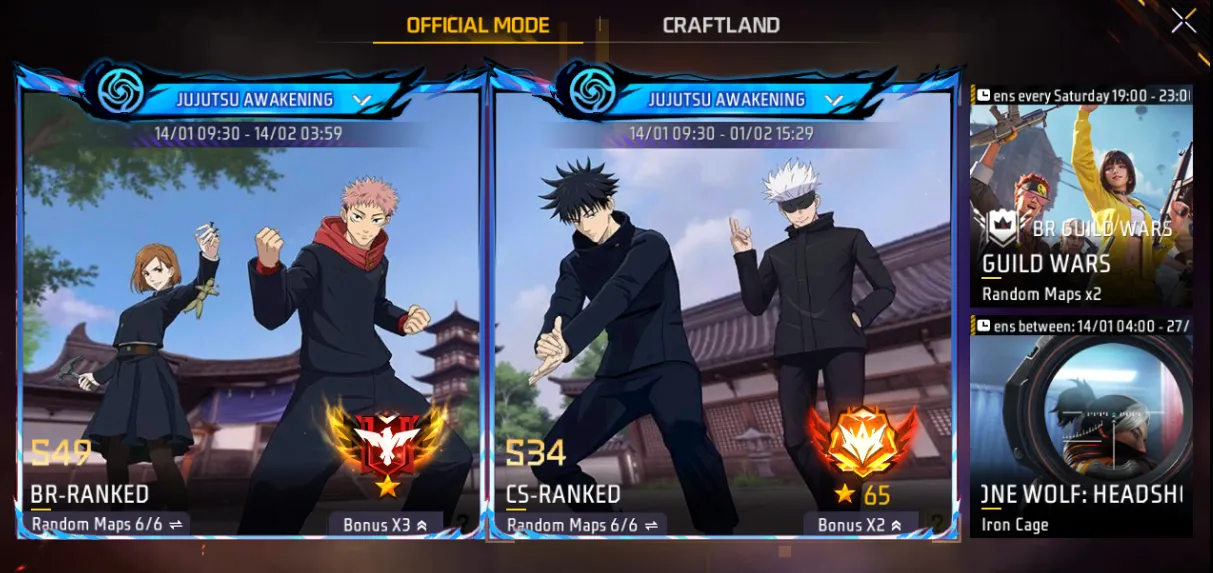
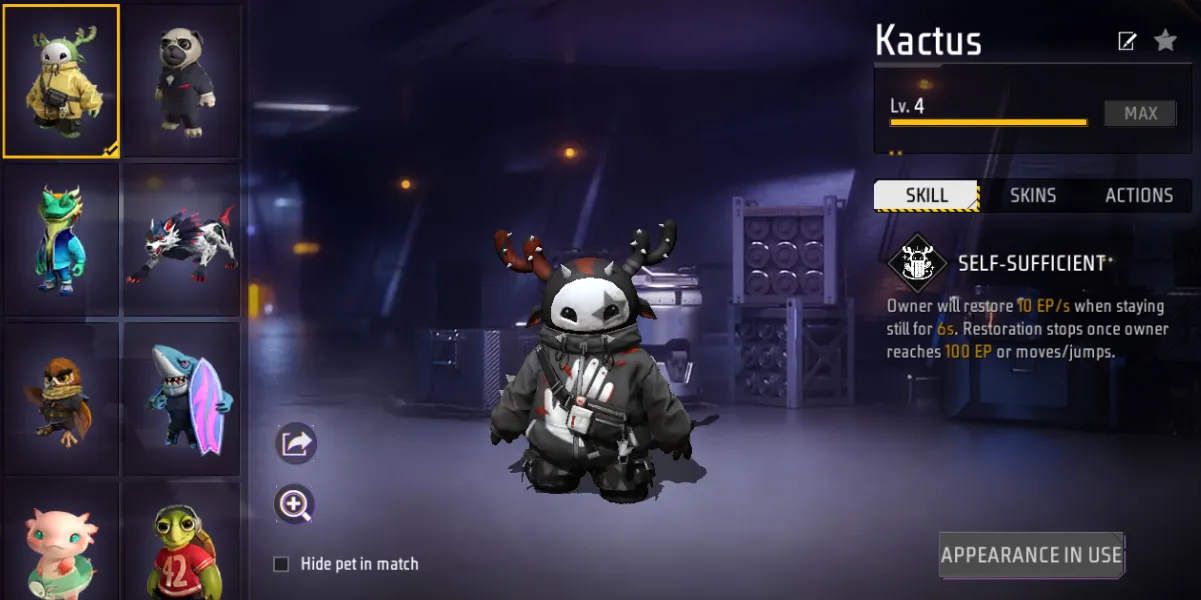
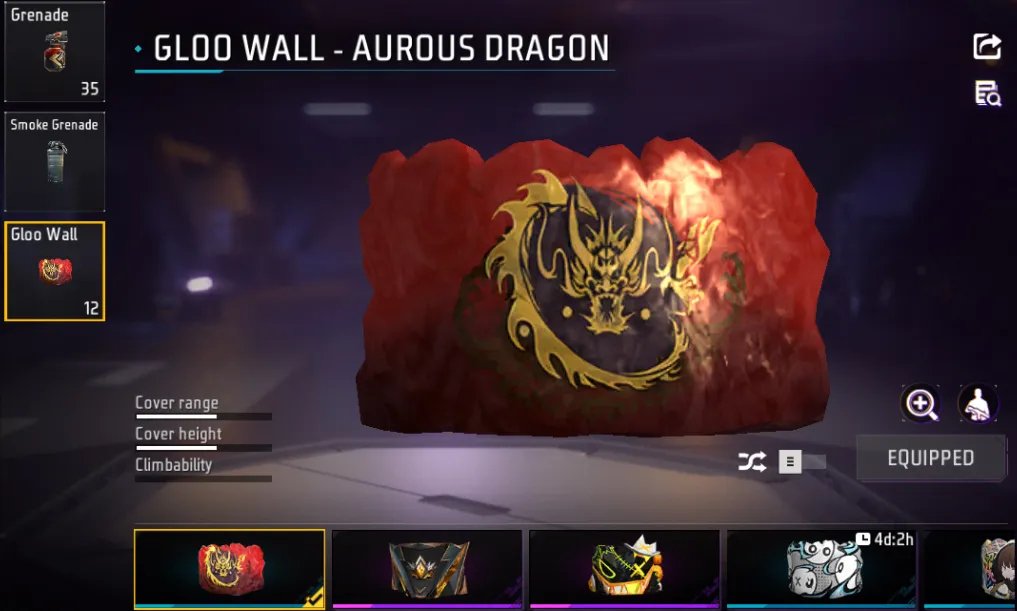


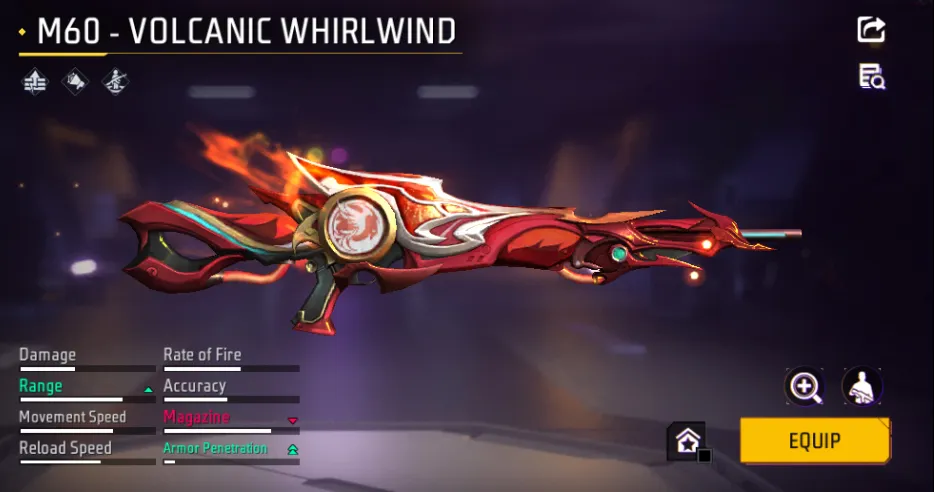
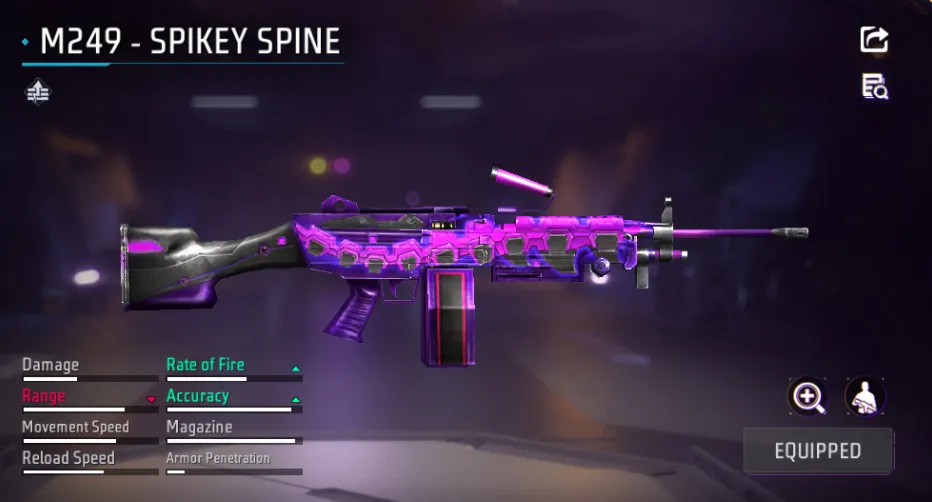
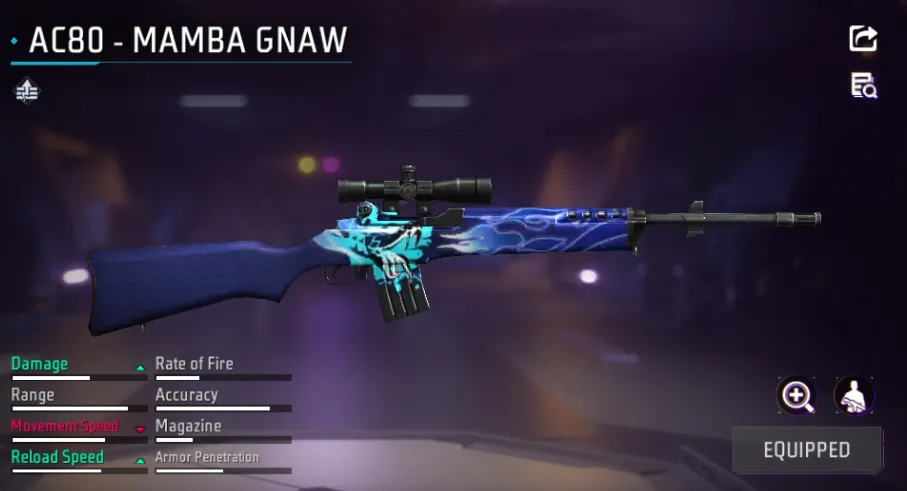
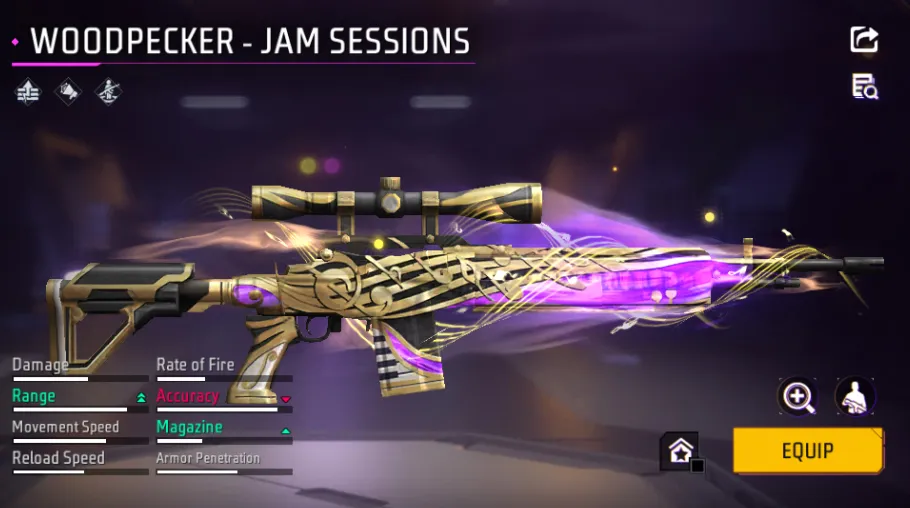
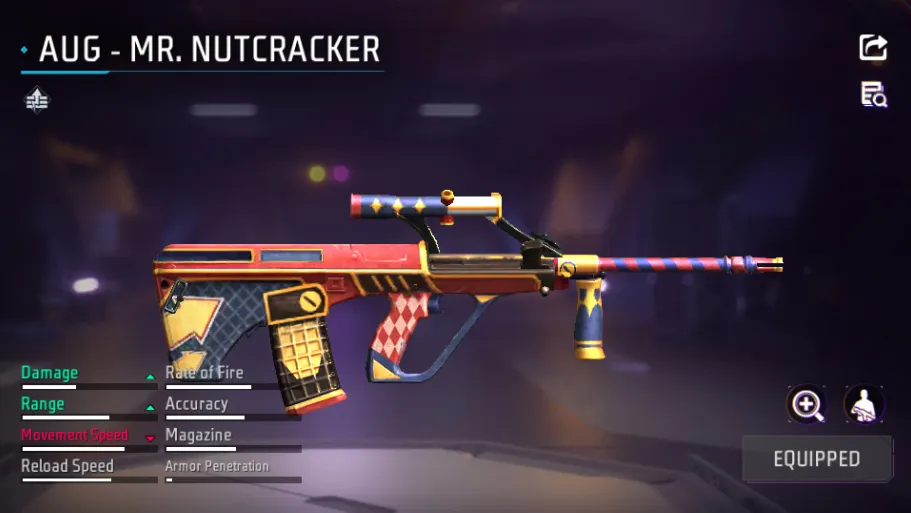
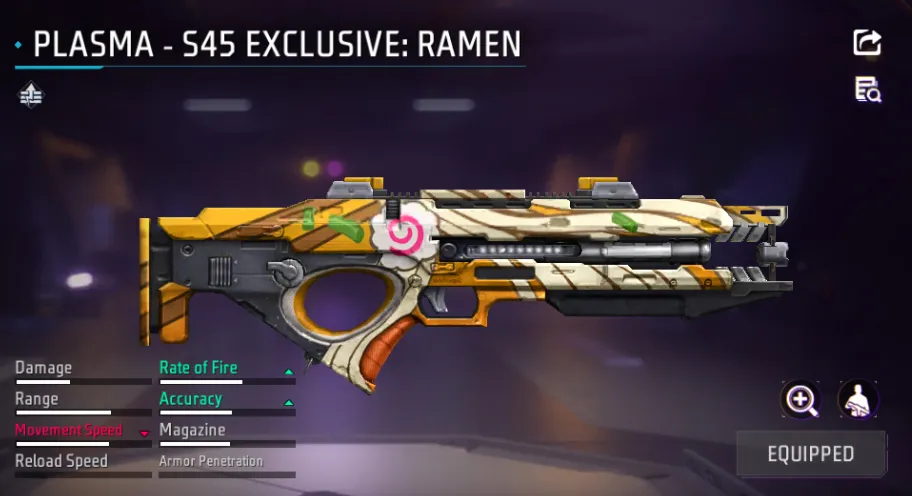
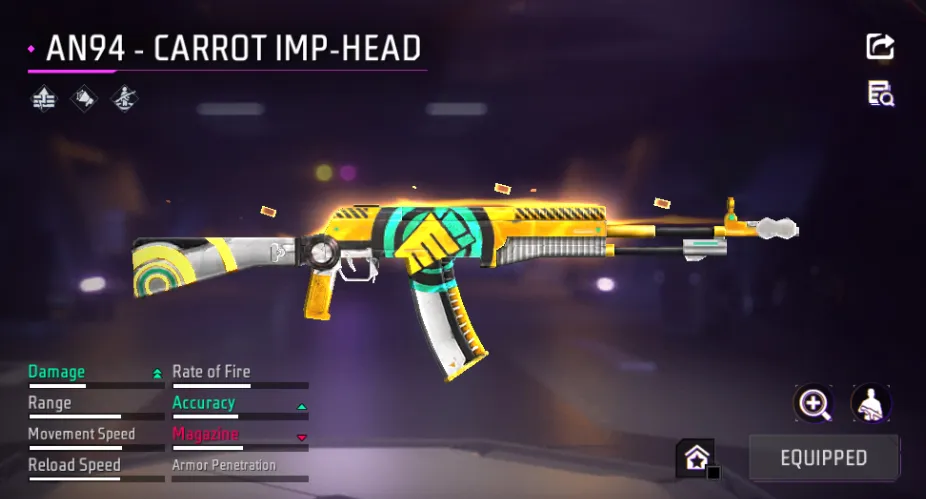
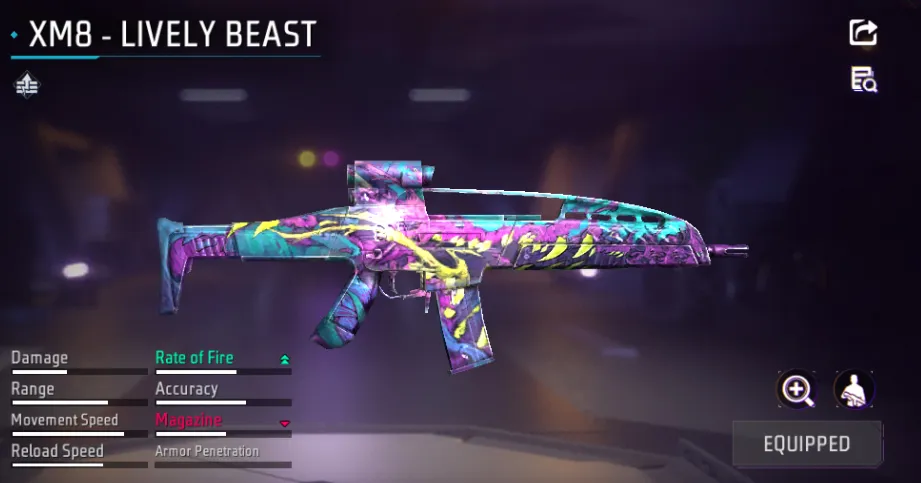
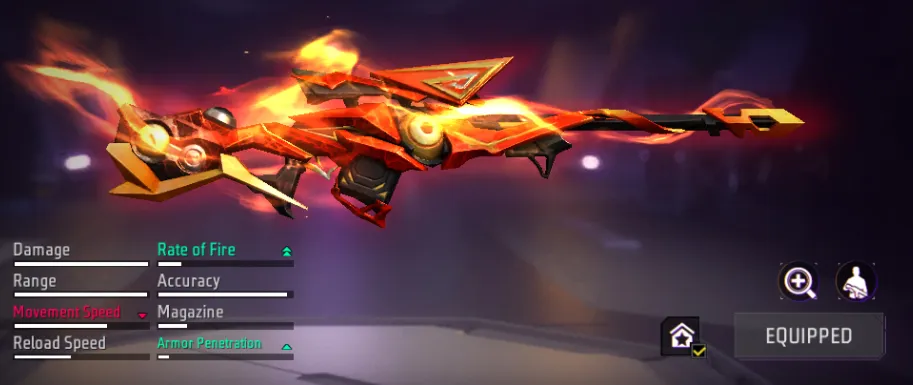

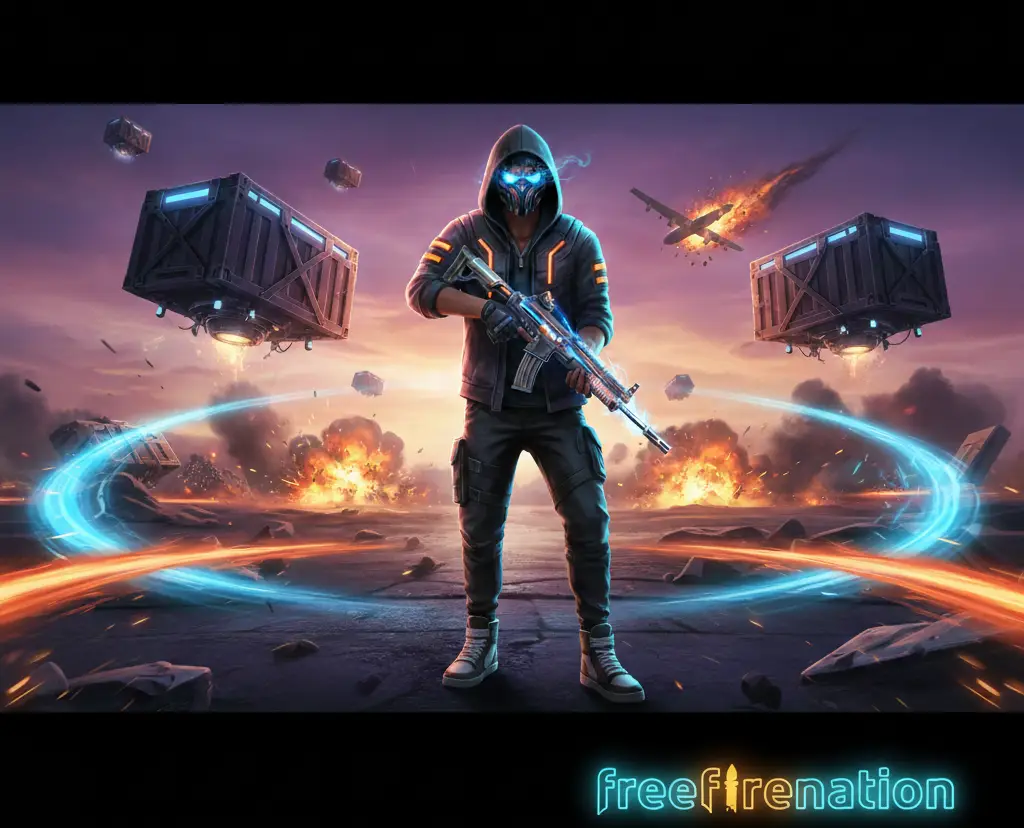

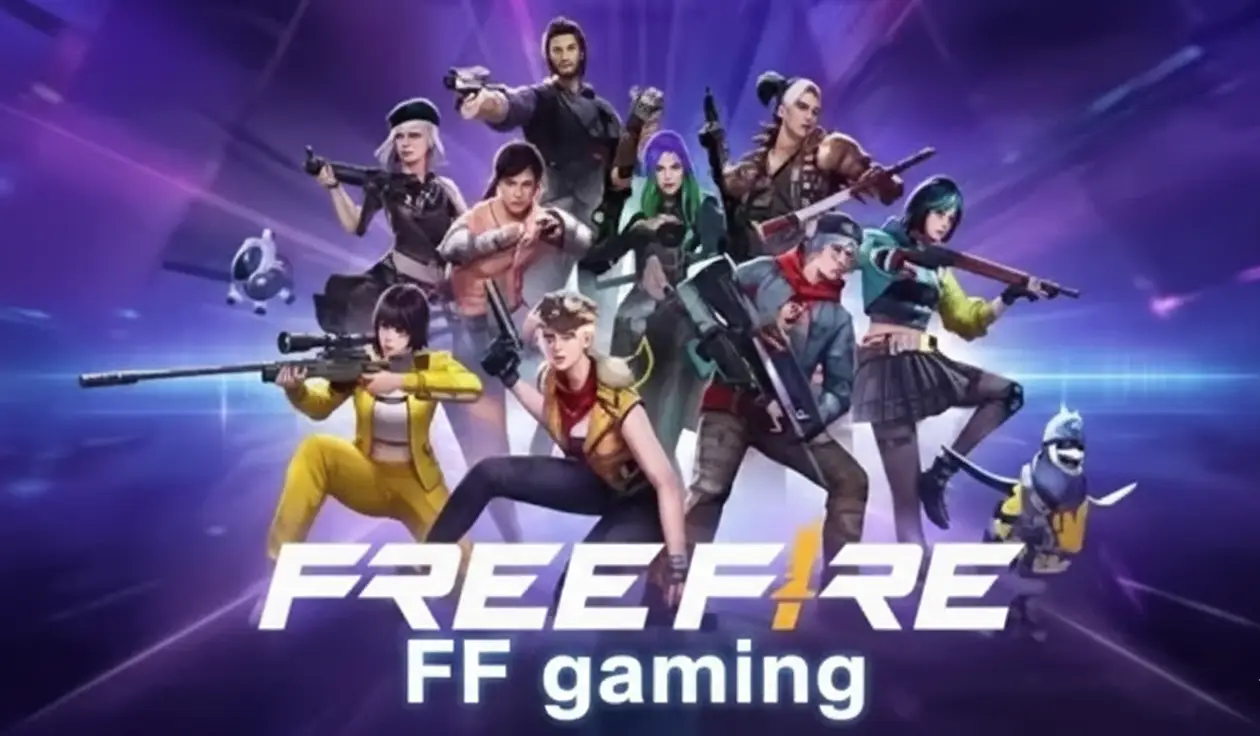



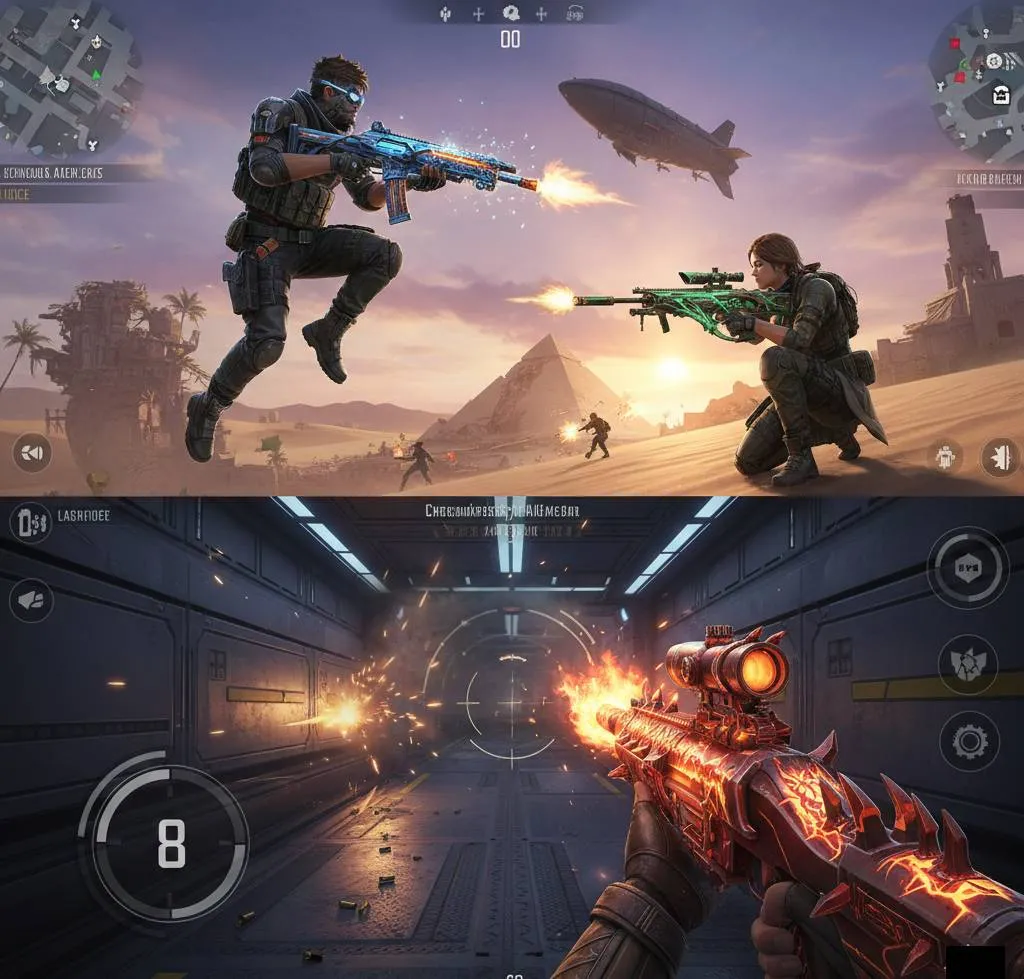

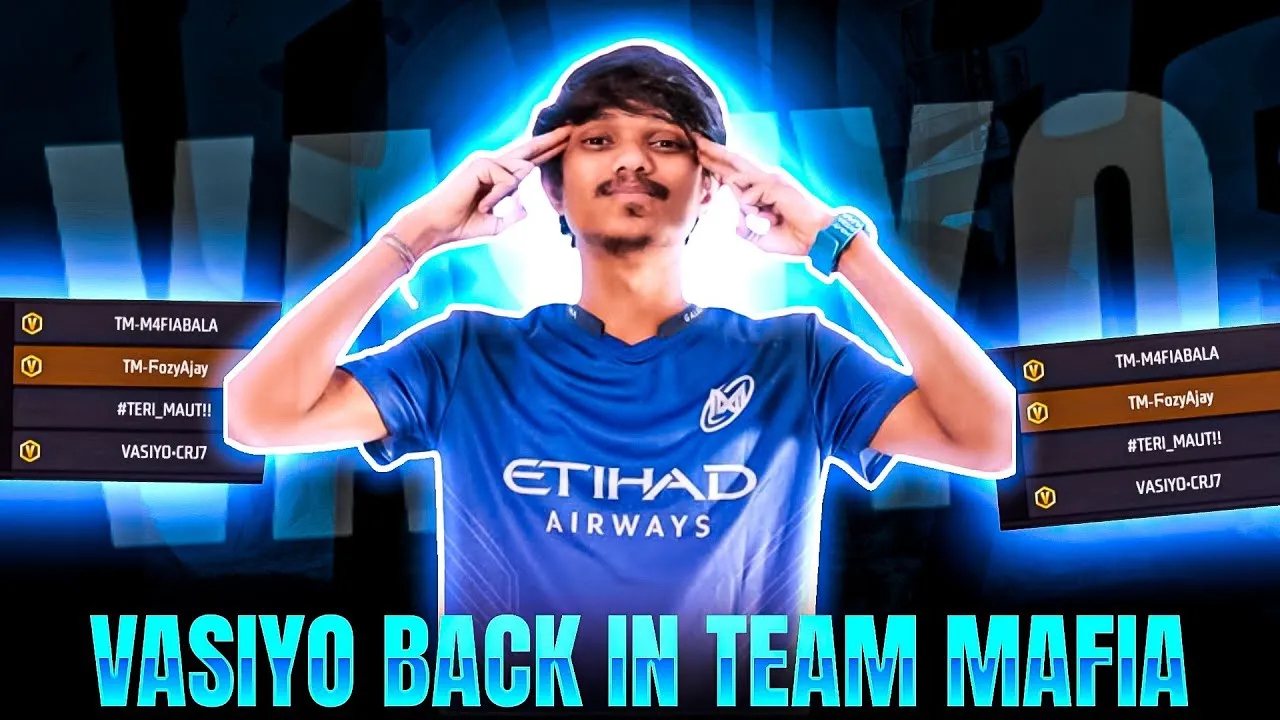
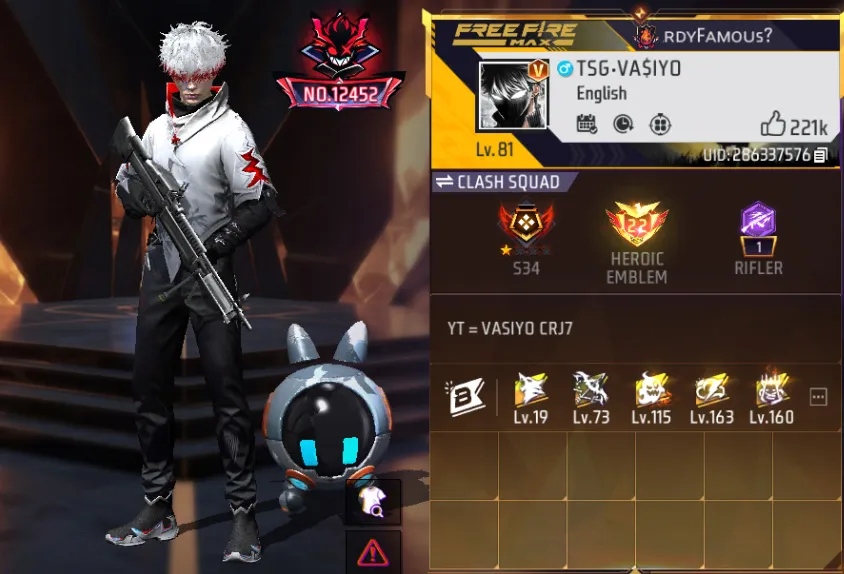

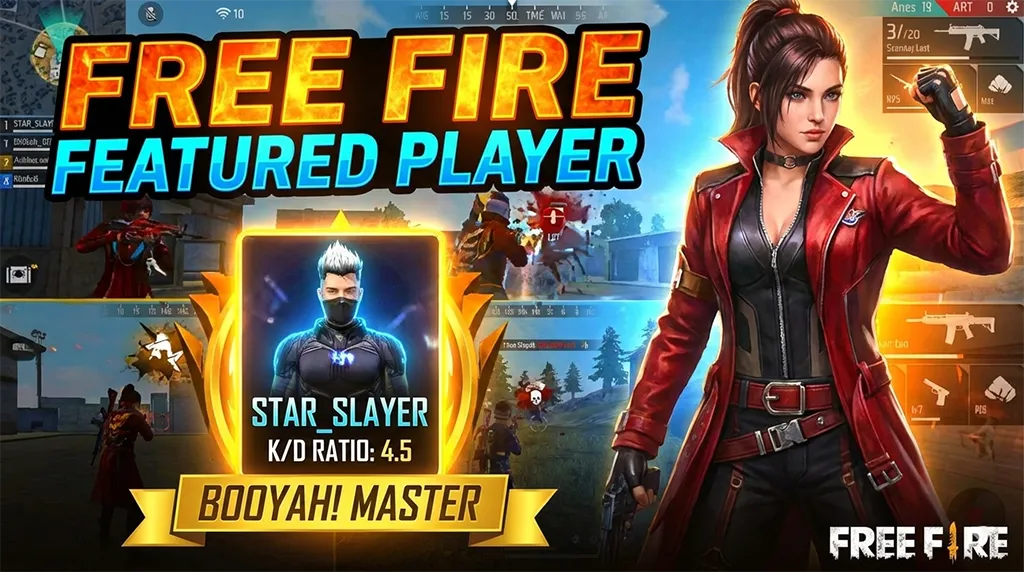
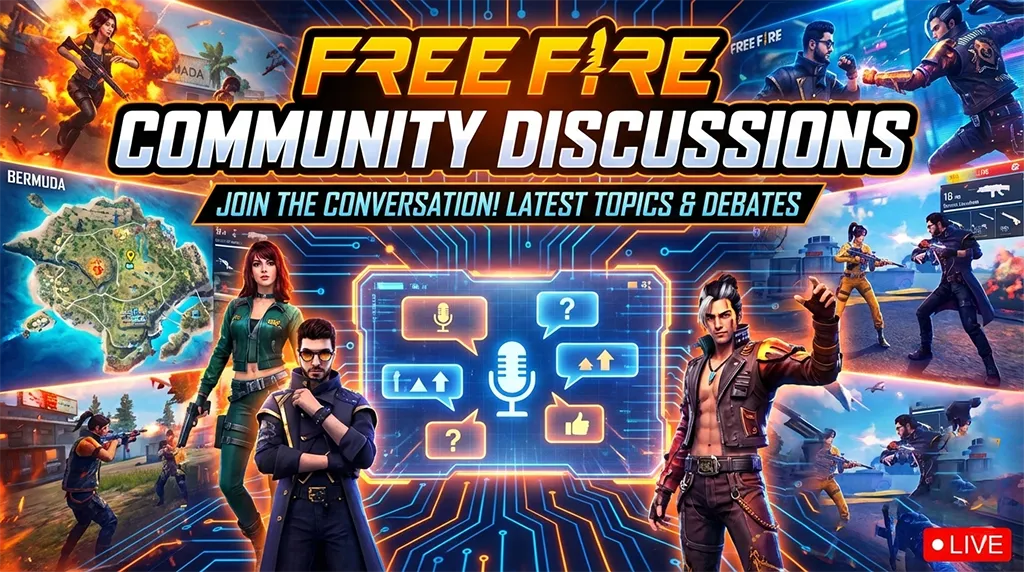
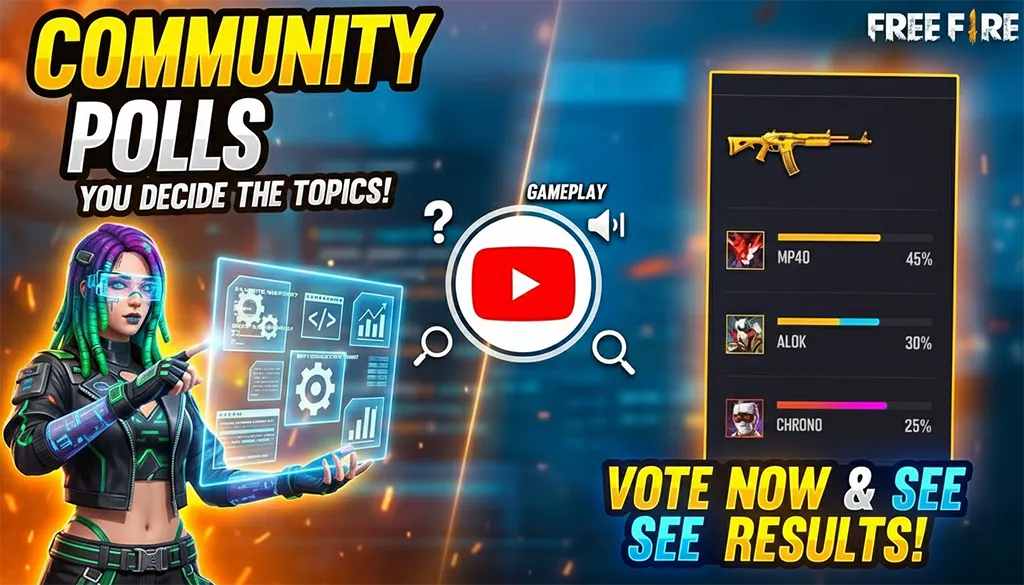
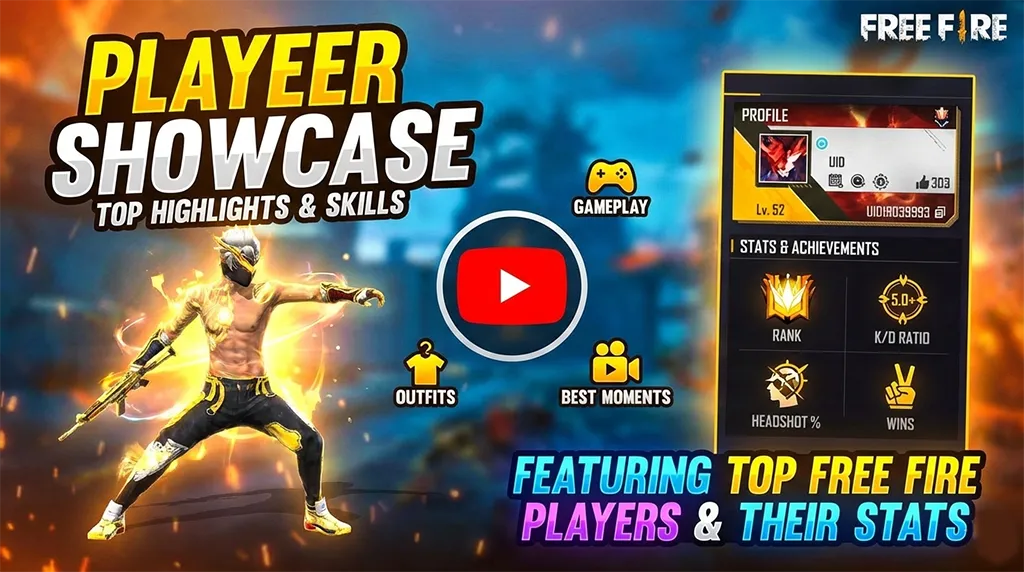
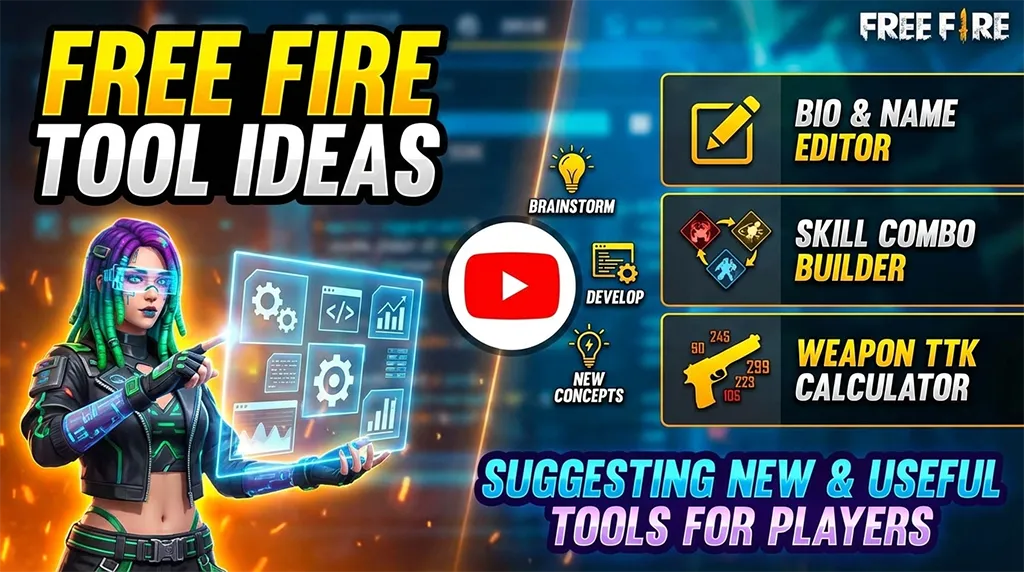
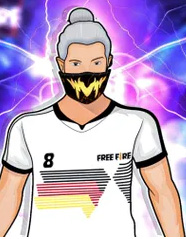
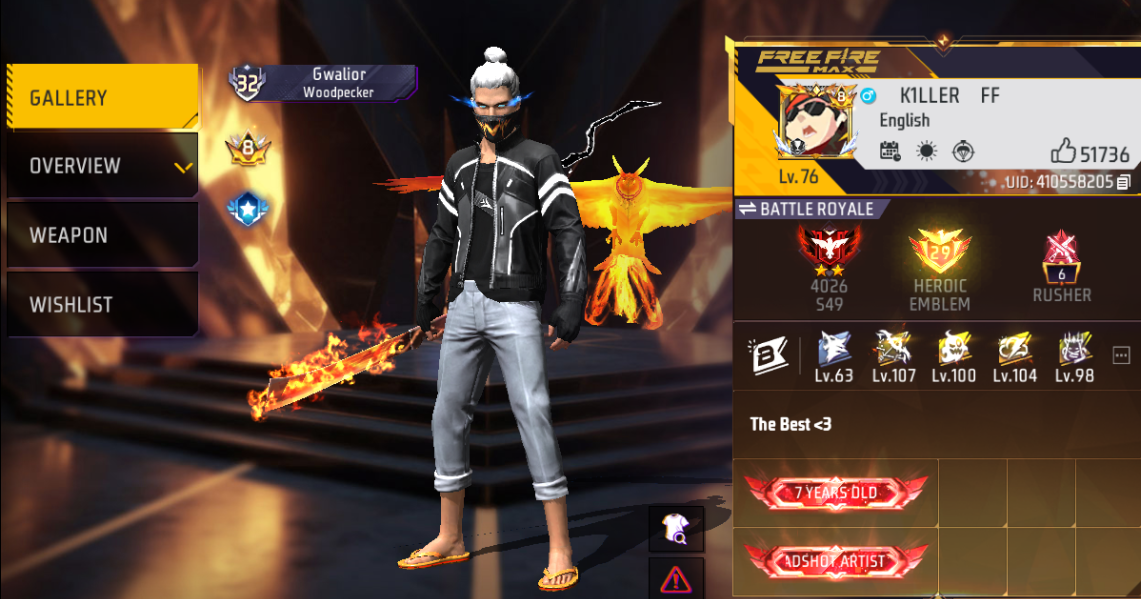



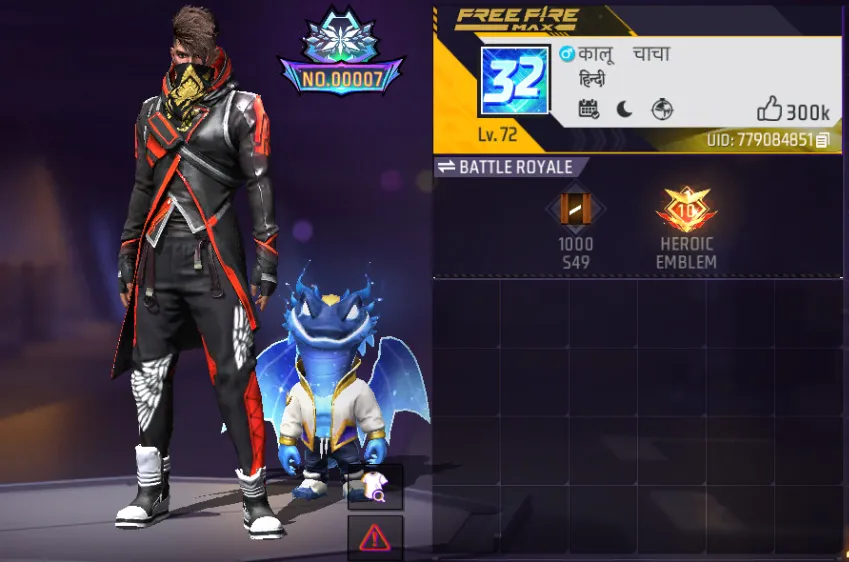

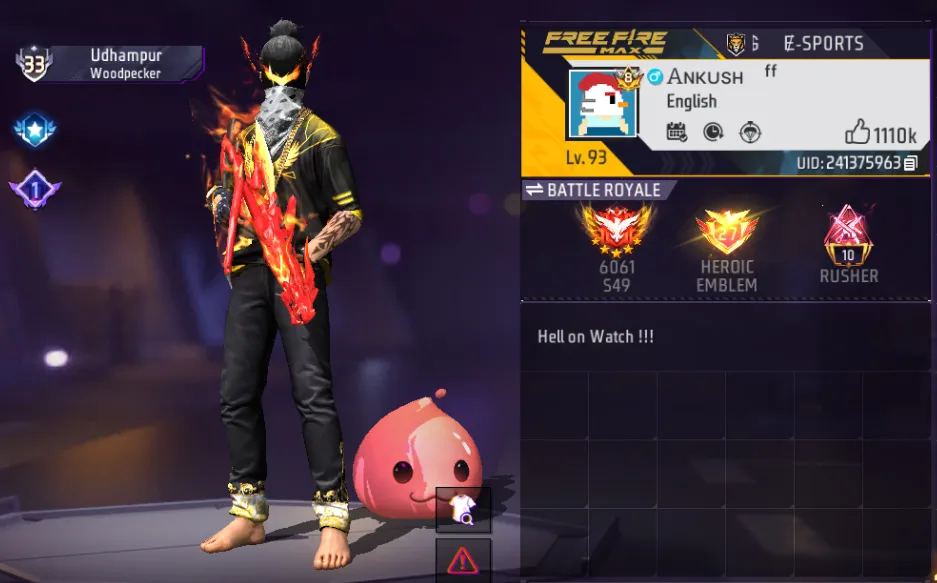


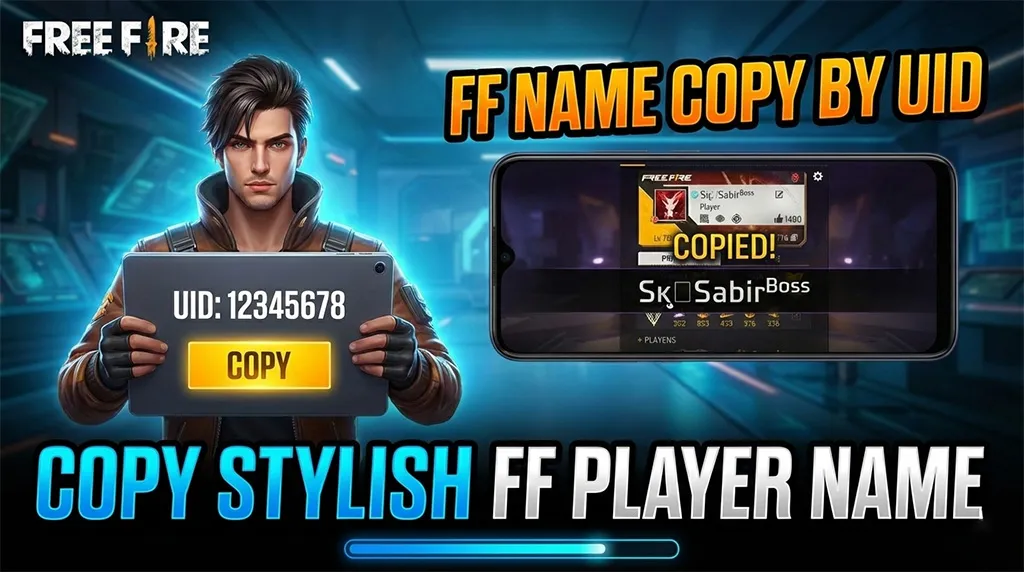



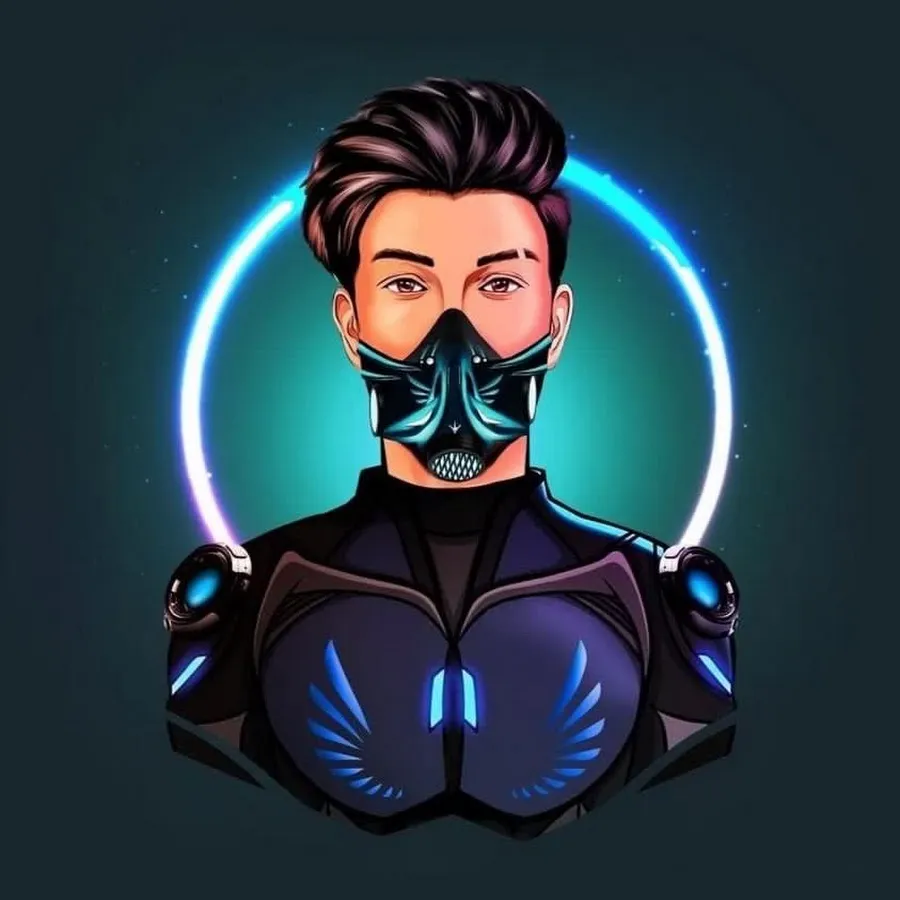

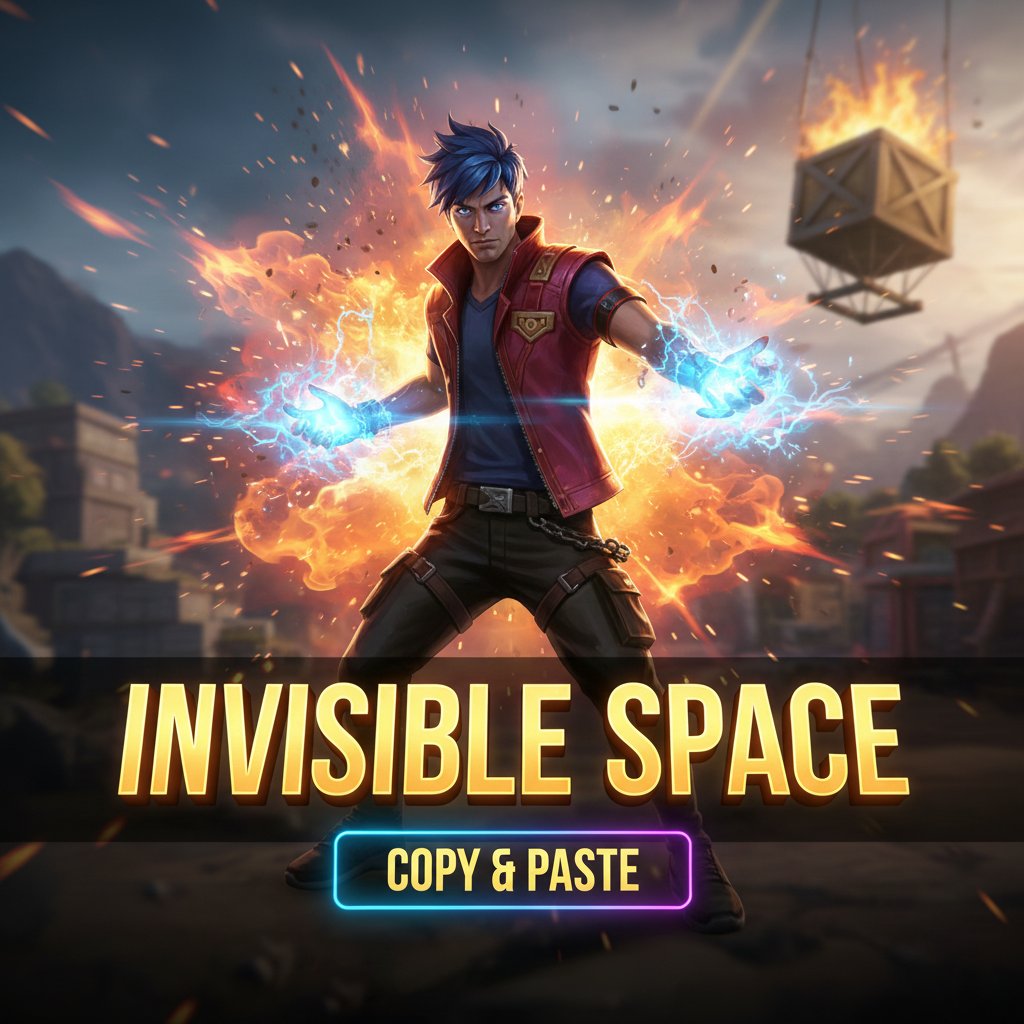
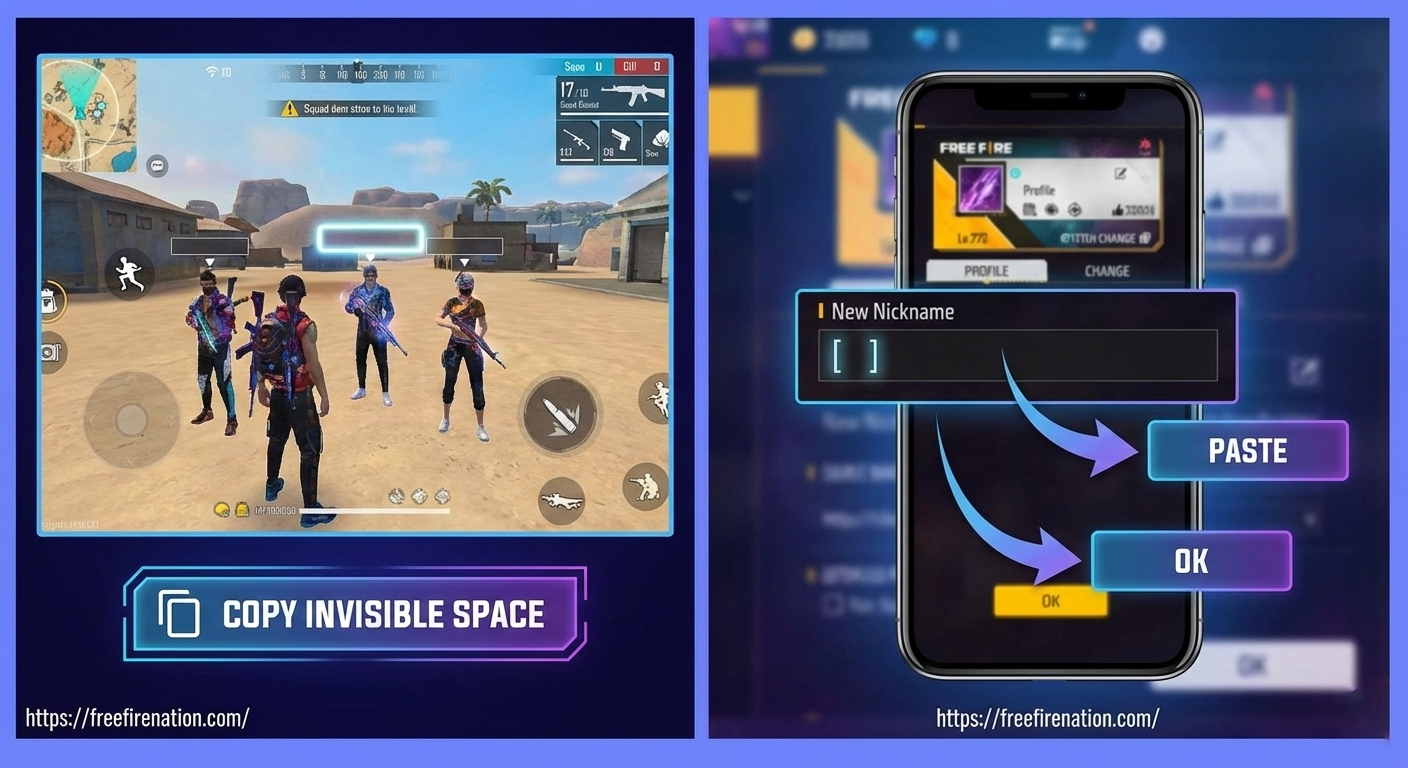

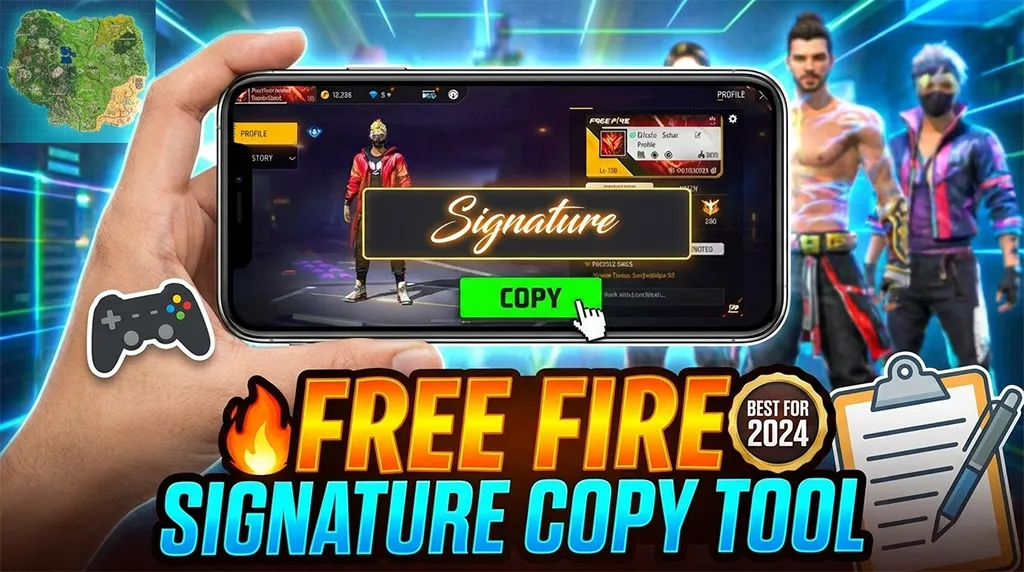
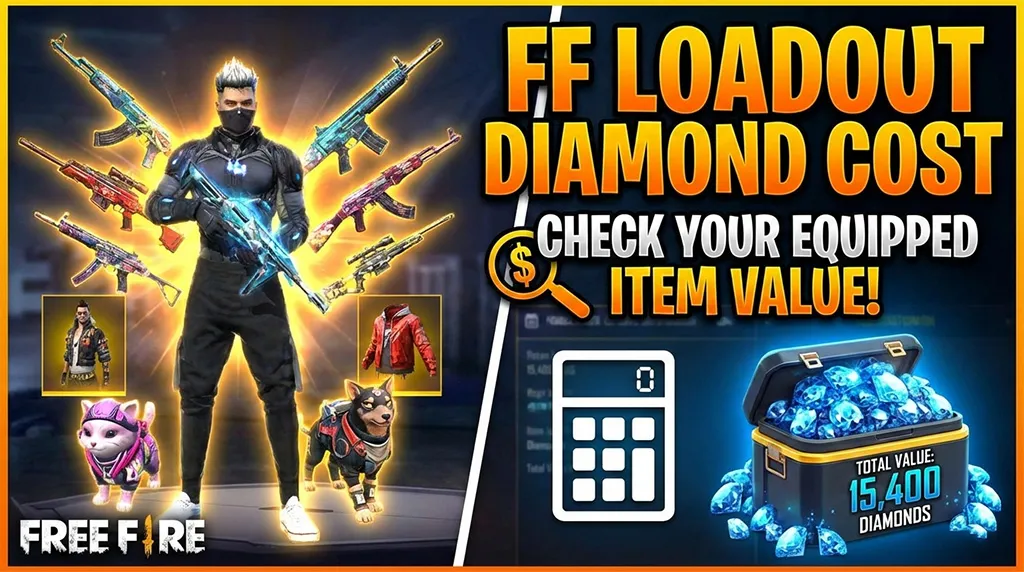
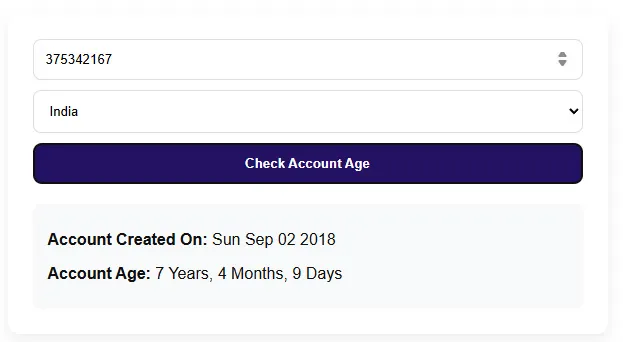
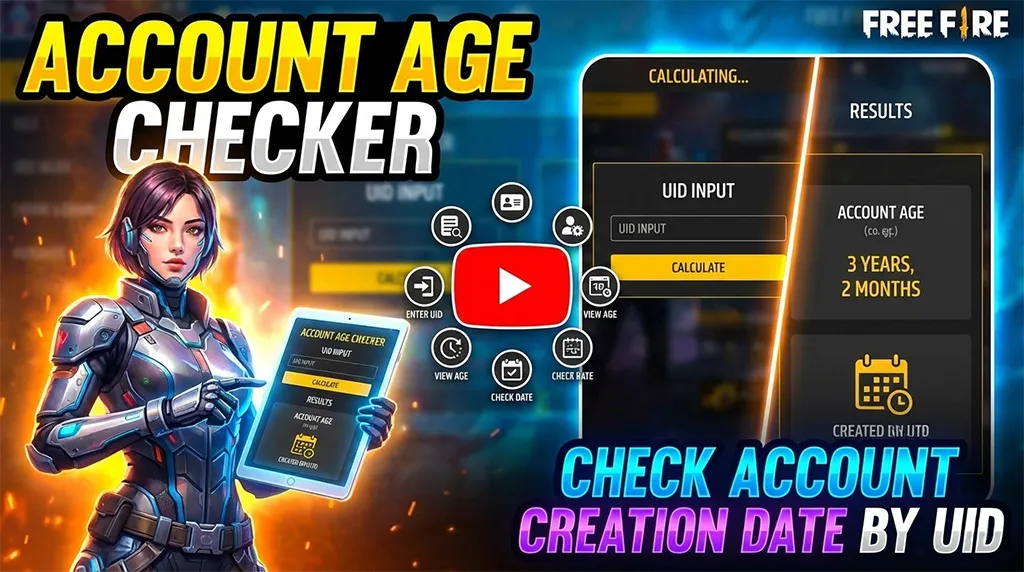

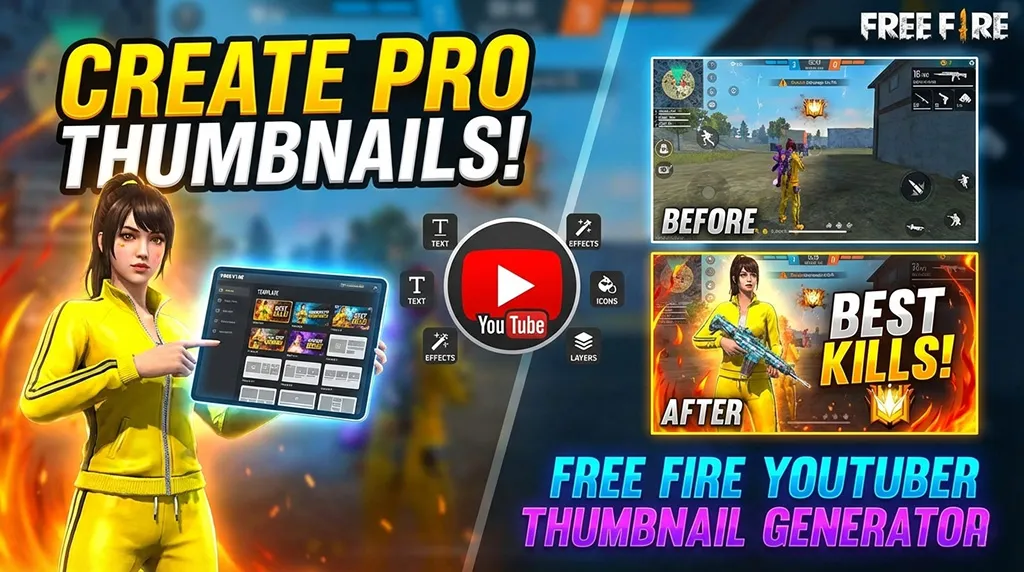
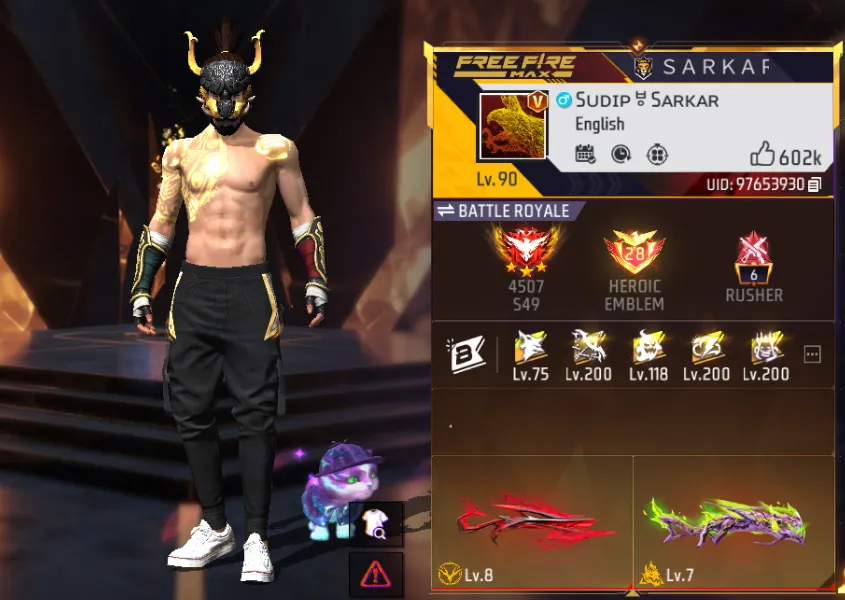
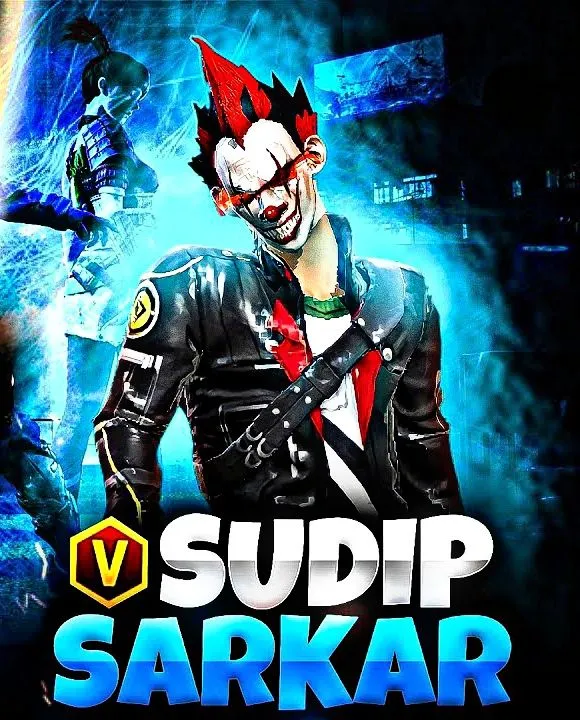




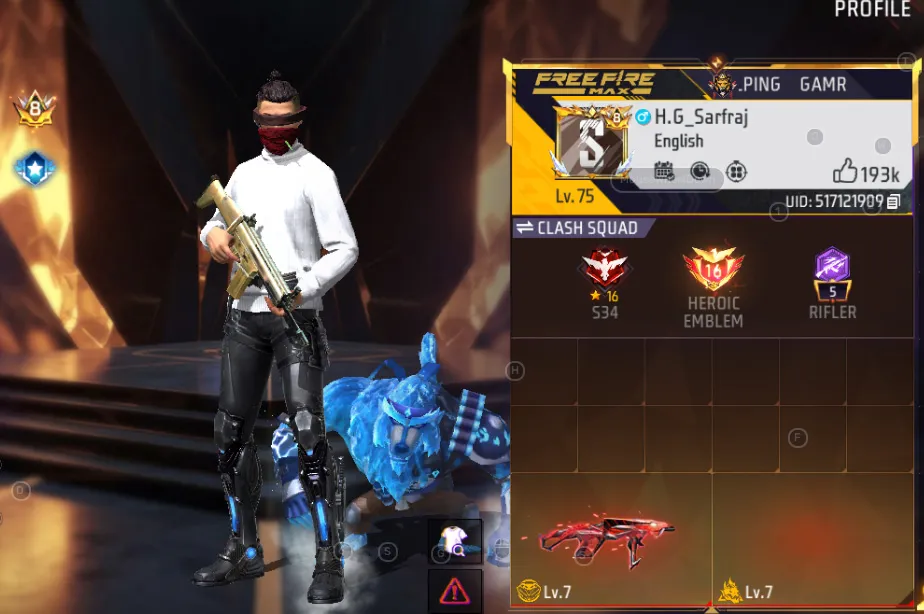


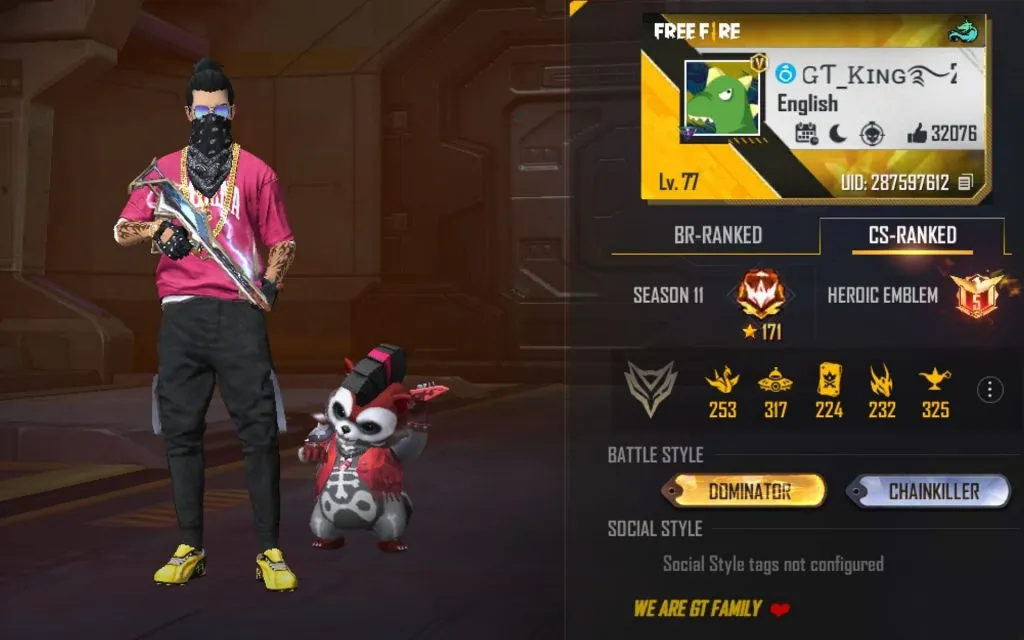





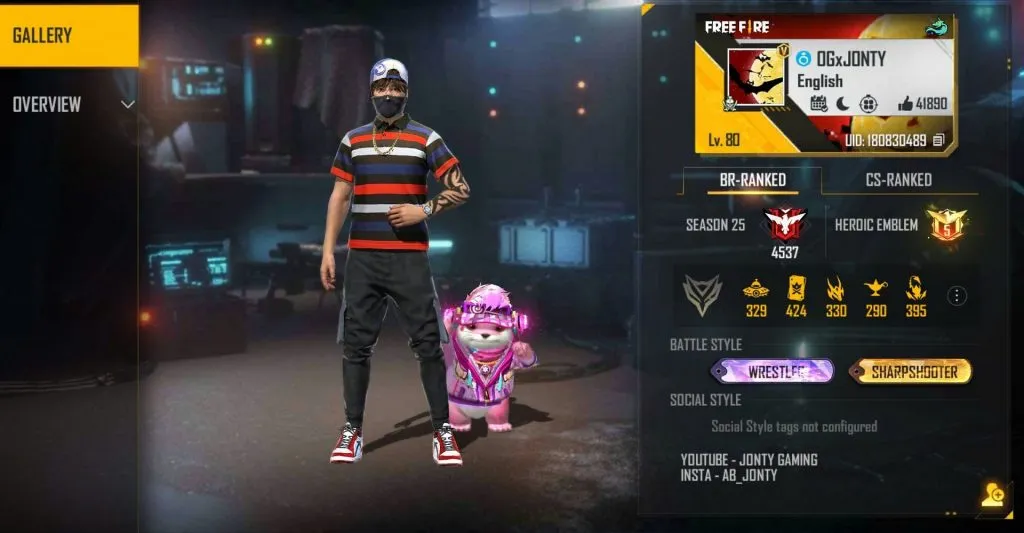


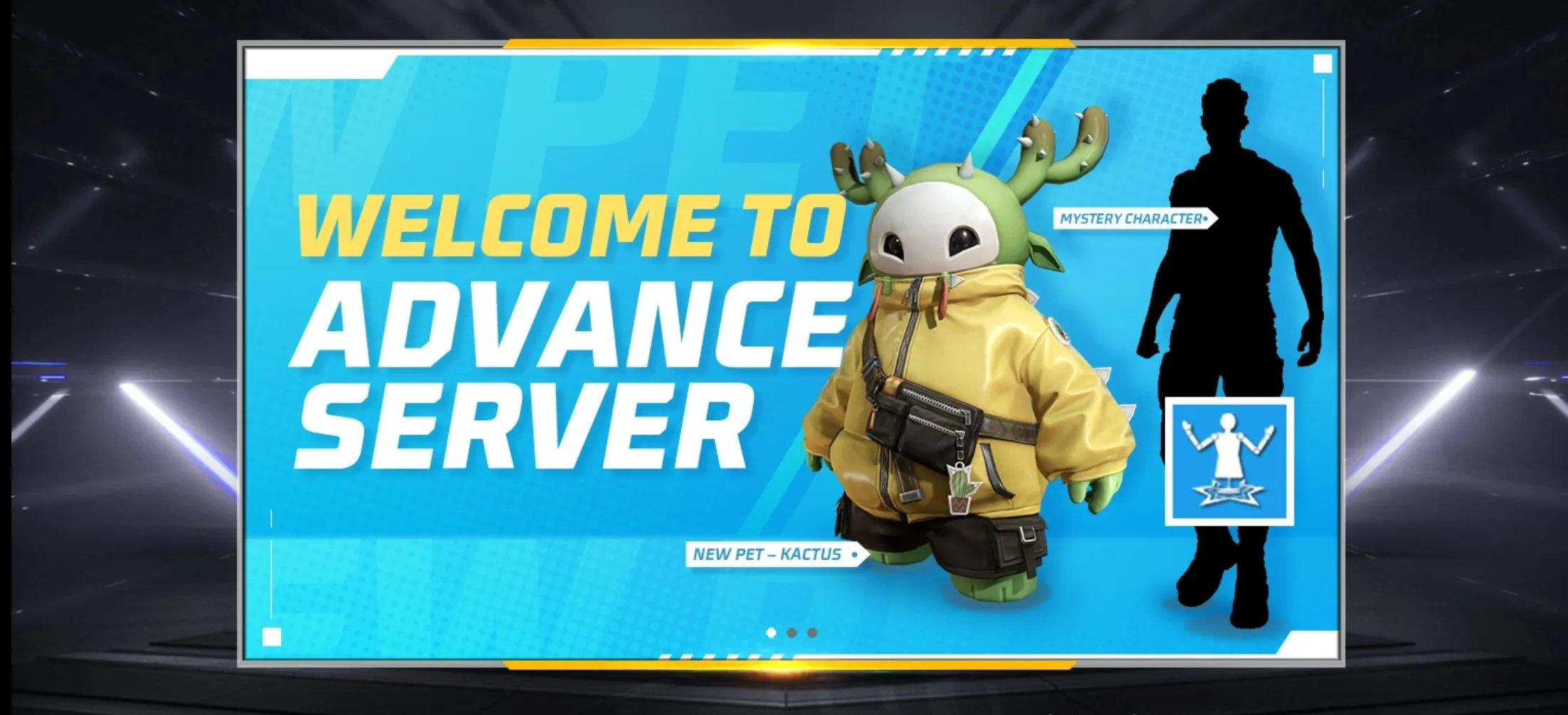
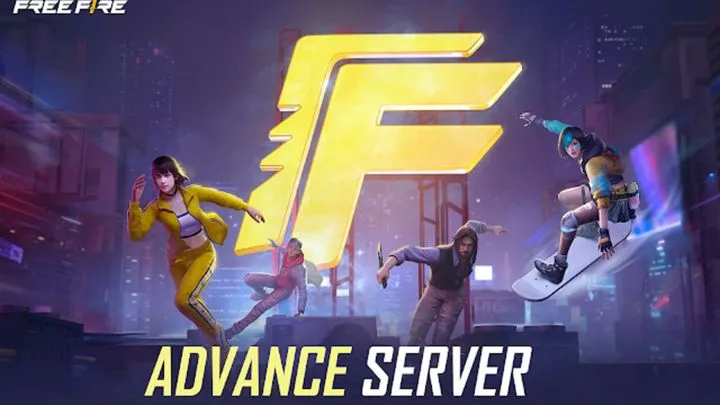
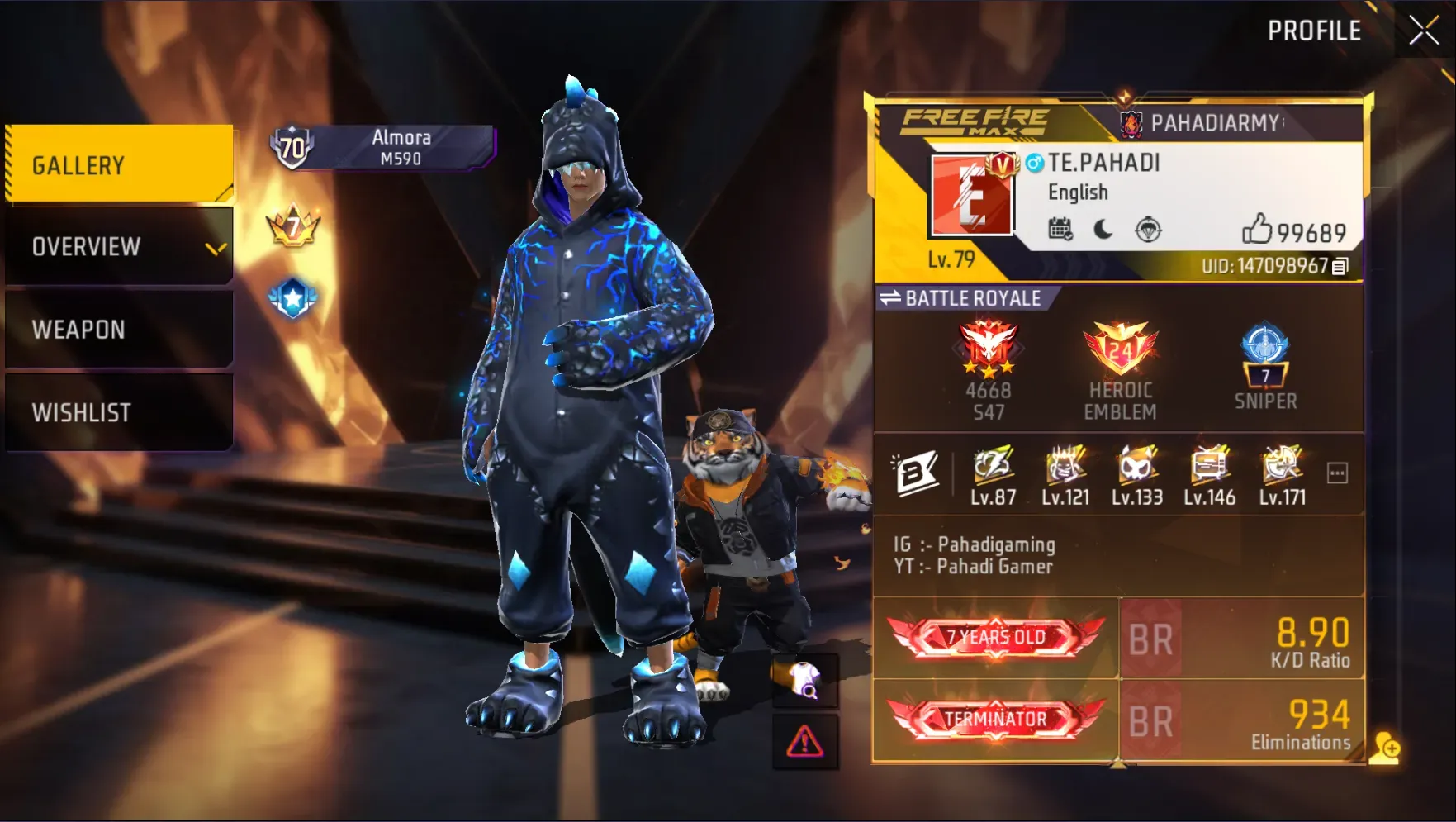
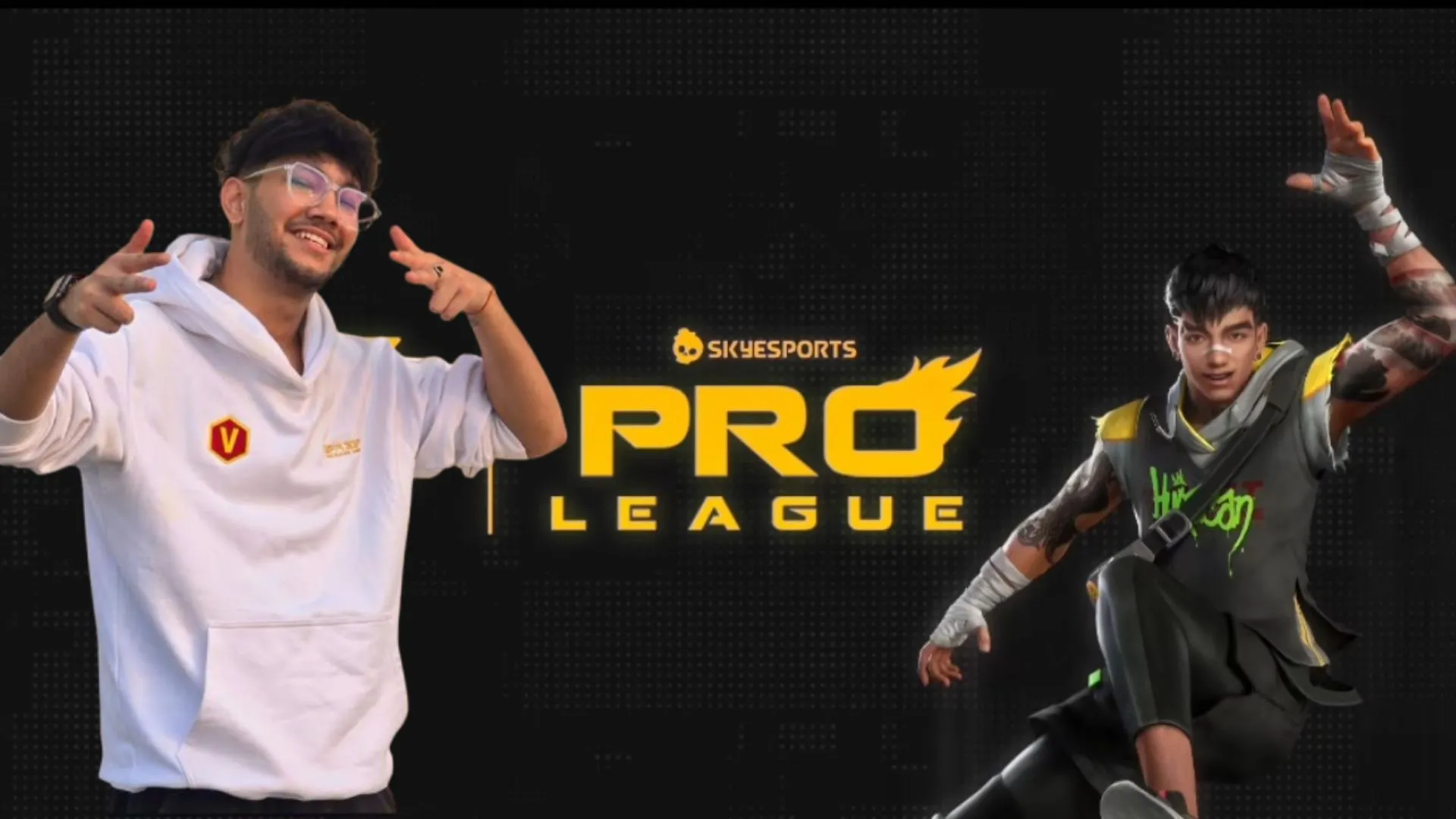
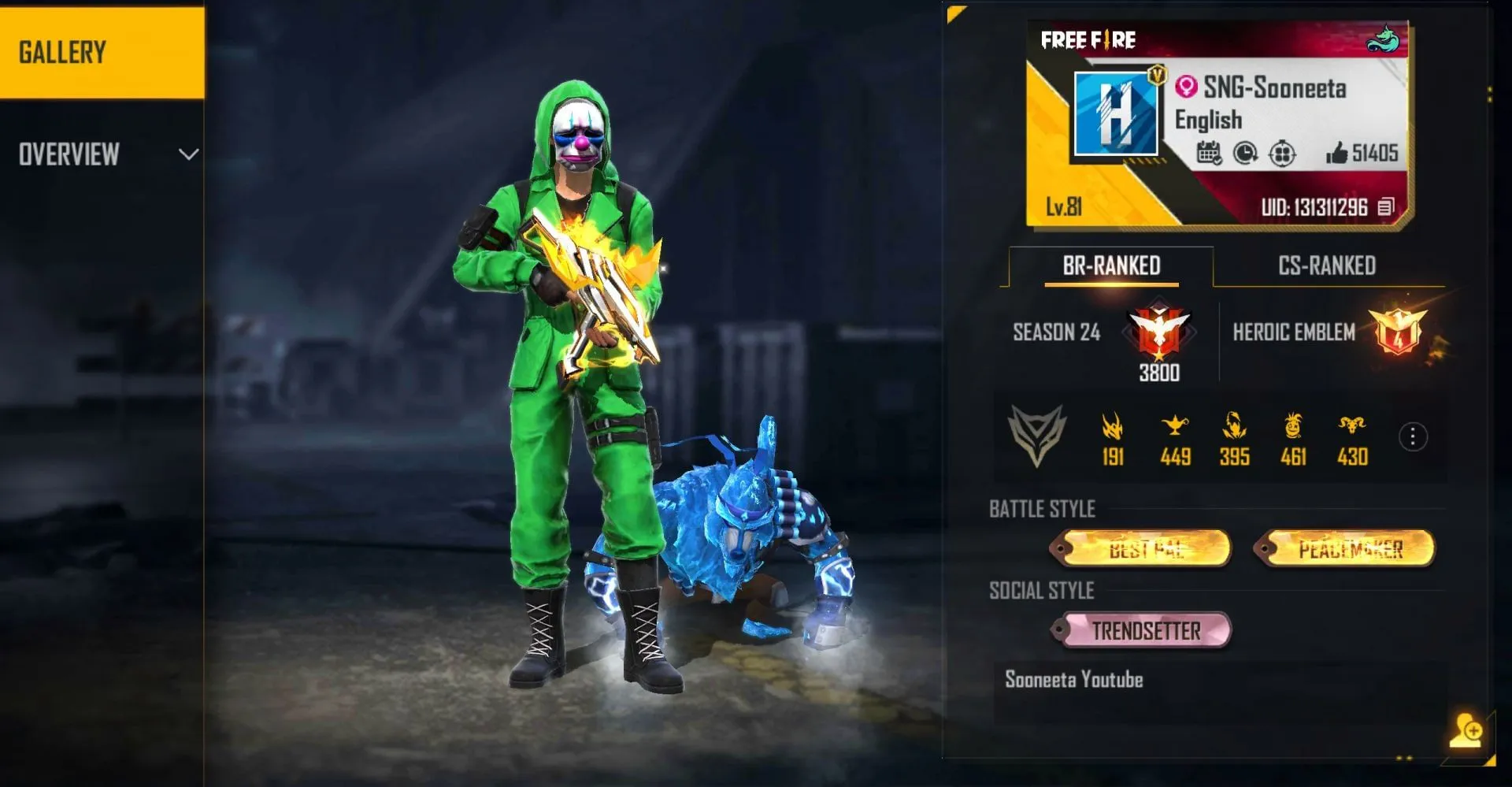

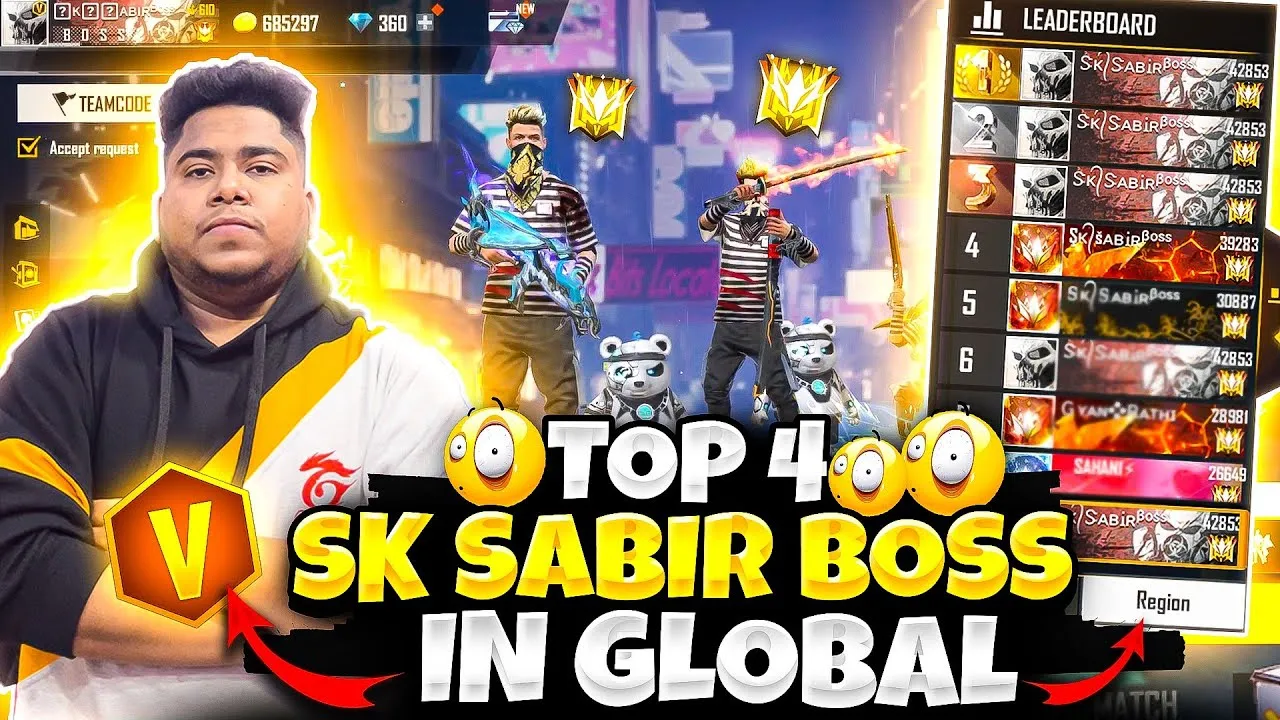
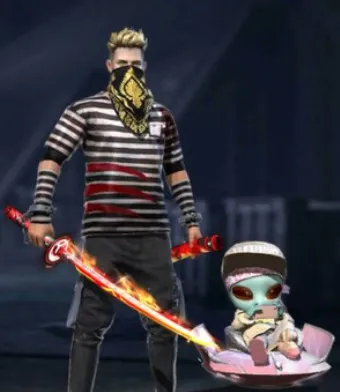

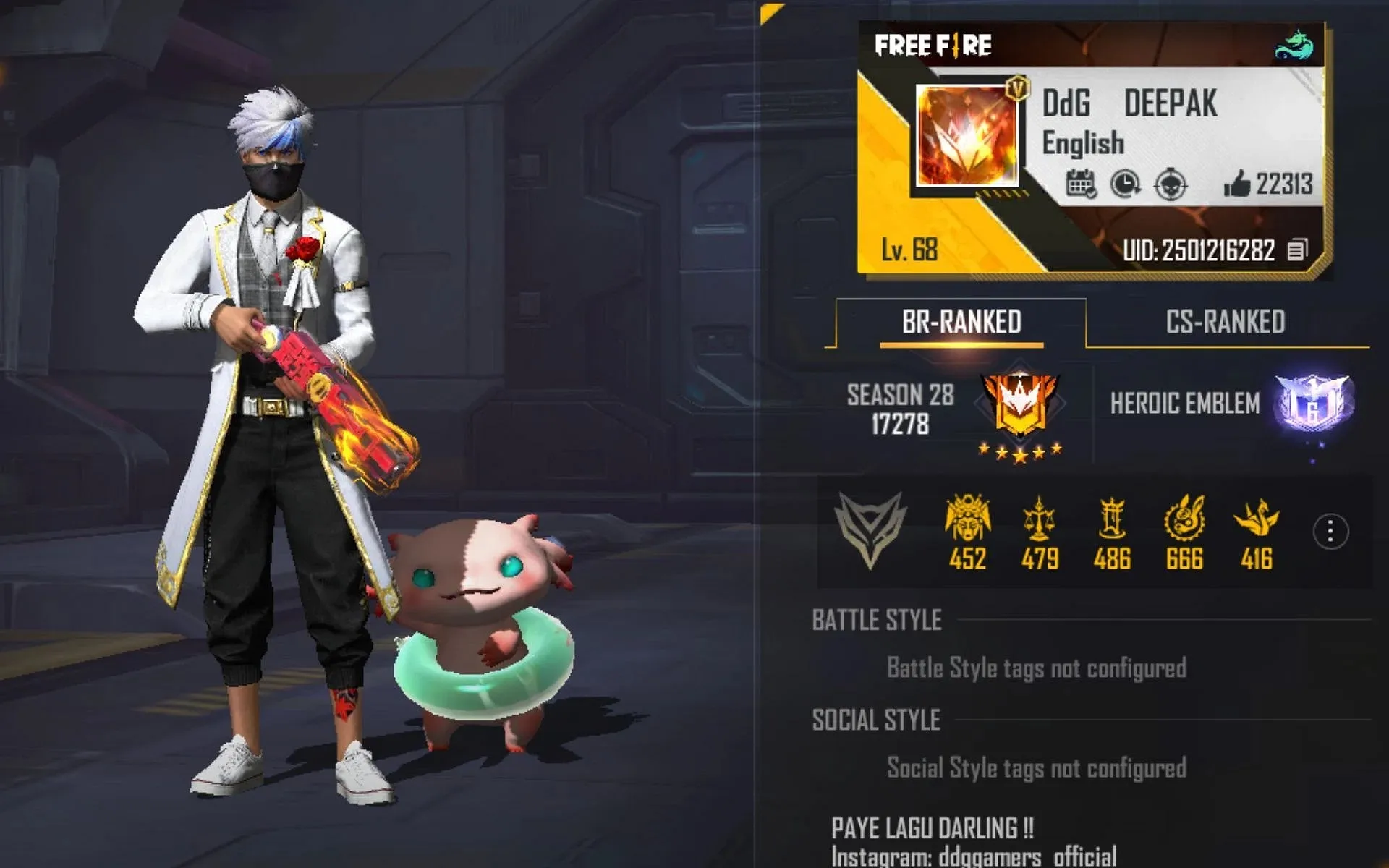

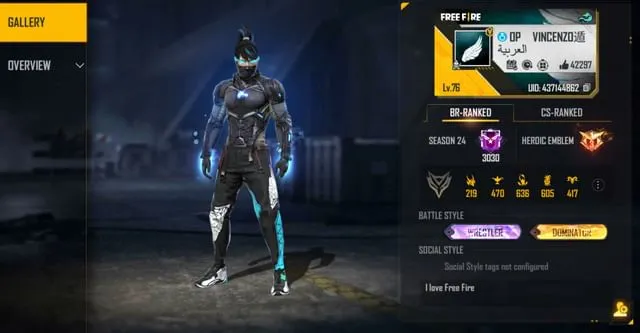

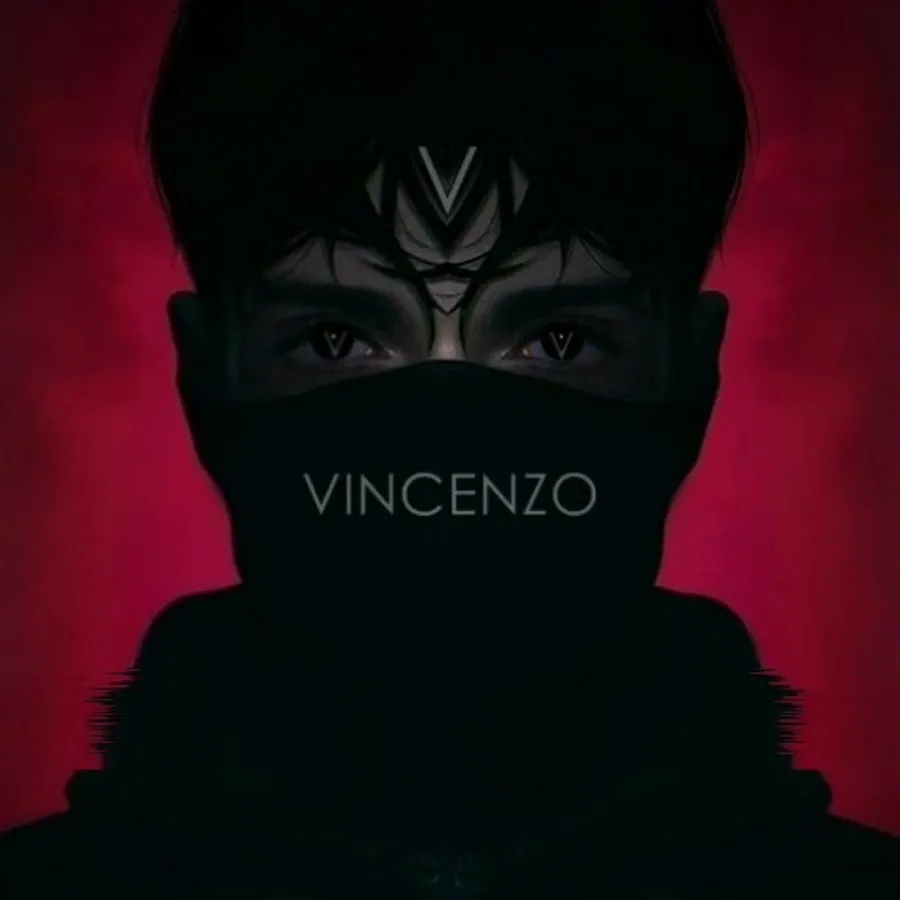


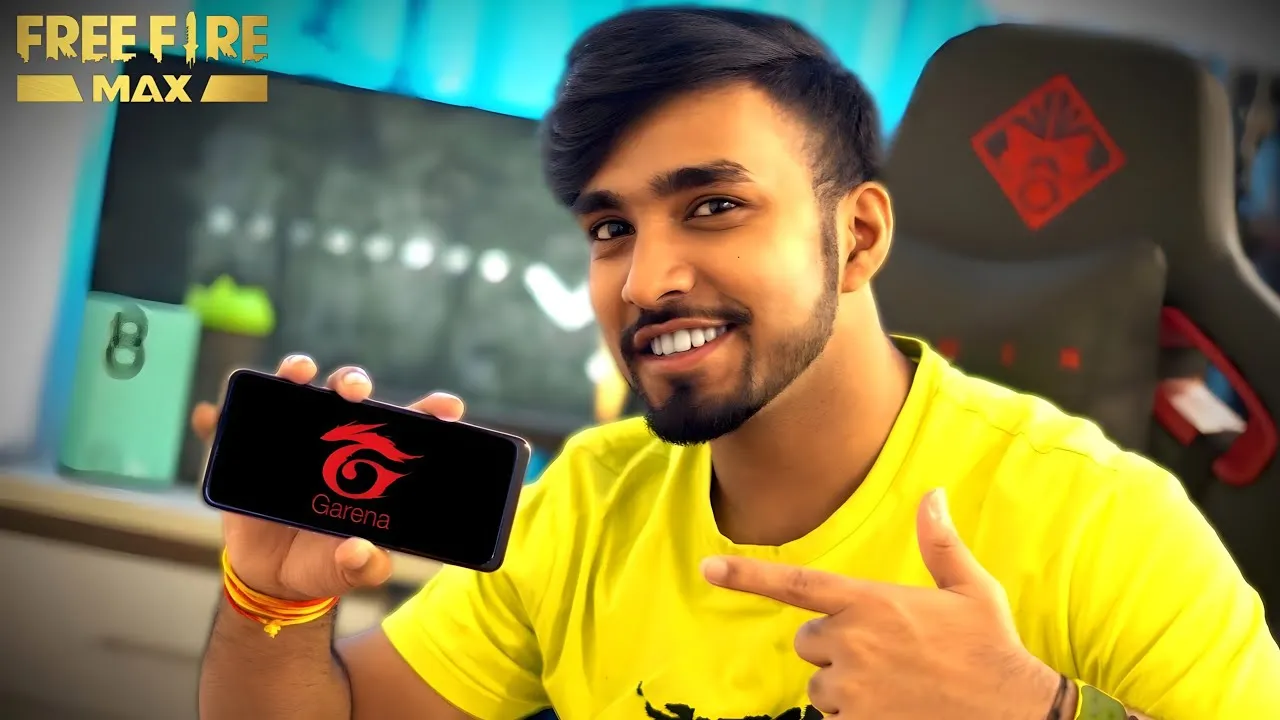

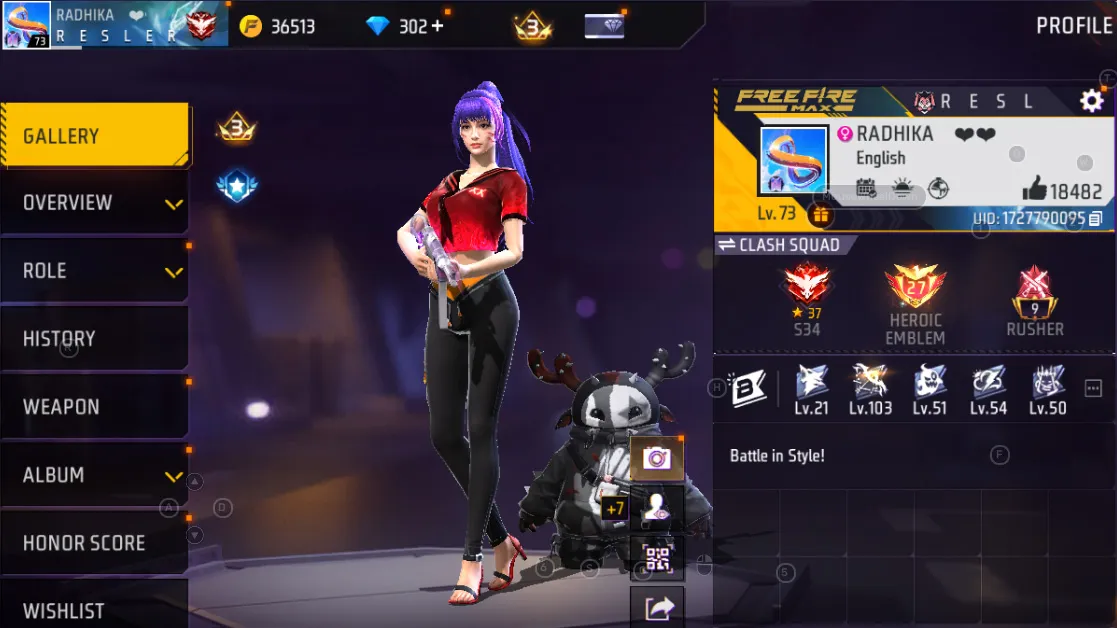
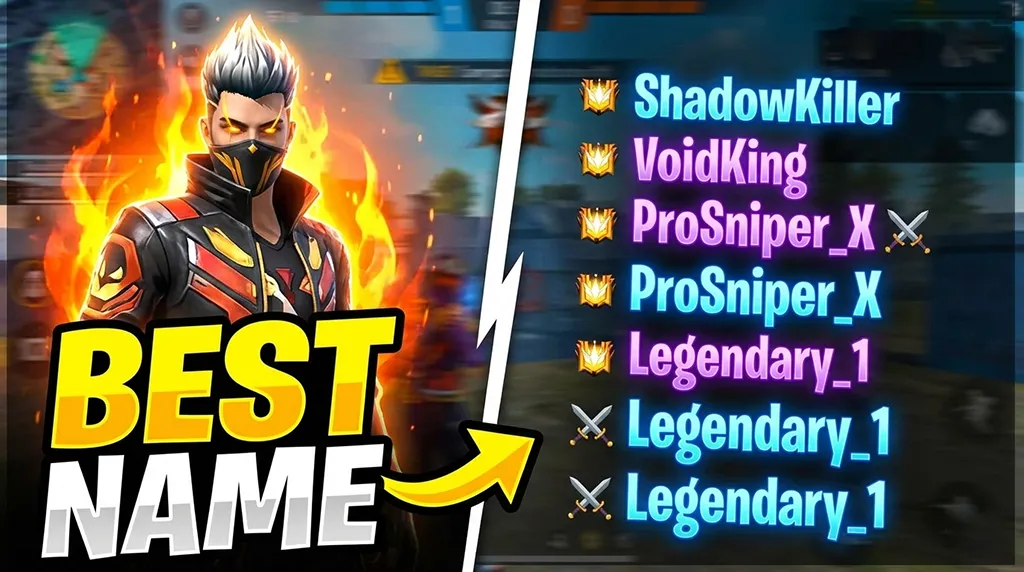
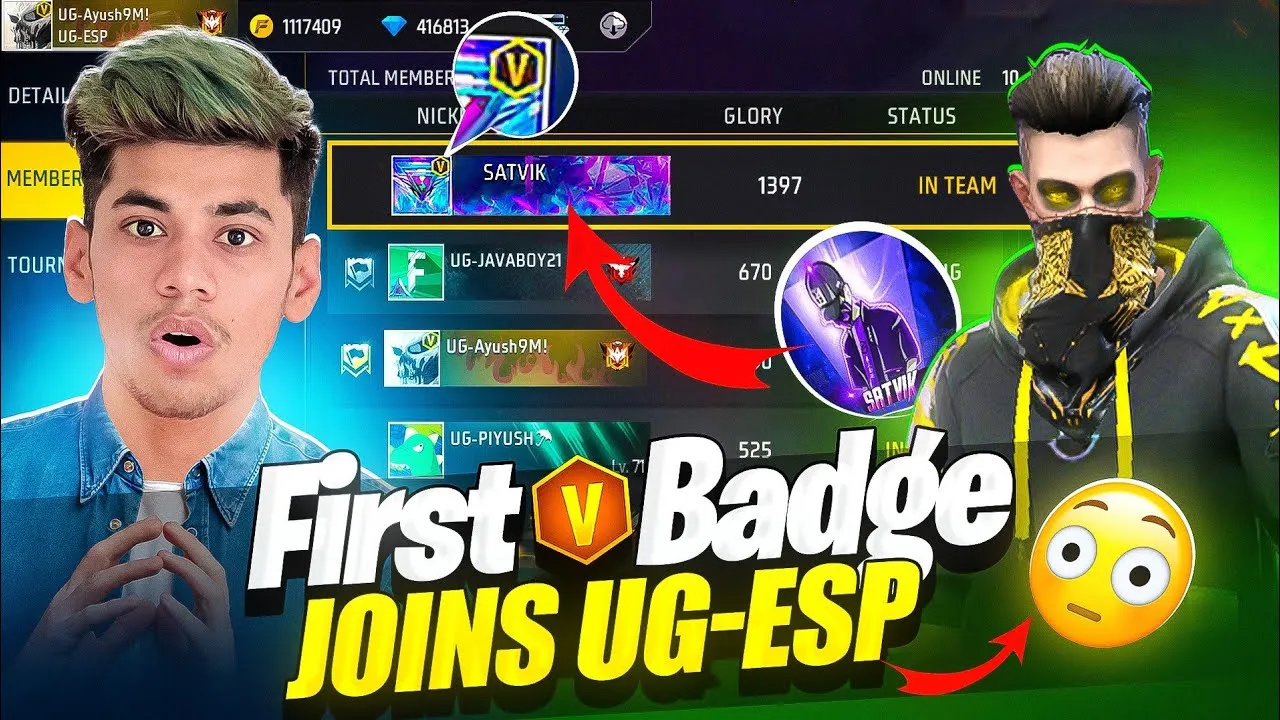
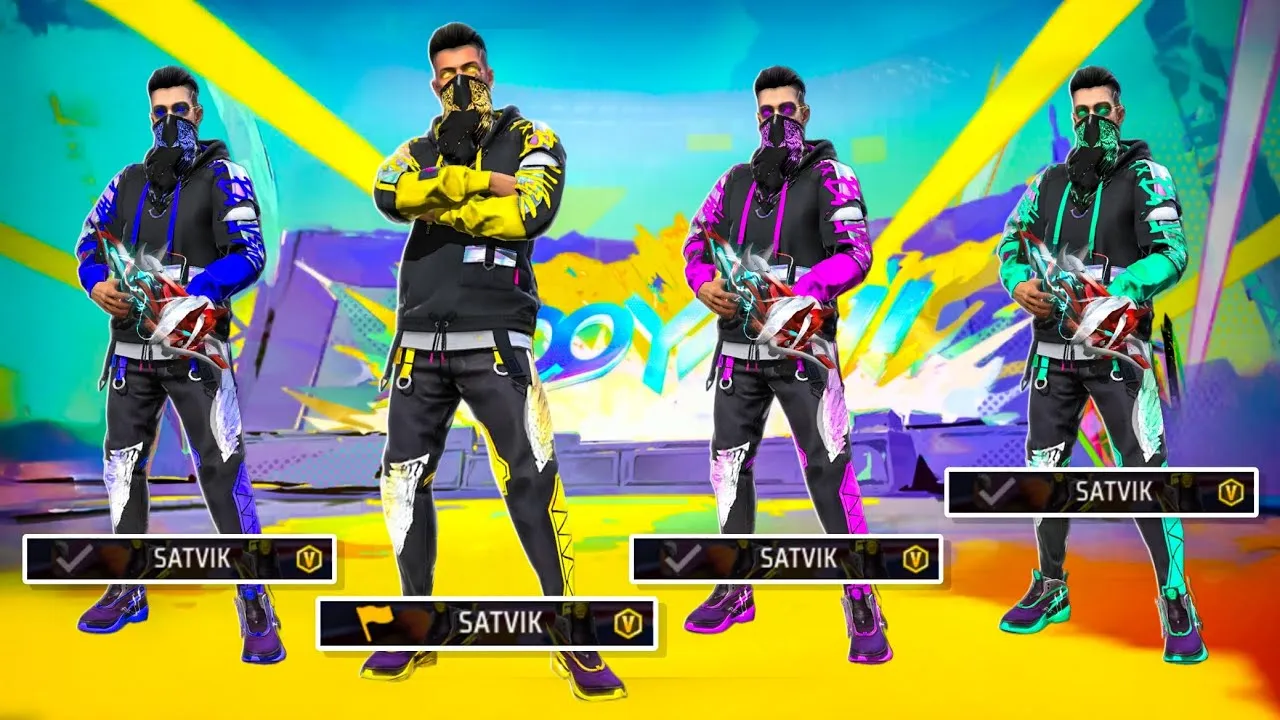


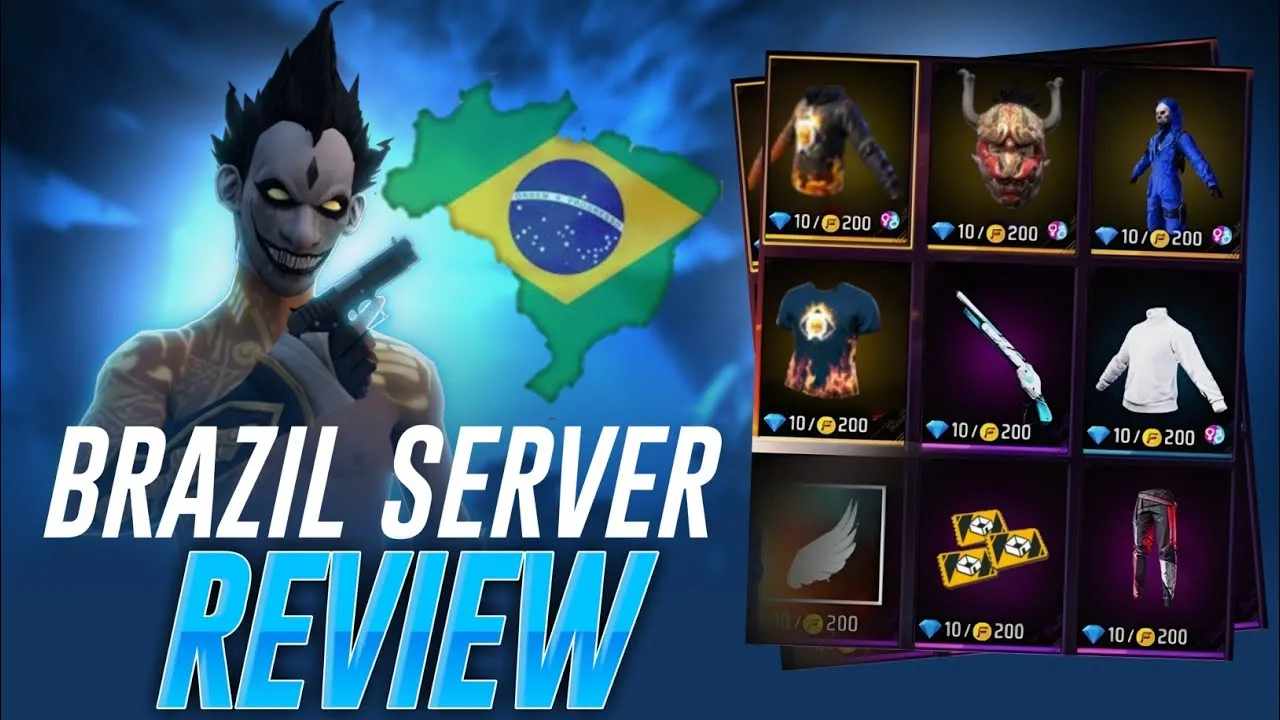
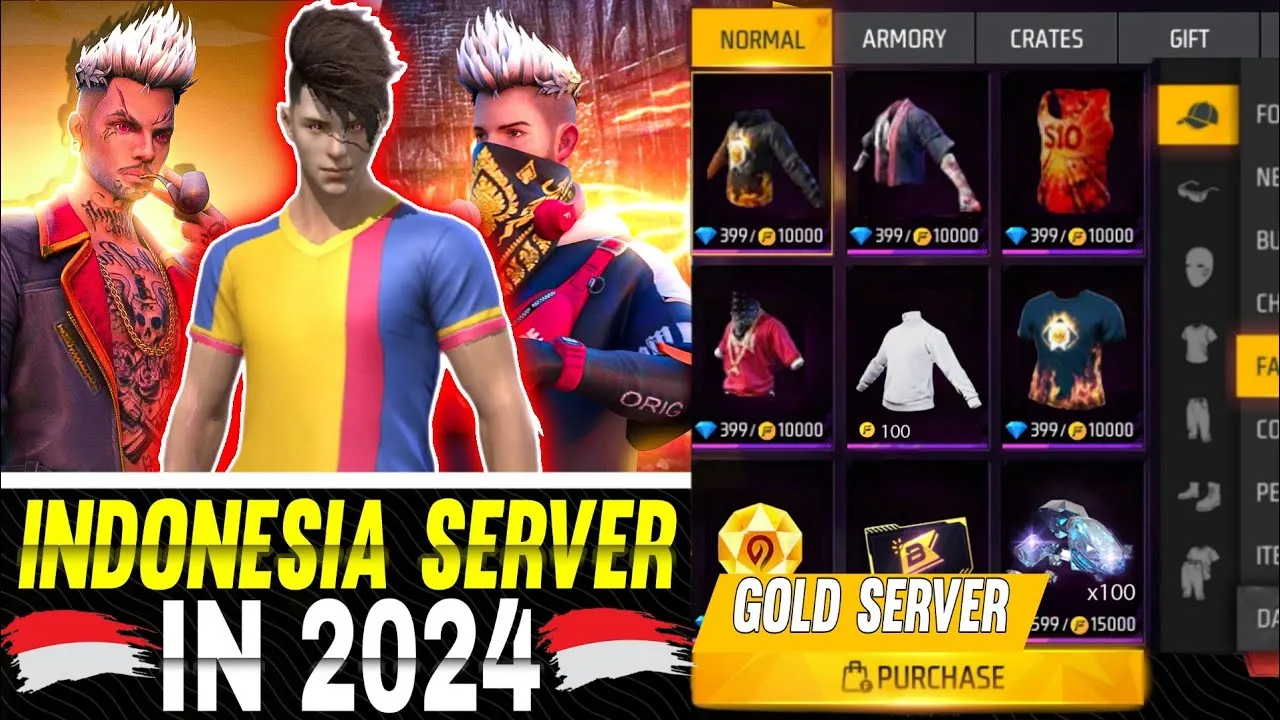
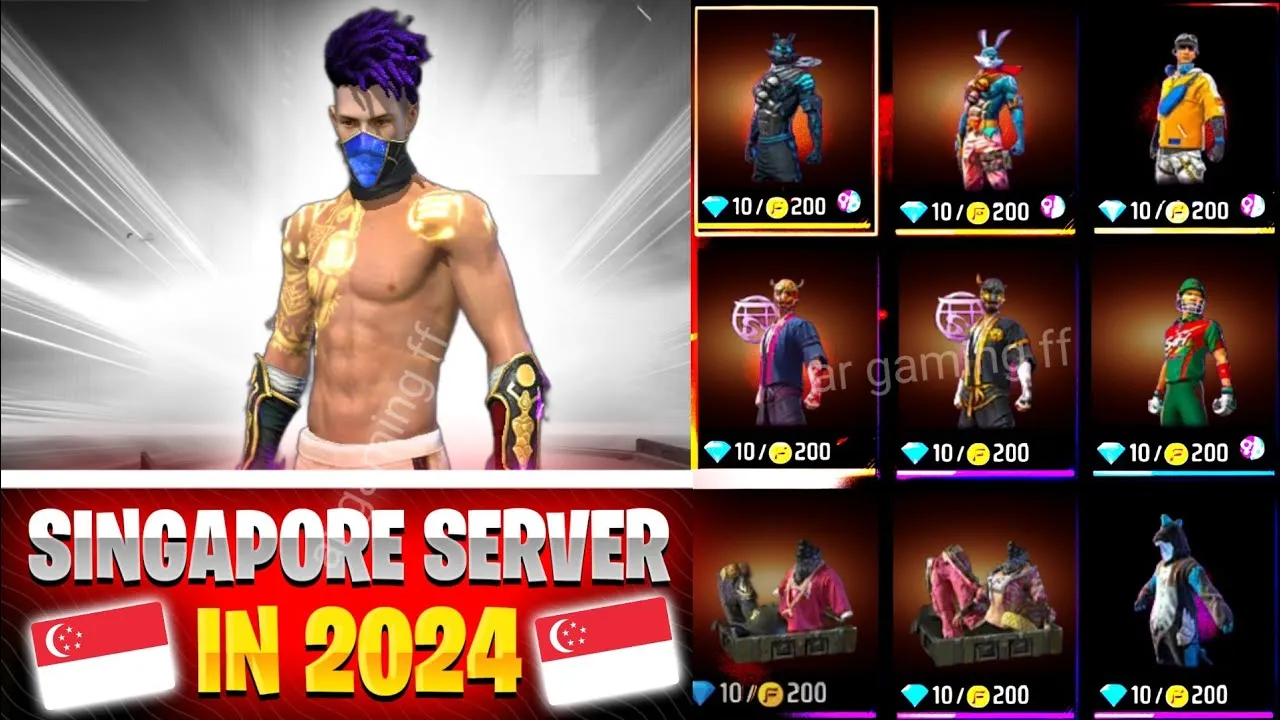
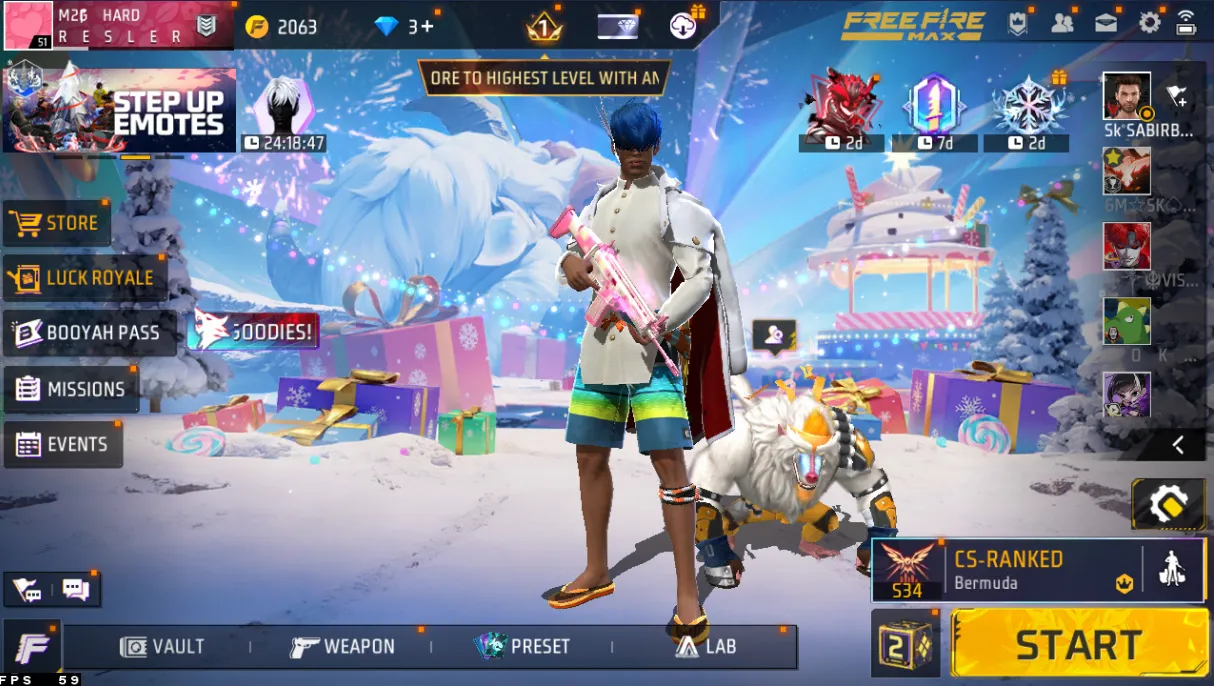
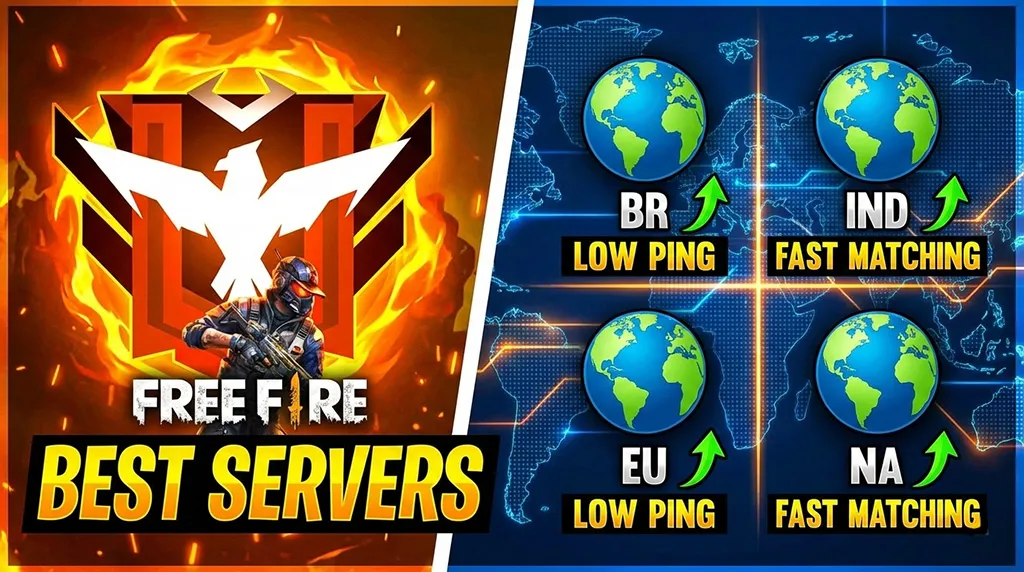


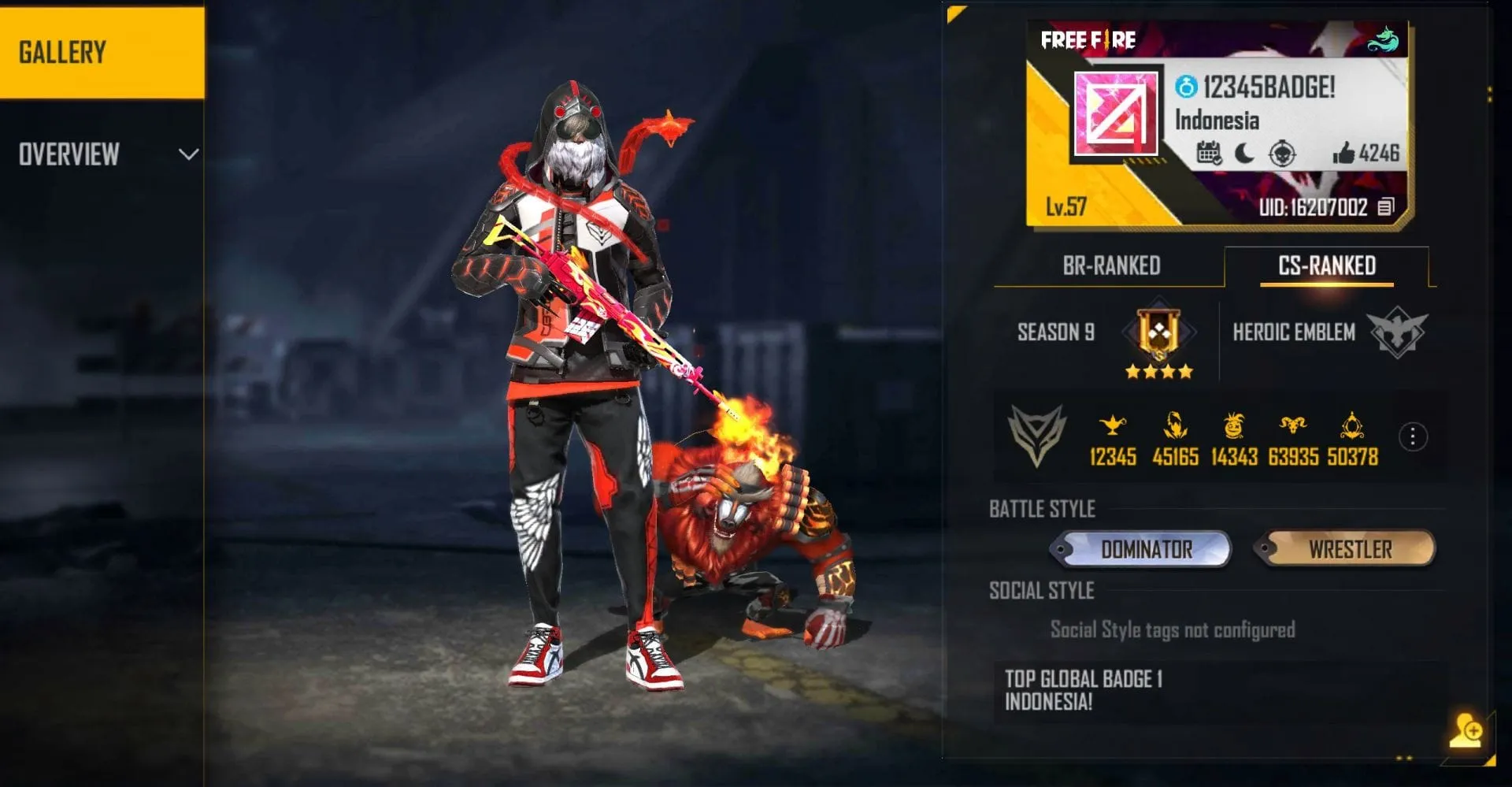
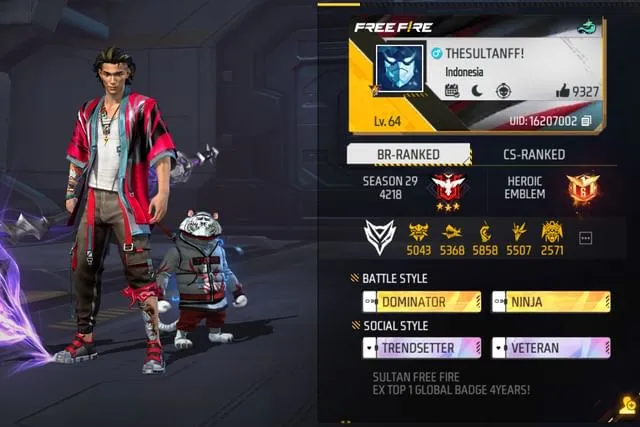


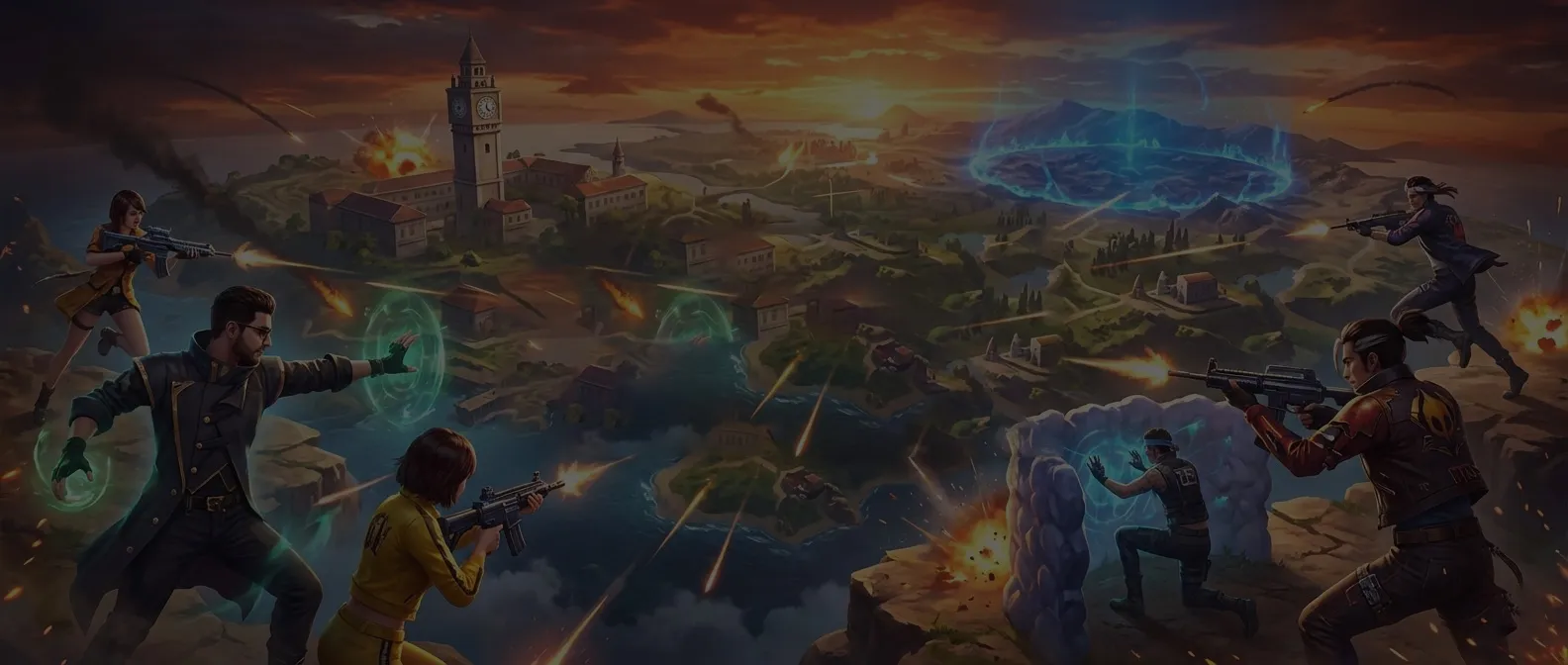
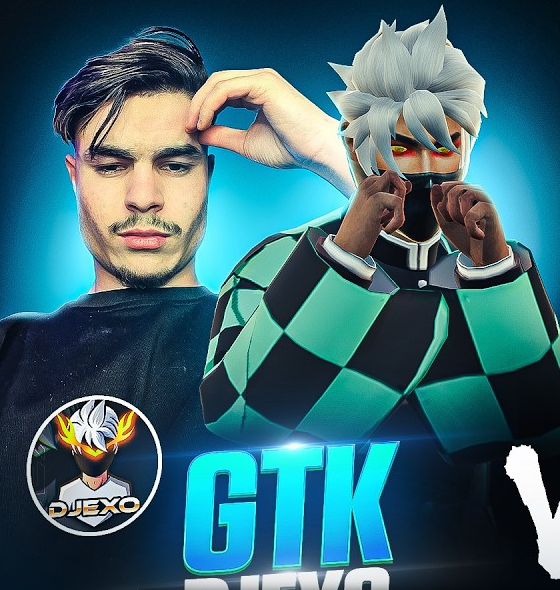
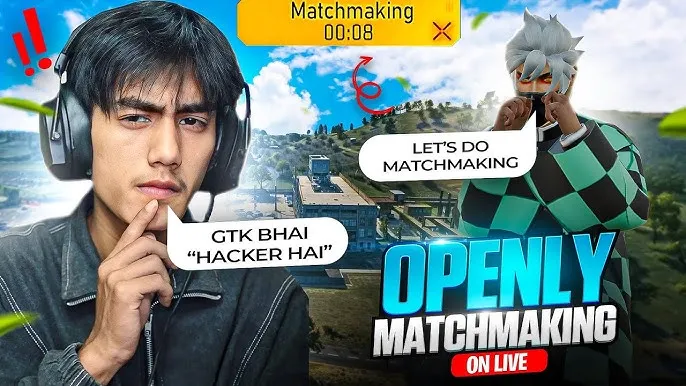


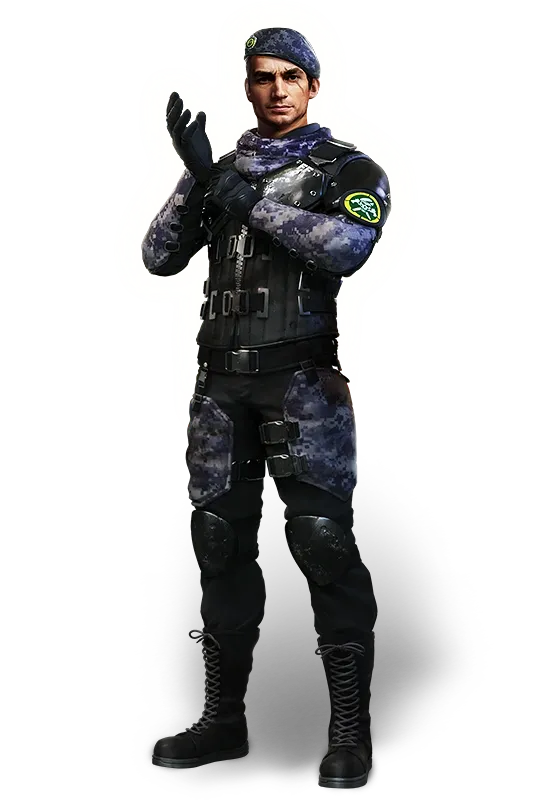
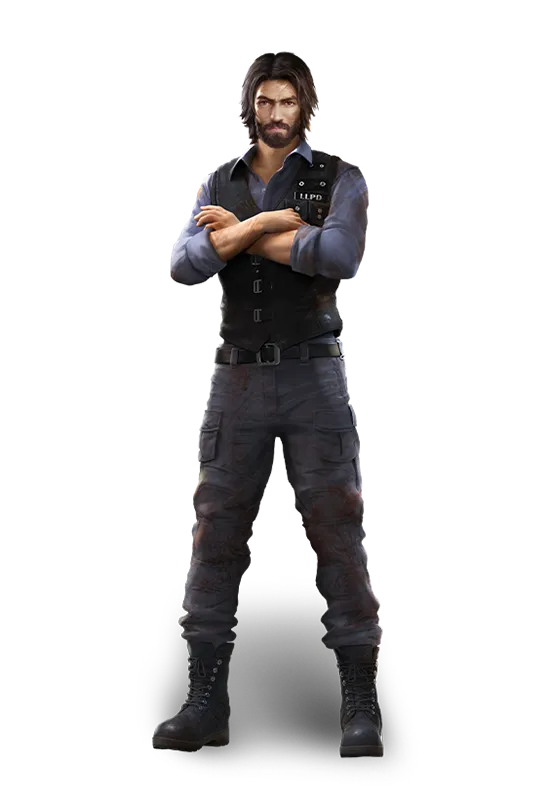
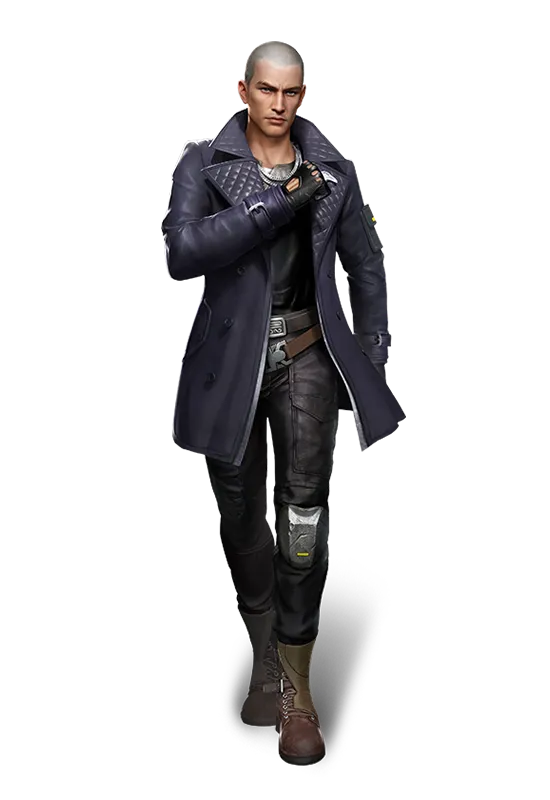
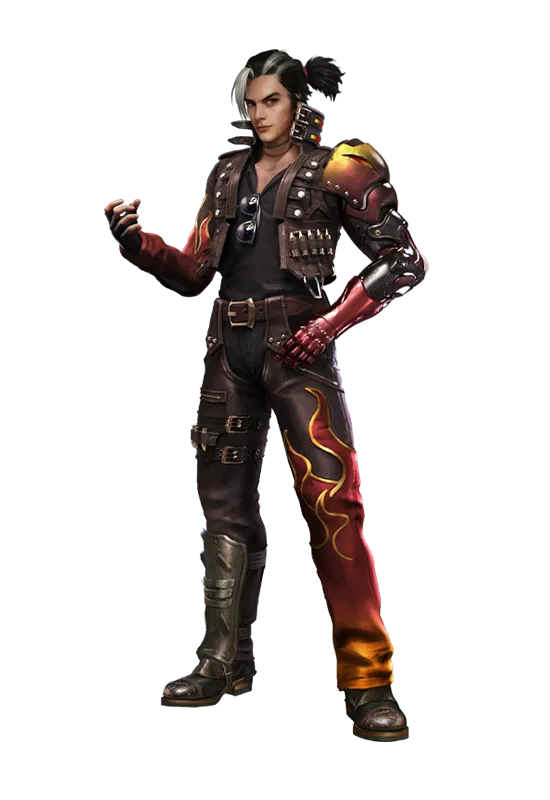

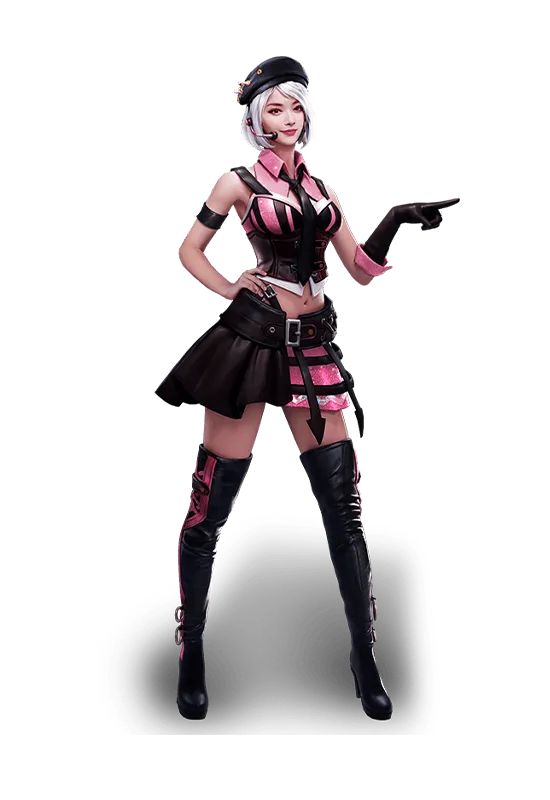
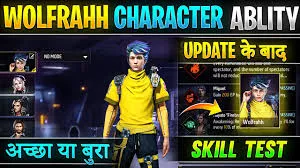
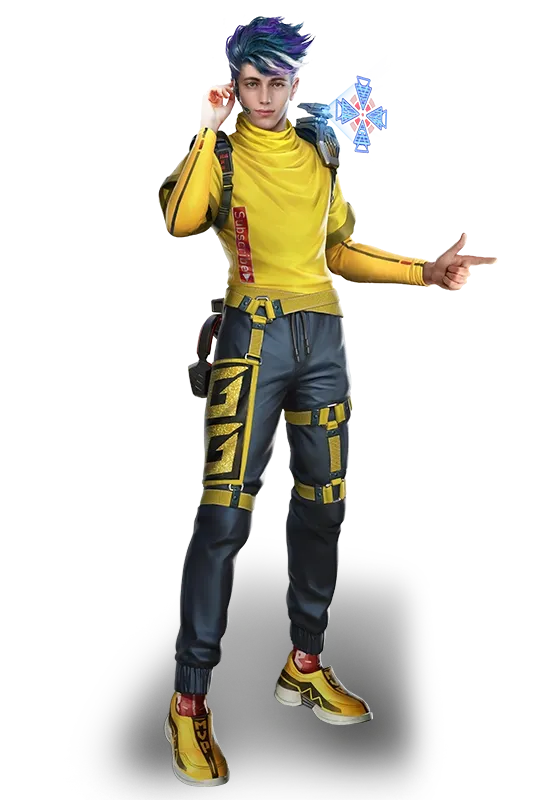
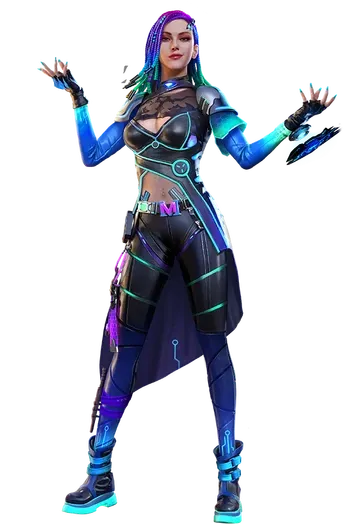


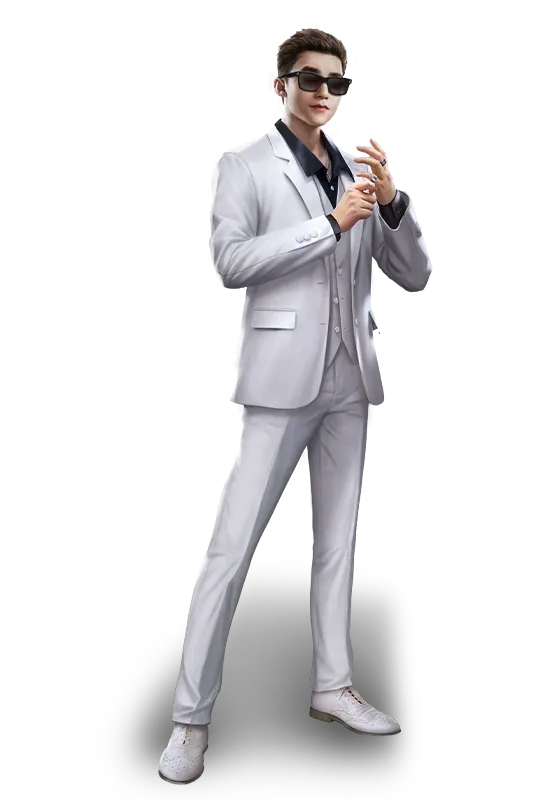
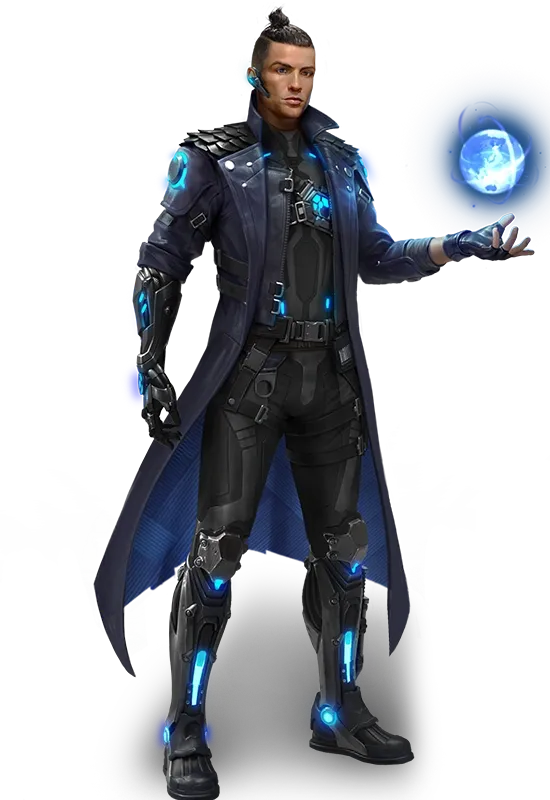



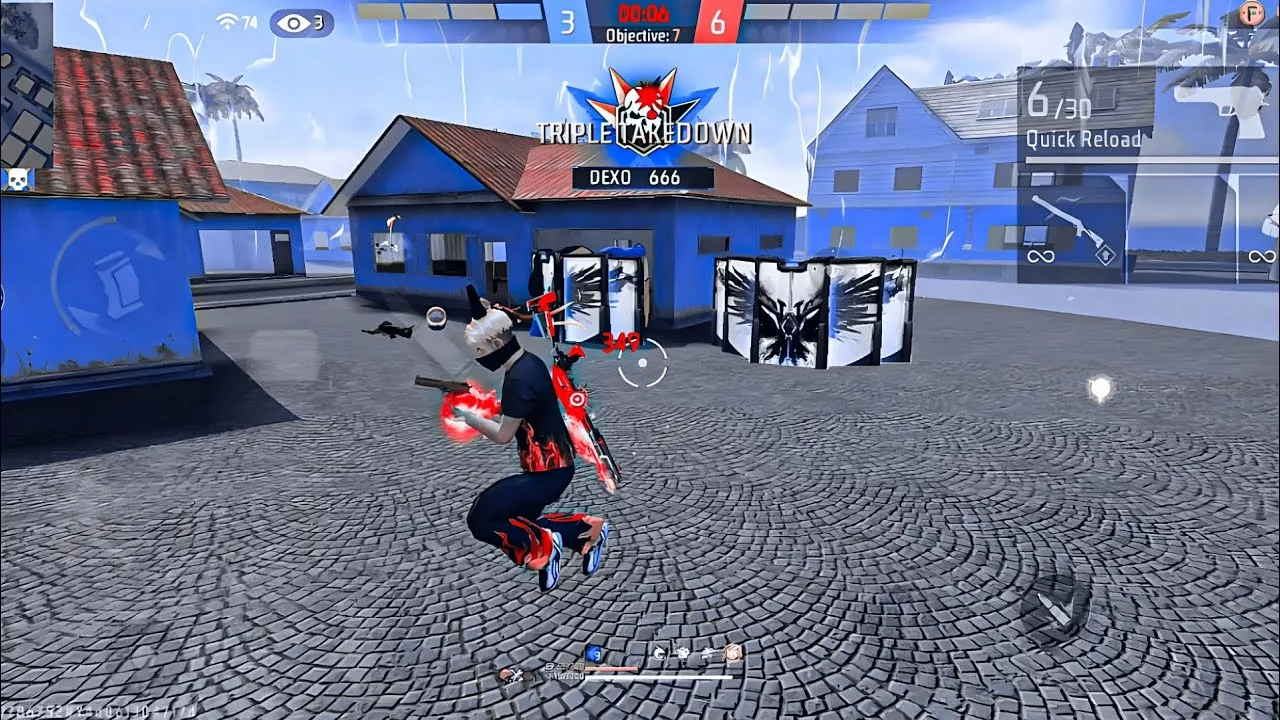
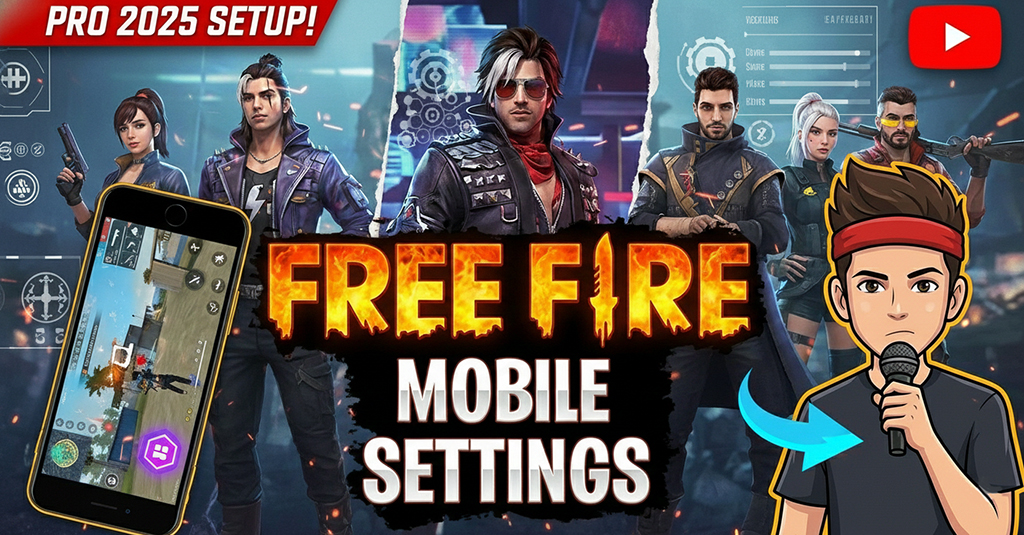
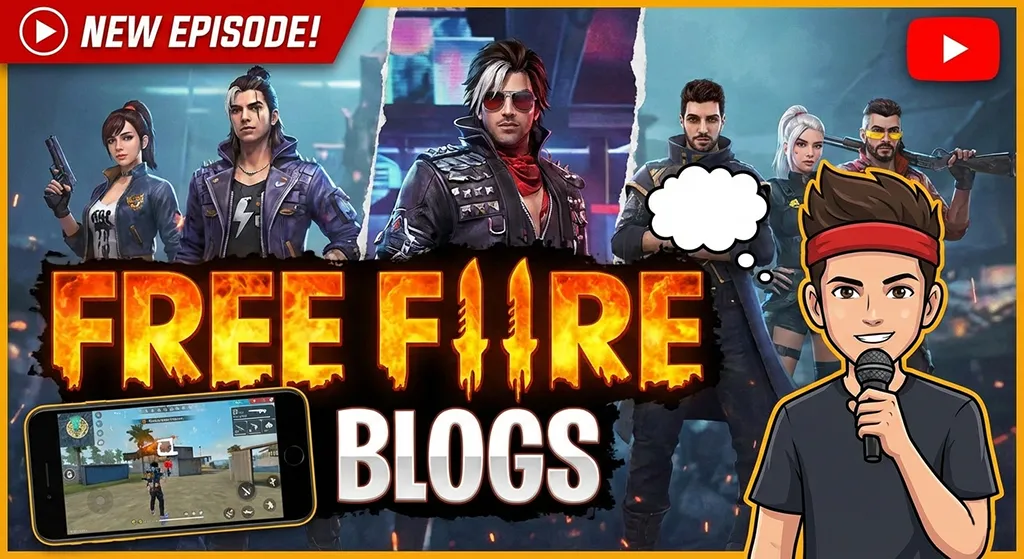
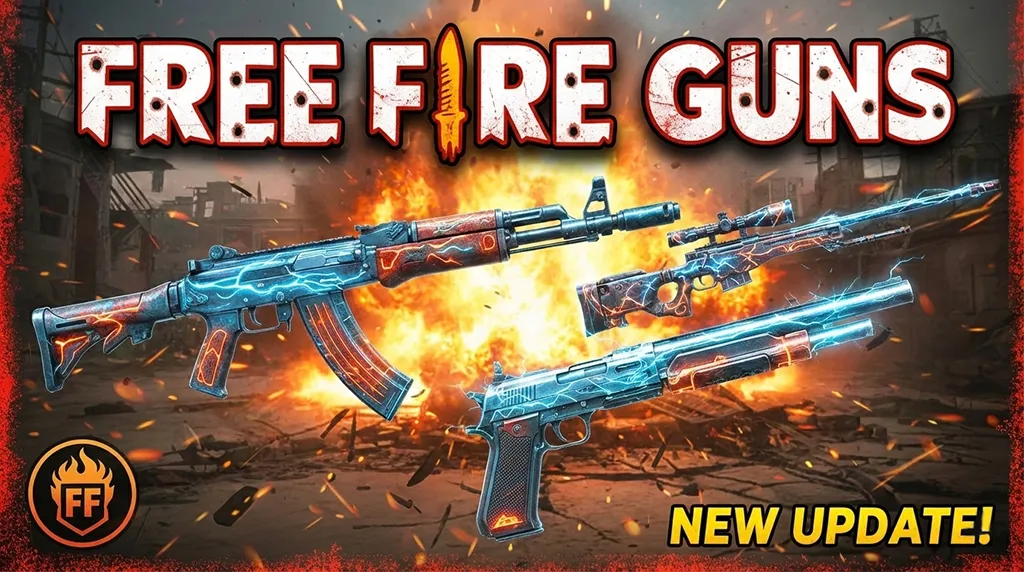
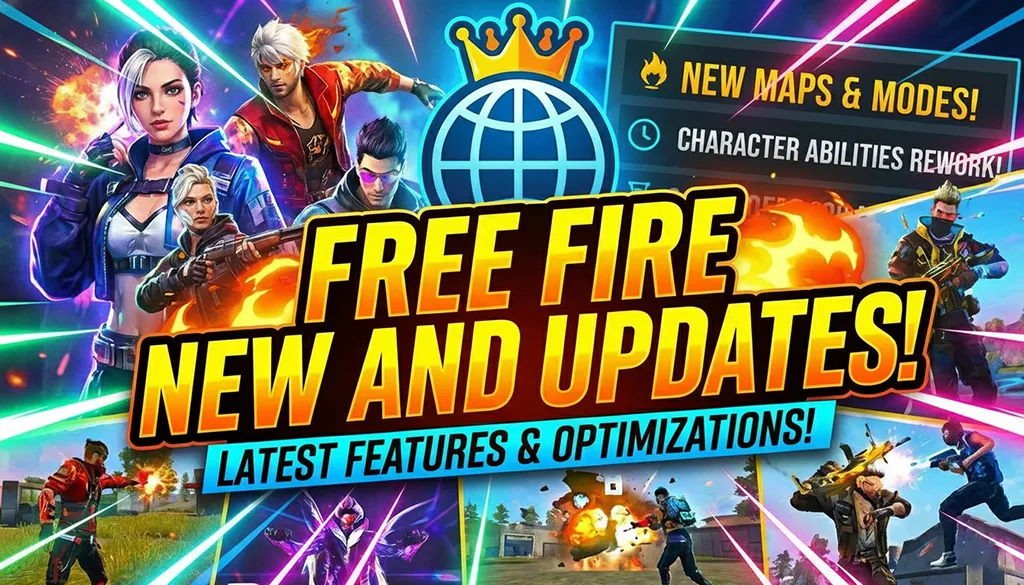
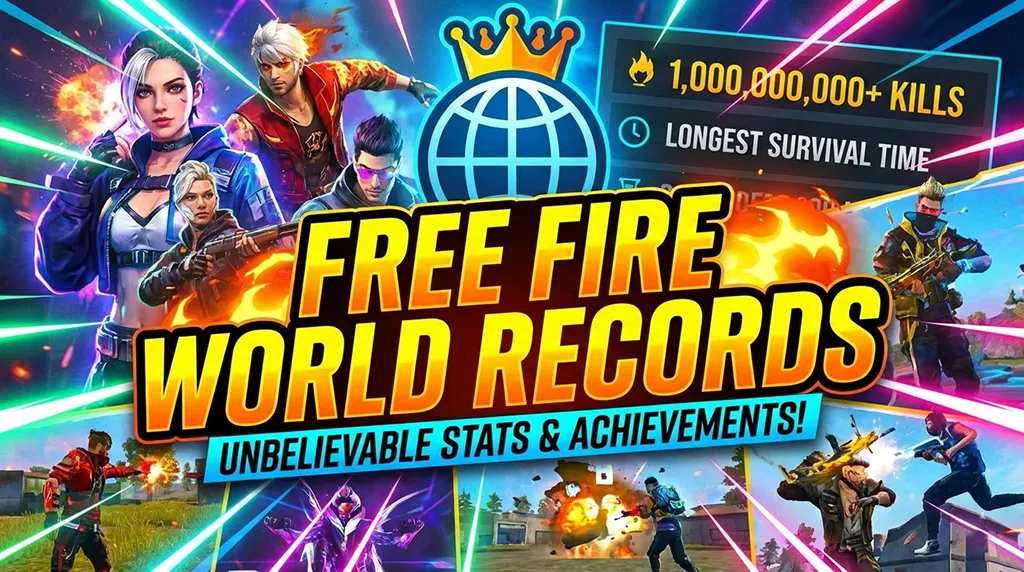

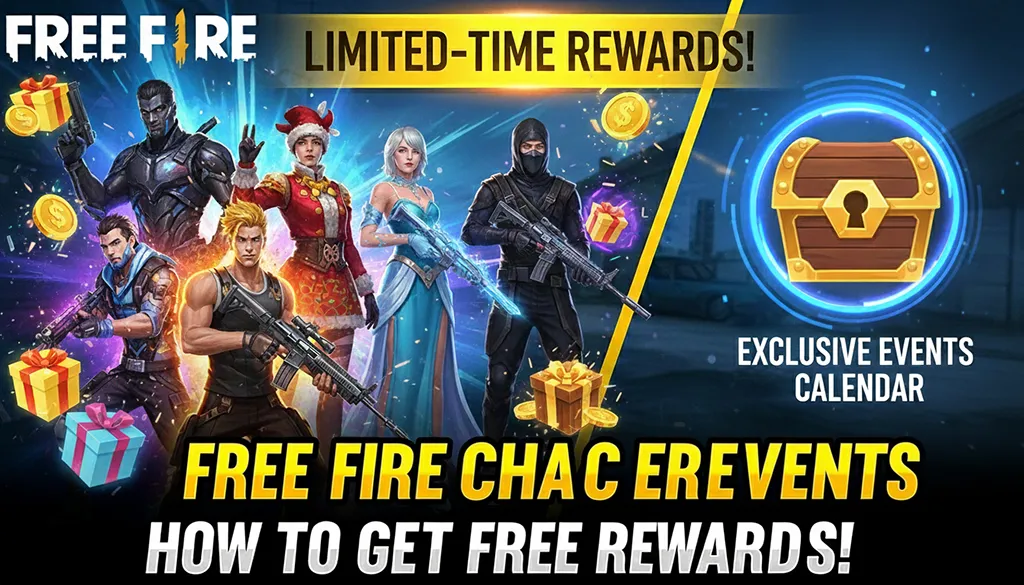
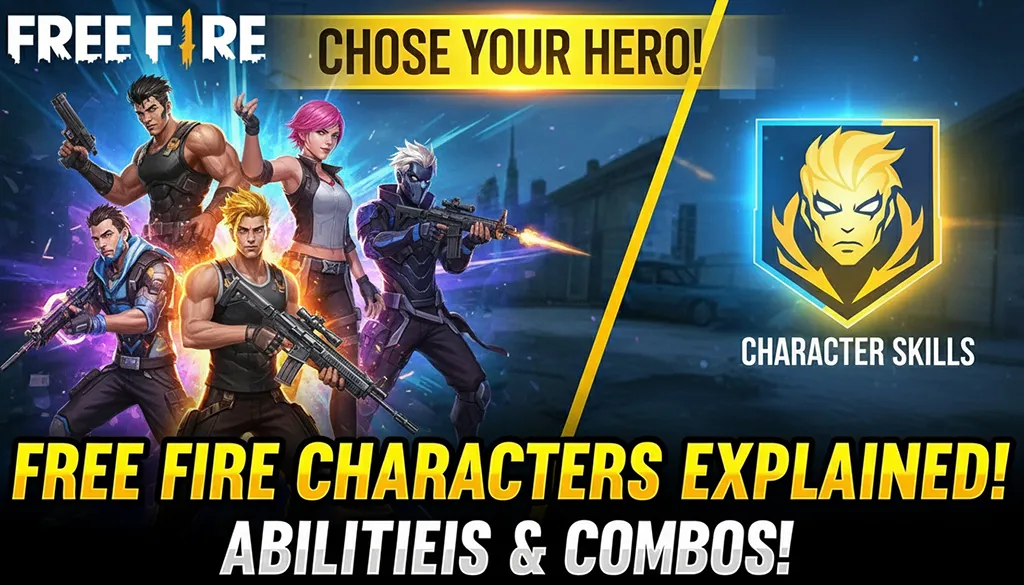
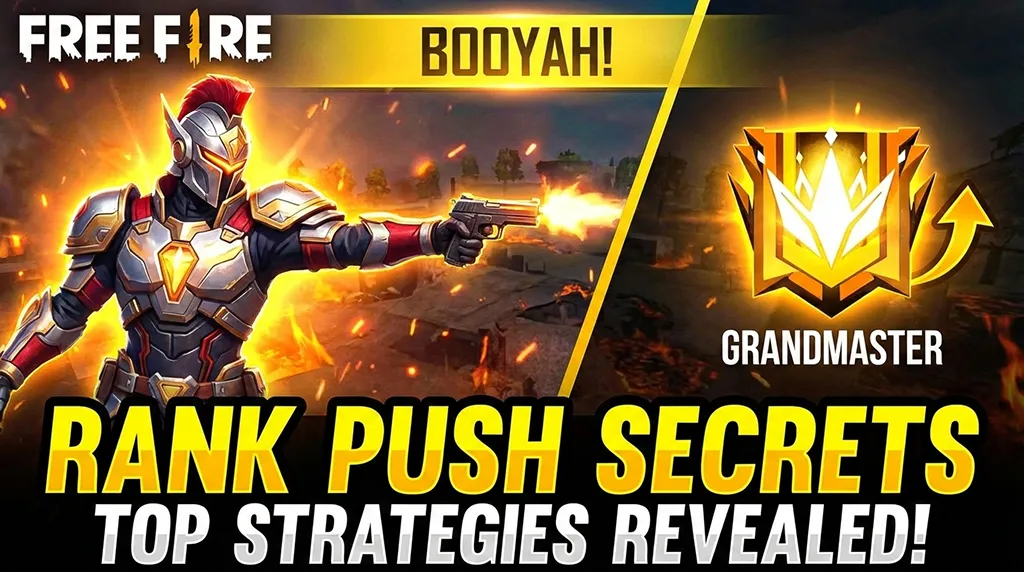

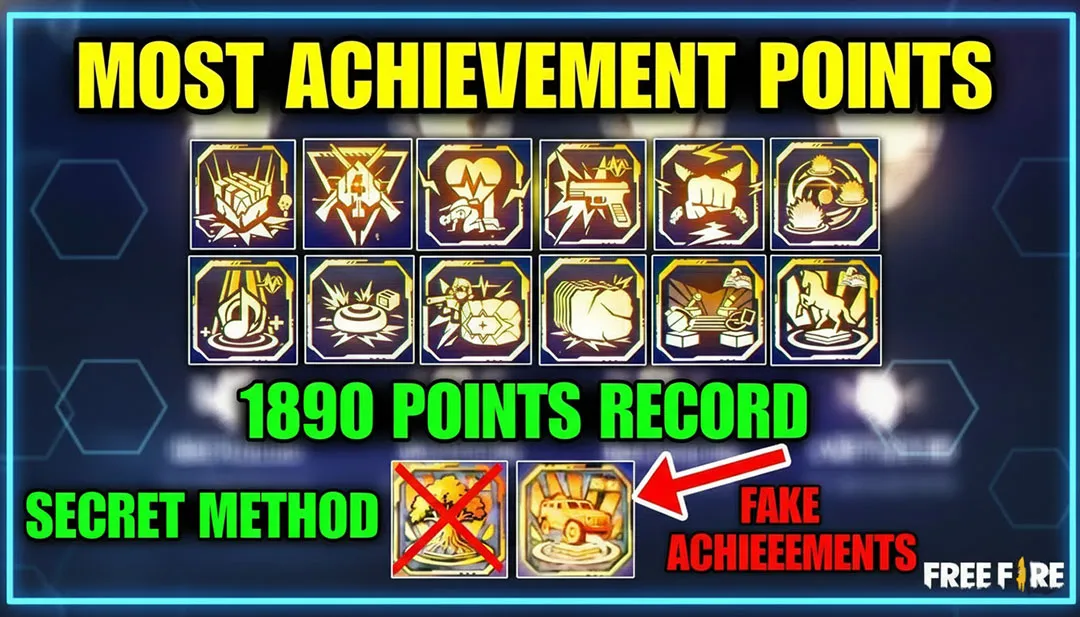
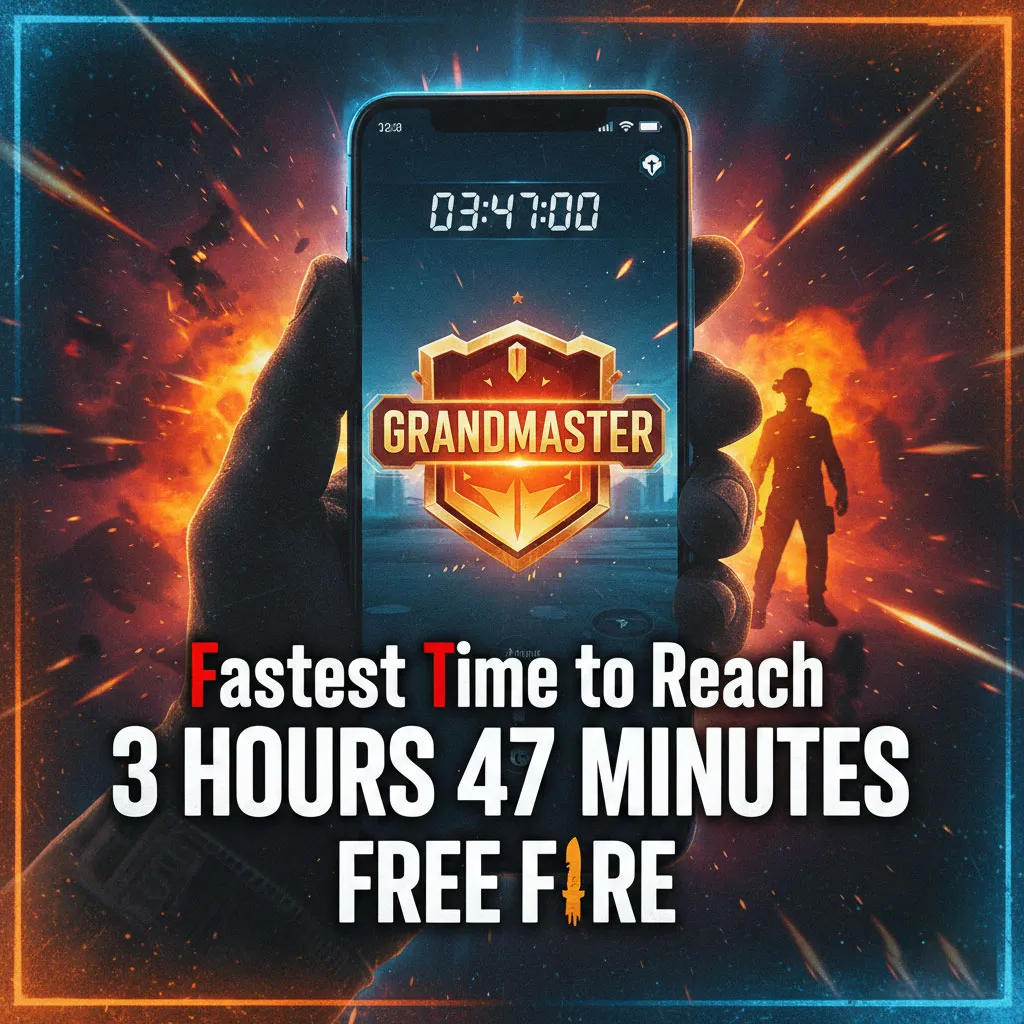
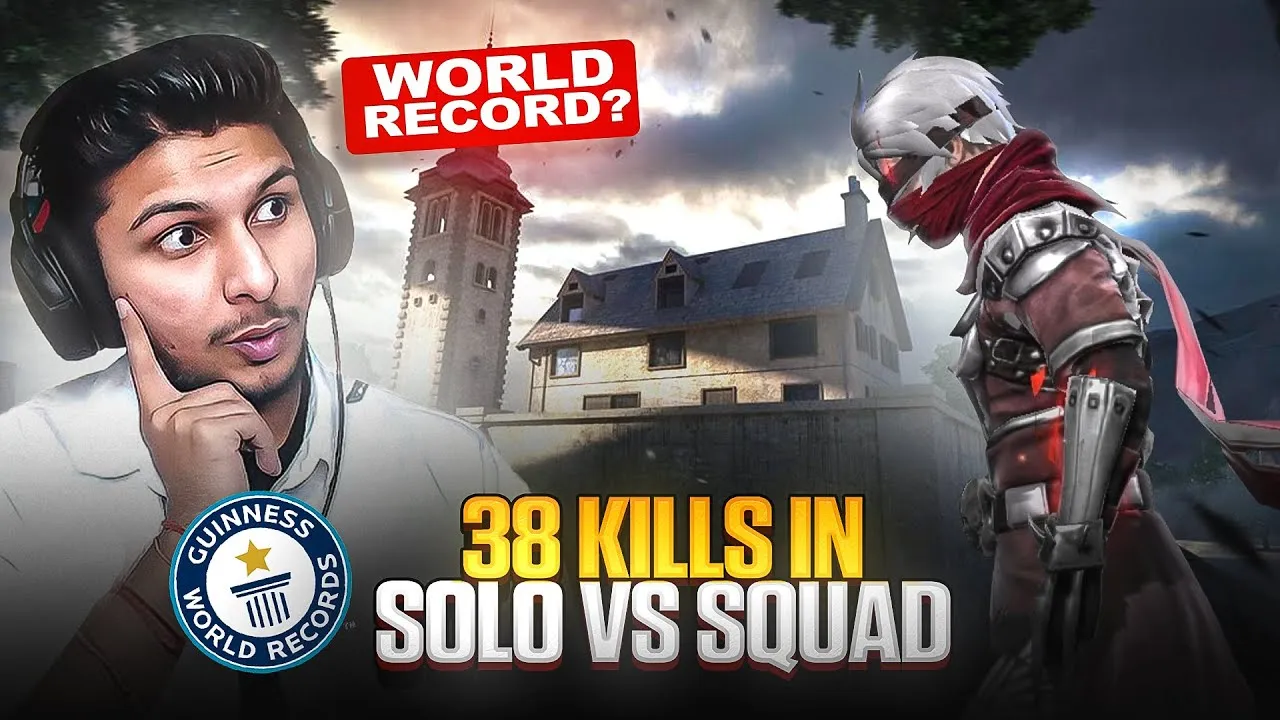
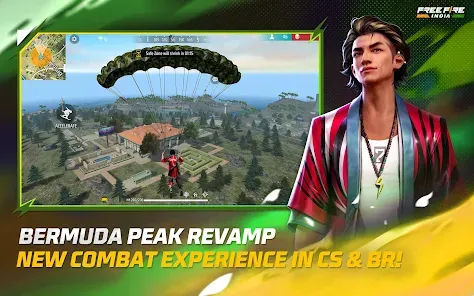


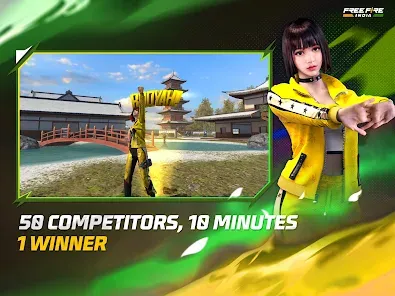

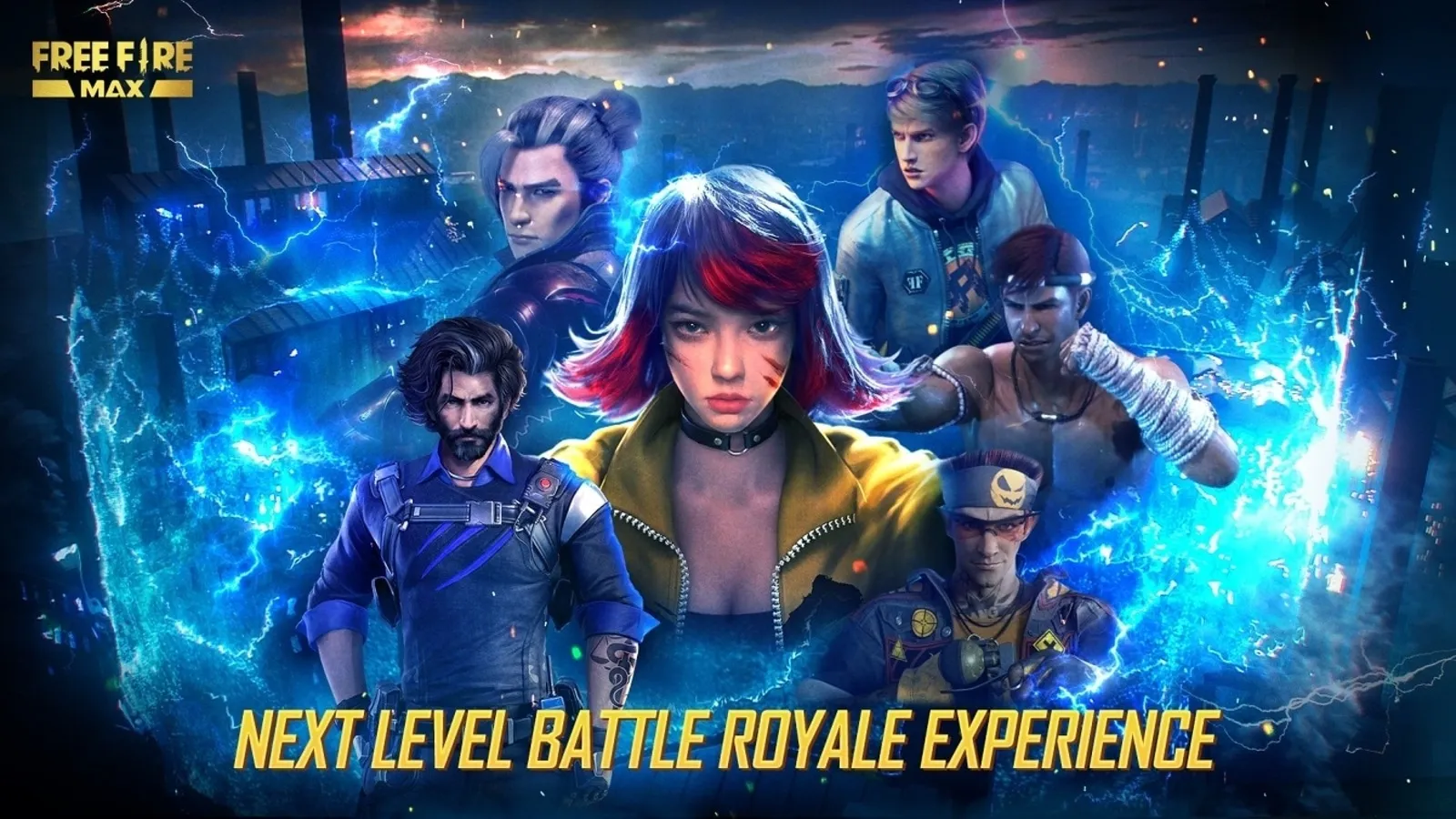
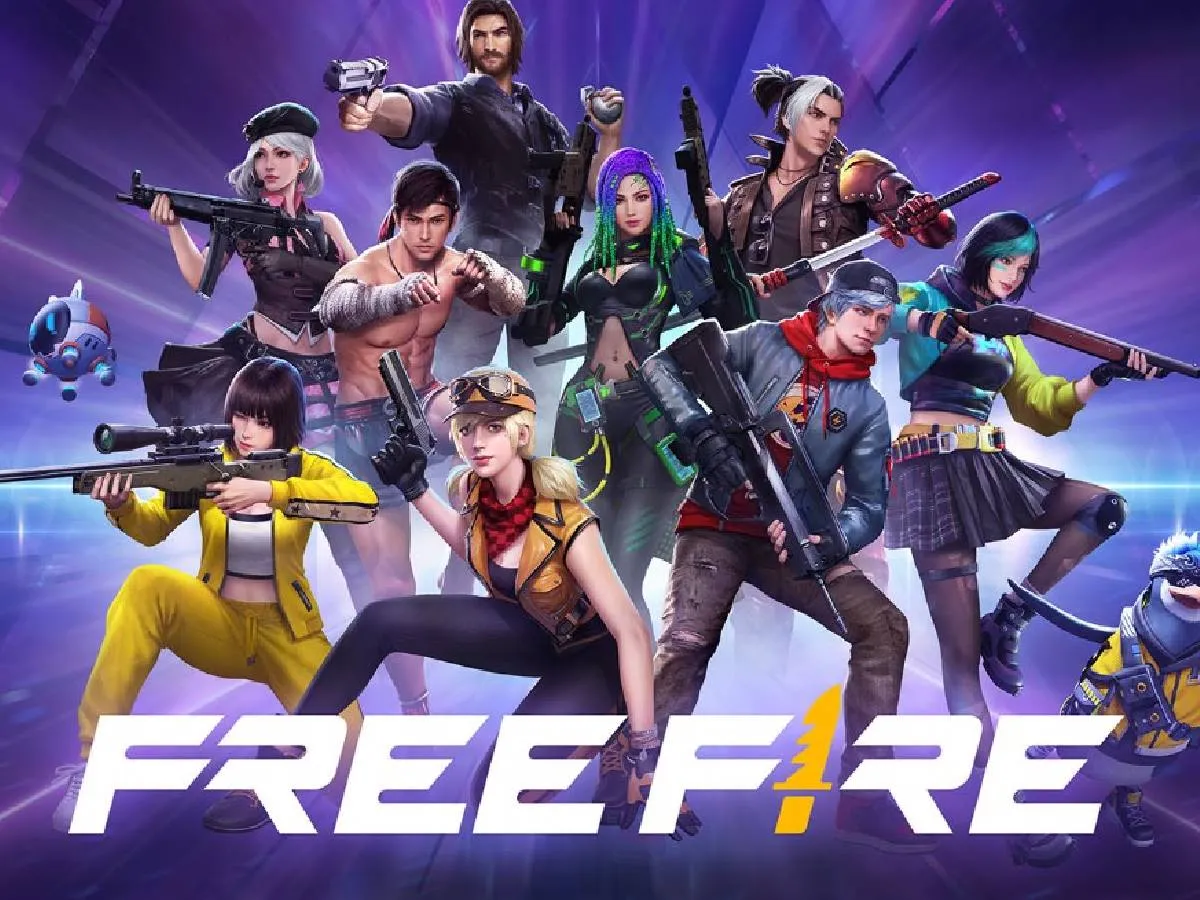

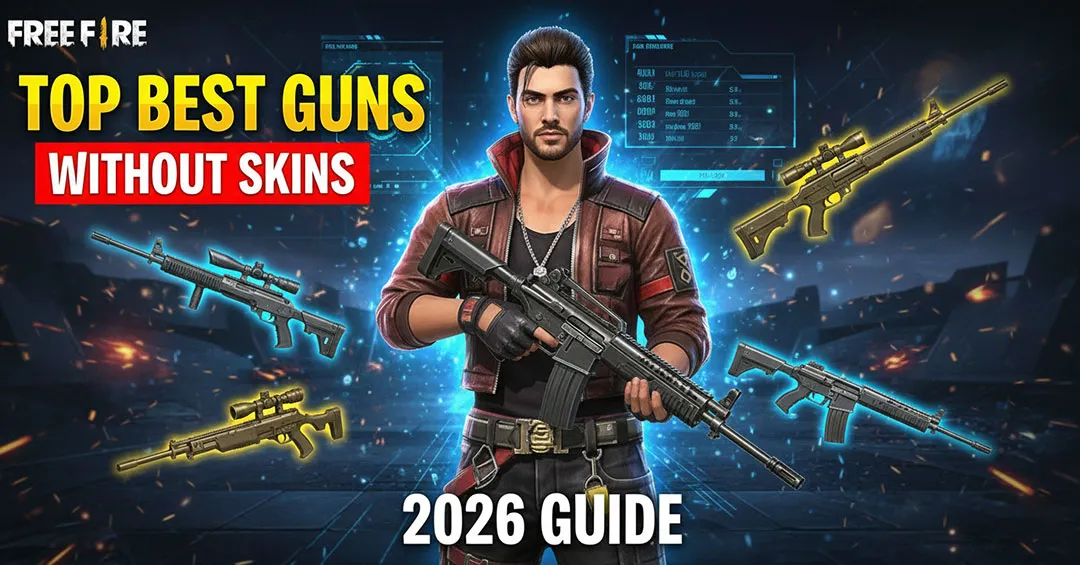
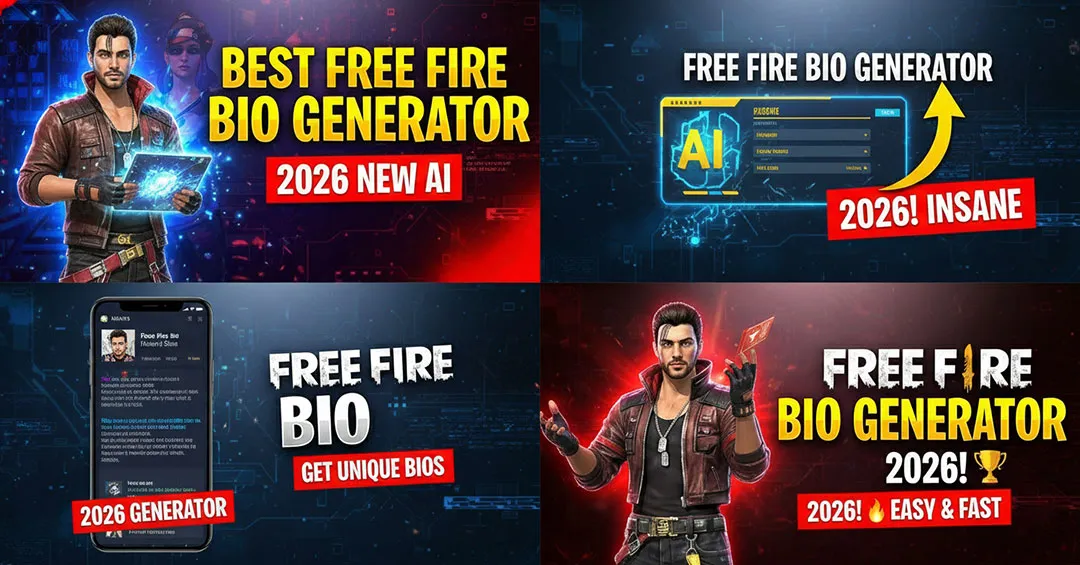
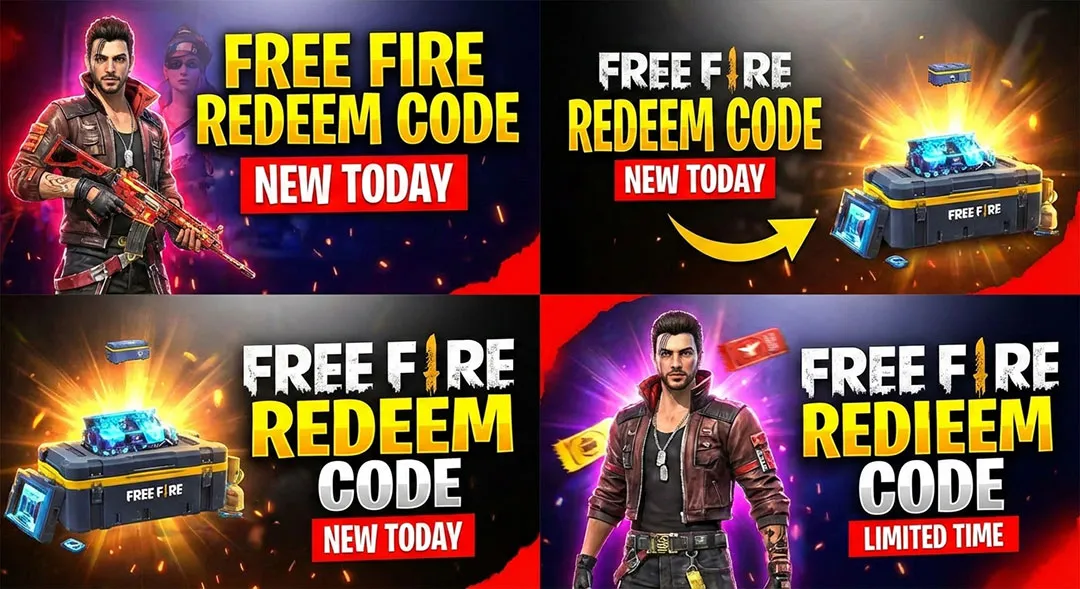
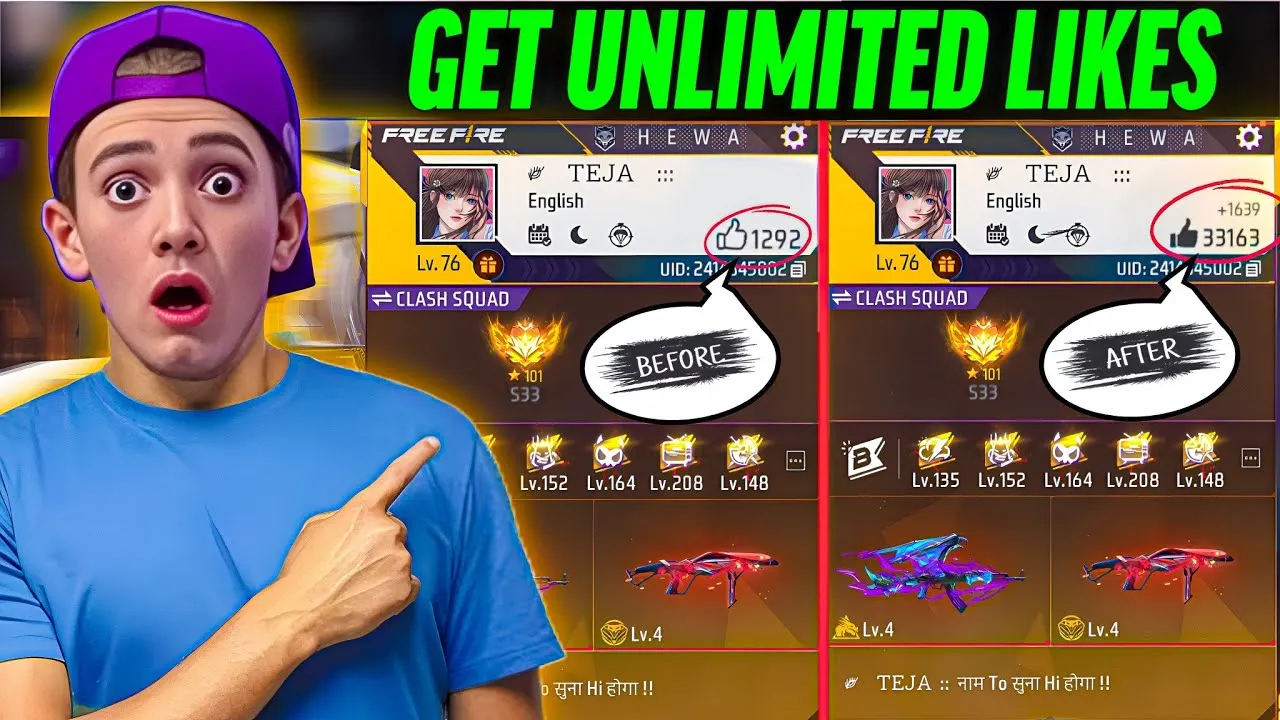

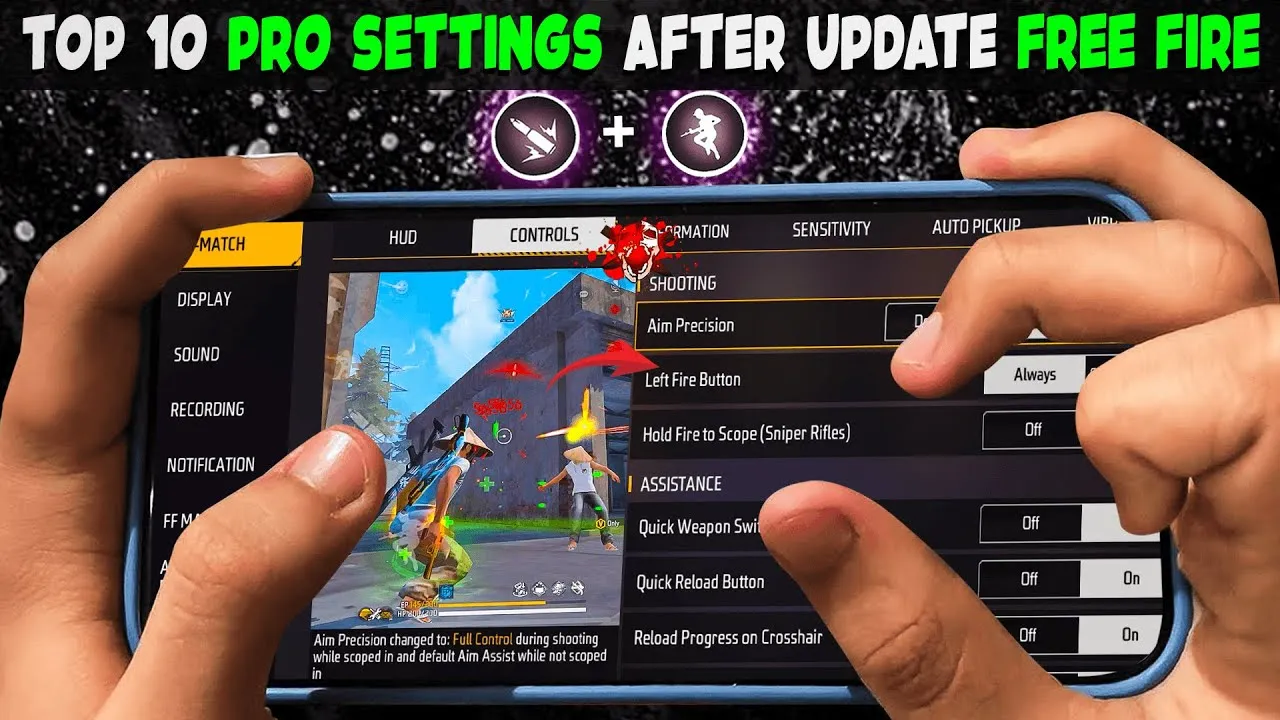



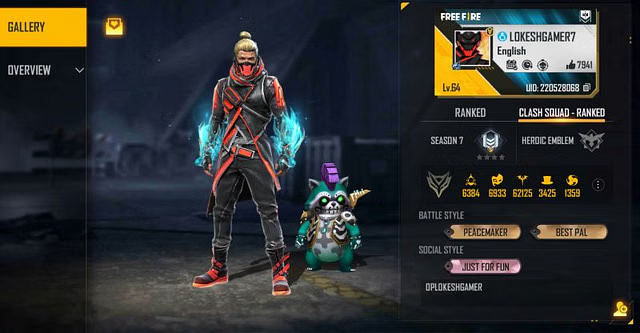

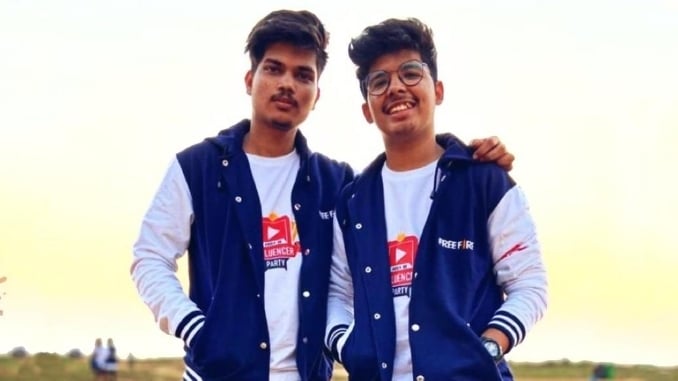

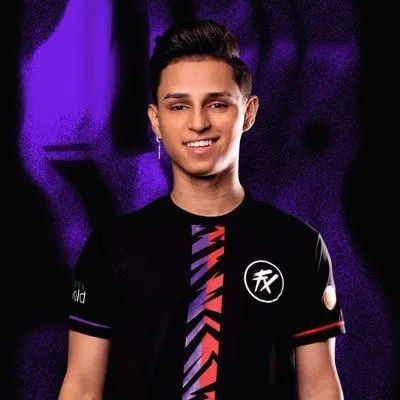
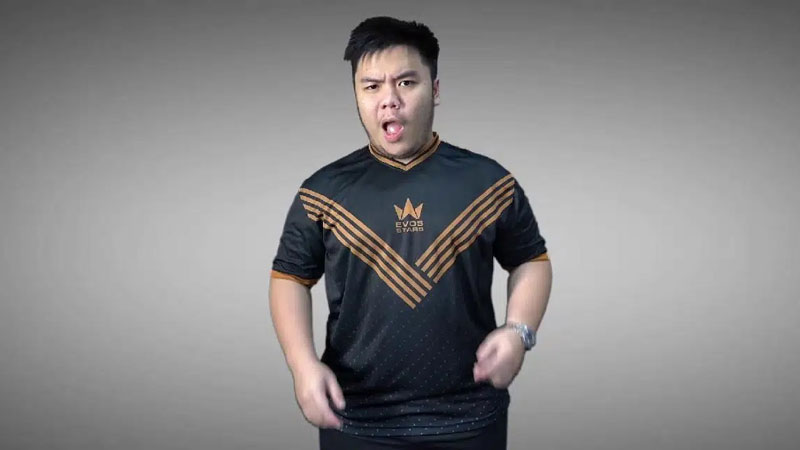






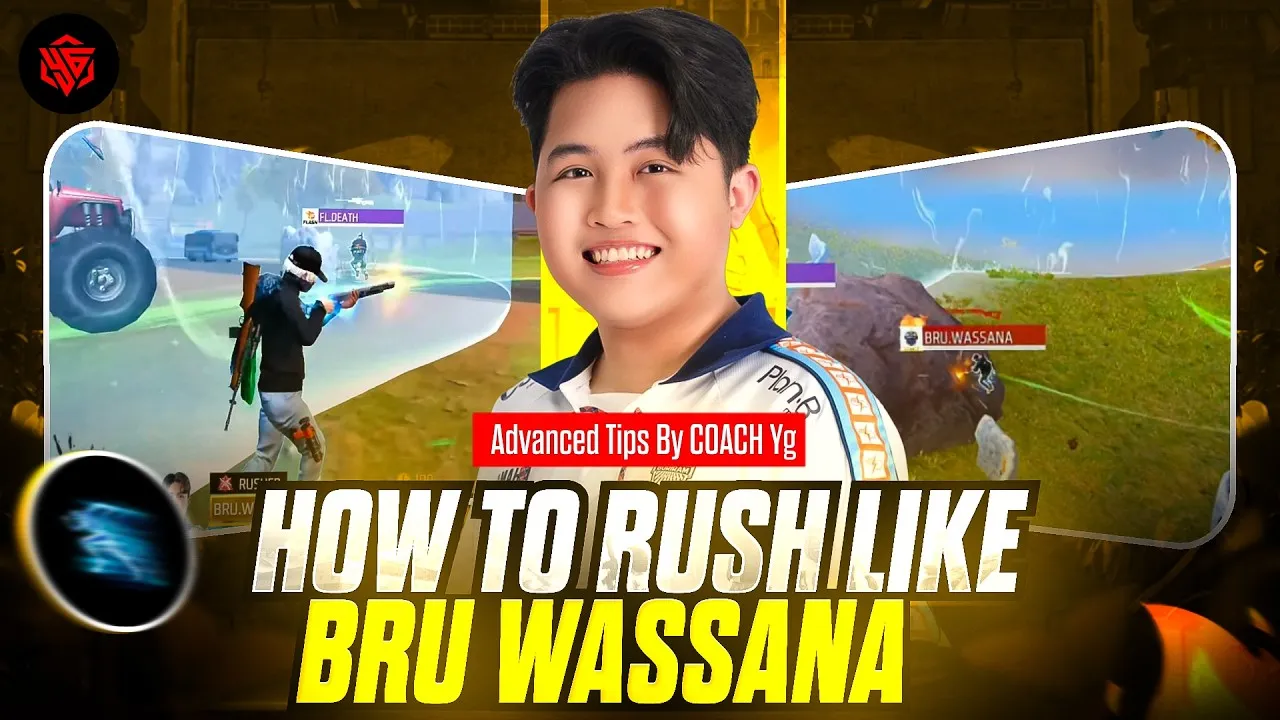
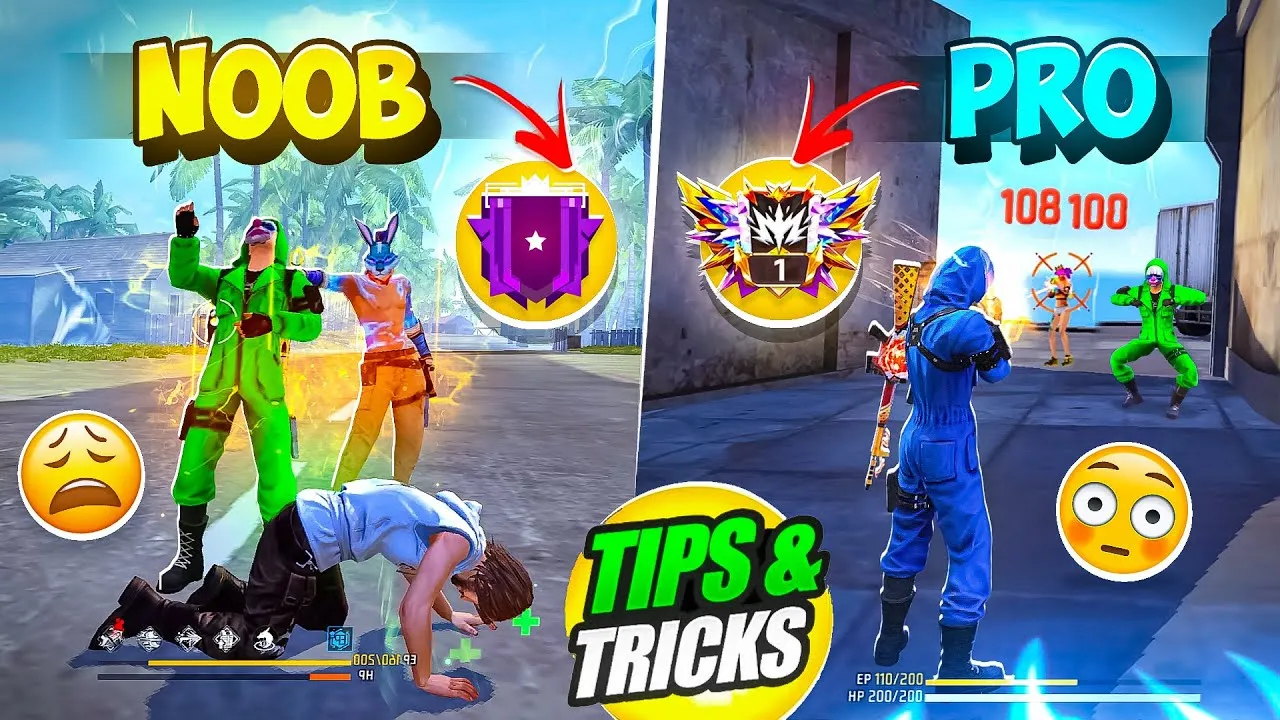
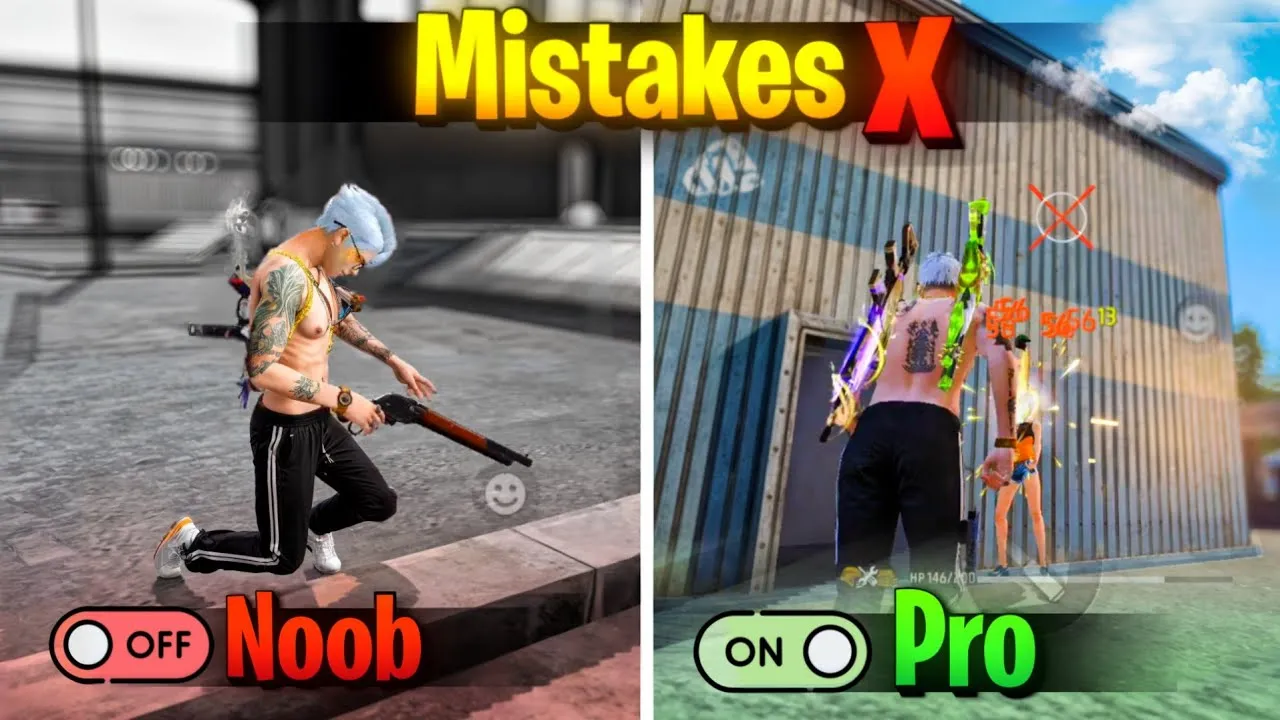




Free Fire Photos: Download HD Images, Wallpapers, Characters & Action Shots
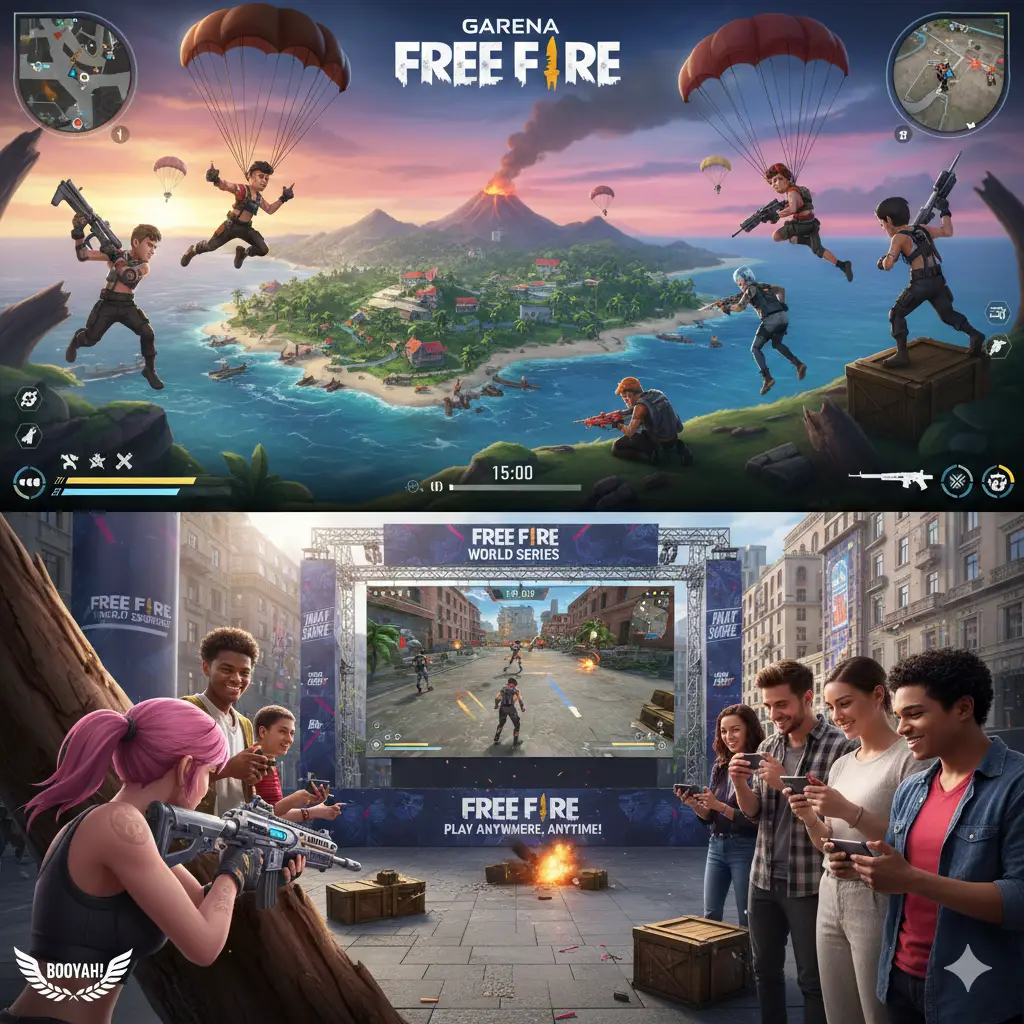
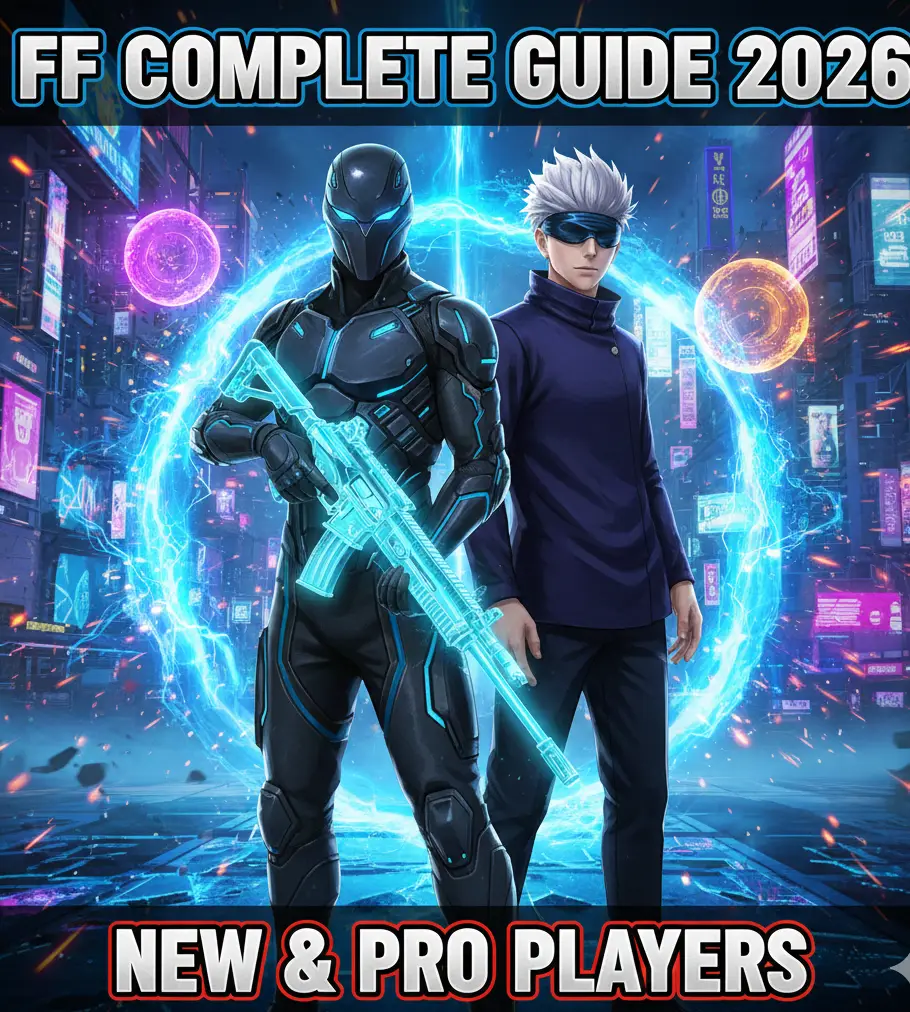
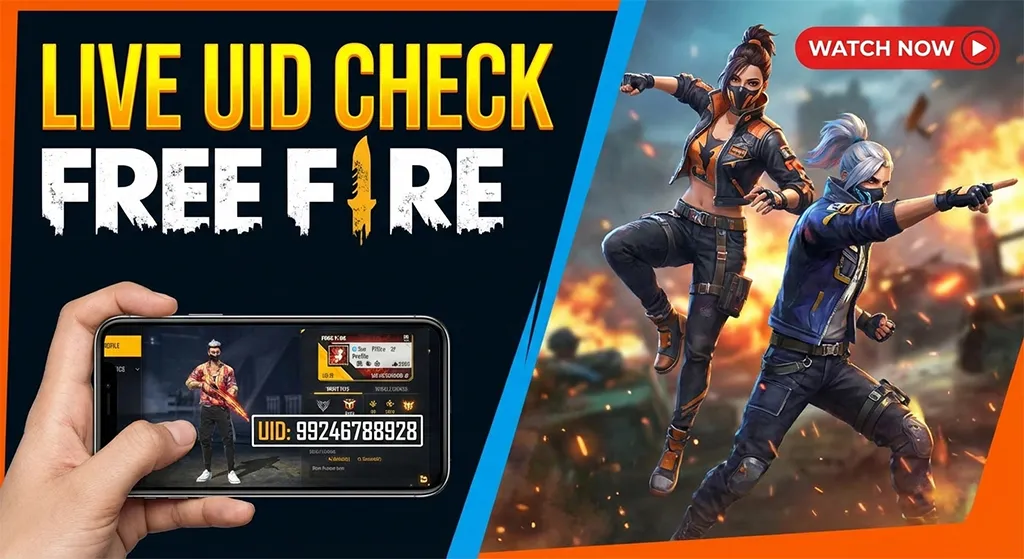
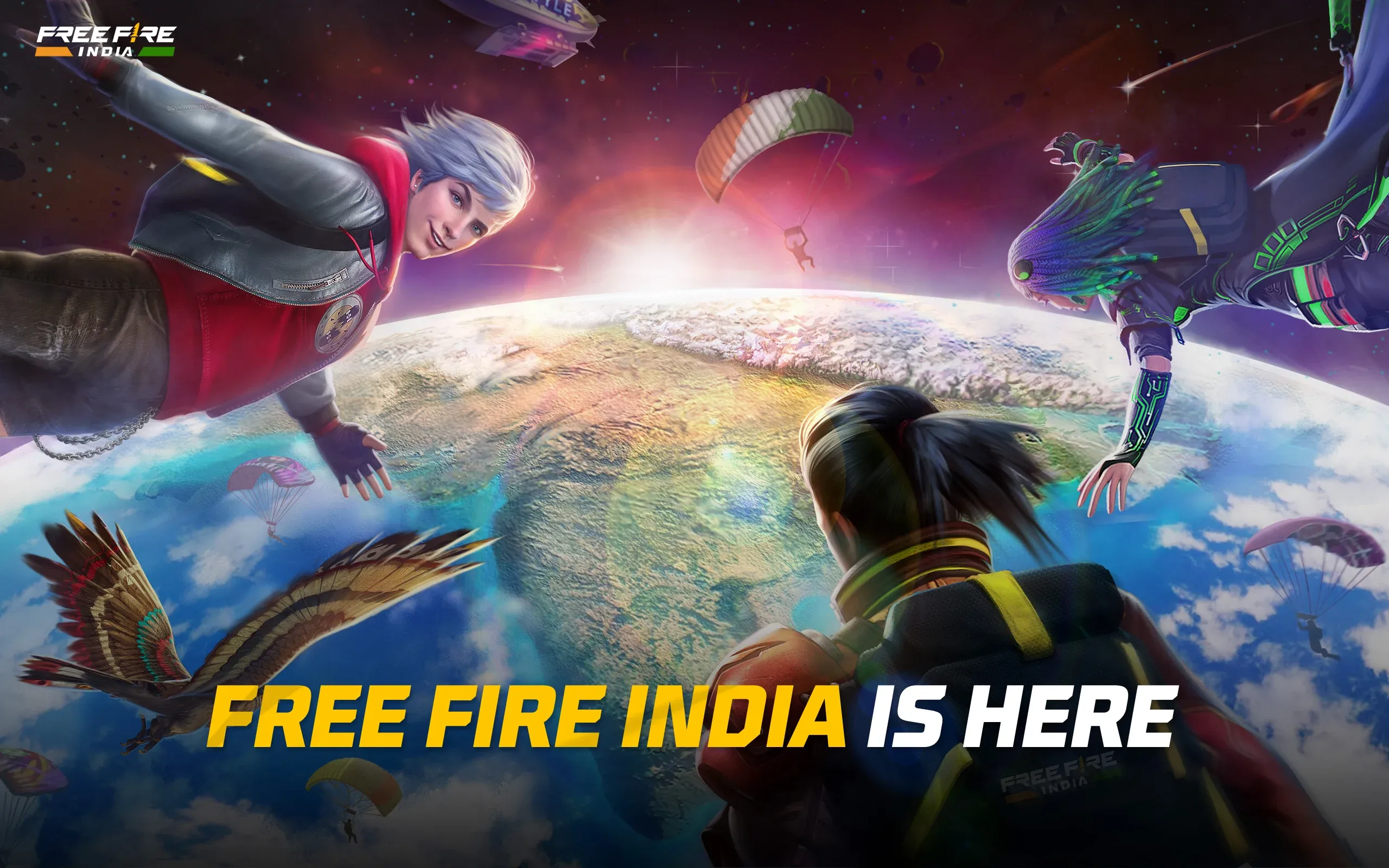
If you’re a fan of Garena Free Fire, you already know how exciting the game looks. From intense battle scenes to stylish character skins, every moment feels cinematic. That’s why Free Fire photos are so popular among players. Fans love using them as wallpapers, sharing them on social media, or simply collecting their favorite character images.
In this guide, you’ll learn everything about finding, downloading, and using high-quality images from Free Fire. Whether you’re a casual player or a hardcore fan, this article will help you discover the best visuals and how to use them properly.
Why Free Fire Photos Are So Popular
Free Fire isn’t just a game—it’s a visual experience. Every update introduces new characters, weapons, bundles, and environments. These elements make Free Fire photos highly appealing.
Here’s why players love them:
-
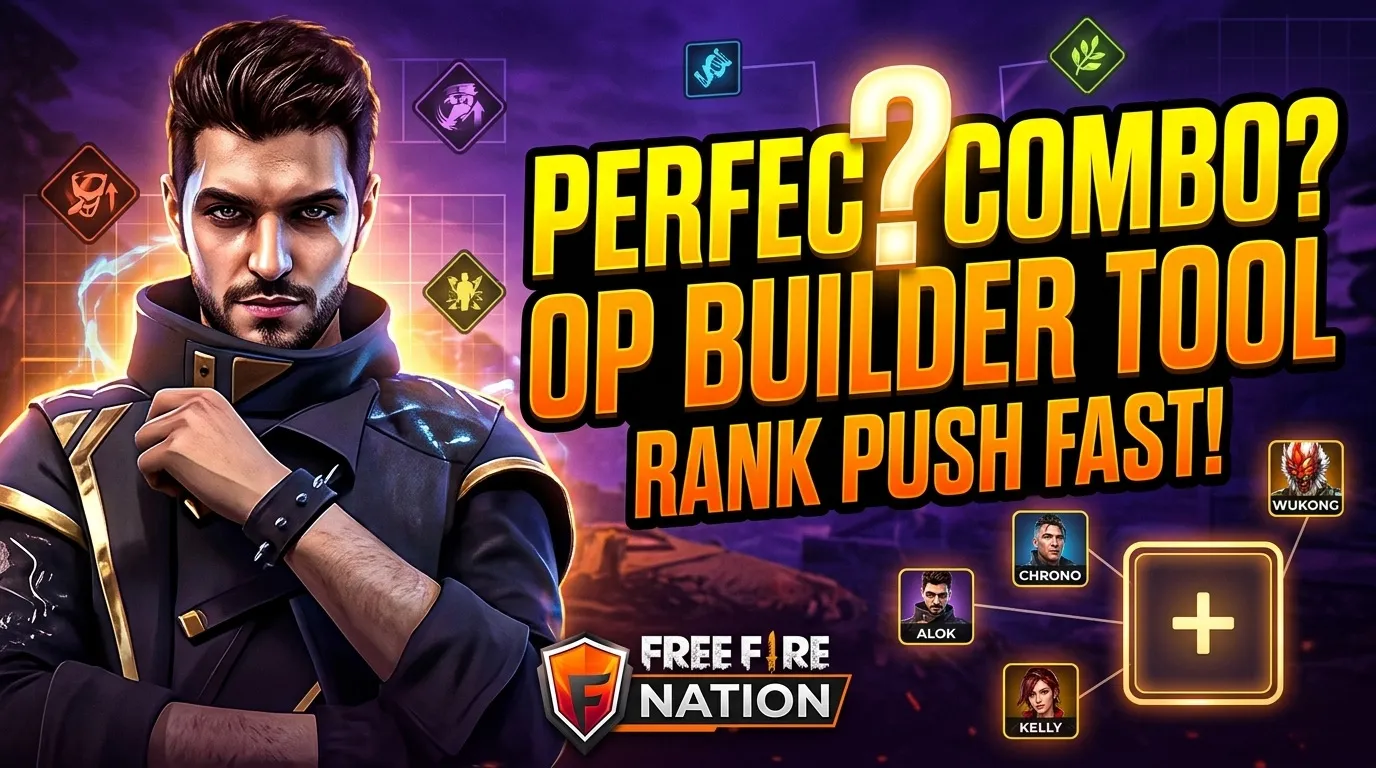
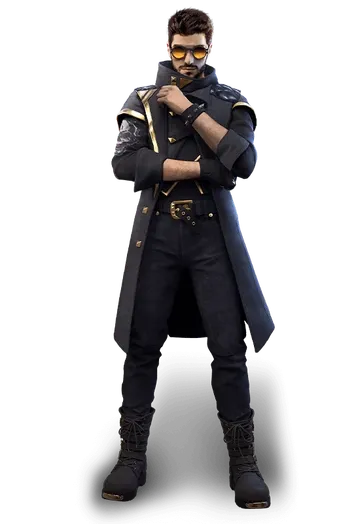
They showcase favorite characters like Alok, Chrono, and Kelly
-
They capture epic battle moments
-
They look great as mobile and desktop wallpapers
-
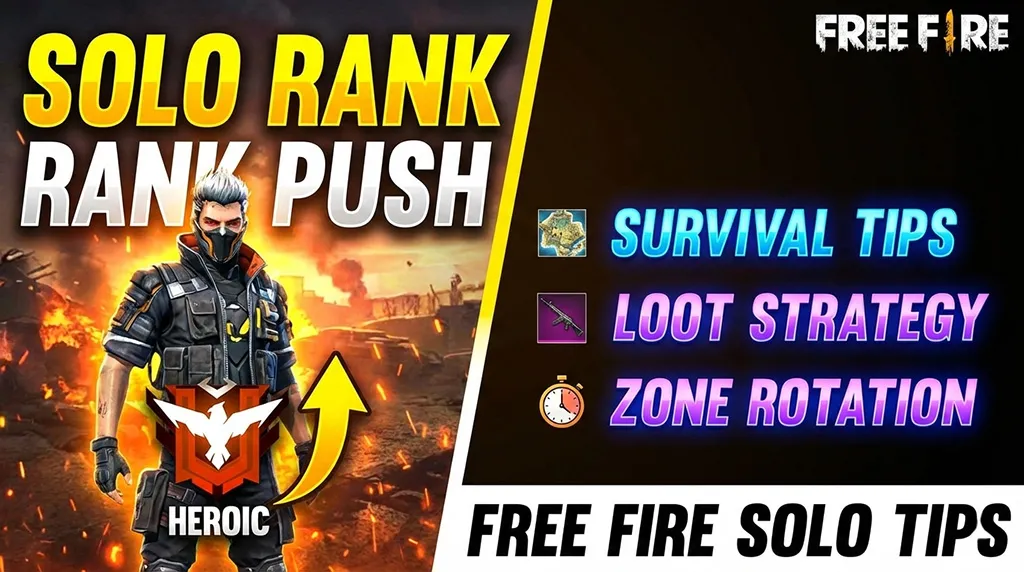
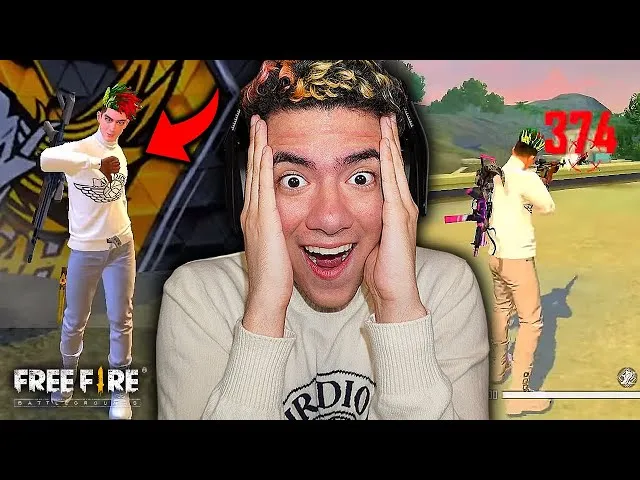
They help create gaming content for YouTube and Instagram
-
They allow fans to express their love for the game
For example, many players use character images as WhatsApp profile pictures or gaming channel thumbnails.
You can explore more images here:
https://freefirenation.com/free-fire-photos/
Types of Free Fire Photos You Can Find
There are many different categories of images available. Let’s explore the most popular ones.
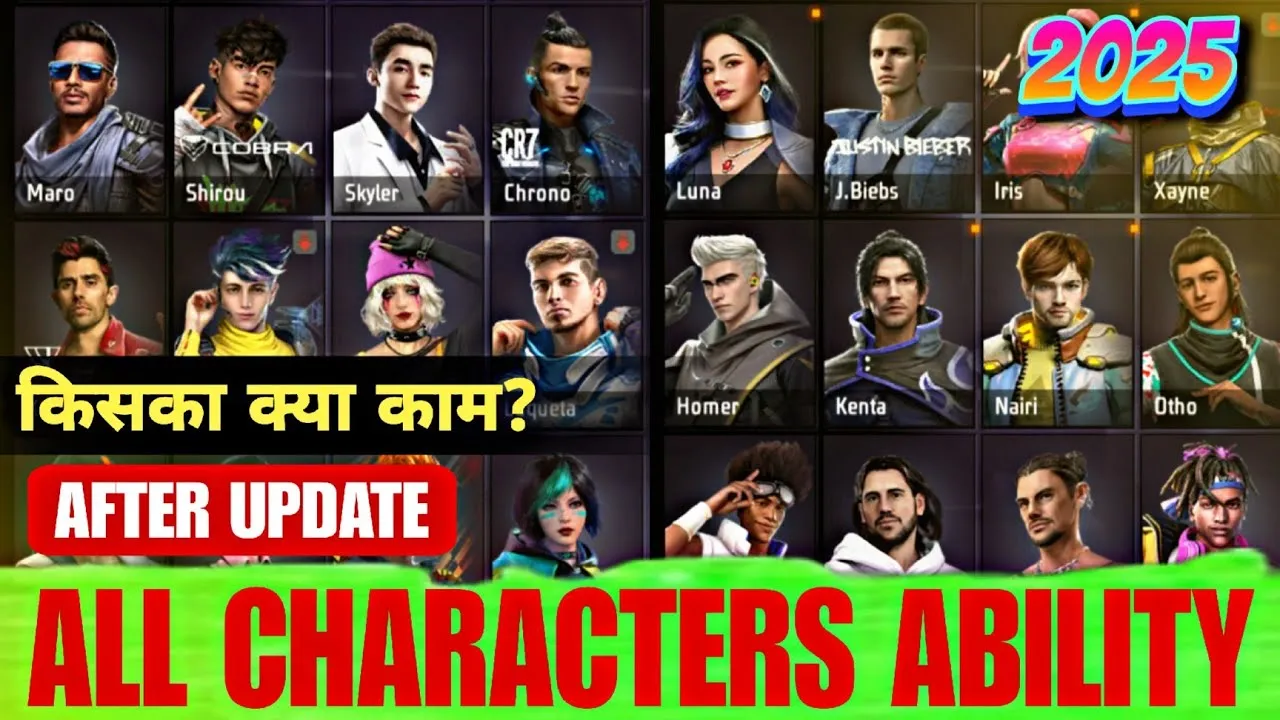
1. Character Photos
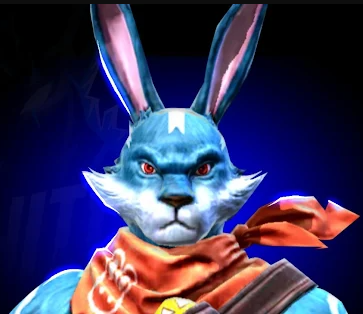
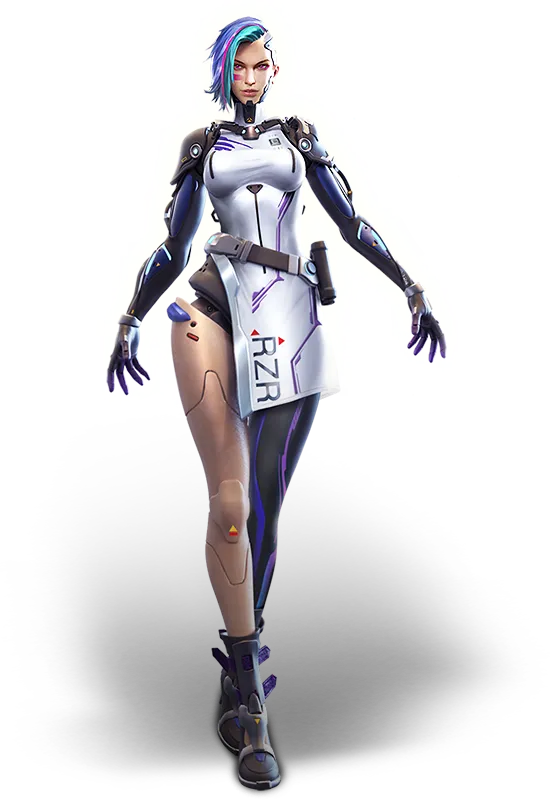
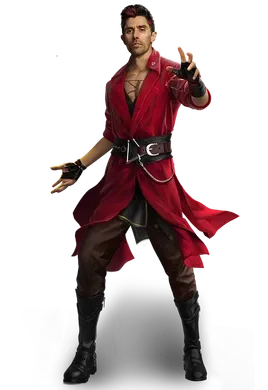
Characters are the heart of Free Fire. Each character has unique abilities and designs.
Popular character photos include:
-
DJ Alok action poses
-
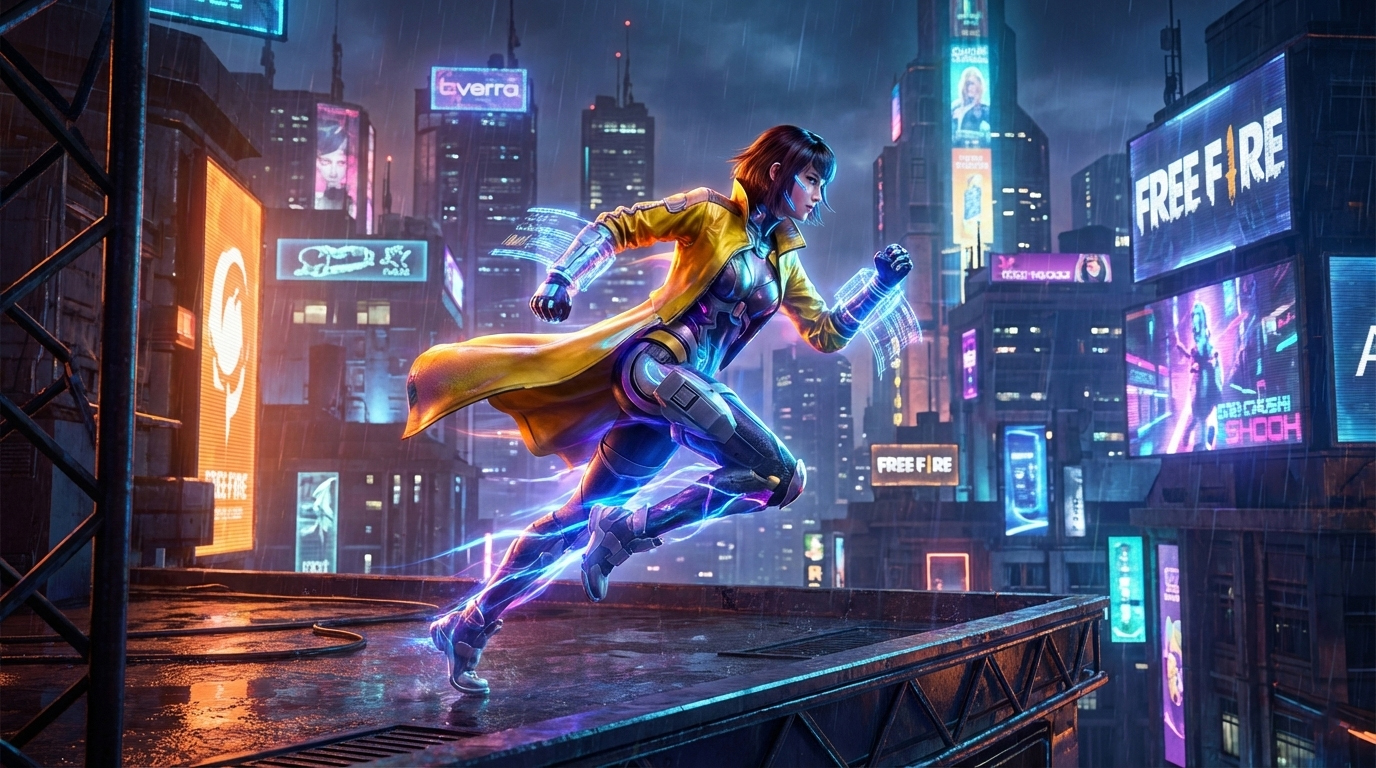
Chrono futuristic style images
-
Kelly speed-themed photos
-
Skyler stylish outfits
-
Elite Pass bundle characters
These images are perfect for profile pictures or wallpapers.
2. Wallpaper Photos (HD and 4K)
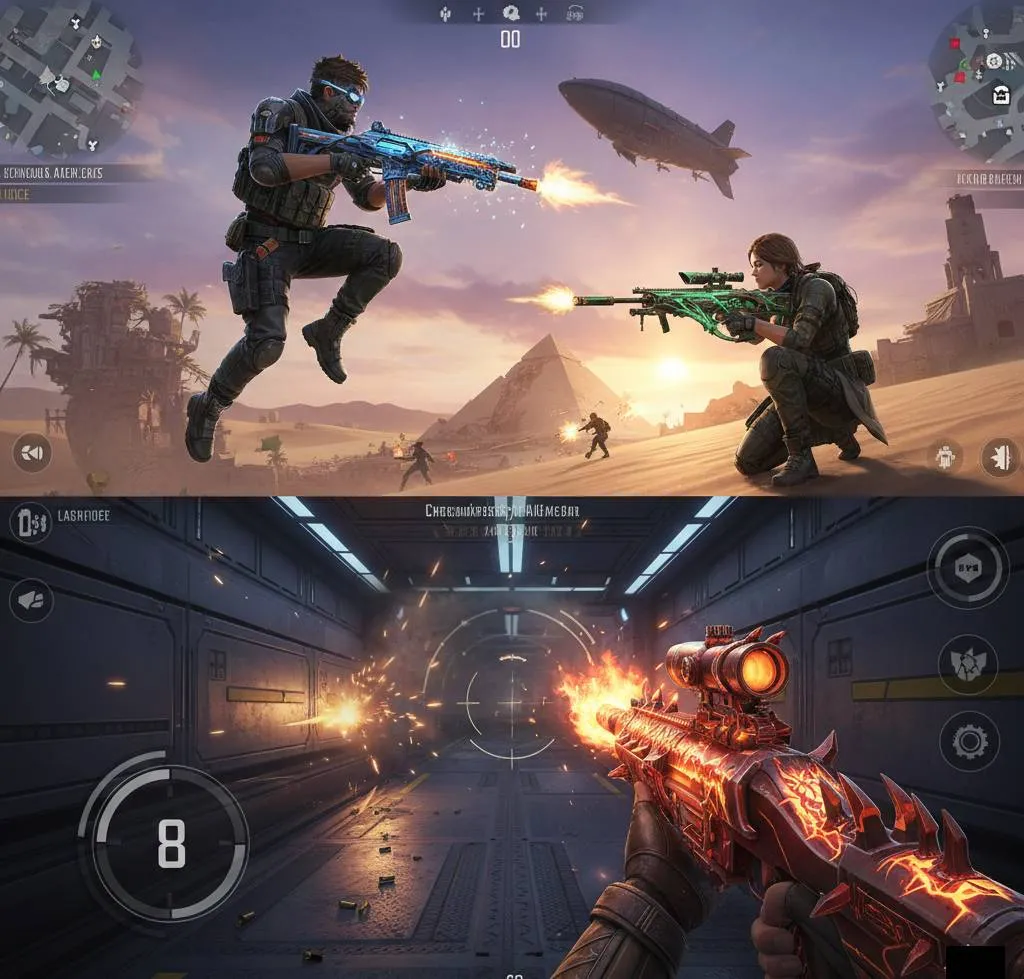
Wallpapers are one of the most downloaded types of Free Fire photos. Players love decorating their devices with game visuals.
Common wallpaper styles include:
-
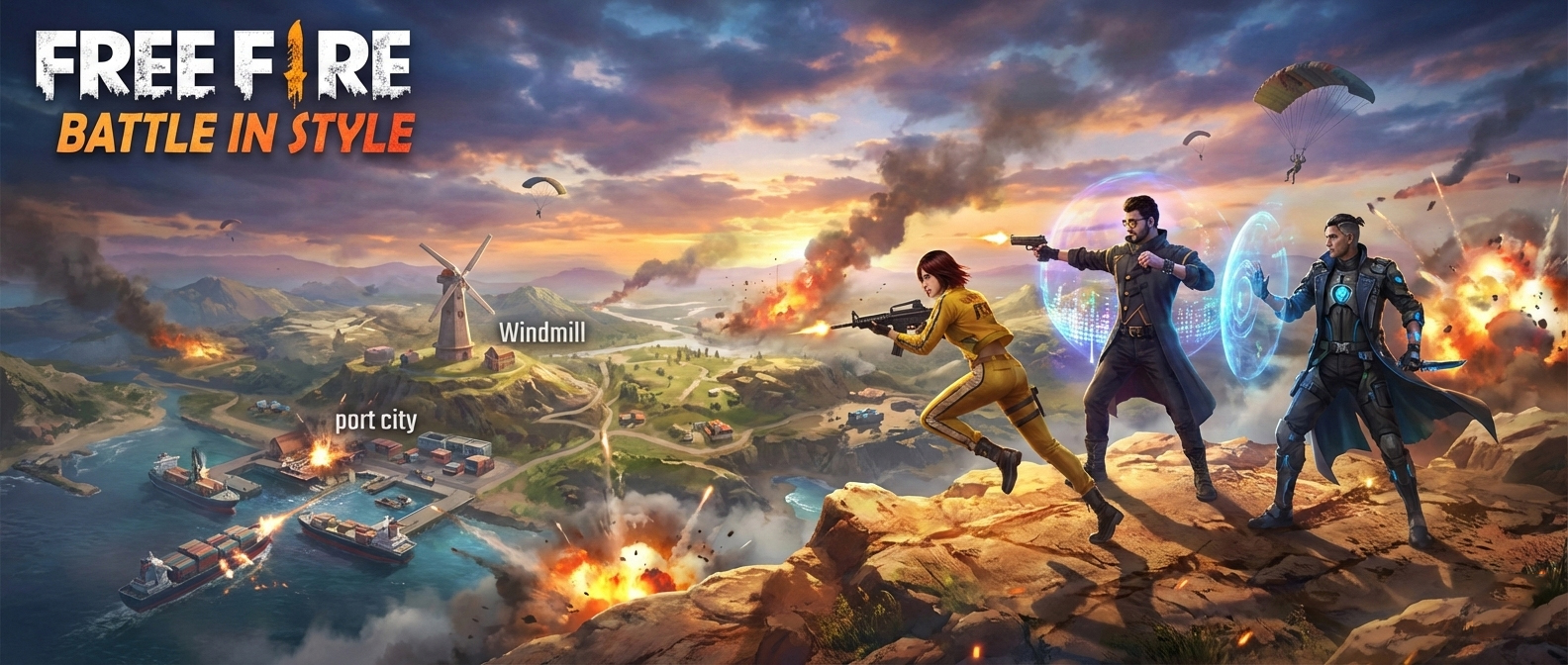
Battle royale action scenes
-
Squad team wallpapers
-
Dark and neon theme wallpapers
-
Character close-up wallpapers
HD wallpapers make your phone or PC look more attractive.
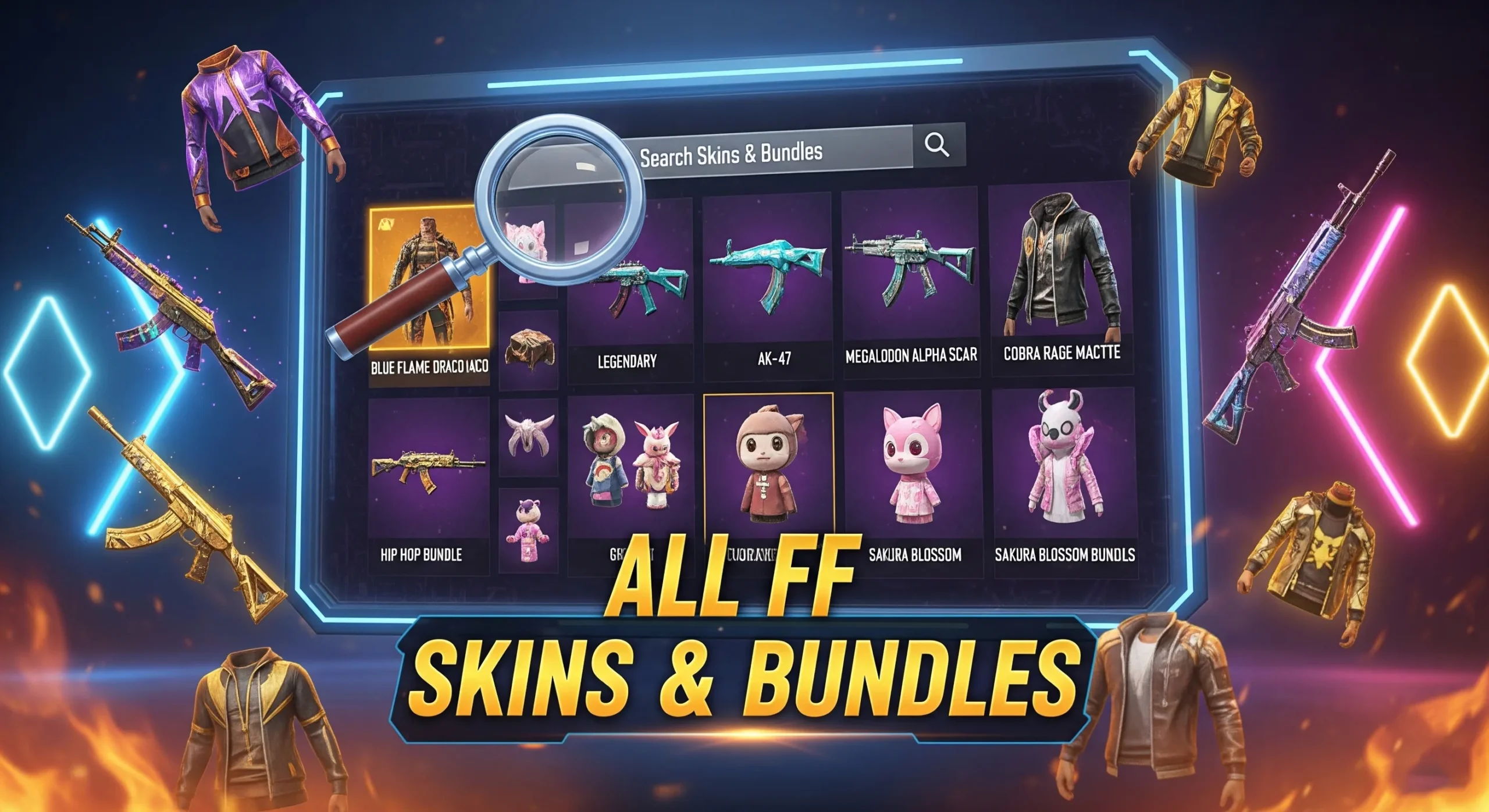
3. Bundle and Skin Photos
Bundles and skins are a major attraction in Free Fire.
Popular bundle images include:
-
Cobra Bundle
-
Criminal Bundle
-
Hip Hop Bundle
-
Sakura Bundle
-
Elite Pass exclusive bundles
Players often download these images to share on social media or use as gaming inspiration.
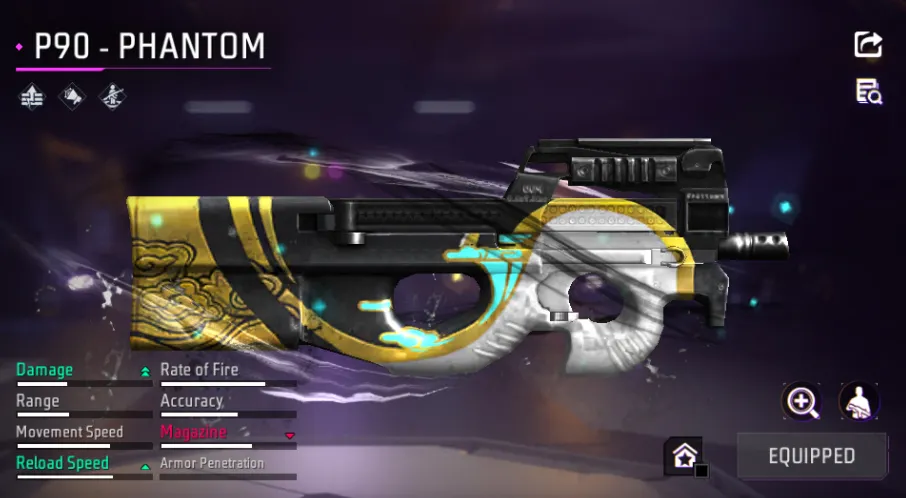
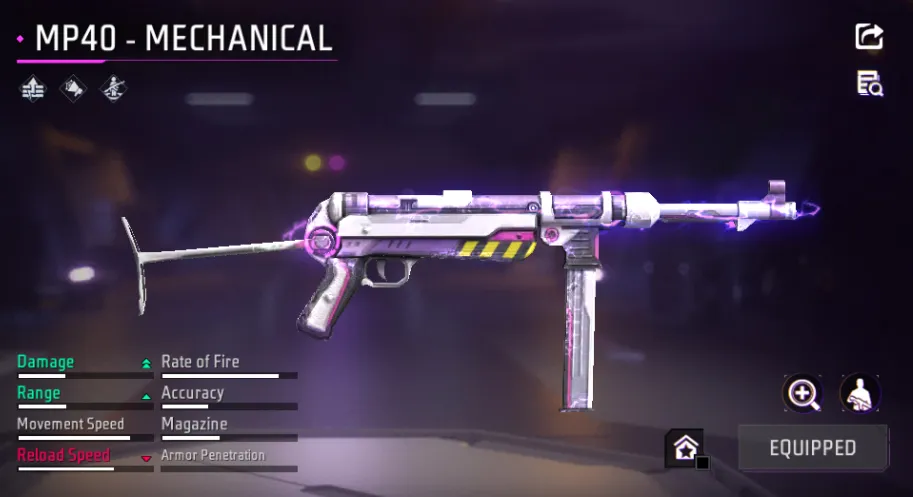
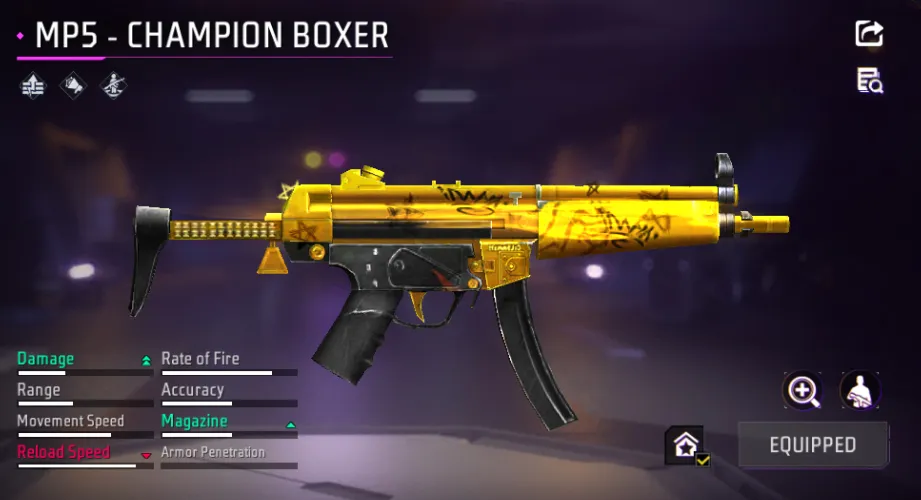
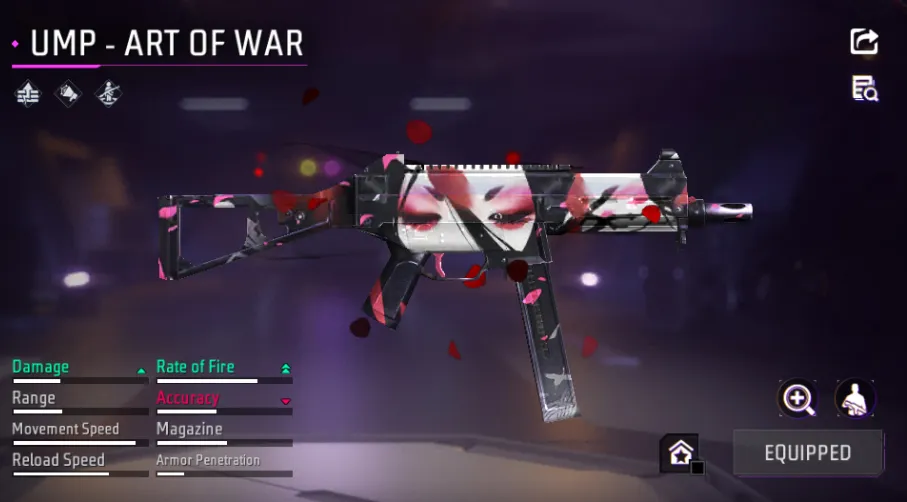
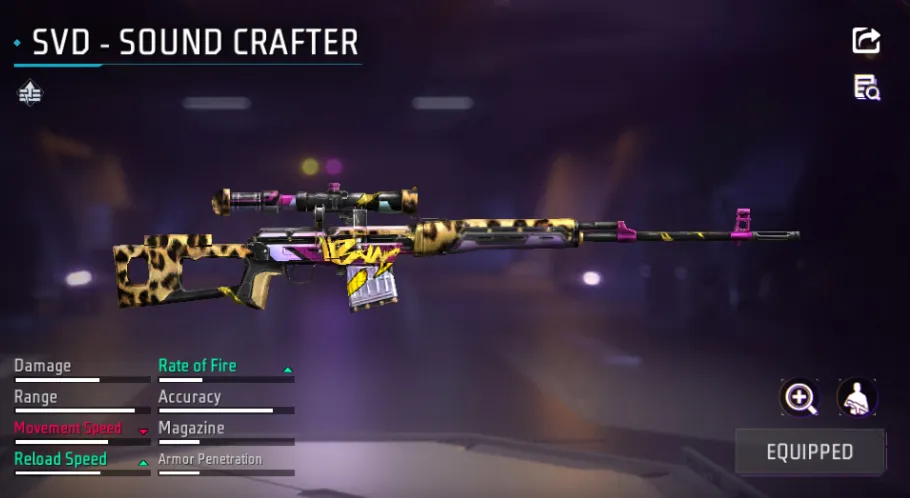
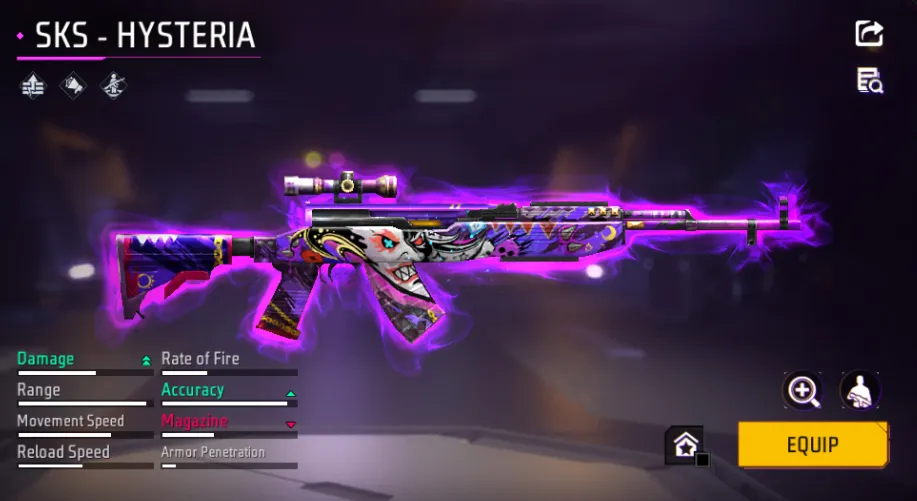
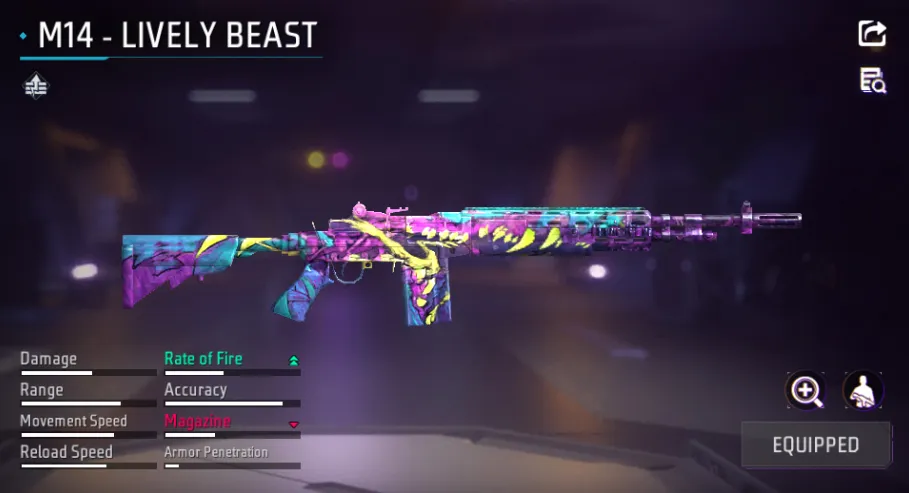
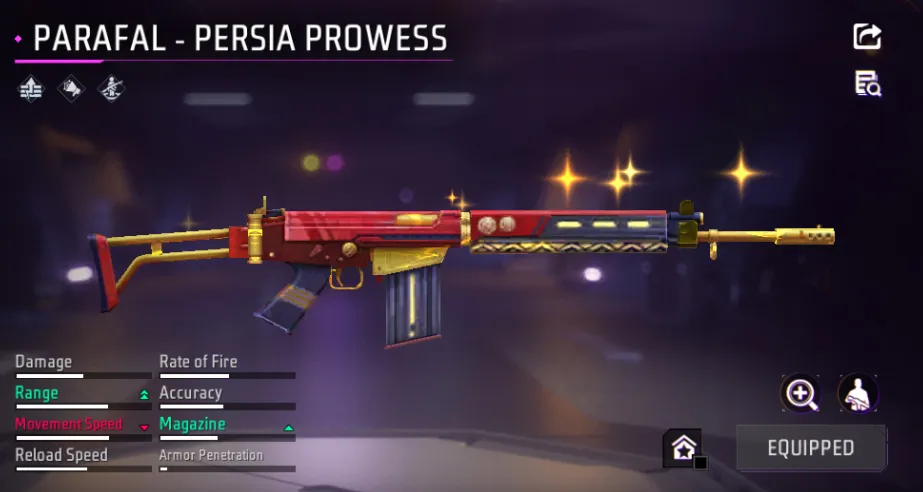
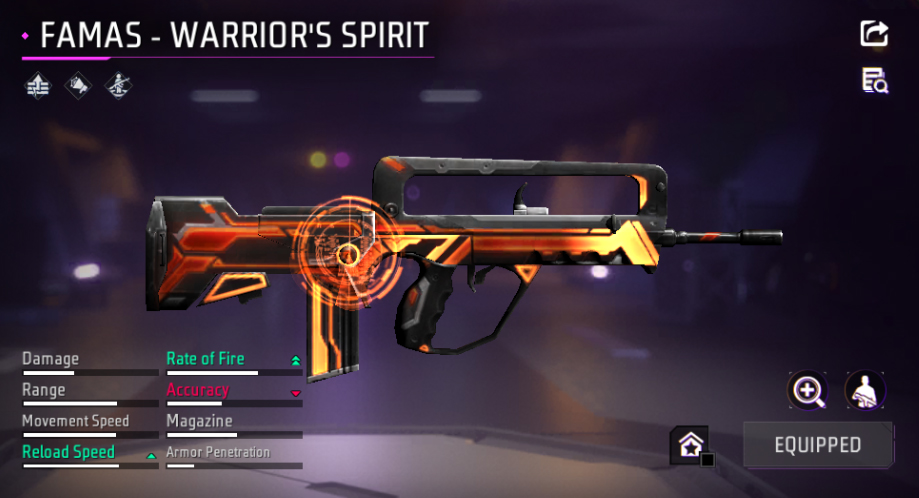
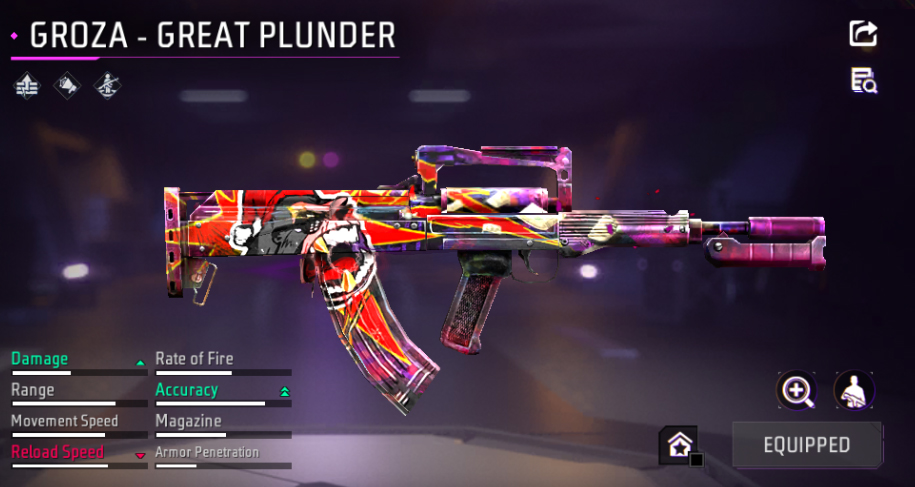
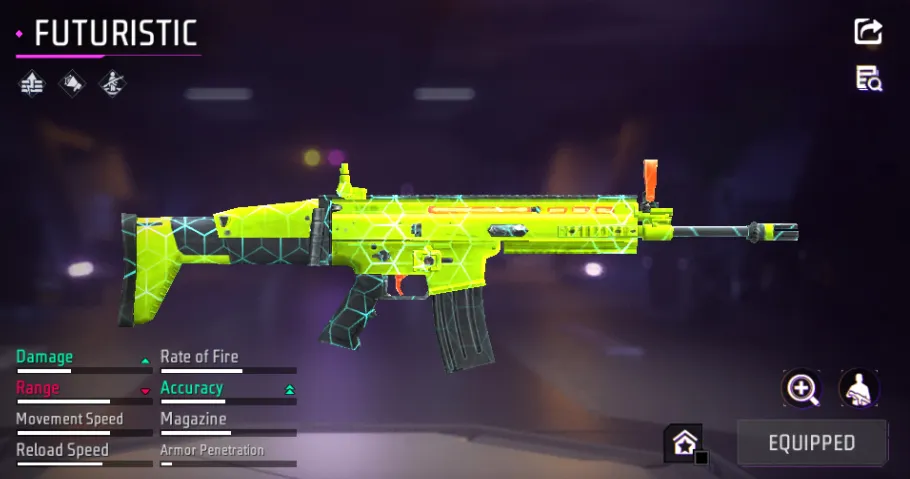
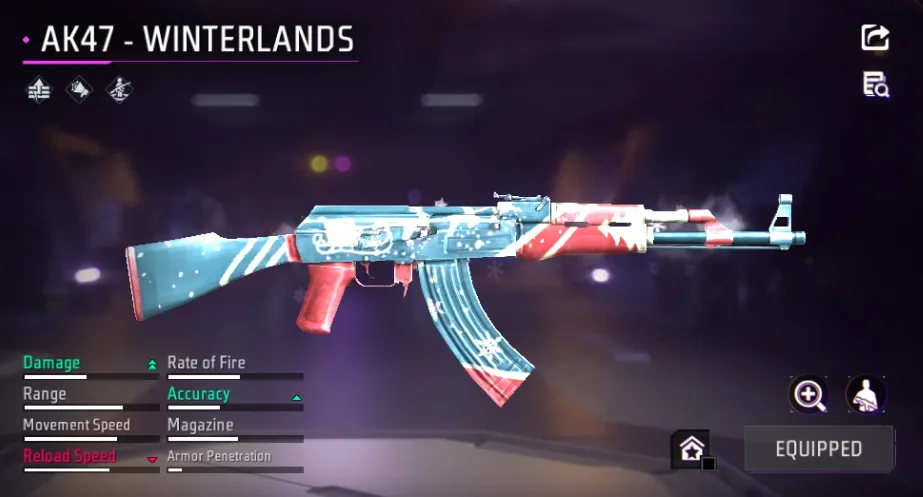
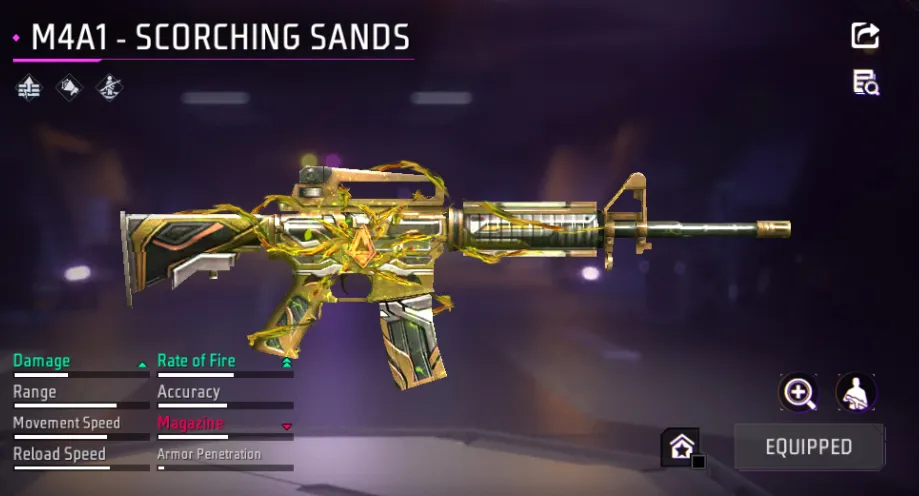
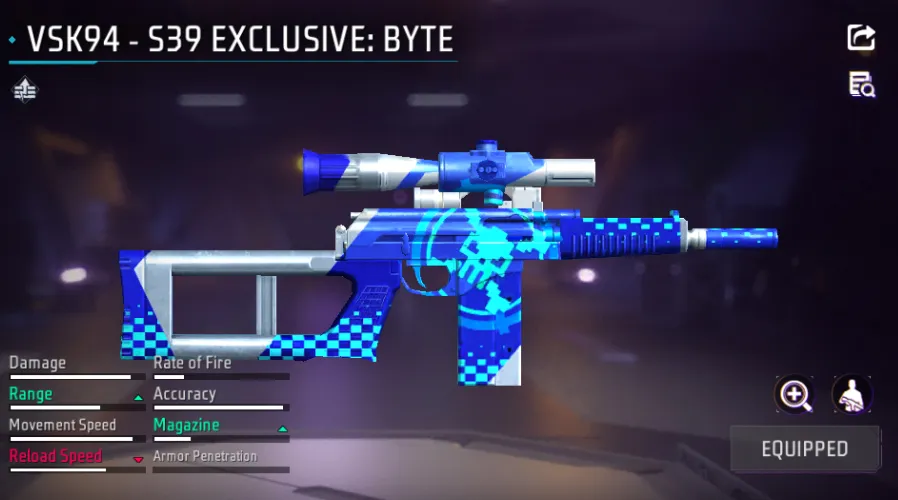
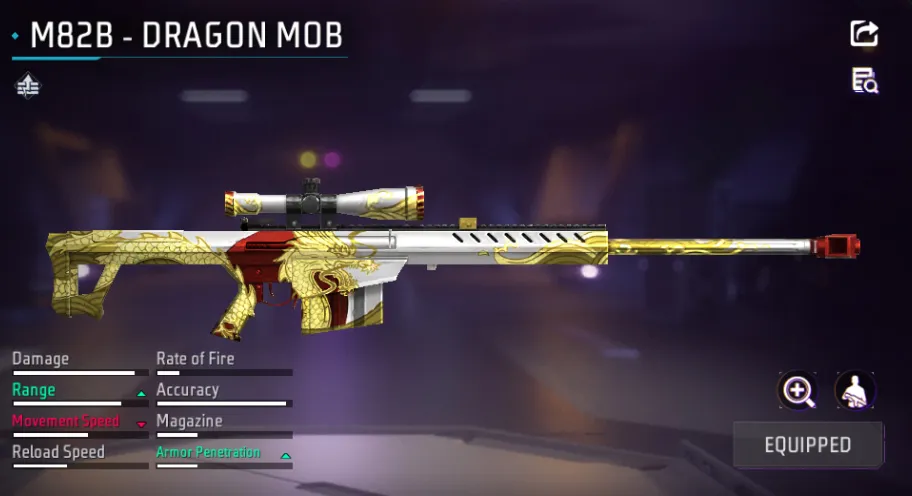
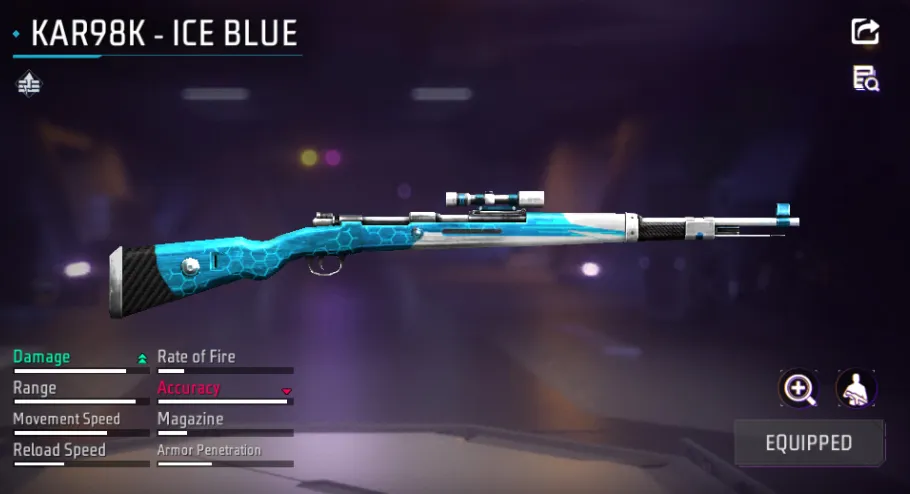
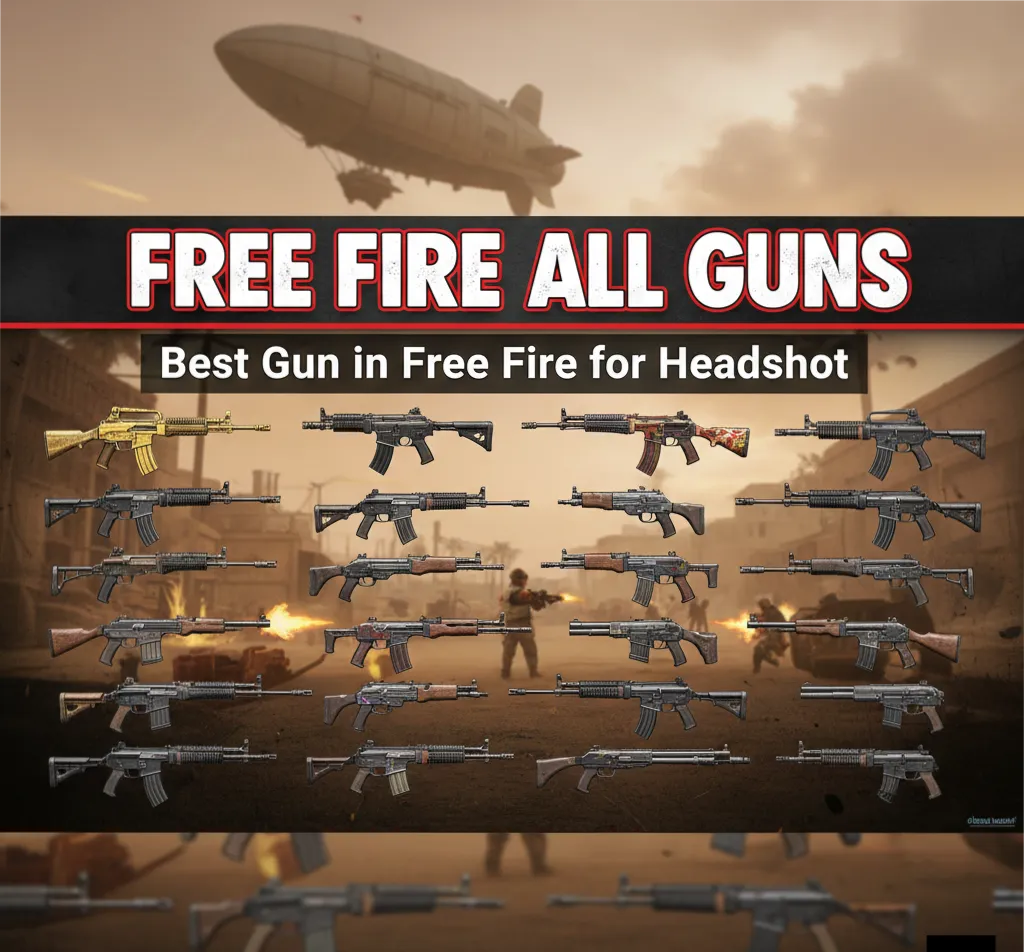
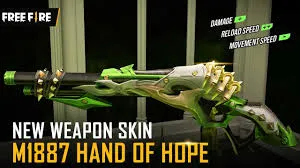
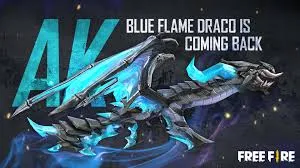
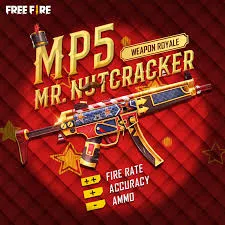
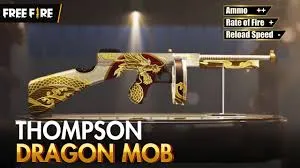
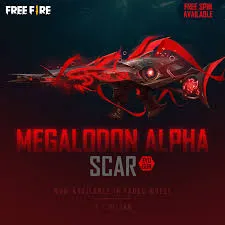
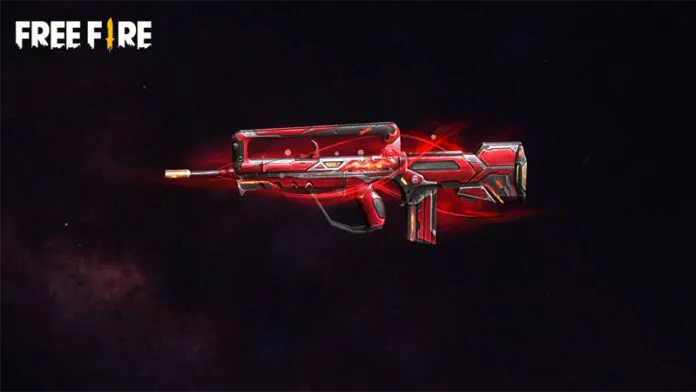
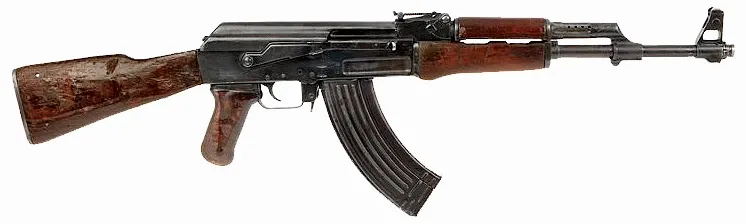
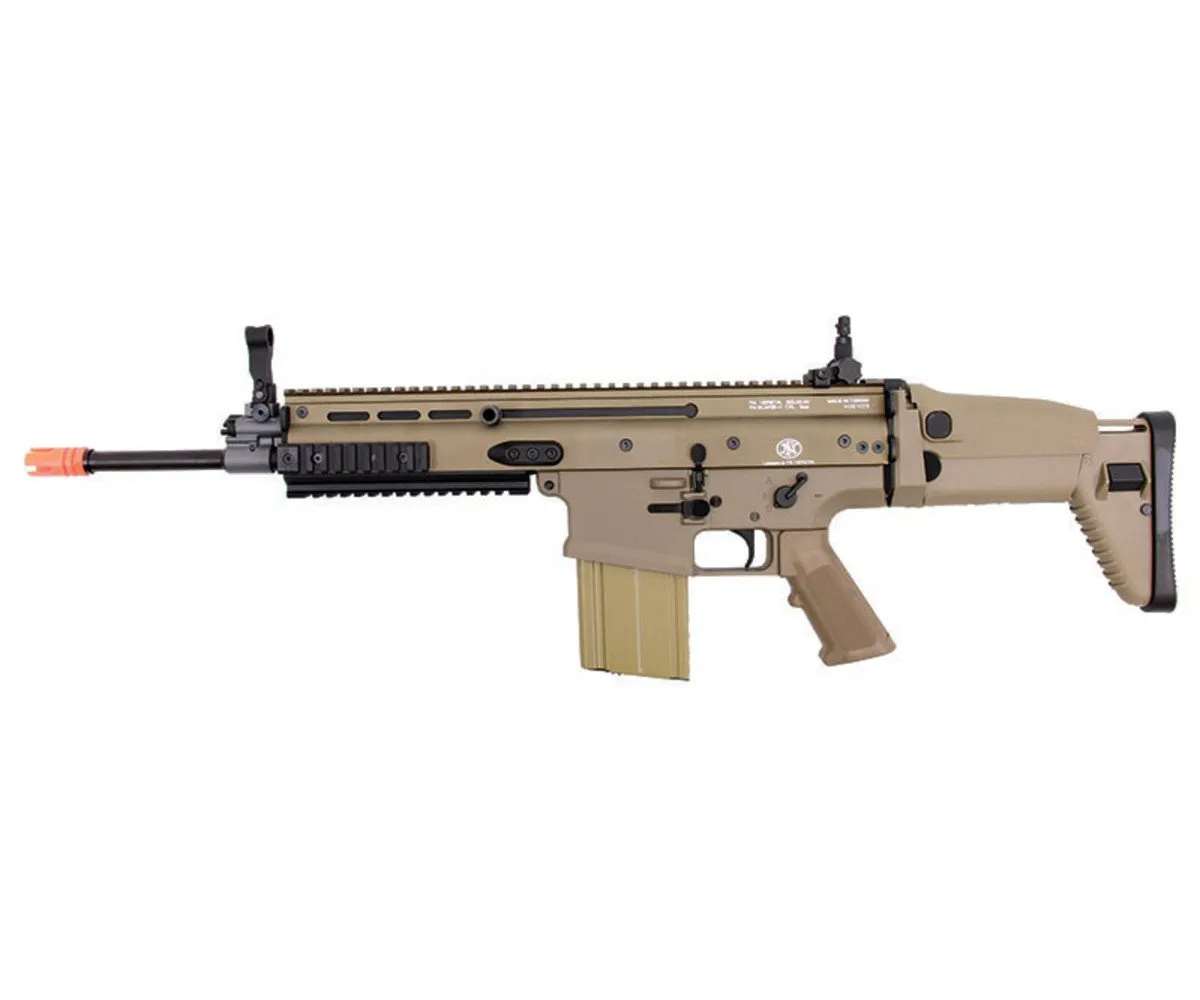
4. Weapon and Gun Photos
Weapons are another exciting part of Free Fire visuals.
Popular weapon photos include:
-
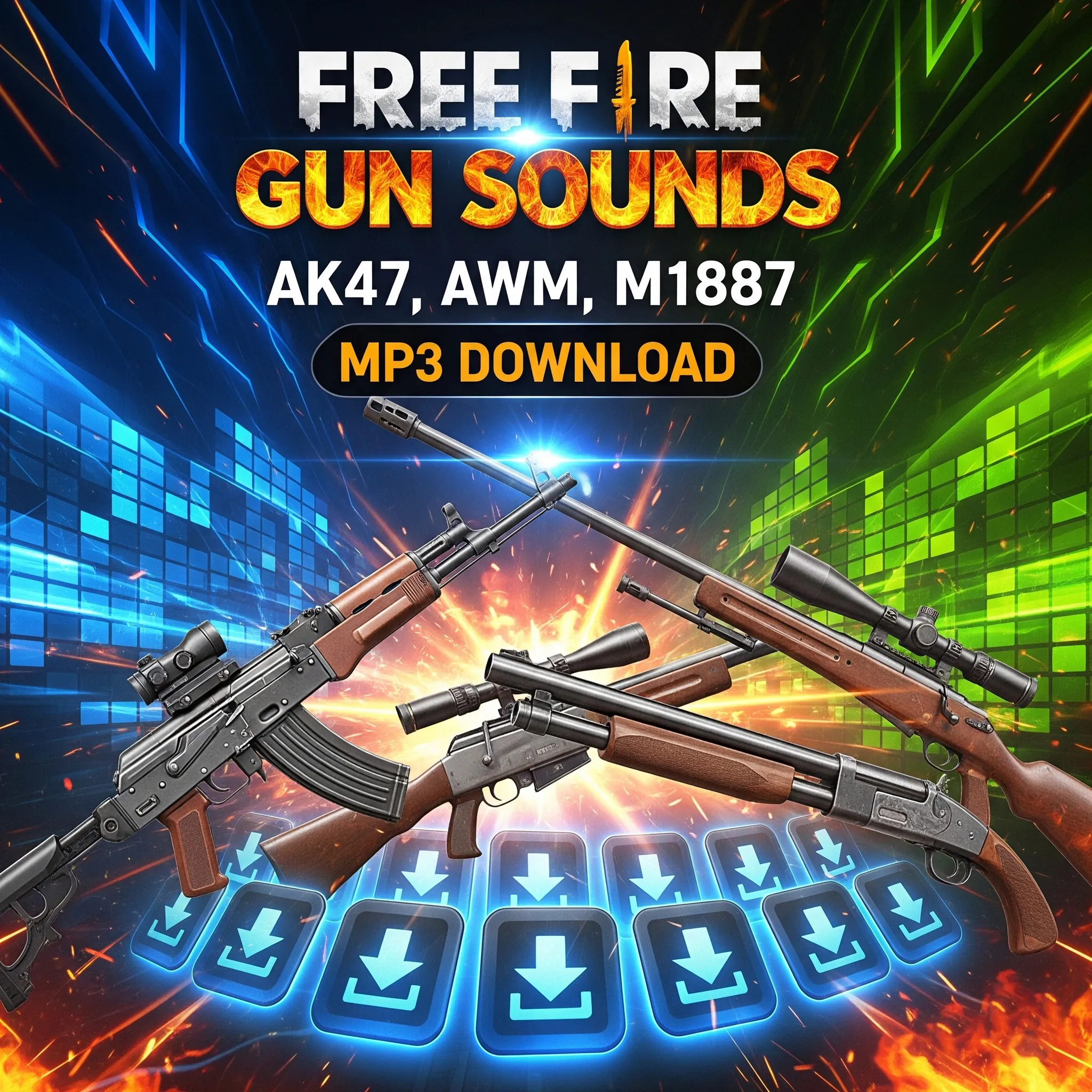
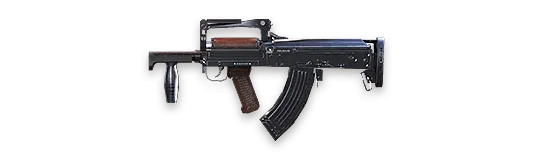
AK47 skins
-
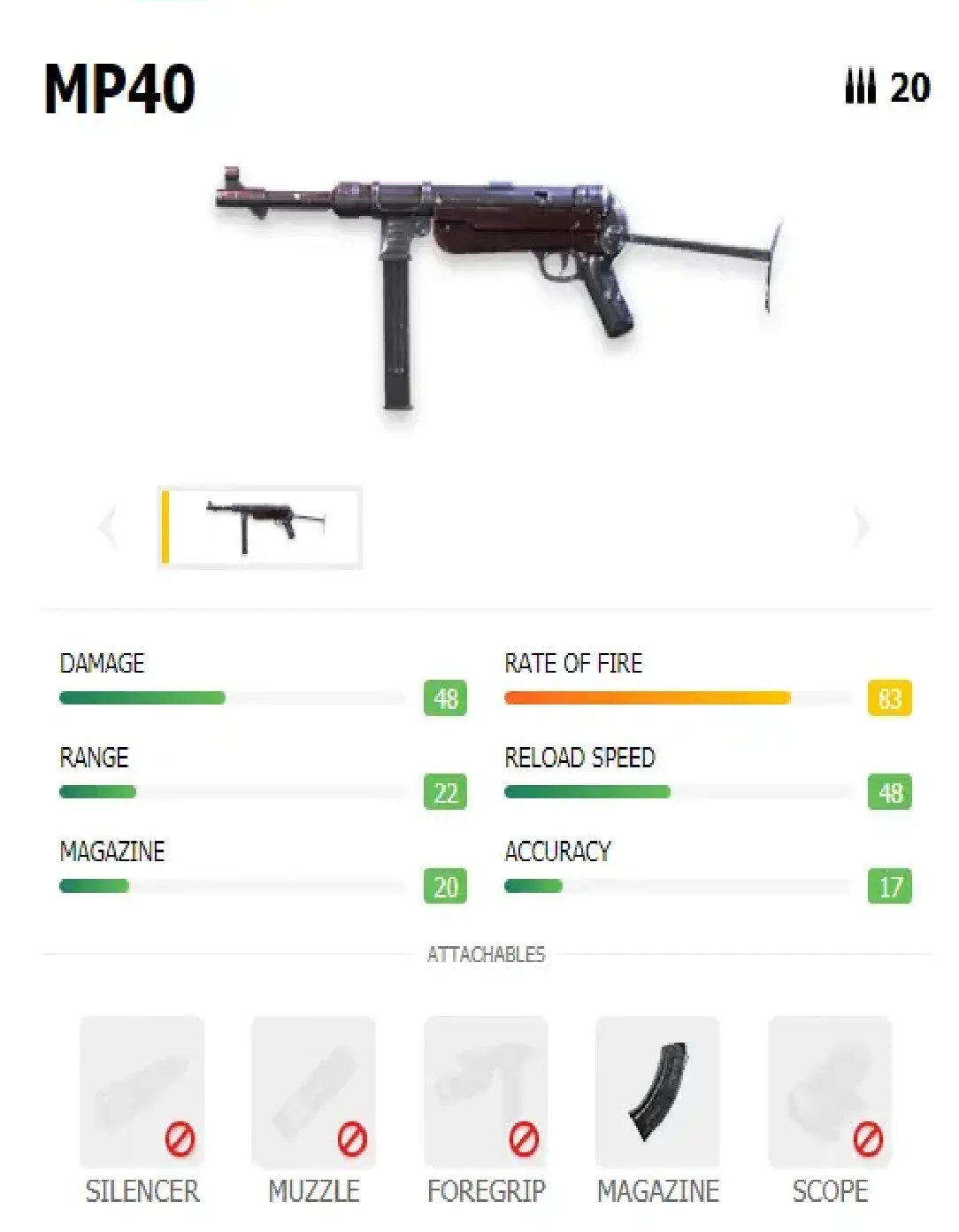
MP40 skins
-
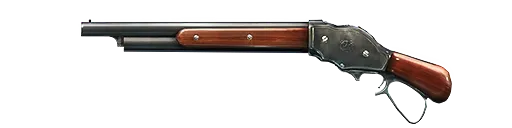
M1887 shotgun images
-
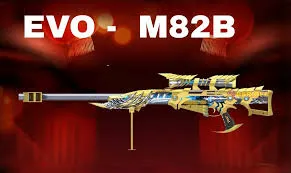
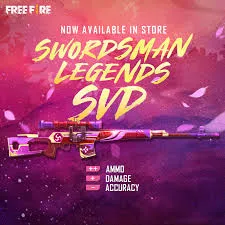
Sniper rifle skins
-
Legendary weapon collections
These images are loved by players who enjoy weapon customization.
How Players Use Free Fire Photos
Players use these images in many creative ways.
Social Media Profiles
Many gamers use character photos as:
-
Instagram profile pictures
-
YouTube thumbnails
-
Discord avatars
This helps them show their gaming identity.
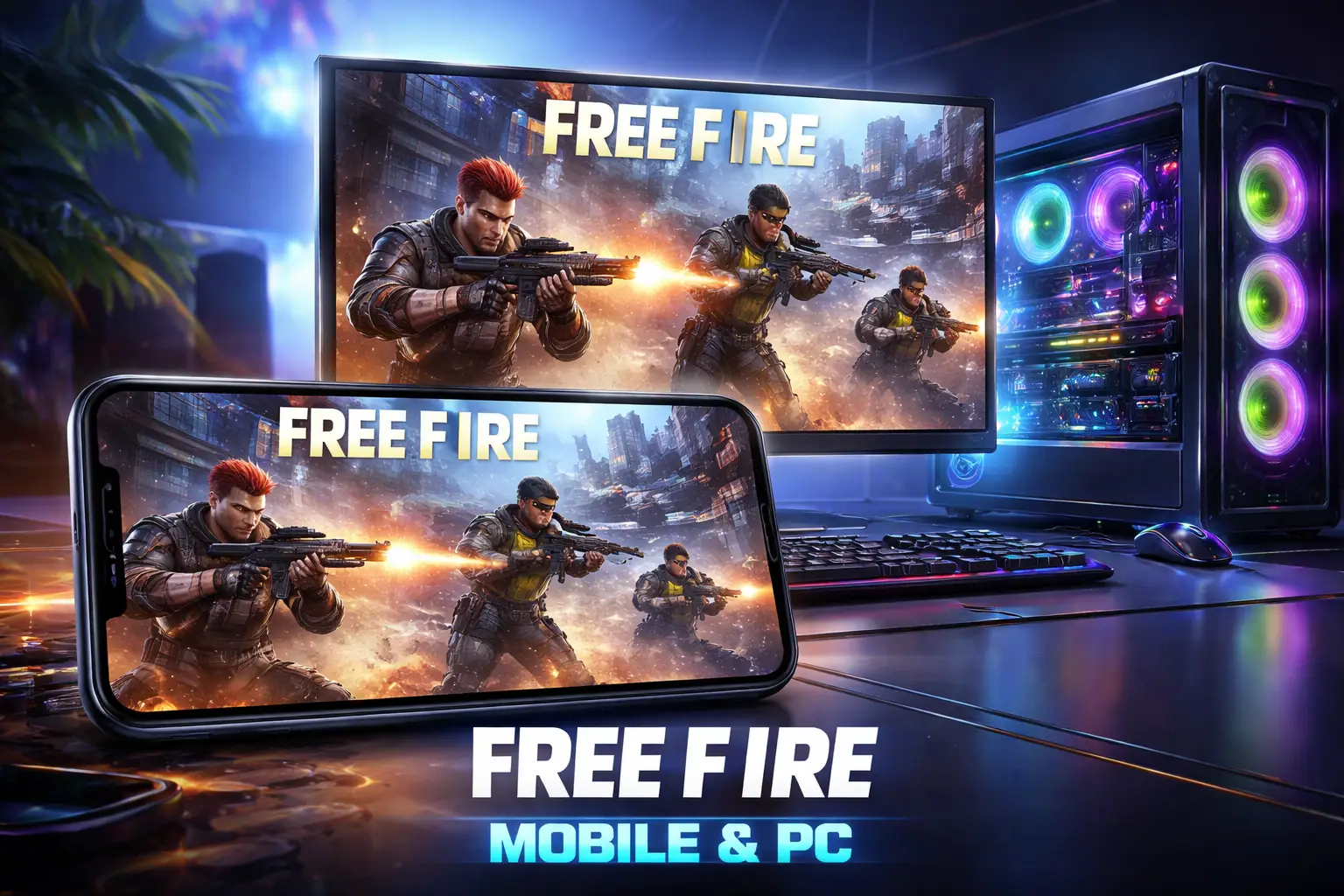
Mobile and Desktop Wallpapers
Free Fire wallpapers make devices look amazing.
Example:
A player might use a Chrono wallpaper on their lock screen because they love his ability.
Gaming Content Creation
Content creators use Free Fire photos for:
-
YouTube thumbnails
-
Blog posts
-
Gaming posters
-
Fan edits
These visuals attract more viewers.
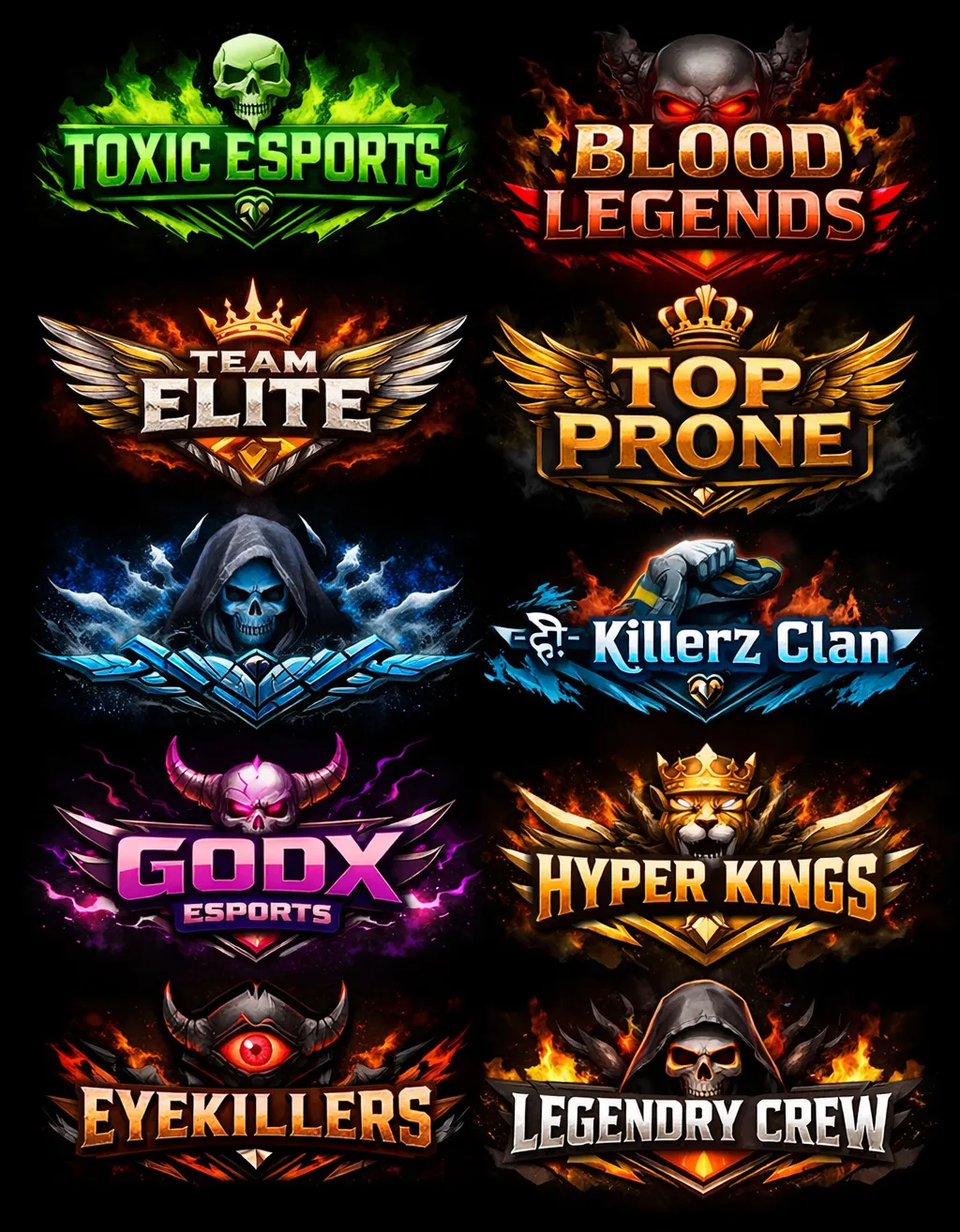
Fan Edits and Posters
Fans create:
-
Custom posters
-
Gaming banners
-
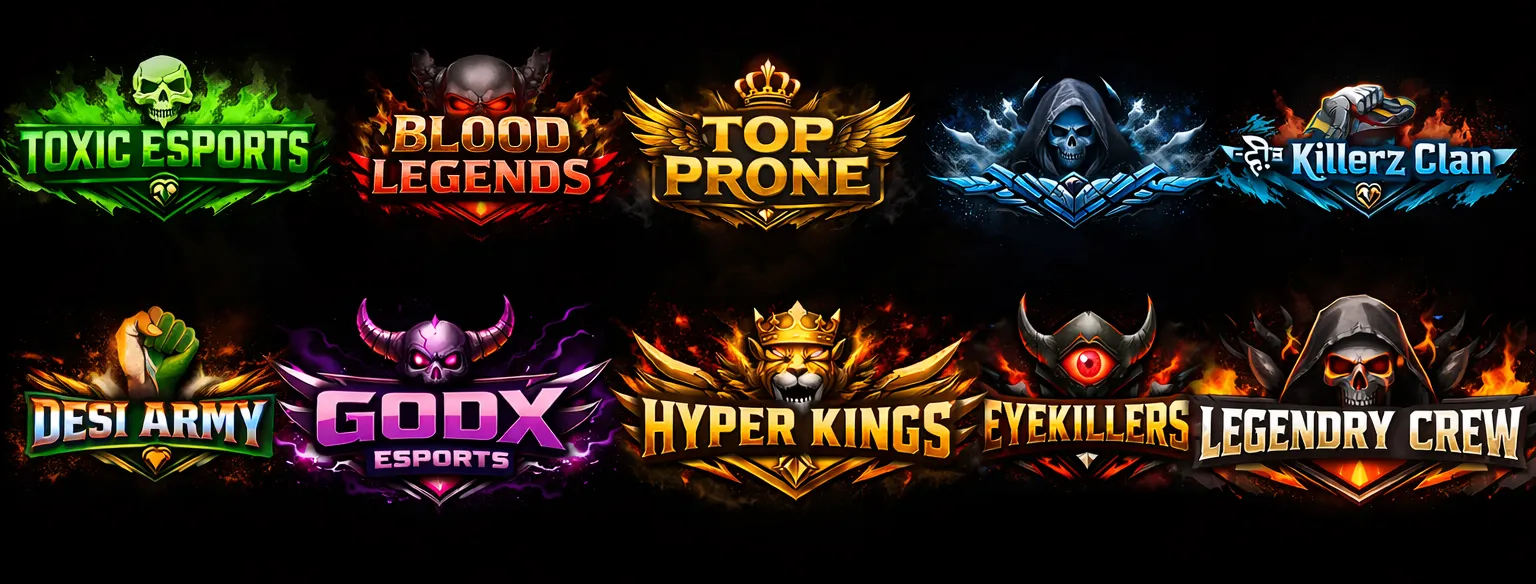
Team logos
They use high-quality images as the base.
Where to Download Free Fire Photos Safely
It’s important to download images from trusted sources.
1. Your Website (Best Option)
You can download HD images from your own collection here:
https://freefirenation.com/free-fire-photos/
This ensures quality and safety.
2. Official Free Fire Website
Official website:
https://ff.garena.com
This is the safest source for official game images.
3. Google Play Store (Official Game Page)
Official Android page:
https://play.google.com/store/apps/details?id=com.dts.freefireth
You can find official screenshots and visuals here.
4. Trusted Gaming Sources
Trusted sites like:
These provide reliable information and images.
Tips to Choose the Best Free Fire Photos
Not all images are equal. Here’s how to pick the best ones.
Choose High Resolution
Always choose:
-
HD (1080p)
-
Full HD
-
4K resolution
These look sharper and clearer.
Avoid Blurry Images
Blurry images look unprofessional.
Always check:
-
Image clarity
-
Sharpness
-
Detail quality
Pick Your Favorite Characters
Choose characters you actually use in the game.
Example:
If you play with Alok, download Alok photos.
Match Your Device Resolution
Use wallpapers that match your screen size.
This prevents stretching or cropping.
How Free Fire Photos Help Content Creators
Content creators rely heavily on visuals.
Here’s how these images help:
Increase Click-Through Rate
Eye-catching thumbnails get more clicks.
Example:
A YouTube video with a cool character thumbnail gets more views.
SEO Benefits of Using Free Fire Photos on Your Website
Images can help improve your website ranking.
Benefits include:
-
Better user engagement
-
Longer time on page
-
Higher SEO performance
-
Improved user experience
Make sure to use:
-
Proper image names
-
ALT text
-
Compressed images
Example ALT text:
“Free Fire character Chrono HD wallpaper”
Real-Life Example: How Players Use Free Fire Photos
Let’s take a real example.
Rahul, a Free Fire player from India, started a YouTube channel. He used high-quality Free Fire photos in his thumbnails.
Result:
-
His click rate increased
-
More subscribers joined
-
His videos looked professional
This shows the power of good visuals.
How to Download Free Fire Photos (Step-by-Step)
Follow these simple steps:
-
Browse the image gallery
-
Click on your favorite image
-
Click the download button
-
Save it to your device
Now you can use it as wallpaper or profile picture.