
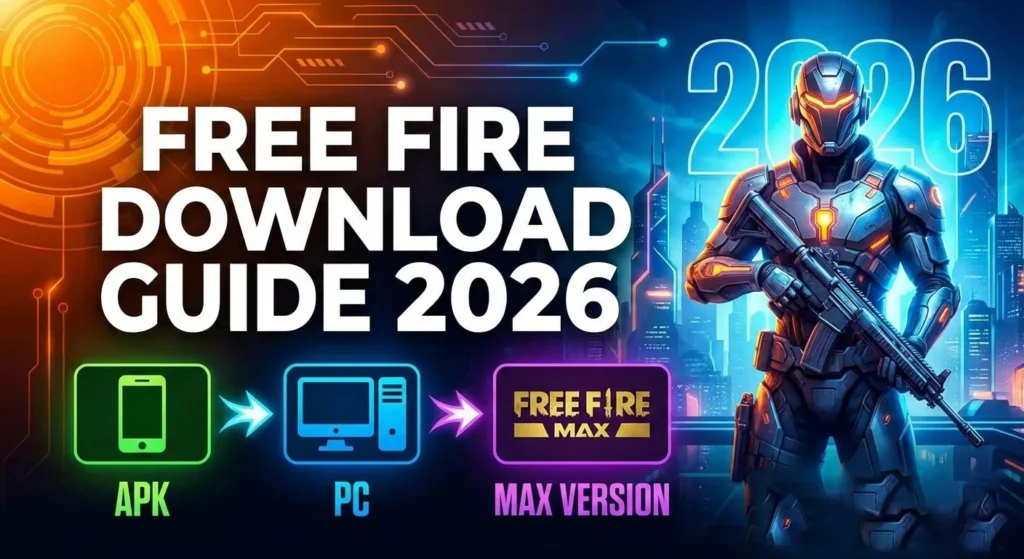
Free Fire Download Guide 2026: APK, Android, PC & Free Fire MAX
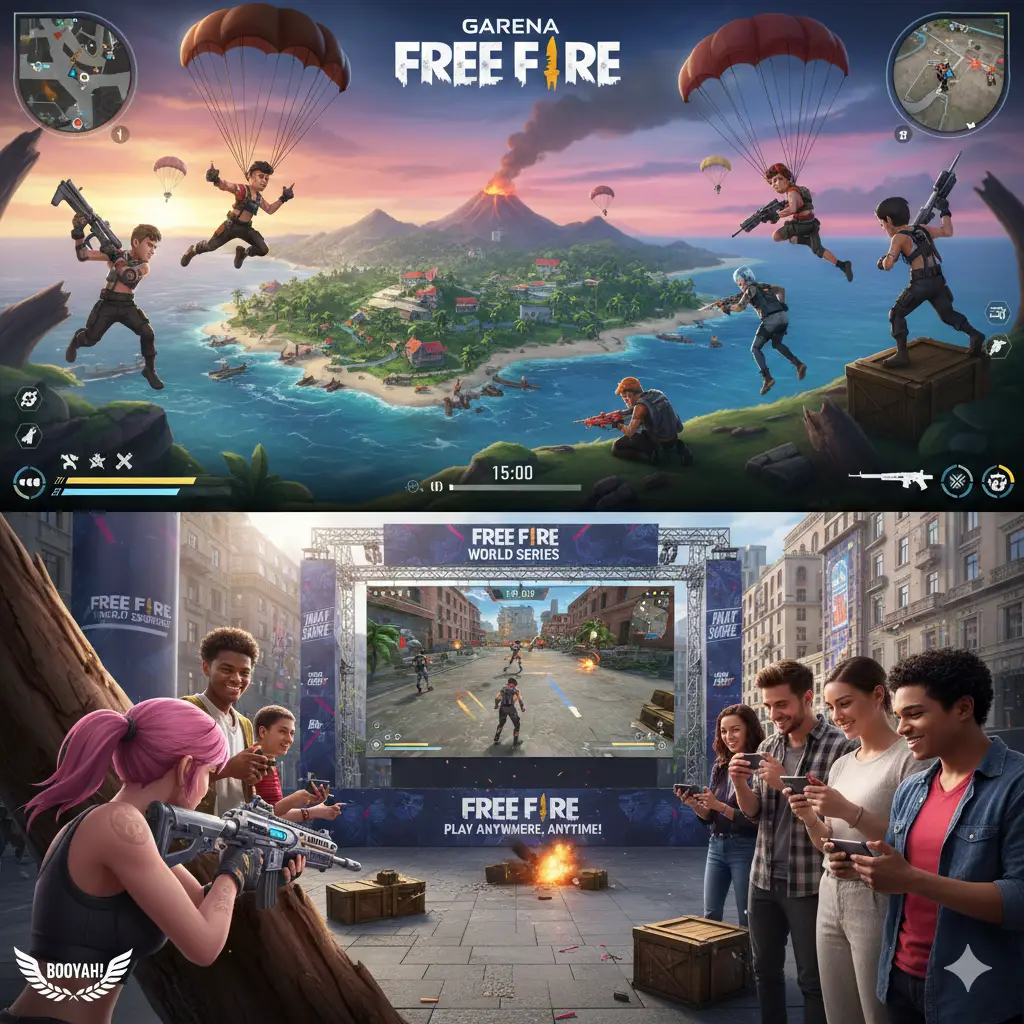
Free Fire is one of the most popular battle royale games in the world. Whether you’re a new player or returning after a break, this guide will show you everything you need to know about free fire download, including Android installation, APK options, Free Fire MAX, and PC emulator setup.
Developed and published by Garena, Free Fire is a fast-paced survival shooter where players compete in 10-minute matches to become the last survivor.
In this complete guide, you’ll learn how to safely install the game, avoid common mistakes, and start playing immediately.
Free Fire Download for Android (Google Play Store Method)
The safest and easiest method for free fire download is using the official Google Play Store.
Steps to download Free Fire on Android:
-
Open Google Play Store on your phone
-
Search for “Free Fire” or “Free Fire MAX”
-
Tap Install
-
Wait for the download to complete
-
Open the game and log in
Official download link:
Visit the official site: https://ff.garena.com
https://youtu.be/LouFBG0An_Q?si=jnMqaGRRqxbfaPqbhttps://youtu.be/D2d7cGq7pEs?si=DIFjMHHbaDYtpIJ_ 
Free Fire requires:
-
Android 5.0 or higher
-
Minimum 1.5GB free storage
-
Stable internet connection
Free Fire MAX requires slightly higher storage and better hardware due to enhanced graphics.
Free Fire Download APK (Alternative Method)
Sometimes, players prefer APK installation for manual control or compatibility reasons.
When should you use APK?
-
Play Store not available in your region
-
Device compatibility issues
-
Testing older versions
APK installation steps:
-
Download the APK file from a trusted source
-
Enable “Install from unknown sources” in settings
-
Open the APK file
-
Install and launch the game
⚠️ Important: Always use trusted and official sources. Modified or unofficial versions can cause permanent account bans or security risks.
Free Fire MAX Download (Enhanced Graphics Version)
Free Fire MAX is the upgraded version with better visuals and smoother animations.
Benefits of Free Fire MAX:
-
Ultra HD graphics
-
Improved animations
-
Better sound effects
-
Same account works in both versions
Thanks to Firelink technology, players can use the same account across Free Fire and Free Fire MAX without losing progress.
How to download Free Fire MAX:
-
Open Google Play Store
-
Search “Free Fire MAX”
-
Tap Install
-
Launch and log in
Free Fire MAX delivers the same gameplay but with higher visual quality and resolution.


Free Fire Download for PC (Emulator Guide)
Free Fire is a mobile game, but you can play it on PC using Android emulators like BlueStacks.
Steps to download Free Fire on PC:
-
Download BlueStacks from official site
-
Install the emulator
-
Log in with Google account
-
Search “Free Fire MAX”
-
Click Install and play
Minimum PC requirements:
-
Windows 7 or higher
-
4GB RAM
-
10GB free storage
-
Updated graphics drivers
Emulators provide:
-
Better controls with keyboard and mouse
-
Larger screen experience
-
Improved performance on powerful systems
Why Free Fire is So Popular
Free Fire became massively popular due to its accessibility and optimized performance.
Reasons for its popularity:
-
Runs smoothly on low-end phones
-
Short, fast matches
-
Regular updates and events
-
Huge global community
-
Free-to-play gameplay
Free Fire is designed to be accessible to almost all smartphones worldwide, making it one of the most widely played mobile games globally.
Free Fire Download Tips for Beginners
If you’re installing the game for the first time, follow these tips:
1. Always use official sources
Avoid unofficial downloads that may contain malware or hacks.
2. Choose the right version
-
Use Free Fire for low-end devices
-
Use Free Fire MAX for high-end devices
3. Check storage space
Ensure at least 2GB free storage for smooth performance.
4. Use Wi-Fi connection
Download using Wi-Fi to avoid interruptions.
Real-Life Example: New Player Experience
Imagine you just bought a new Android phone and want to start gaming.
You search for free fire download, install it from the Play Store, and within minutes you’re playing your first match.
Your first game teaches you:
-
How to land safely
-
How to collect weapons
-
How to survive and win
As you improve, you can upgrade to Free Fire MAX for better visuals.
Internal Tools to Improve Your Free Fire Experience
After completing your free fire download, you can use helpful tools from Free Fire Nation.
Recommended tools:
-
Player stats checker:
https://freefirenation.com/free-fire-player-info-tool/ -
Free Fire tools collection:
https://freefirenation.com/free-fire-tools/
These tools help you:
-
Check player stats
-
Analyze performance
-
Improve gameplay strategy
Free Fire Nation is a trusted global hub offering guides, tools, and updates for players worldwide.
Free Fire vs Free Fire MAX: Which Should You Download?
| Feature | Free Fire | Free Fire MAX |
|---|---|---|
| Graphics | Standard | Ultra HD |
| Storage | Lower | Higher |
| Performance | Better on low-end phones | Best on high-end phones |
| Gameplay | Same | Same |
| Account | Shared | Shared |
Both versions provide the same gameplay experience.
Frequently Asked Questions
Is Free Fire free to download?
Yes, Free Fire is completely free to download and play.
Can I download Free Fire on PC?
Yes, using emulators like BlueStacks or MuMuPlayer.
Which version is better?
Free Fire MAX is better for high-end devices.
Is Free Fire safe?
Yes, if downloaded from official sources.
Quero jogar